Toote tegelik värvus võib erineda piltidel kujutatavast ning pildid on
illustratiivsed.
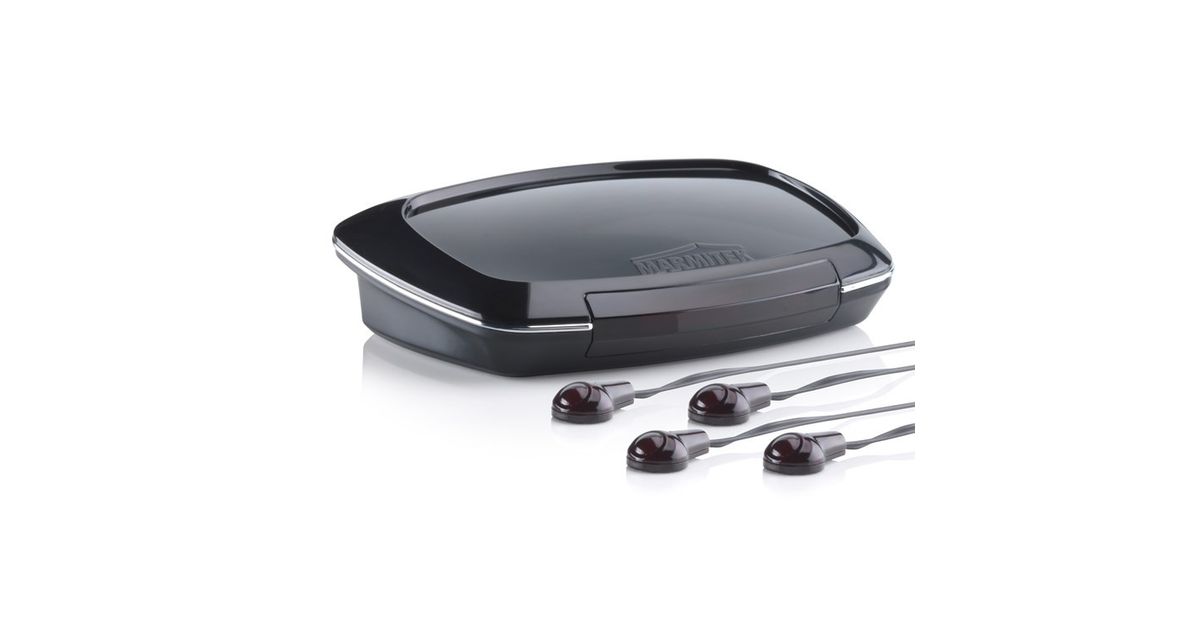
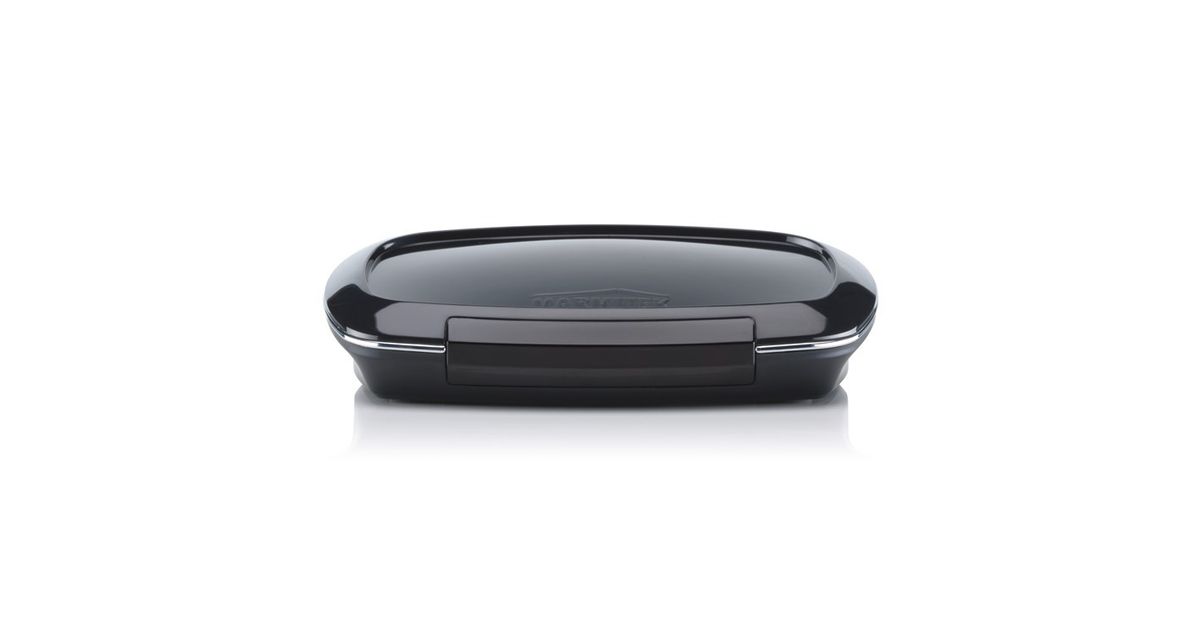
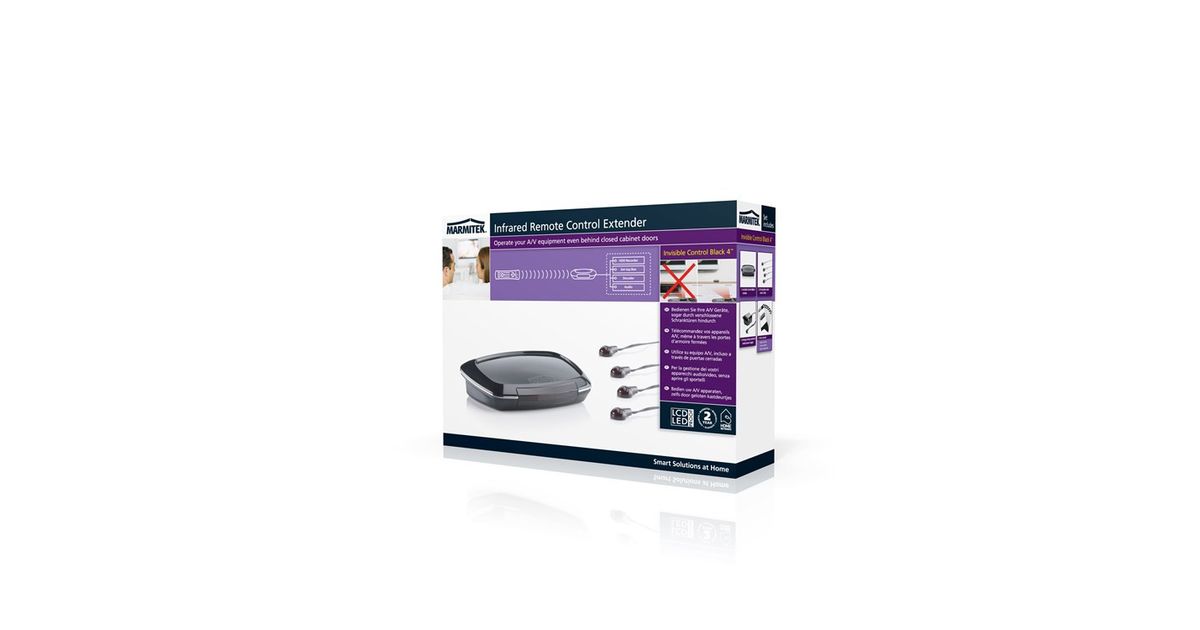
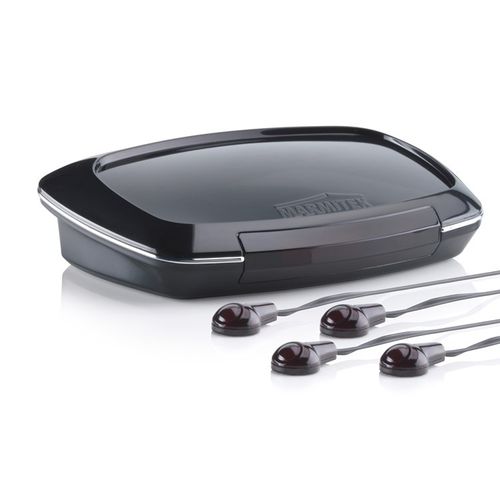
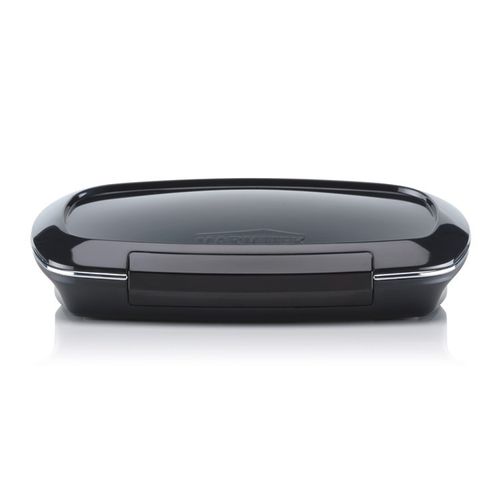
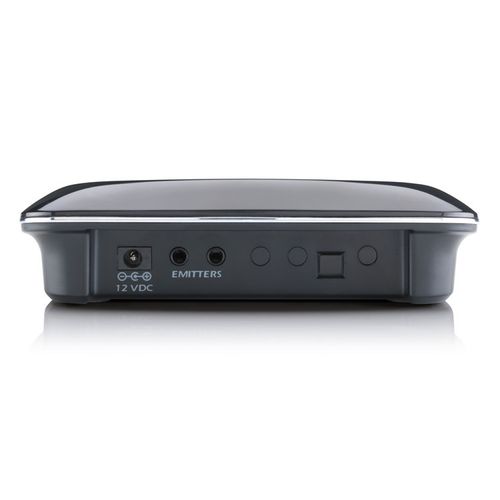
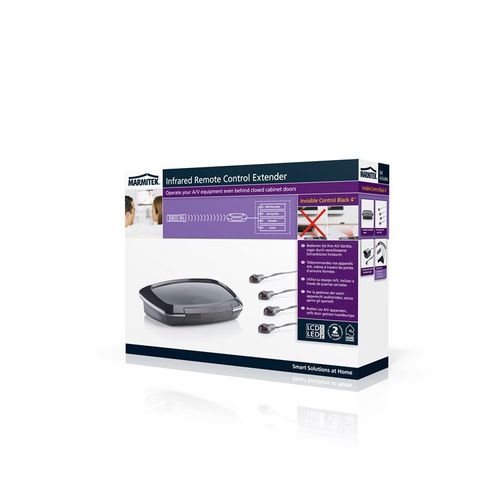
Marmitek Invisible Control 4 remote control IR Wireless Audio, TV
Marmitek Invisible Control 4, Audio, TV, IR Wireless, Black
Read more...
Read more...
Product Information
| Information | |
|---|---|
| Manufacturer | Marmitek |
| Product code | 01101982 |
| EAN | 08718164530913 |
| Manufacturer part number | 25008091 |
| Category | Remote controls & accessories |
| Ports & interfaces | |
|---|---|
| Interface | IR Wireless |
| Design | |
|---|---|
| Remote control proper use | Audio, TV |
| Product colour | Black |
| Built-in display | N |
| Performance | |
|---|---|
| Number of devices supported | 4 |
| Maximum range | 8 m |
| Frequency range | 30 - 60 kHz |
| Transmission angle | 60° |
| Power | |
|---|---|
| Rechargeable | N |
| Battery | |
|---|---|
| Battery technology | Alkaline |
| Weight & dimensions | |
|---|---|
| Width | 125 mm |
| Depth | 89 mm |
| Height | 33 mm |
| Packaging content | |
|---|---|
| AC adapter included | Y |
Product Description
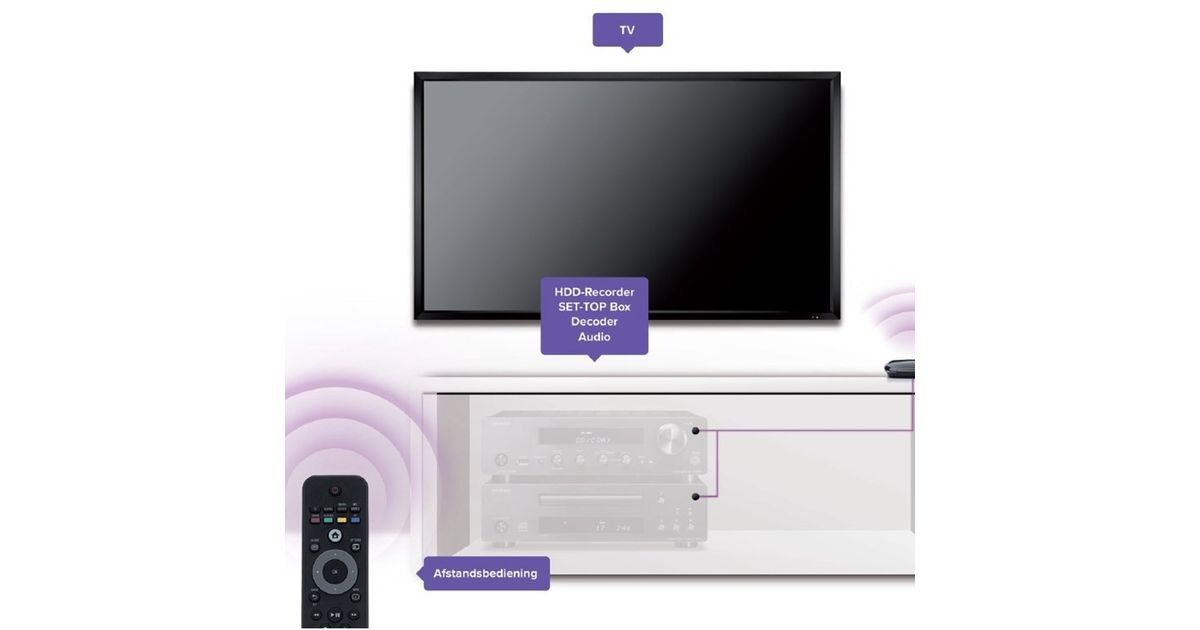
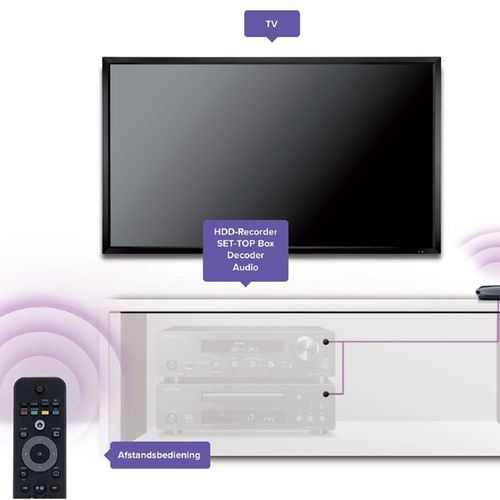
- Operate the audio/video equipment (max. 4) in a closed multimedia cabinet with your own remote control.
- Works with almost all A/V equipment (HDD-recorder, set-top box, satellite decoder and Stereo) with an infrared sensor
- Incorporates new IR filter techniques for use in the vicinity of Flat Screen TVs (Plasma, LCD and LED), indirect sunlight and energy-efficient light
- bulbs.
- Connect and control multiple appliances, with the cabinet doors shut or out of sight.
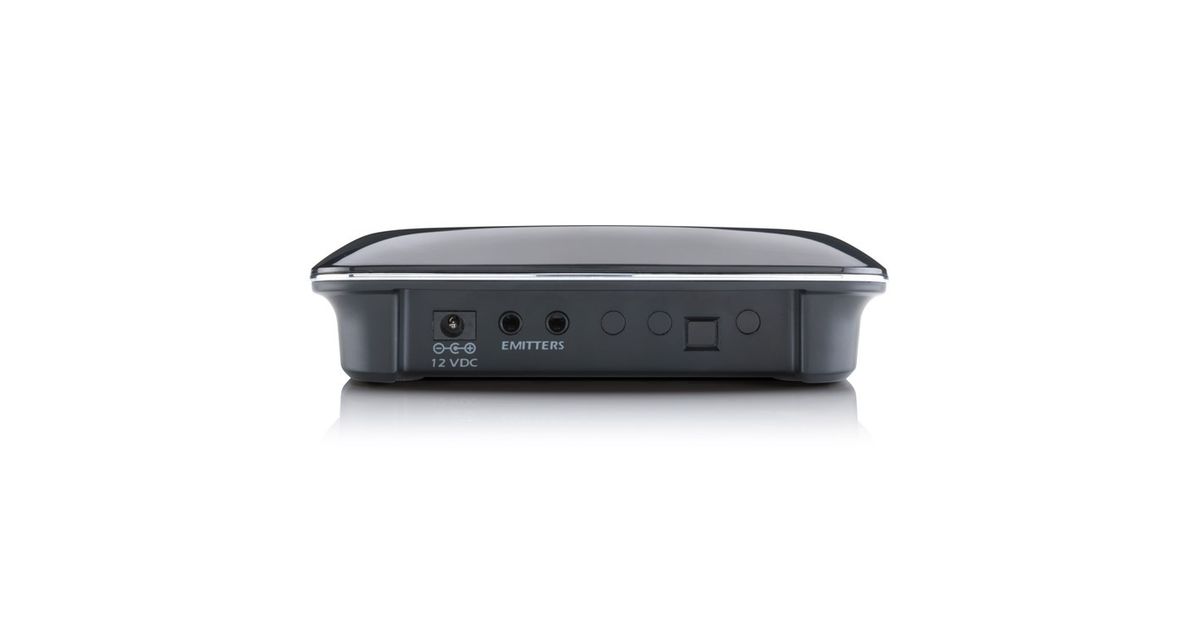
- Works on 4xAAA battery (not included) or from a mains supply (adapter included).
- Compatible with Sky, Sky+ and SkyHD.
How does the Invisible Control work?
Place the Invisible Control in sight of your own remote control. Stick the IR LEDs on the front panel of your A/V equipment. Point the remote control at the Invisible Control in order to operate your A/V equipment via the connected IR LEDs.
- Works with almost all A/V equipment (HDD-recorder, set-top box, satellite decoder and Stereo) with an infrared sensor
- Incorporates new IR filter techniques for use in the vicinity of Flat Screen TVs (Plasma, LCD and LED), indirect sunlight and energy-efficient light
- bulbs.
- Connect and control multiple appliances, with the cabinet doors shut or out of sight.
- Works on 4xAAA battery (not included) or from a mains supply (adapter included).
- Compatible with Sky, Sky+ and SkyHD.
How does the Invisible Control work?
Place the Invisible Control in sight of your own remote control. Stick the IR LEDs on the front panel of your A/V equipment. Point the remote control at the Invisible Control in order to operate your A/V equipment via the connected IR LEDs.