
For illustrative purpose only
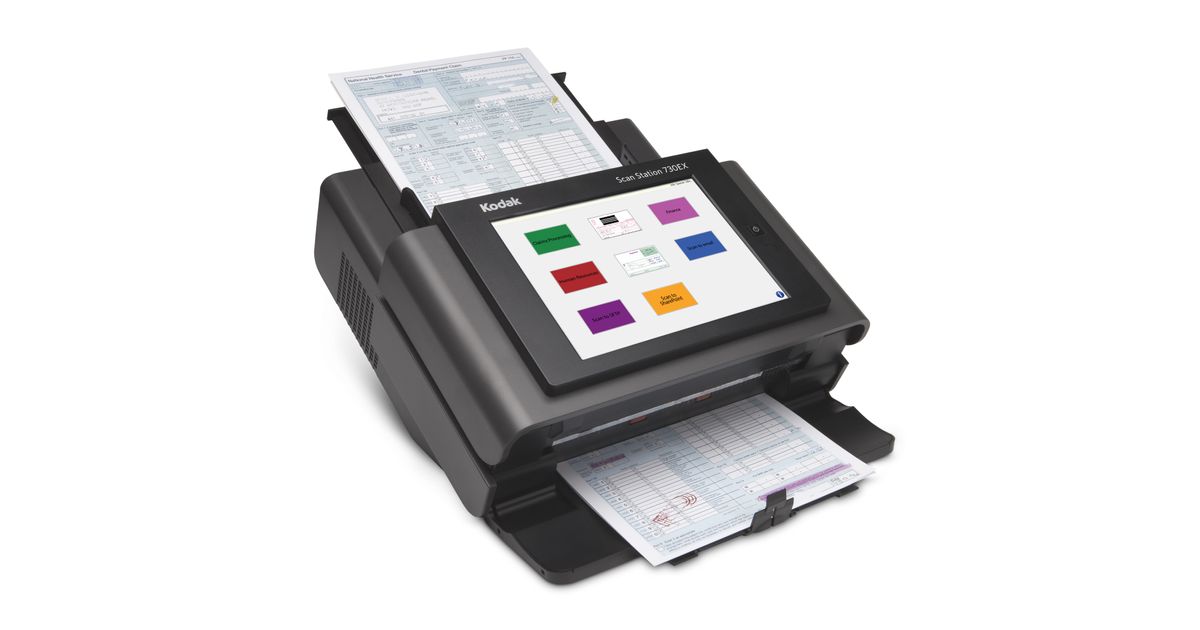
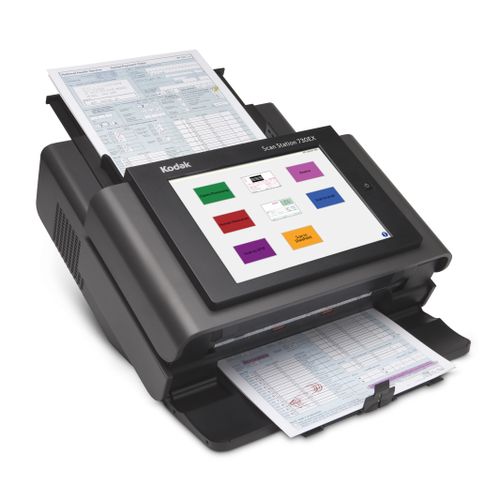
Alaris 730EX Plus ADF + Sheet-fed scaner 600 x 600 DPI Black
Alaris 730EX Plus, 216 x 863 mm, 600 x 600 DPI, 48 bit, 24 bit, 8 bit, 70 ppm
Read more...
Read more...
Product Information
| Information | |
|---|---|
| Manufacturer | Kodak Alaris |
| Product code | 212260584 |
| EAN | 00041771060091 |
| Manufacturer part number | 1060094 |
| Category | Flatbed scanners |
| Scanning | |
|---|---|
| Maximum scan size | 216 x 863 mm |
| Optical scanning resolution | 600 x 600 DPI |
| Duplex scanning | Y |
| Colour scanning | Y |
| Input colour depth | 48 bit |
| Output greyscale depth | 8 bit |
| ADF scan speed (b/w, A4) | 70 ppm |
| Scanner type | ADF + Sheet-fed scaner |
| Scan to | E-mail, E-mail Server, FTP, Fax, USB |
| Linear (1D) barcodes supported | Codabar,Code 128,Code 3 of 9,EAN-13,EAN-8,Interleaved 2 of 5,PDF417,UPC-A,UPC-E |
| Performance | |
|---|---|
| Output colour depth | 24 bit |
| Daily duty cycle (max) | 6000 pages |
| Light source | White LED |
| Scan file formats | DOC,JPEG,PDF,TIFF,XLS |
| Scan drivers | ISIS,Kofax VRS,SANE,TWAIN,WIA |
| Barcode reader | Y |
| Design | |
|---|---|
| Built-in display | Y |
| Product colour | Black |
| Colour display | Y |
| Other features | |
|---|---|
| Display | LCD |
| Recommended system requirements | INTEL CORE2 Duo 6600 2.4 GHz+, 4 GB RAM |
| Minimum scan size | 50.8 x 63.5 |
| Display | |
|---|---|
| Display diagonal | 24.6 cm (9.7") |
| Touchscreen | Y |
| Image sensor | |
|---|---|
| Sensor type | Dual CCD |
| Input capacity | |
|---|---|
| Auto document feeder (ADF) input capacity | 75 sheets |
| Paper handling | |
|---|---|
| Card thickness (max) | 1.2 mm |
| Auto Document Feeder (ADF) media weight | 34 - 200 g/m² |
| Features | |
|---|---|
| Power supply type | AC |
| Input voltage | 100 - 240 V |
| Certification | S mark, RCM, cTUVus & ICES-003, CCC, CE, GS Mark, BIS, VCCI, NOM, EAC, KC, BSMI, cTUVus & FCC |
| Power | |
|---|---|
| Power consumption (typical) | 49 W |
| Power consumption (standby) | 0.3 W |
| AC input frequency | 50 - 60 Hz |
| Power consumption (sleep) | 5.26 W |
| Network | |
|---|---|
| Ethernet LAN | Y |
| Ethernet LAN data rates | 10,100,1000 Mbit/s |
| Protocols | |
|---|---|
| Supported network protocols | SMTP, DHCP, FTP, HTTP, SMB, TCP/IP, WINS |
| Operational conditions | |
|---|---|
| Operating temperature (T-T) | 10 - 35 °C |
| Operating relative humidity (H-H) | 10 - 85% |
| Weight & dimensions | |
|---|---|
| Width | 356 mm |
| Depth | 382 mm |
| Height | 206 mm |
| Weight | 10.5 kg |
| Sustainability | |
|---|---|
| Sustainability certificates | ENERGY STAR, EPEAT Silver |
Product Description
Powerful features. Unlimited integration options.
The KODAK Scan Station 730EX Plus Scanner can solve unique challenges with powerful integration capabilities that can be used to produce efficiency-boosting customizations. Turn data into decisions quickly and seamlessly with simple network setup and robust remote management.
Fully Integrated Network Scanner
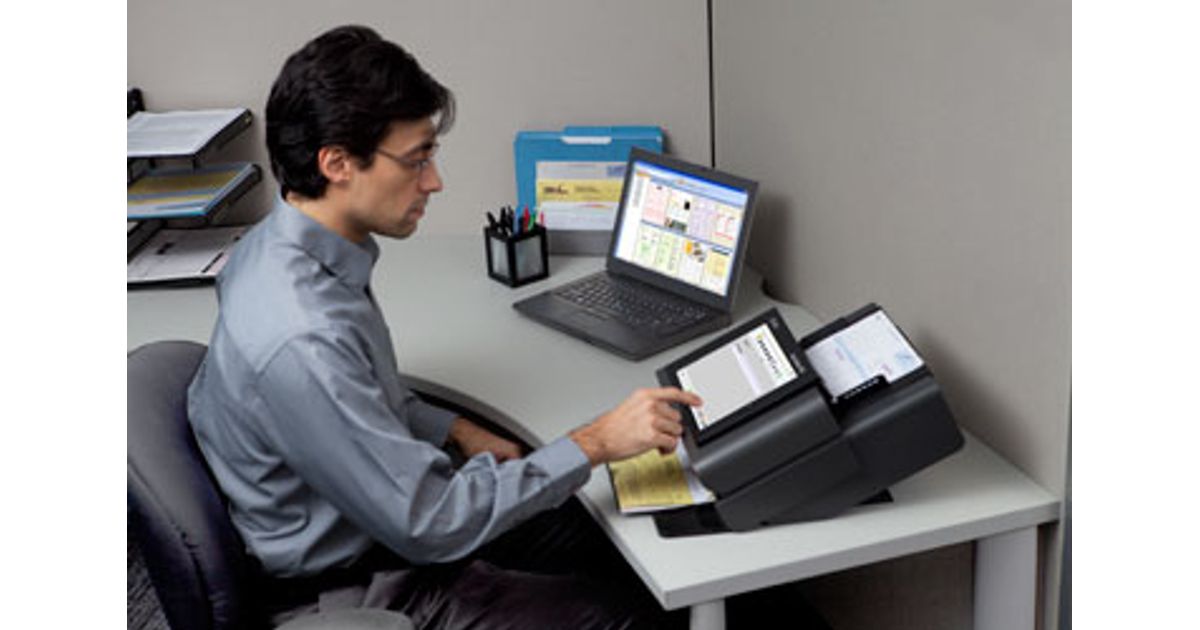
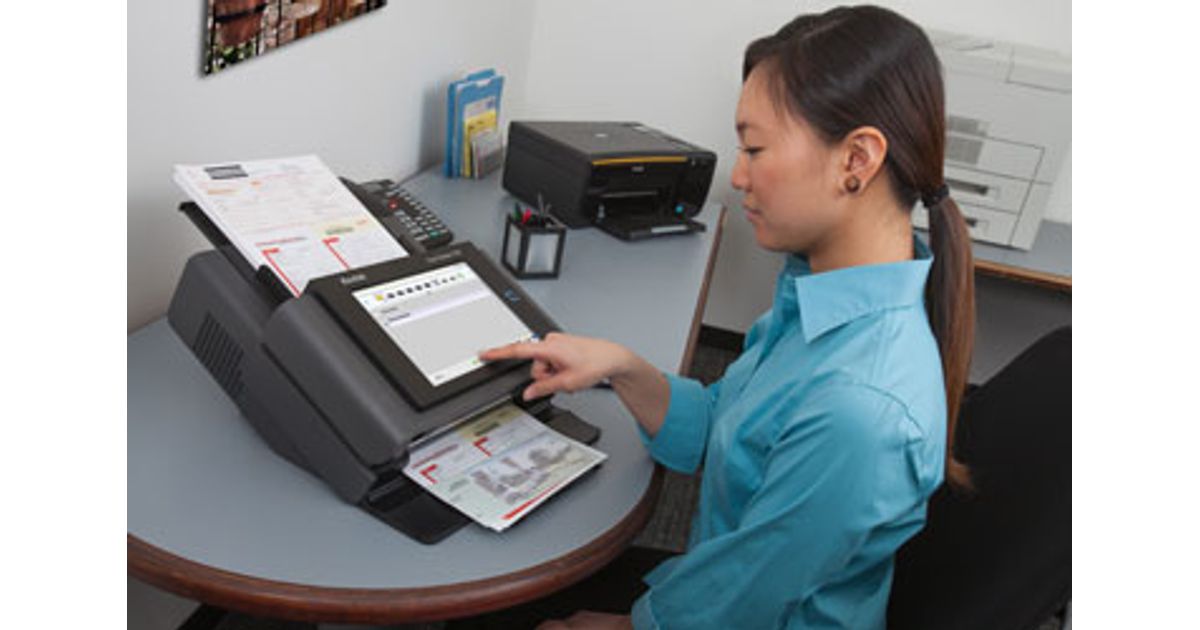
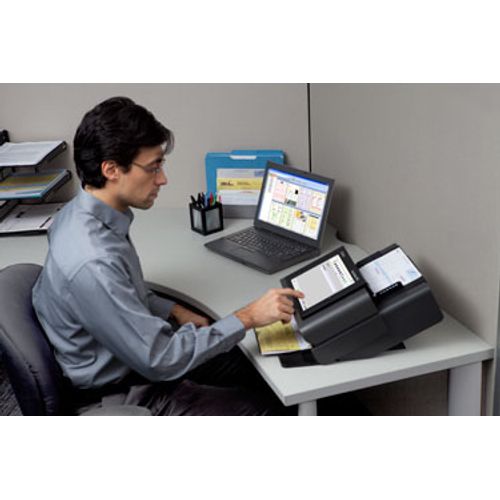
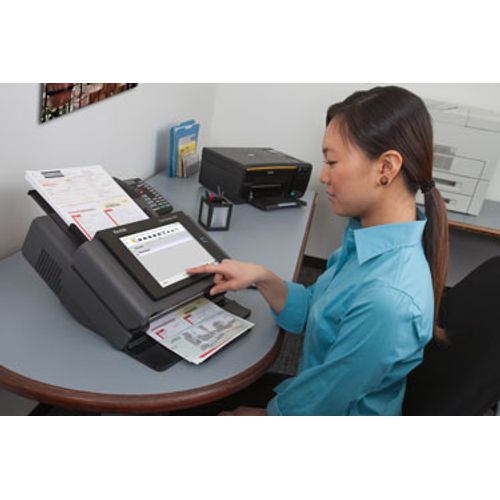
Take processes from multiple steps to a few by connecting the scanner directly to your network. Efficiently designed to tuck neatly into any shared work environment, the Scan Station is a fully integrated network scanner with an internal controller, so there’s no need for additional hardware or software to run.
Remote Scanning Solutions
Simple remote management allows you to spend less time visiting devices individually and more time on other tasks. Leveraging your existing IT infrastructure, the Scan Station connects with standard network and security protocols. It’s easy, guided configuration lets you manage large numbers of devices from wherever you need to be.
Intuitive Interface
Find the functions you need quickly with a bright, easy-to-navigate touchscreen. An intuitive, customizable touch screen makes it easy for users to navigate and simultaneously send documents to multiple destinations, scanning directly to email, file, FTP sites, or Sharepoint On Premise. And with a built-in document viewer, see your scan or even add audio memos to files before they send, all directly in the scanner.
Easy Integration with Microsoft Ecosystem
Easily port your Windows 10 application to create a custom scanning kiosk. The Scan Station 730EX Plus is specially designed for integrators to create custom solutions. Powerful security features – such as administration-level password protection – maintain accessibility for ad-hoc users. Easy integration into the Microsoft ecosystem, plus automatic, ongoing installation of their latest security updates.
Unprecedented Power
The Scan Station offers features like secure LDAP login and MS active directory, and functioning comparable to an MFP, including PDF Private Key Encryption and Password-protected PDF output. An integrated OCR engine lets users convert documents to text-searchable PDFs and deliver them to a variety of configurable destinations – all with a single touch on the scanner.
The KODAK Scan Station 730EX Plus Scanner can solve unique challenges with powerful integration capabilities that can be used to produce efficiency-boosting customizations. Turn data into decisions quickly and seamlessly with simple network setup and robust remote management.
Fully Integrated Network Scanner
Take processes from multiple steps to a few by connecting the scanner directly to your network. Efficiently designed to tuck neatly into any shared work environment, the Scan Station is a fully integrated network scanner with an internal controller, so there’s no need for additional hardware or software to run.
Remote Scanning Solutions
Simple remote management allows you to spend less time visiting devices individually and more time on other tasks. Leveraging your existing IT infrastructure, the Scan Station connects with standard network and security protocols. It’s easy, guided configuration lets you manage large numbers of devices from wherever you need to be.
Intuitive Interface
Find the functions you need quickly with a bright, easy-to-navigate touchscreen. An intuitive, customizable touch screen makes it easy for users to navigate and simultaneously send documents to multiple destinations, scanning directly to email, file, FTP sites, or Sharepoint On Premise. And with a built-in document viewer, see your scan or even add audio memos to files before they send, all directly in the scanner.
Easy Integration with Microsoft Ecosystem
Easily port your Windows 10 application to create a custom scanning kiosk. The Scan Station 730EX Plus is specially designed for integrators to create custom solutions. Powerful security features – such as administration-level password protection – maintain accessibility for ad-hoc users. Easy integration into the Microsoft ecosystem, plus automatic, ongoing installation of their latest security updates.
Unprecedented Power
The Scan Station offers features like secure LDAP login and MS active directory, and functioning comparable to an MFP, including PDF Private Key Encryption and Password-protected PDF output. An integrated OCR engine lets users convert documents to text-searchable PDFs and deliver them to a variety of configurable destinations – all with a single touch on the scanner.