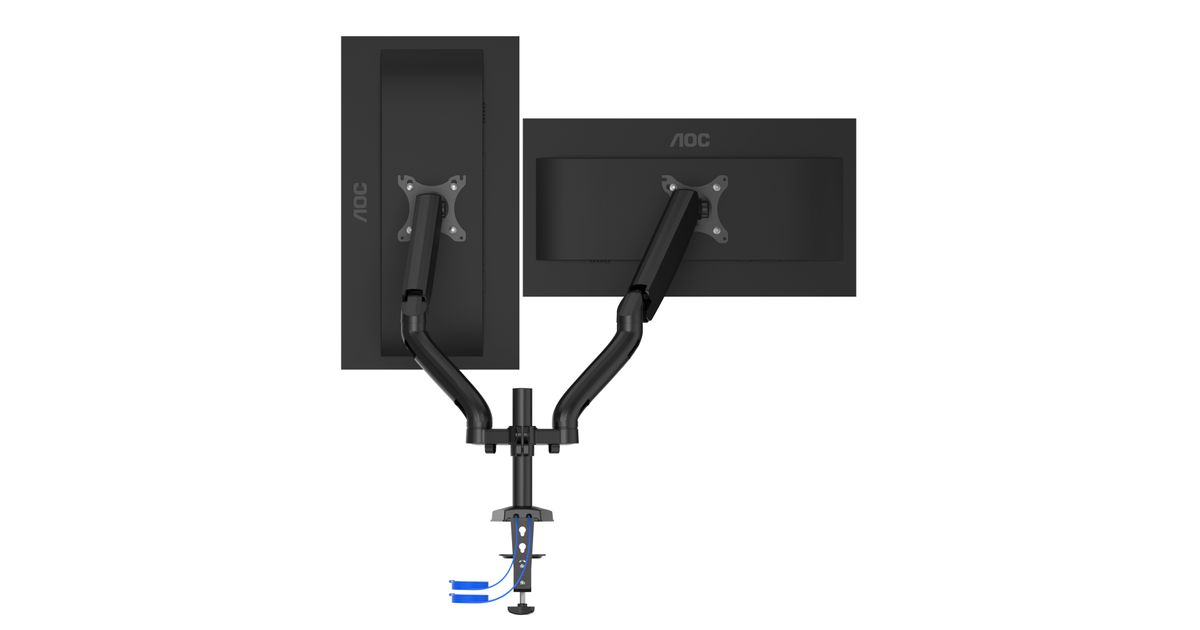
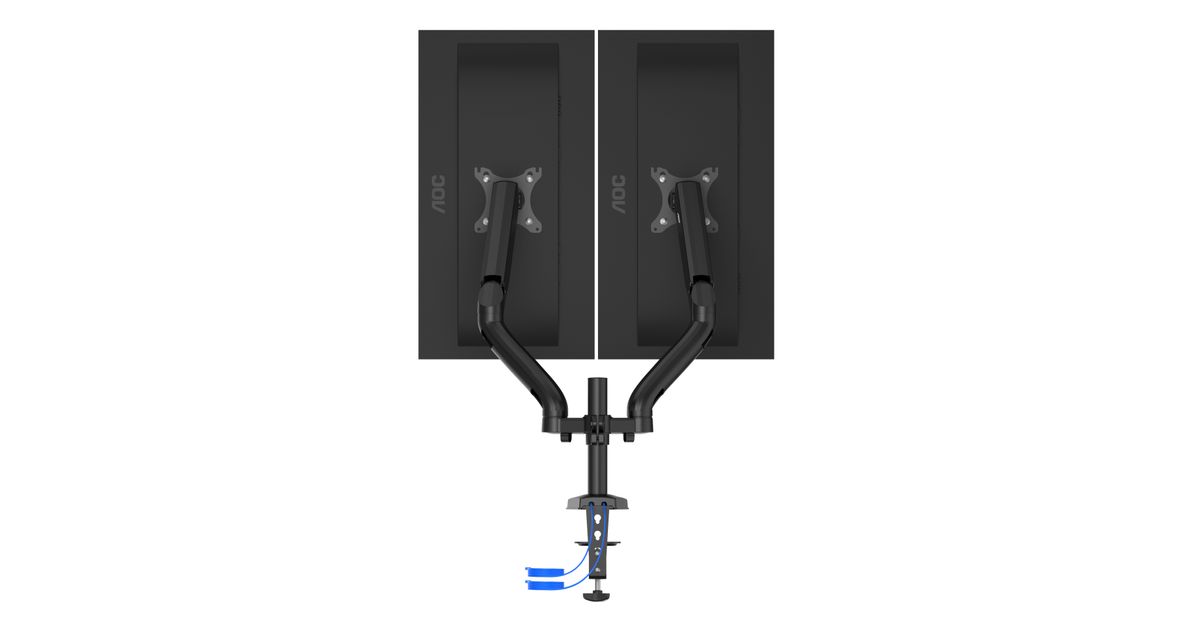
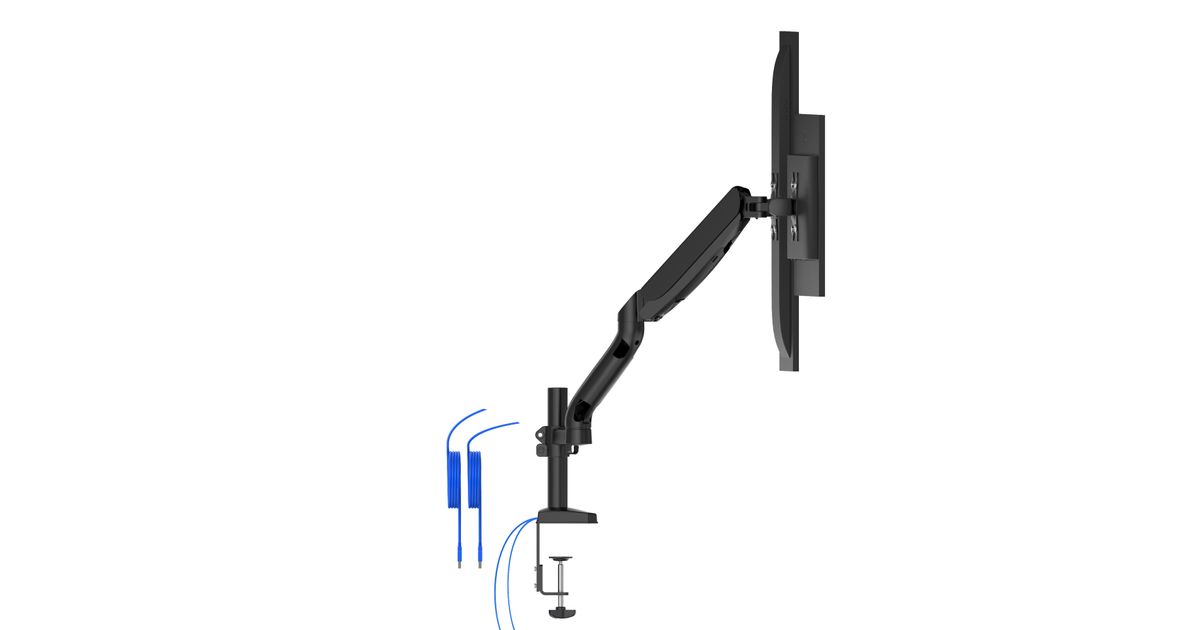
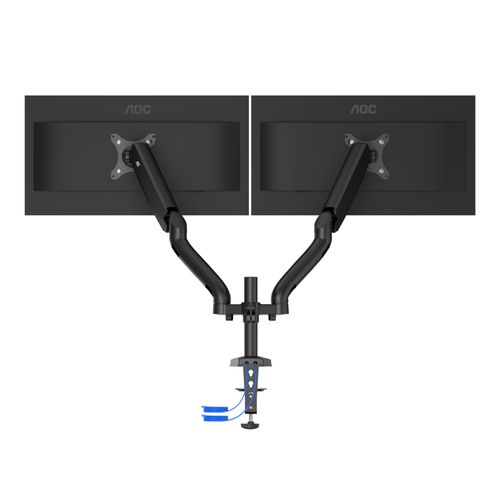
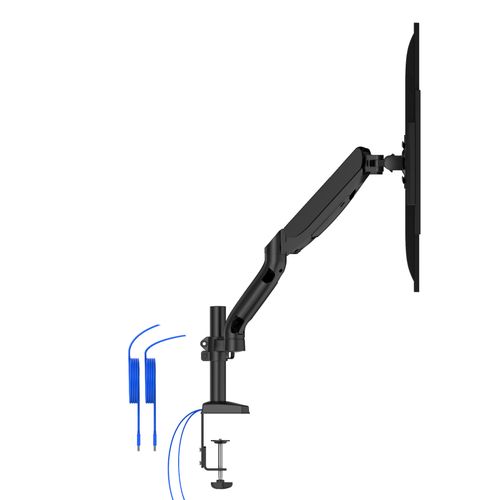
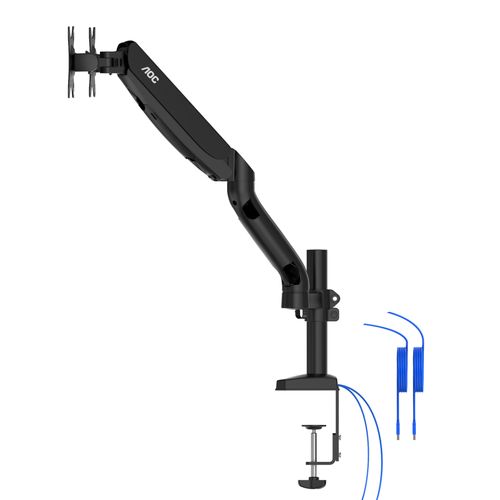
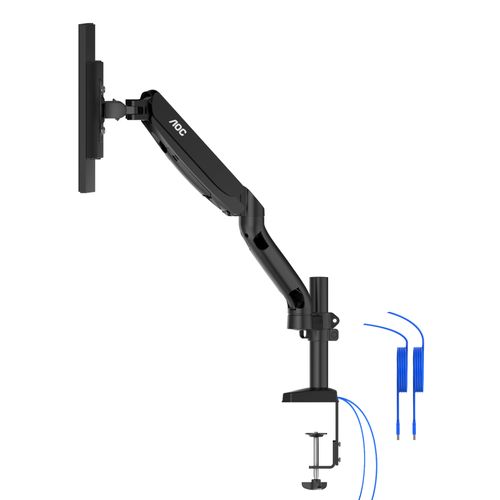
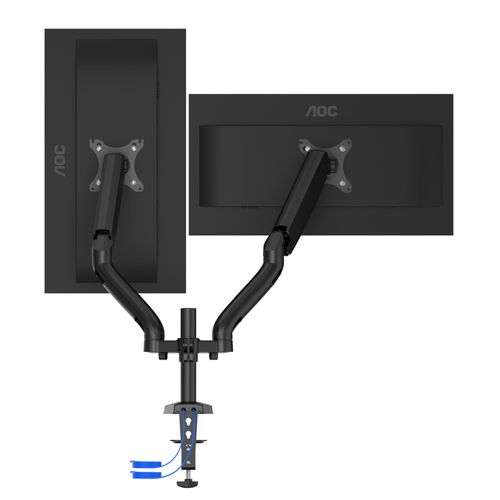
For illustrative purpose only
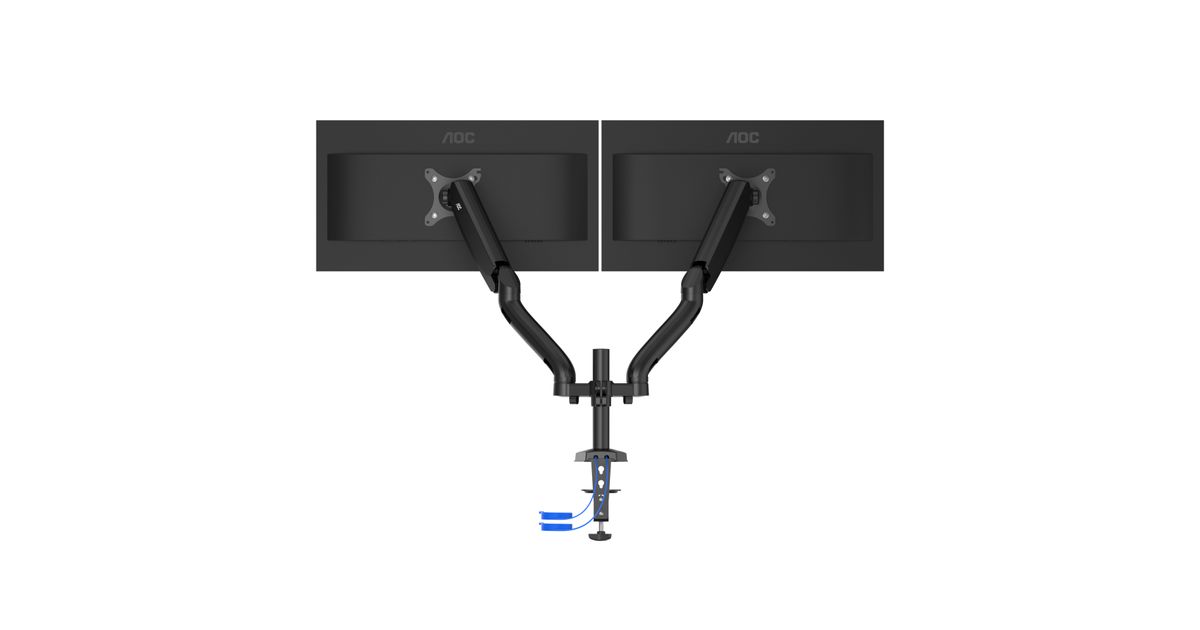
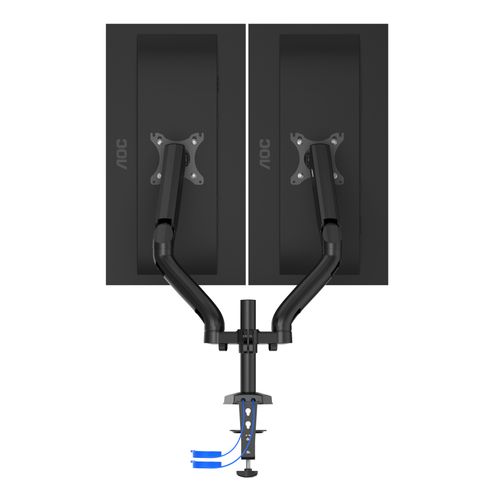
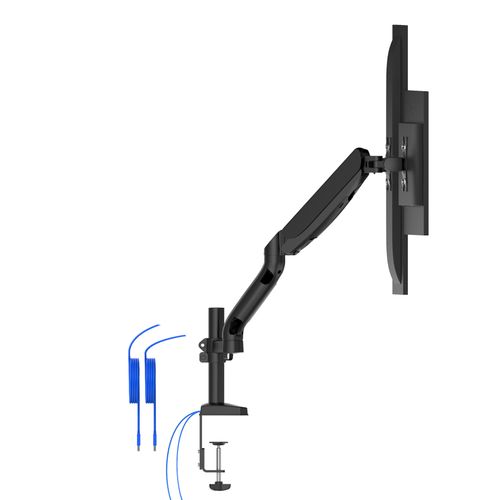
AOC AD110DX monitor mount / stand 80 cm (31.5") Black Desk
AOC AD110DX, Clamp/Bolt-through, 9 kg, 33 cm (13"), 80 cm (31.5"), 100 x 100 mm, Black
Read more...
Read more...
Product Information
| Information | |
|---|---|
| Manufacturer | AOC |
| Product code | 187915911 |
| EAN | 04038986630665 |
| Manufacturer part number | AD110DX |
| Category | Monitor accessories |
| Design | |
|---|---|
| Maximum weight capacity | 9 kg |
| Mounting | Clamp/Bolt-through |
| Cable management | Y |
| Product colour | Black |
| Housing material | Aluminium |
| Features | |
|---|---|
| Maximum screen size | 80 cm (31.5") |
| Panel mounting interface | 75 x 75,100 x 100 mm |
| Height adjustment type | Gas spring |
| Mounting | |
|---|---|
| Mounting type | Desk |
| Minimum VESA mount | 75 x 75 mm |
| Maximum VESA mount | 100 x 100 mm |
| Number of displays supported | 2 |
| Maximum weight capacity (per display) | 9 kg |
| Clamp mount desk thickness (max) | 10.5 cm |
| Grommet mount desk thickness (max) | 8.3 cm |
| Mounting hole range | 7 - 87 mm |
| Ergonomics | |
|---|---|
| Minimum screen size | 33 cm (13") |
| Depth adjustment range | 0 - 460 mm |
| Tilt angle range | -45 - 60° |
| Pivot angle | 0 - 360° |
| Rotating | Y |
| Performance | |
|---|---|
| Swivel angle range | -90 - 90° |
| Ports & interfaces | |
|---|---|
| Built-in USB hub | Y |
| USB hub version | 3.2 Gen 1 (3.1 Gen 1) |
| Weight & dimensions | |
|---|---|
| Packaging content | User Manual, Monitor Arm, Clamp mount, Grommet mount, Installation materials |
| Height (max) | 58 cm |
Product Description
VESA CONNECTION
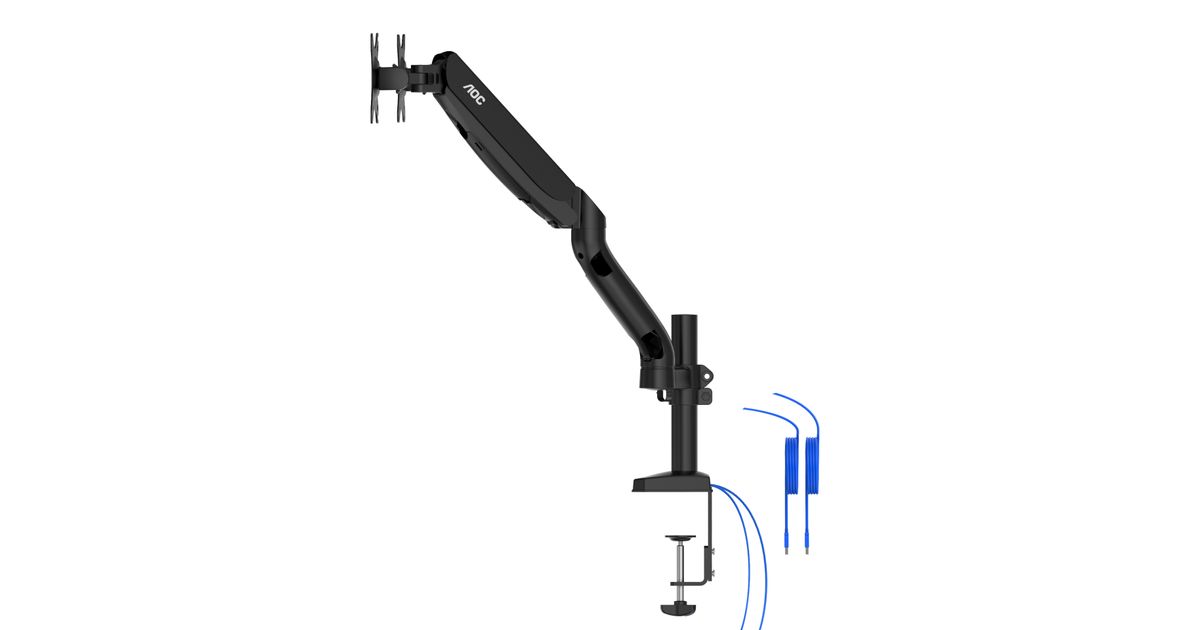
Any monitor equipped with a VESA mounting grid (100x100 or 75x75) can easily be attached to the monitor arm. The VESA mounting system is a widely used solution that most monitors are equipped with. Four screws hold the monitor securely to the mount, by its centre of gravity.
DOUBLE MOUNT
Why limit yourself with one monitor if you can stream a game on your first screen while also interacting with your chat on the second? You can save desk space by going for a double mount and achieve a professional looking aesthetic for your gaming area.
SWIVEL & TILT
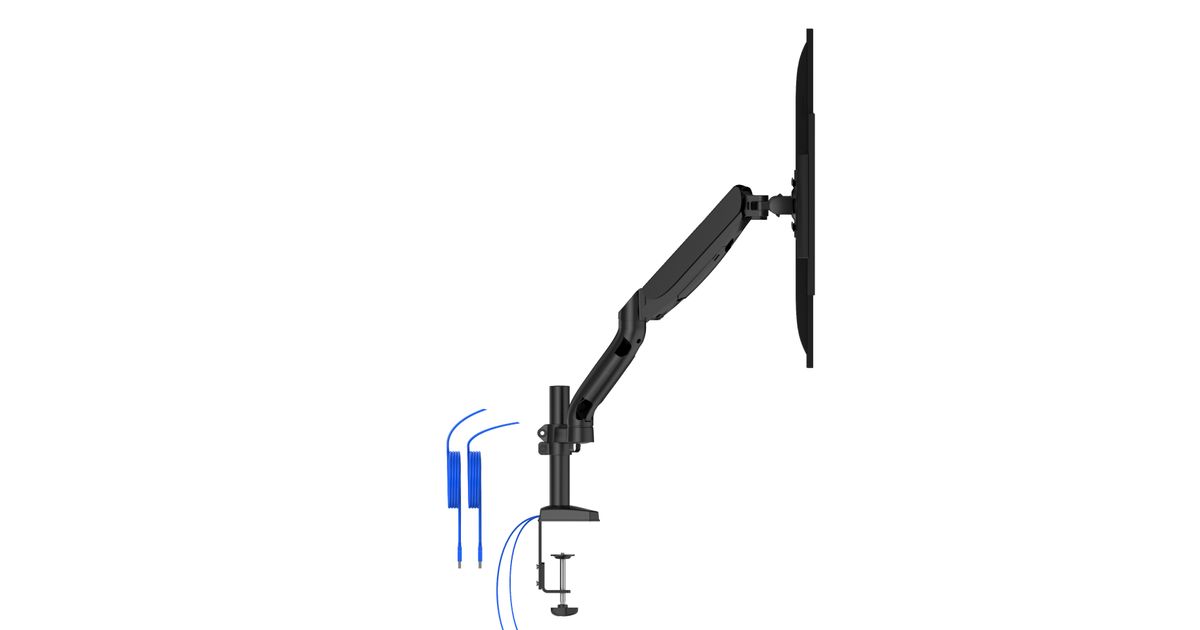
Some monitor stands come with a limited tilt and swivel range. Using a monitor arm increases your monitor’s range of motion dramatically: You can tilt the monitor in a wide range so it points upwards or downwards for the optimal viewing angle. The integrated swivel enables you to turn the display horizontally.
MECHANICAL GAS SPRING SYSTEM
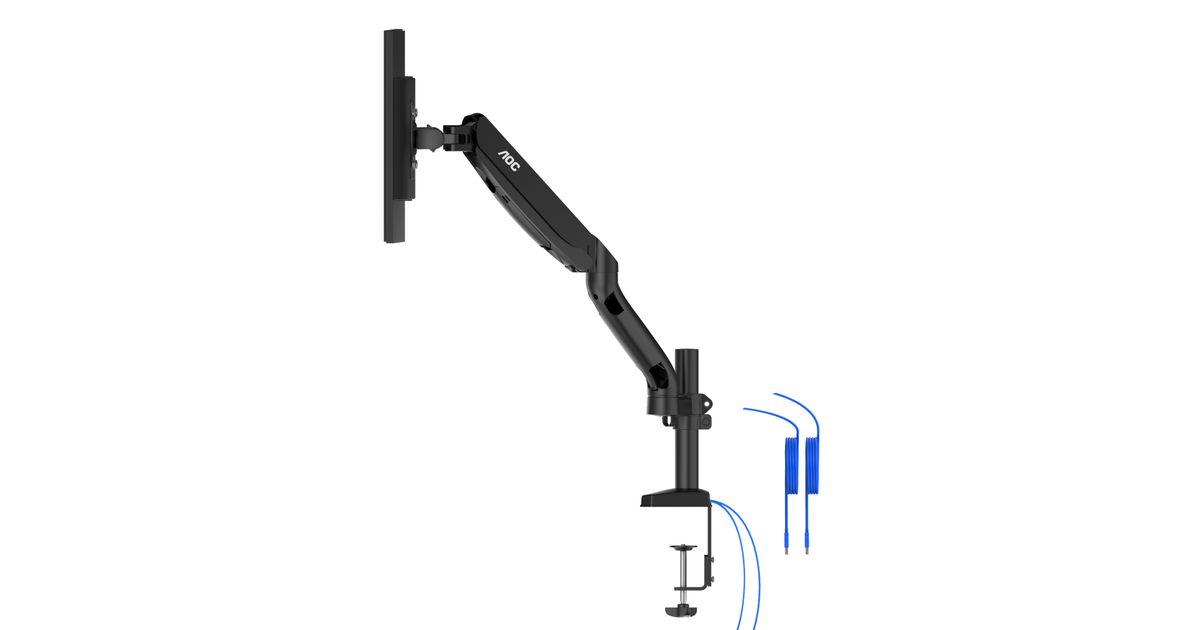
Smooth motion in extension, retraction, or changing orientation. The precise mechanical gas-spring allows easy adjustment with just a firm hand move, and the monitor stays sturdily in its adjusted position. Easily adjust it anytime to get the most ergonomic position. Spring tension is adjustable for lighter/heavier monitors for easy movement and firmness.
CABLE MANAGEMENT
Using the detachable covers on the monitor arm, simply push through your cables inside the pre-allocated routes in the monitor arm. After fitting both power and display cables inside, close the covers and experience a tidy desk with neatly organised connections. Cables are kept in place even when moving the display or turning it into portrait mode.
C-LAMP OR GROMMET MOUNT ATTACHMENT
Your new AOC monitor arm is guaranteed to fit onto your desk. With either the grommet mount or the c-lamp method, you can easily fasten the mount to your tabletop. Your monitor will be firmly secured and ready for every gaming action.
USB HUB
Built in USB Hub provides an easy way to transmit data & charge your devices. The USB Hub is equipped with a USB 3.0 port supporting data transfer speed up to 5Gbps and a USB-C port supporting data transfer speed up to 10Gbps allowing you to transfer your favorite content & files in seconds. Use the integrated USB 3.0 male extension cords to connect your PC with the USB Hub, and boost your productivity with a clutter-free desk.
Any monitor equipped with a VESA mounting grid (100x100 or 75x75) can easily be attached to the monitor arm. The VESA mounting system is a widely used solution that most monitors are equipped with. Four screws hold the monitor securely to the mount, by its centre of gravity.
DOUBLE MOUNT
Why limit yourself with one monitor if you can stream a game on your first screen while also interacting with your chat on the second? You can save desk space by going for a double mount and achieve a professional looking aesthetic for your gaming area.
SWIVEL & TILT
Some monitor stands come with a limited tilt and swivel range. Using a monitor arm increases your monitor’s range of motion dramatically: You can tilt the monitor in a wide range so it points upwards or downwards for the optimal viewing angle. The integrated swivel enables you to turn the display horizontally.
MECHANICAL GAS SPRING SYSTEM
Smooth motion in extension, retraction, or changing orientation. The precise mechanical gas-spring allows easy adjustment with just a firm hand move, and the monitor stays sturdily in its adjusted position. Easily adjust it anytime to get the most ergonomic position. Spring tension is adjustable for lighter/heavier monitors for easy movement and firmness.
CABLE MANAGEMENT
Using the detachable covers on the monitor arm, simply push through your cables inside the pre-allocated routes in the monitor arm. After fitting both power and display cables inside, close the covers and experience a tidy desk with neatly organised connections. Cables are kept in place even when moving the display or turning it into portrait mode.
C-LAMP OR GROMMET MOUNT ATTACHMENT
Your new AOC monitor arm is guaranteed to fit onto your desk. With either the grommet mount or the c-lamp method, you can easily fasten the mount to your tabletop. Your monitor will be firmly secured and ready for every gaming action.
USB HUB
Built in USB Hub provides an easy way to transmit data & charge your devices. The USB Hub is equipped with a USB 3.0 port supporting data transfer speed up to 5Gbps and a USB-C port supporting data transfer speed up to 10Gbps allowing you to transfer your favorite content & files in seconds. Use the integrated USB 3.0 male extension cords to connect your PC with the USB Hub, and boost your productivity with a clutter-free desk.