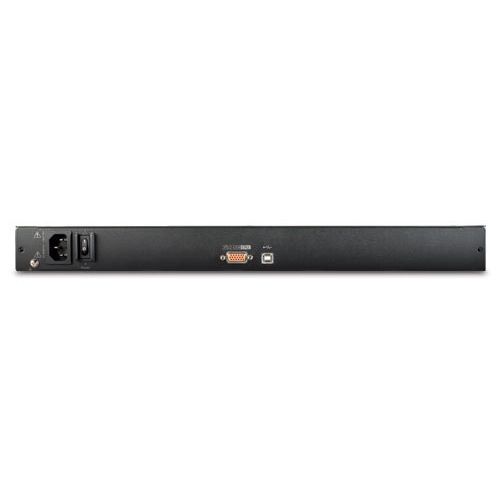
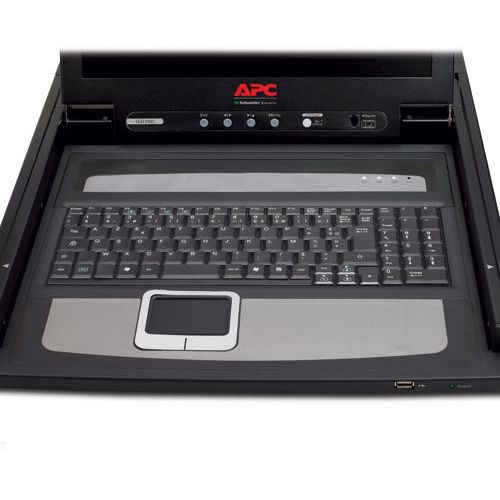
Toote tegelik värvus võib erineda piltidel kujutatavast ning pildid on
illustratiivsed.
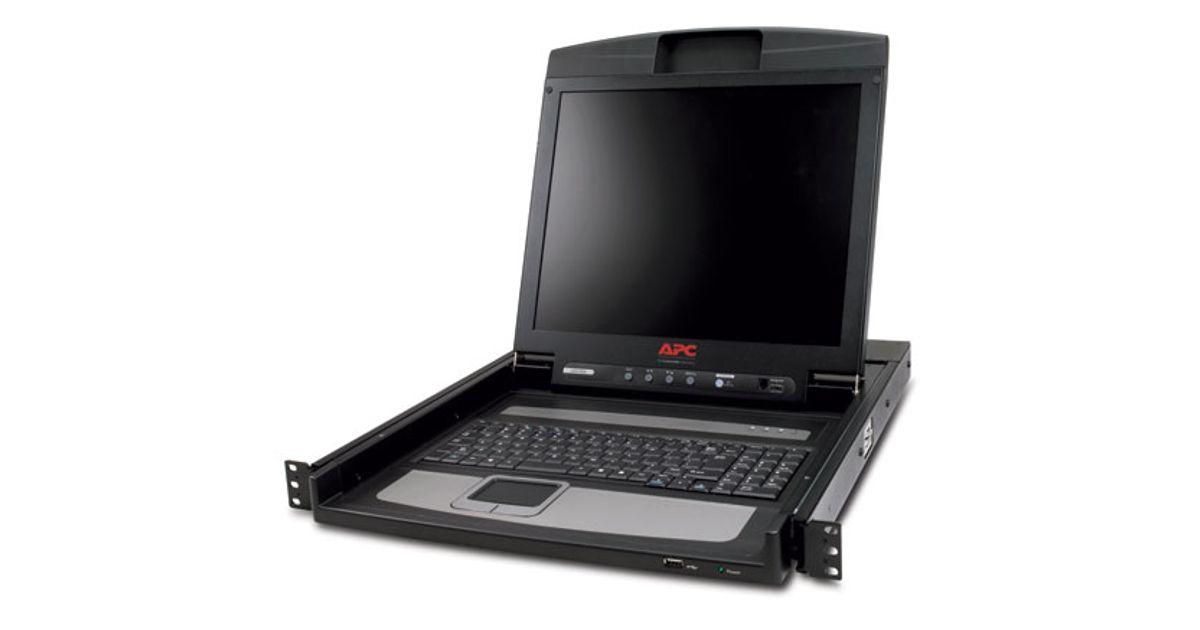
APC AP5717F rack console 43.2 cm (17") Black
APC AP5717F, 43.2 cm (17"), LCD, PS2, USB, C-tick, CCC, EN 55022 A, EN 55024, EN 60950, FCC Part 15 A, GOST, IEC 60950, Industry Canada, NOM,..., 30 W, 100, 240 V
Read more...
Read more...
Product Information
| Information | |
|---|---|
| Manufacturer | APC |
| Product code | 187475972 |
| EAN | 00731304220909 |
| Manufacturer part number | AP5717F |
| Display | |
|---|---|
| Display diagonal | 43.2 cm (17") |
| Other features | |
|---|---|
| Display | LCD |
| Dimensions (WxDxH) | 482 x 614 x 44 mm |
| Package dimensions (WxDxH) | 673 x 626 x 152 mm |
| Design | |
|---|---|
| Product colour | Black |
| Ports & interfaces | |
|---|---|
| Interface | PS2, USB |
| Features | |
|---|---|
| Certification | C-tick, CCC, EN 55022 A, EN 55024, EN 60950, FCC Part 15 A, GOST, IEC 60950, Industry Canada, NOM, UL Listed, VDE |
| Power | |
|---|---|
| Power consumption (typical) | 30 W |
| AC adapter input voltage | 100, 240 V |
| Weight & dimensions | |
|---|---|
| Weight | 15.9 kg |
| Package weight | 19.5 kg |
| Other information | |
|---|---|
| Height (in Rack Units) | 1 |
Product Description
Occupies 1U of rack space
Conserve valuable rack space in the data center.
Multi-platform Support
Windows, Sun, Unix and Linux compatible.
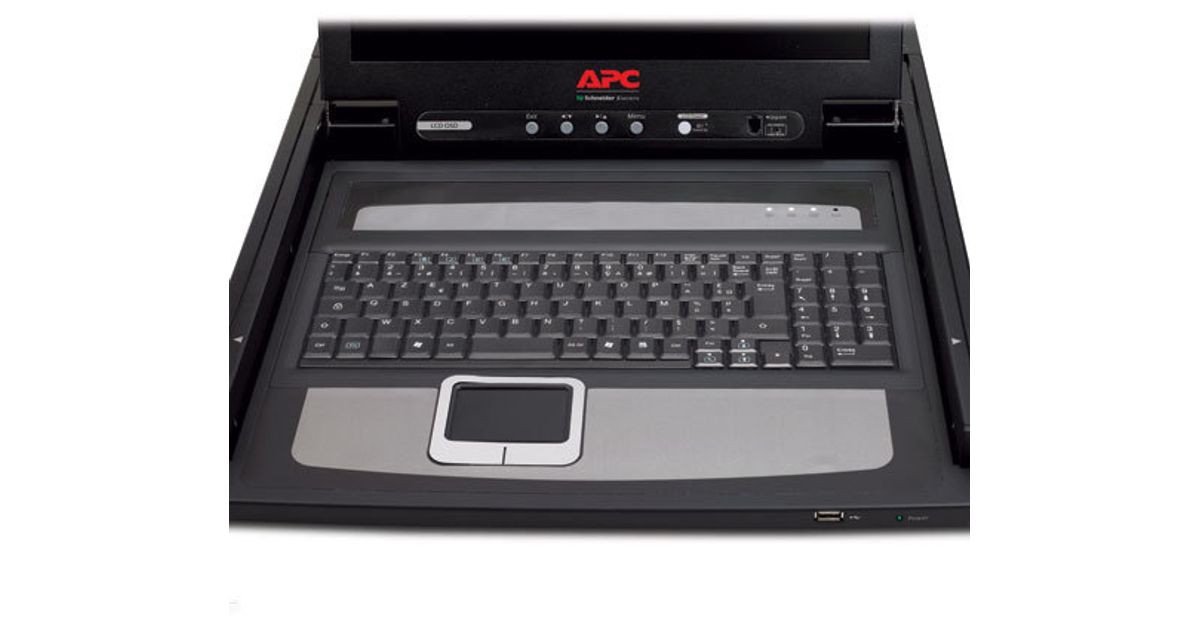
Integrated Touchpad Pointing Device
Eliminates the need for a separate, external mouse.
Power tilt sensor
Save power by automatically powering down the device when it is closed.
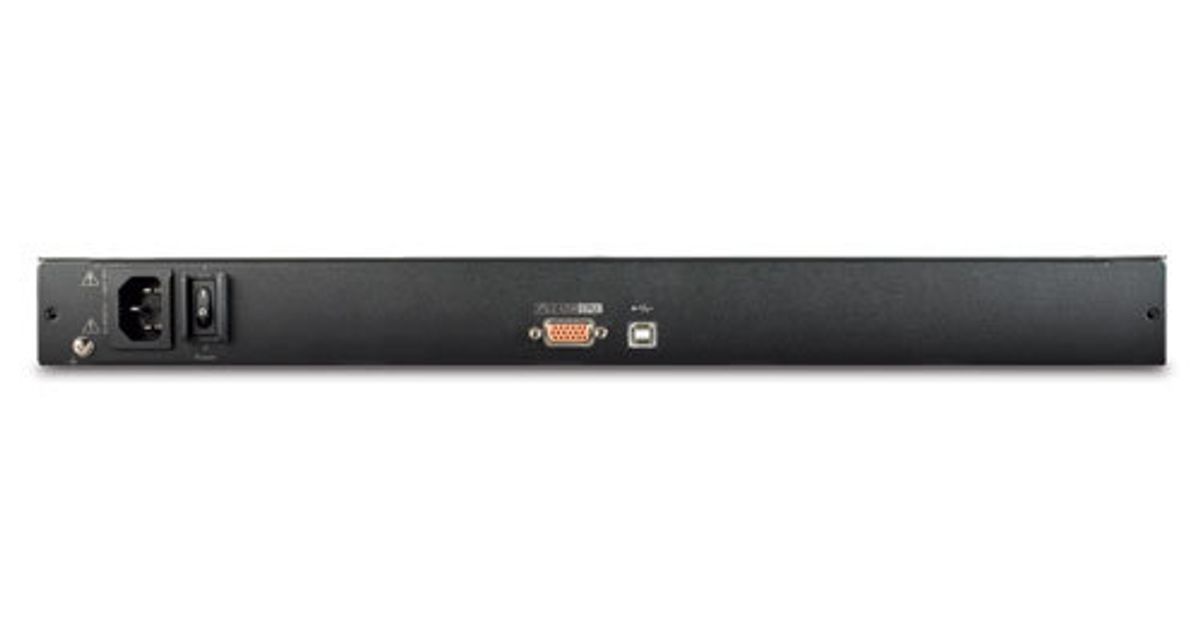
PS/2 terminations
Connect to a server or KVM switch via standard PS/2 connectors.
Standard VGA connector
Connects to a server or KVM switch via a standard VGA connector.
Low Cooling requirements
Emits less heat than comparable CRT monitors .
Low Power Consumption
Uses less than half the power of comparable CRT monitors.
Agility
Slide rails
Quickly and easily install in square, round, and threaded hole racks.
Quick release tabs
Insert or remove the device with ease.
On-Screen Display (OSD) adjustments
Adjust the on-screen image, including: auto adjust, exit, power on/off, brightness, menu, and a power indicator.
Cable management arm
Prevent interference with surrounding devices by organizing multiple cables.
Conserve valuable rack space in the data center.
Multi-platform Support
Windows, Sun, Unix and Linux compatible.
Integrated Touchpad Pointing Device
Eliminates the need for a separate, external mouse.
Power tilt sensor
Save power by automatically powering down the device when it is closed.
PS/2 terminations
Connect to a server or KVM switch via standard PS/2 connectors.
Standard VGA connector
Connects to a server or KVM switch via a standard VGA connector.
Low Cooling requirements
Emits less heat than comparable CRT monitors .
Low Power Consumption
Uses less than half the power of comparable CRT monitors.
Agility
Slide rails
Quickly and easily install in square, round, and threaded hole racks.
Quick release tabs
Insert or remove the device with ease.
On-Screen Display (OSD) adjustments
Adjust the on-screen image, including: auto adjust, exit, power on/off, brightness, menu, and a power indicator.
Cable management arm
Prevent interference with surrounding devices by organizing multiple cables.