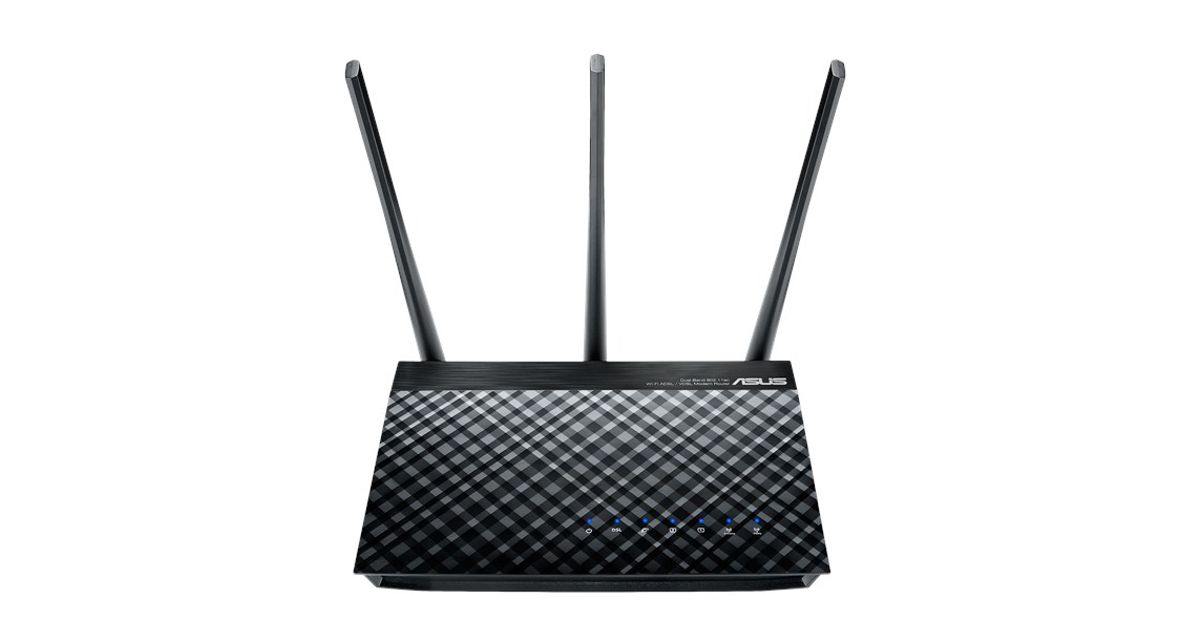
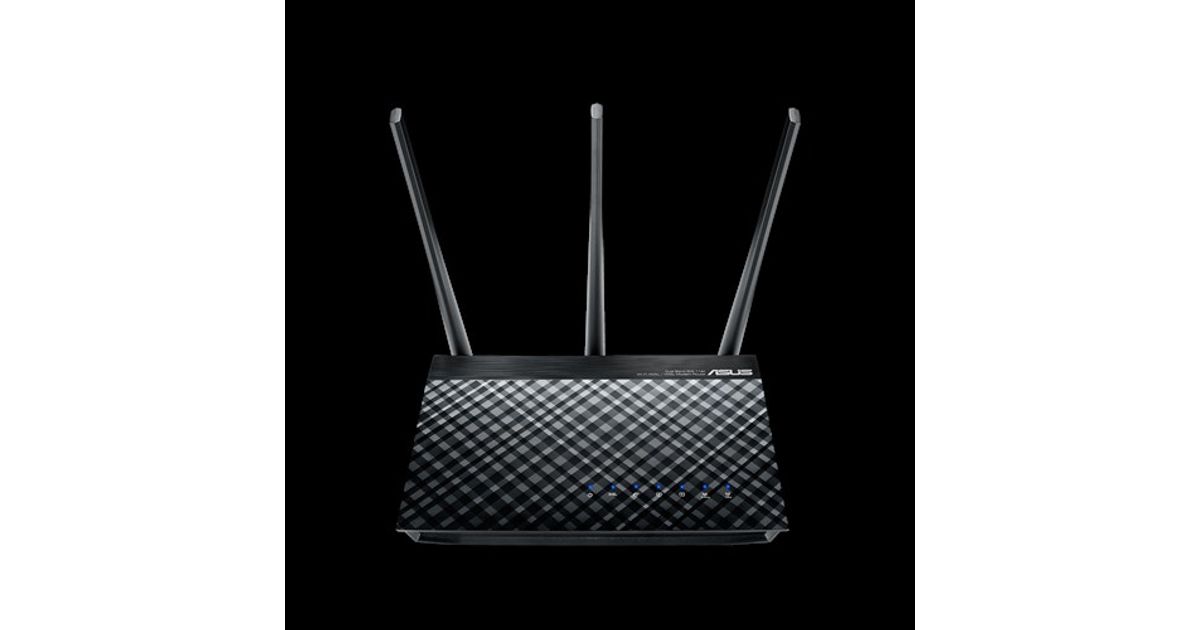
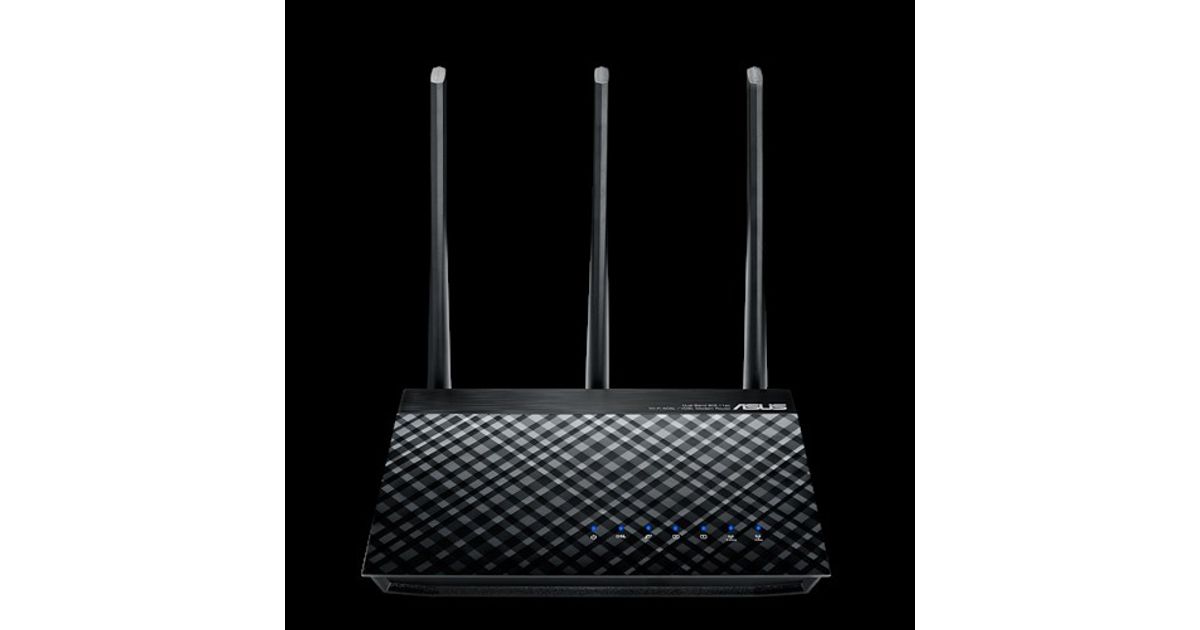
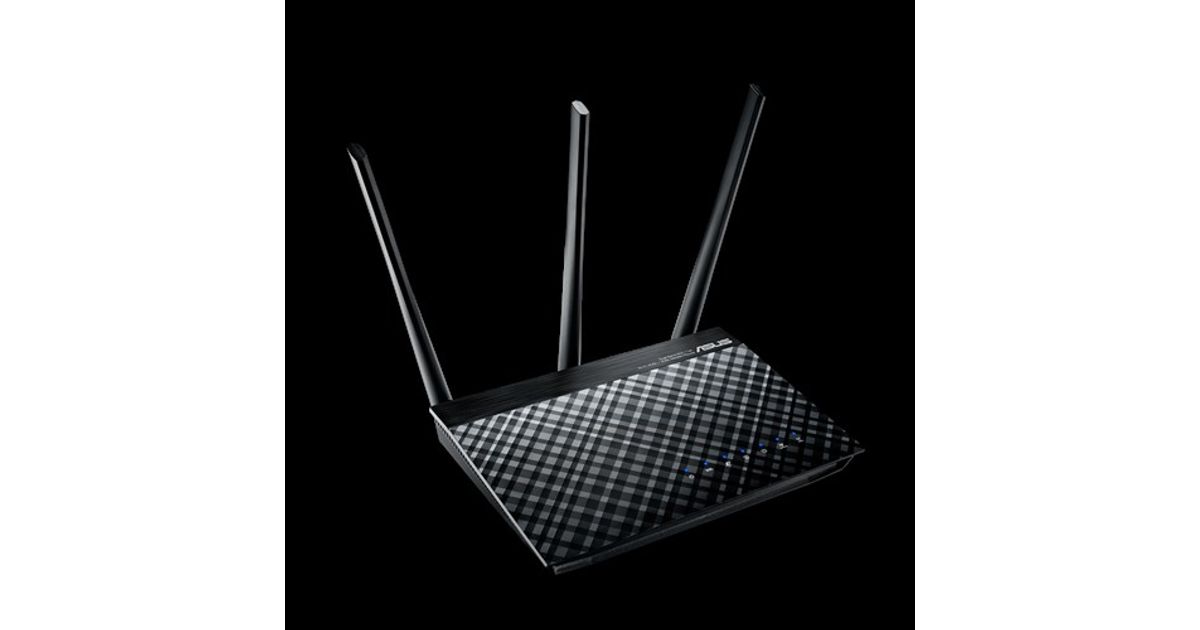
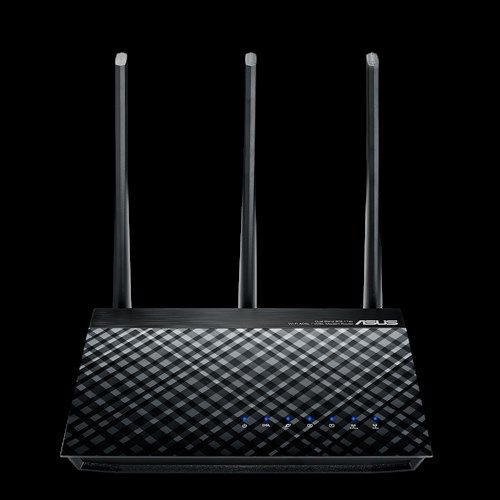
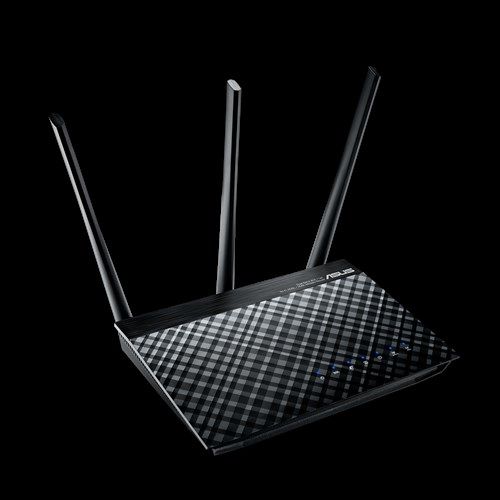
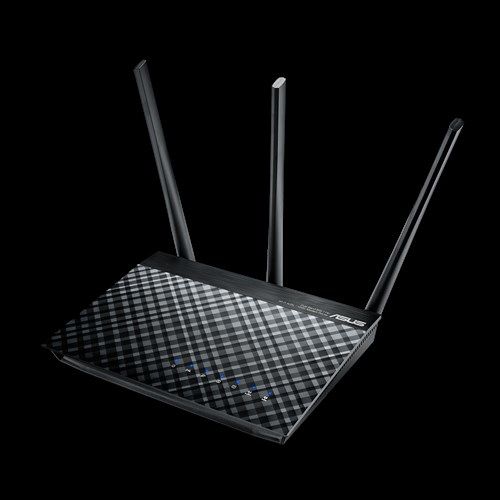

Toote tegelik värvus võib erineda piltidel kujutatavast ning pildid on
illustratiivsed.
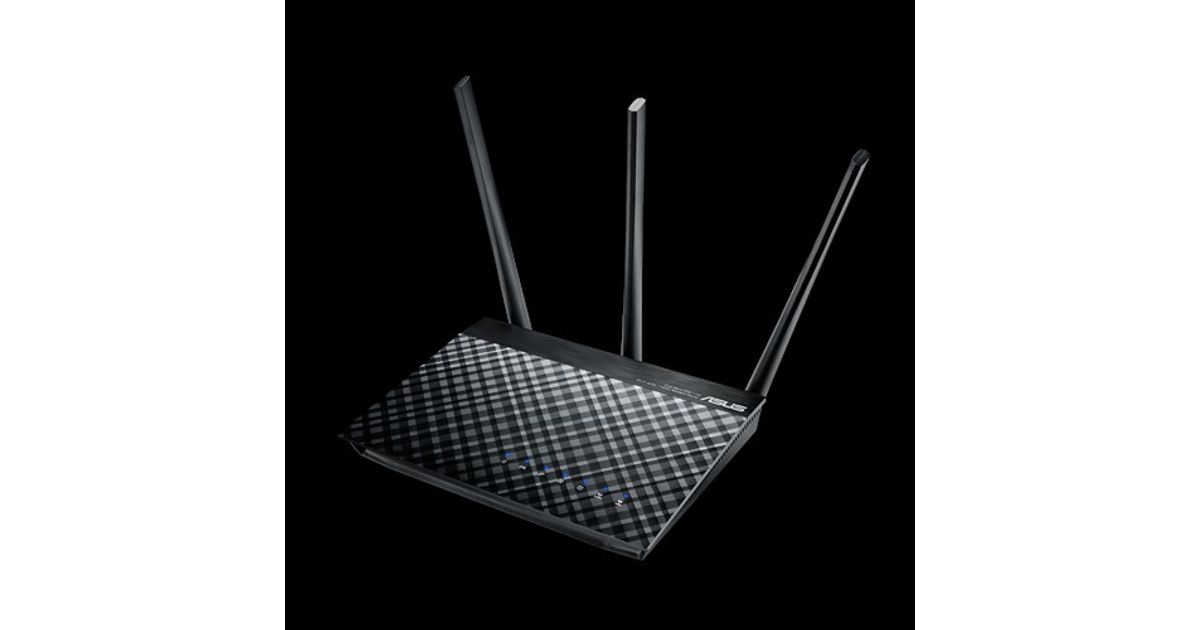
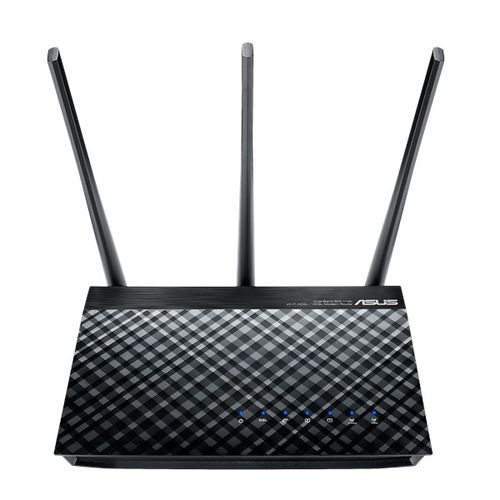
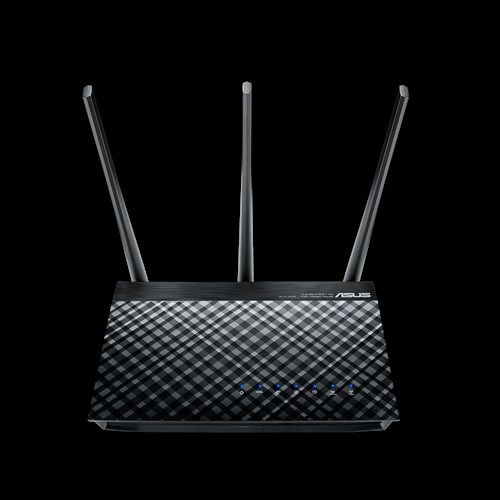
ASUS DSL-AC51 wireless router Gigabit Ethernet Dual-band (2.4 GHz / 5 GHz) 4G Black
Manufacturer:
ASUS
Product Code: 03118347
EAN: 00889349688106
MPN: DSL-AC51 DualBand AC ADSL2+/VDSL2
ASUS DSL-AC51, Wi-Fi 5 (802.11ac), Dual-band (2.4 GHz / 5 GHz), Ethernet LAN, 4G, Black, Tabletop router
Read more...
Read more...
Product Information
| Information | |
|---|---|
| Manufacturer | ASUS |
| Product code | 03118347 |
| EAN | 00889349688106 |
| Manufacturer part number | DSL-AC51 DualBand AC ADSL2+/VDSL2 |
| Category | Access points and routers |
| WAN connection | |
|---|---|
| Ethernet WAN | Y |
| DSL WAN | Y |
| SIM card slot | N |
| 3G/4G USB modem compatibility | N |
| Network | |
|---|---|
| Wi-Fi band | Dual-band (2.4 GHz / 5 GHz) |
| Top Wi-Fi standard | Wi-Fi 5 (802.11ac) |
| Wi-Fi standards | 802.11a, Wi-Fi 5 (802.11ac), 802.11b, 802.11g, Wi-Fi 4 (802.11n) |
| Ethernet LAN | Y |
| Ethernet LAN interface type | Gigabit Ethernet |
| Ethernet LAN data rates | 10,100,1000 Mbit/s |
| Cabling technology | 10/100/1000Base-T(X) |
| Port forwarding | Y |
| VPN Passthrough | Y |
| Mobile network generation | 4G |
| 4G | N |
| Security algorithms | 64-bit WEP, 128-bit WEP, WPA-Enterprise, WPA-PSK, WPA2-Enterprise, WPA2-PSK, WPS |
| DHCP client | Y |
| Wireless LAN features | |
|---|---|
| WLAN data transfer rate (max) | 433 Mbit/s |
| WLAN data transfer rate (first band) | 300 Mbit/s |
| WLAN data transfer rate (second band) | 433 Mbit/s |
| Other features | |
|---|---|
| Networking standards | IEEE 802.11a, IEEE 802.11ac, IEEE 802.11b, IEEE 802.11e, IEEE 802.11g, IEEE 802.11i, IEEE 802.11n, IEEE 802.3, IEEE 802.3u |
| Quick start guide | Y |
| Antennas quantity | 3 |
| Security | |
|---|---|
| VPN support | IPSec Pass-Through PPTP Pass-Through L2TP Pass-Through PPTP server OpenVPN server PPTP client L2TP client OpenVPN client |
| WPS push button | Y |
| Firewall | Y |
| Firewall security | Parental control |
| Guest access | Y |
| Port-based Network Access Control (PNAC) | Y |
| IP address filtering | Y |
| URL filtering | Y |
| Network address translation (NAT) | Y |
| Mobile network | |
|---|---|
| 3G | N |
| DSL features | |
|---|---|
| ADSL | Y |
| ADSL2 | Y |
| ADSL2+ | Y |
| VDSL | Y |
| VDSL2 | Y |
| Ports & interfaces | |
|---|---|
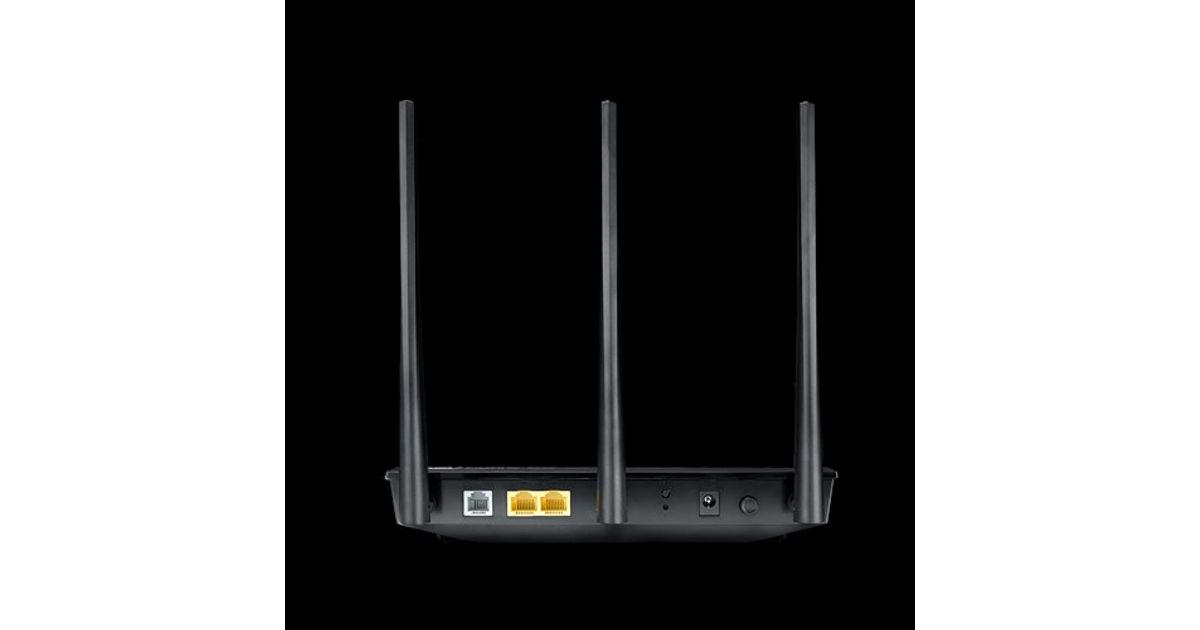
| Ethernet LAN (RJ-45) ports | 2 |
| USB port | N |
| RJ-11 ports quantity | 1 |
| Memory card slot(s) | N |
| DC-in jack | Y |
| Management features | |
|---|---|
| Web-based management | Y |
| Web-based setup wizard | Y |
| Quality of Service (QoS) support | Y |
| System event log | Y |
| Design | |
|---|---|
| Reset button | Y |
| Product type | Tabletop router |
| Product colour | Black |
| Housing material | Acrylonitrile butadiene styrene (ABS) |
| LED indicators | ADSL, DSL, LAN, Power, WLAN |
| On/off switch | Y |
| Antenna design | External |
| Features | |
|---|---|
| Filtering | Y |
| Plug and Play | Y |
| Certification | CE |
| Linux operating systems supported | Y |
| Protocols | |
|---|---|
| DMZ support | Y |
| Universal Plug and Play (UPnP) | Y |
| Supported network protocols | IPv4, IPv6 |
| Performance | |
|---|---|
| DHCP server | Y |
| Management protocols | IGMP v1/v2/v3 |
| Firmware upgradeable | Y |
| Power source type | AC, DC |
| Ergonomics | |
|---|---|
| Indication light | Y |
| Packaging content | |
|---|---|
| Cables included | DSL, LAN (RJ-45), Phone (RJ-11) |
| AC adapter included | Y |
| Power | |
|---|---|
| AC input voltage | 100 - 240 V |
| AC input frequency | 50 - 60 Hz |
| Output voltage | 12 V |
| Output current | 1 A |
| Operational conditions | |
|---|---|
| Operating temperature (T-T) | 0 - 40 °C |
| Storage temperature (T-T) | 0 - 70 °C |
| Operating relative humidity (H-H) | 50 - 90% |
| Storage relative humidity (H-H) | 20 - 90% |
| Software | |
|---|---|
| Mac operating systems supported | Mac OS X 10.1 Puma, Mac OS X 10.2 Jaguar, Mac OS X 10.3 Panther, Mac OS X 10.4 Tiger, Mac OS X 10.5 Leopard, Mac OS X 10.6 Snow Leopard, Mac OS X 10.7 Lion, Mac OS X 10.8 Mountain Lion |
| Mac compatibility | Y |
| Weight & dimensions | |
|---|---|
| Width | 207 mm |
| Depth | 175 mm |
| Height | 200 mm |
| Weight | 440 g |
| Packaging data | |
|---|---|
| Wi-Fi configuration card | Y |
| Package type | Box |
Product Description
Consistently Praised for Networking Excellence!
Future-proofed versatility with 802.11ac wireless speeds
The ASUS DSL-AC51 is a ADSL/VDSL 802.11ac Wi-Fi modem router, with combined dual-band data rates of up to 733Mbps. On the 5GHz band, 802.11ac gives 433Mbps wireless data rates, while 2.4 GHz 802.11n performance supports 300Mbps. Compatible with ADSL2/2+, ADSL, VDSL2, fiber and cable services, the top specification completes future-proofing.
ASUS AiRadar enhances the Wi-Fi stability and improves coverage dramatically. The easy-to-use ASUSWRT graphical user interface unlocks the power of DSL-AC51 giving robust control to optimize your network for you. 30-second setup and easy traffic management means even network newbies can enjoy its sophisticated features, while power users will love its IPv6 support, multiple wireless SSIDs and encrypted VPN access.
One device, two functions
With a choice of DSL or Ethernet WAN connections, DSL-AC51 can be used a DSL modem plus wireless router, or as a standalone wireless router. You can choose the mode to suit your needs, saving energy and clutter by replacing two separate power-hungry devices. Whether for a basic home setup or an advanced wireless network, DSL-AC51 has all the flexibility you need. You can also let two modes work simultaneously and manage them with ASUSWRT dual WAN function.
DSL-AC51 supports all common types of DSL connection, including ADSL2, ADSL2+, ADSL and VDSL2. Thanks to its Ethernet WAN option, it can also be used seamlessly with any fiber or cable-based modem with an Ethernet connection. This makes it ideal for those who intend to upgrade their ISP in the future.
Enhanced signal range and stability
ASUS AiRadar intelligently improves wireless connections by using exclusive ASUS RF fine-tuning. This ensures extended coverage, increases dynamic data speed, and enhances stability.
3-step easy setup through your pad, smartphone, or PC
Use your smartphone, tablet, or PC to effortlessly set up your ASUS router in less than 30 seconds* and in only 3 easy steps. Simply connect the cables to the router, open a Web browser, and follow the setup wizard to get you to the internet in no time.
* ASUS-tested and verified setup time. Actual duration may vary by ISP, specific connection type, location, and other factors.
ASUS Router App
Control your network anywhere
In your increasingly mobile-enabled life, having control over your network via an app is more important than ever. The new ASUS Router App is built from the ground-up to be both intuitive and robust, allowing you to setup your router, manage network traffic, diagnose connection issues and even update firmware, all without needing to boot up a PC.
Dedicated Wi-Fi for your visitors
Share your internet connection with your guests with no need to share your personal password or network resources. ASUS Guest Network supports up to six separate guest networks, each with its own usage limits and password. Guests cannot access your primary network or any other connected devices.
VPN server and client for encrypted remote connection
With the virtual private network (VPN) server and VPN client, you can access your home network remotely or surf the internet with encryption, no need for paid VPN services or a dedicated VPN server.
Robust control and optimization with ASUSWRT
With the ASUSWRT dashboard UI, setup, monitor, and control network applications all in one intuitive area. With 30-second setup, multi-device detection, and flexible settings, ASUSWRT makes the most of your network performance. Dual WAN enables having two connections/ISPs on one router, with load balance and failover mode for added stability and redundancy to ensure uninterrupted internet access.
Keep Up to Date!
Remember to always keep your device's firmware up to date so you can benefit from the very latest service and security enhancements — and get exciting new features! Learn more about updating new firmware.
Future-proofed versatility with 802.11ac wireless speeds
The ASUS DSL-AC51 is a ADSL/VDSL 802.11ac Wi-Fi modem router, with combined dual-band data rates of up to 733Mbps. On the 5GHz band, 802.11ac gives 433Mbps wireless data rates, while 2.4 GHz 802.11n performance supports 300Mbps. Compatible with ADSL2/2+, ADSL, VDSL2, fiber and cable services, the top specification completes future-proofing.
ASUS AiRadar enhances the Wi-Fi stability and improves coverage dramatically. The easy-to-use ASUSWRT graphical user interface unlocks the power of DSL-AC51 giving robust control to optimize your network for you. 30-second setup and easy traffic management means even network newbies can enjoy its sophisticated features, while power users will love its IPv6 support, multiple wireless SSIDs and encrypted VPN access.
One device, two functions
With a choice of DSL or Ethernet WAN connections, DSL-AC51 can be used a DSL modem plus wireless router, or as a standalone wireless router. You can choose the mode to suit your needs, saving energy and clutter by replacing two separate power-hungry devices. Whether for a basic home setup or an advanced wireless network, DSL-AC51 has all the flexibility you need. You can also let two modes work simultaneously and manage them with ASUSWRT dual WAN function.
DSL-AC51 supports all common types of DSL connection, including ADSL2, ADSL2+, ADSL and VDSL2. Thanks to its Ethernet WAN option, it can also be used seamlessly with any fiber or cable-based modem with an Ethernet connection. This makes it ideal for those who intend to upgrade their ISP in the future.
Enhanced signal range and stability
ASUS AiRadar intelligently improves wireless connections by using exclusive ASUS RF fine-tuning. This ensures extended coverage, increases dynamic data speed, and enhances stability.
3-step easy setup through your pad, smartphone, or PC
Use your smartphone, tablet, or PC to effortlessly set up your ASUS router in less than 30 seconds* and in only 3 easy steps. Simply connect the cables to the router, open a Web browser, and follow the setup wizard to get you to the internet in no time.
* ASUS-tested and verified setup time. Actual duration may vary by ISP, specific connection type, location, and other factors.
ASUS Router App
Control your network anywhere
In your increasingly mobile-enabled life, having control over your network via an app is more important than ever. The new ASUS Router App is built from the ground-up to be both intuitive and robust, allowing you to setup your router, manage network traffic, diagnose connection issues and even update firmware, all without needing to boot up a PC.
Dedicated Wi-Fi for your visitors
Share your internet connection with your guests with no need to share your personal password or network resources. ASUS Guest Network supports up to six separate guest networks, each with its own usage limits and password. Guests cannot access your primary network or any other connected devices.
VPN server and client for encrypted remote connection
With the virtual private network (VPN) server and VPN client, you can access your home network remotely or surf the internet with encryption, no need for paid VPN services or a dedicated VPN server.
Robust control and optimization with ASUSWRT
With the ASUSWRT dashboard UI, setup, monitor, and control network applications all in one intuitive area. With 30-second setup, multi-device detection, and flexible settings, ASUSWRT makes the most of your network performance. Dual WAN enables having two connections/ISPs on one router, with load balance and failover mode for added stability and redundancy to ensure uninterrupted internet access.
Keep Up to Date!
Remember to always keep your device's firmware up to date so you can benefit from the very latest service and security enhancements — and get exciting new features! Learn more about updating new firmware.