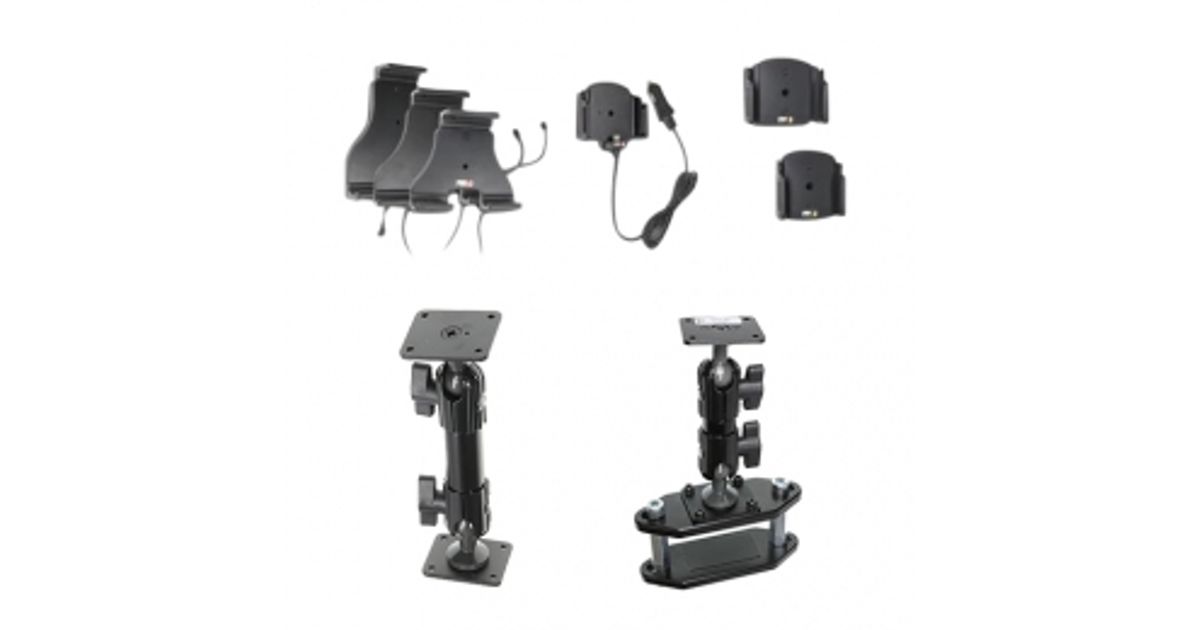
For illustrative purpose only
Brodit ProClip 530534 Active holder Handheld mobile computer Black
Brodit ProClip 530534, Handheld mobile computer, Active holder, Car, Black
Read more...
Read more...
Product Information
| Information | |
|---|---|
| Manufacturer | Brodit |
| Product code | 282296581 |
| EAN | 07320285305342 |
| Manufacturer part number | 530534 |
Product Description
Active holder with cig-plug
With tilt swivel.
The active holder charges your battery when it is in the holder. The charging device connects to the PDA automatically when you put the PDA in the holder. The holder is attached onto a tilt swivel and can be adjusted in order to avoid light reflection. Connects to the vehicle's cigarette lighter socket, 12/24 Volt. Attach onto a ProClip Mounting Platform.
INSTALLATION INSTRUCTIONS:
Please read all of the instructions and look at the pictures before attaching the holder.
1. Loosen the screw in the center of the holder so you can remove the tilt swivel attaching plate on the back.
2. Place the attaching plate onto the desired position. Screw the attaching plate into place with the enclosed screws. Place the holder over the attaching plate so the screw fits in the hole in the tilt swivel. Tighten the screw so the holder is firmly in place, but still can be adjusted.
3. To place the device in the holder: Place the bottom part of the device into the holder. Press the top of the device forward and in the same time slide the device downward into place in the holder. To remove the device from the holder: Press the upper part of the holder forward. When the device is set free, lift it upward out of the holder.
4. The holder is in place.
With tilt swivel.
The active holder charges your battery when it is in the holder. The charging device connects to the PDA automatically when you put the PDA in the holder. The holder is attached onto a tilt swivel and can be adjusted in order to avoid light reflection. Connects to the vehicle's cigarette lighter socket, 12/24 Volt. Attach onto a ProClip Mounting Platform.
INSTALLATION INSTRUCTIONS:
Please read all of the instructions and look at the pictures before attaching the holder.
1. Loosen the screw in the center of the holder so you can remove the tilt swivel attaching plate on the back.
2. Place the attaching plate onto the desired position. Screw the attaching plate into place with the enclosed screws. Place the holder over the attaching plate so the screw fits in the hole in the tilt swivel. Tighten the screw so the holder is firmly in place, but still can be adjusted.
3. To place the device in the holder: Place the bottom part of the device into the holder. Press the top of the device forward and in the same time slide the device downward into place in the holder. To remove the device from the holder: Press the upper part of the holder forward. When the device is set free, lift it upward out of the holder.
4. The holder is in place.