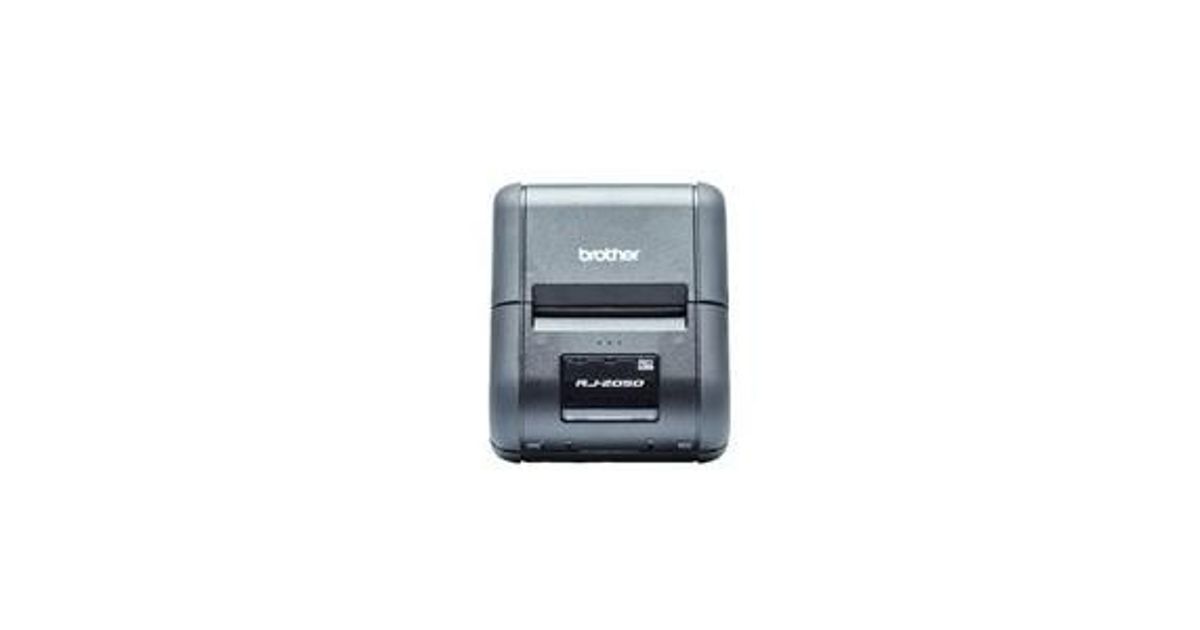
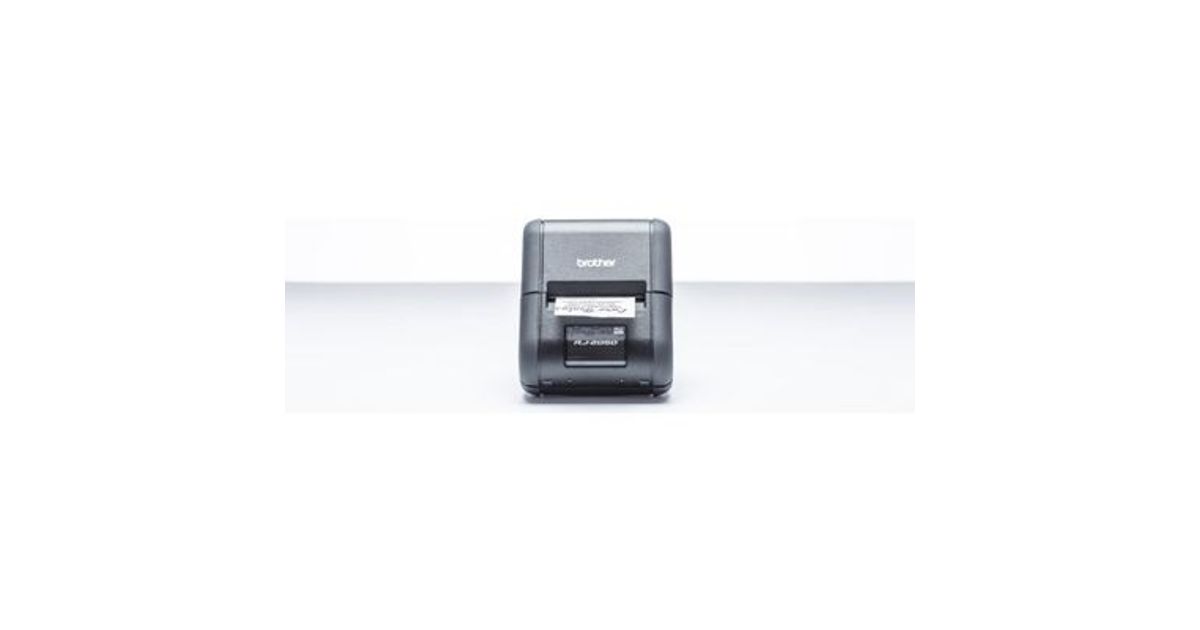
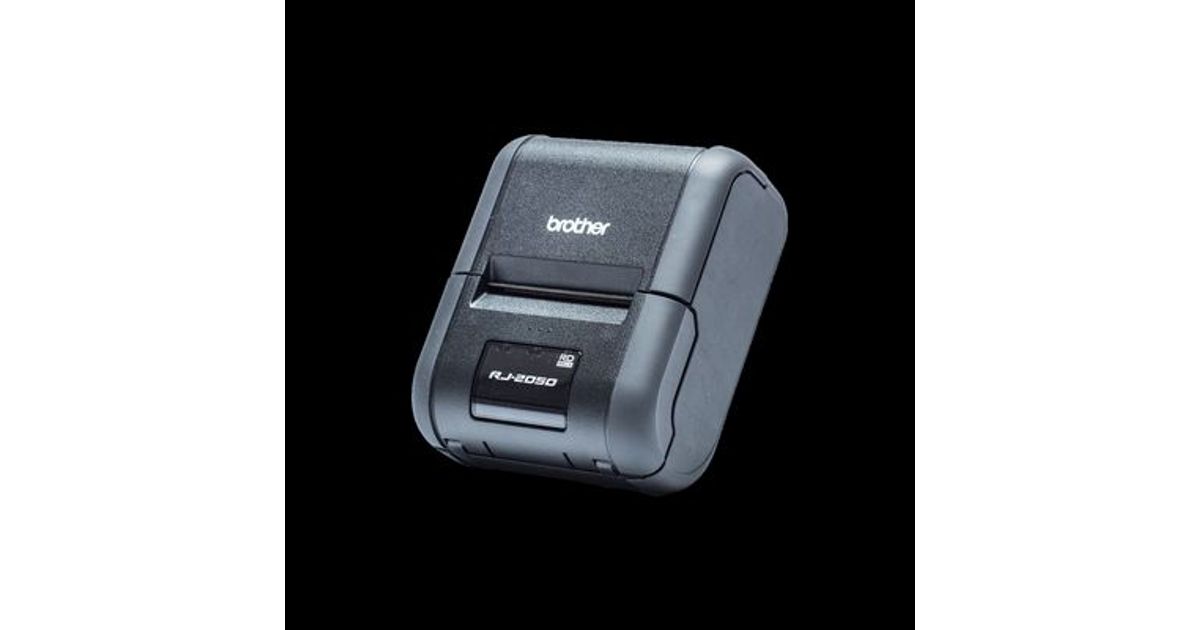
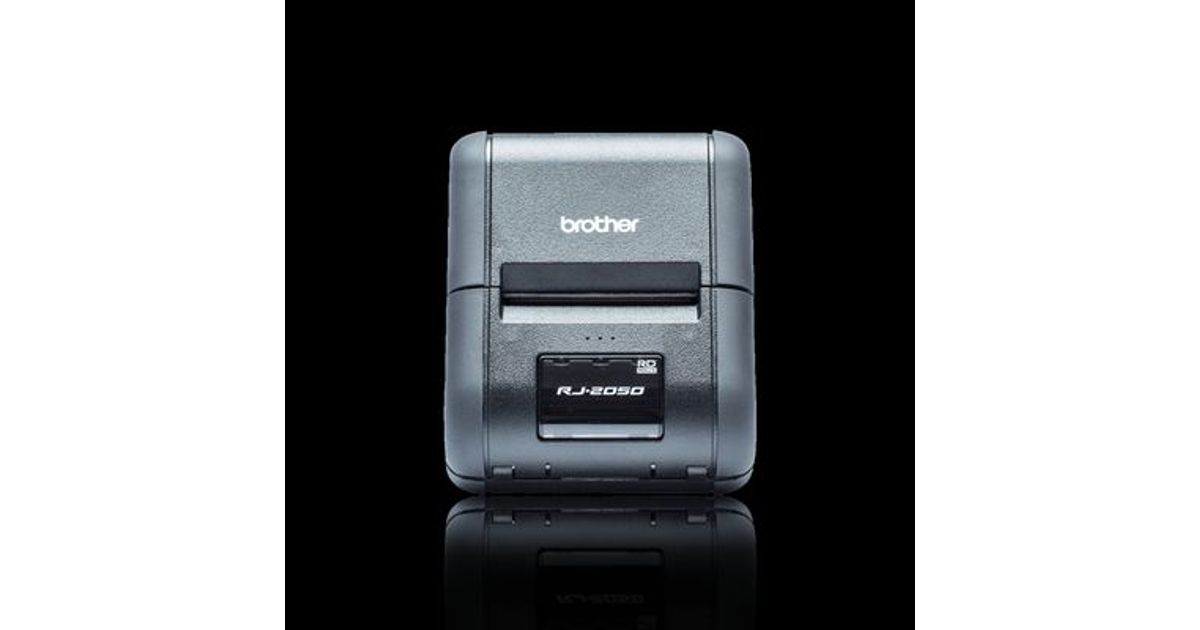
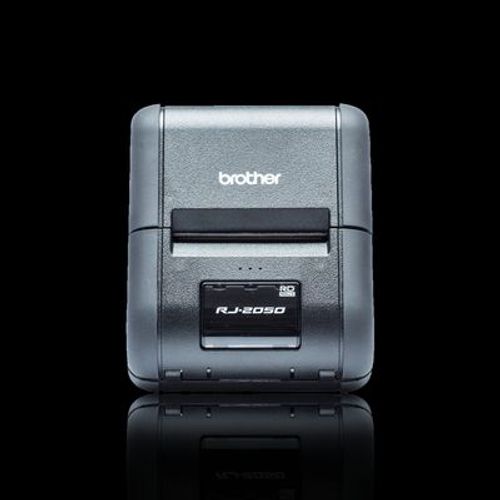
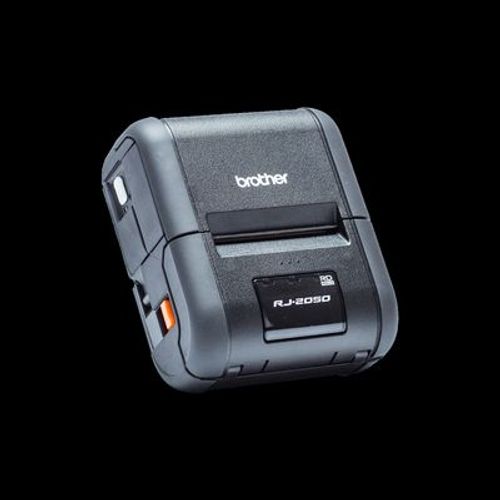
Toote tegelik värvus võib erineda piltidel kujutatavast ning pildid on
illustratiivsed.
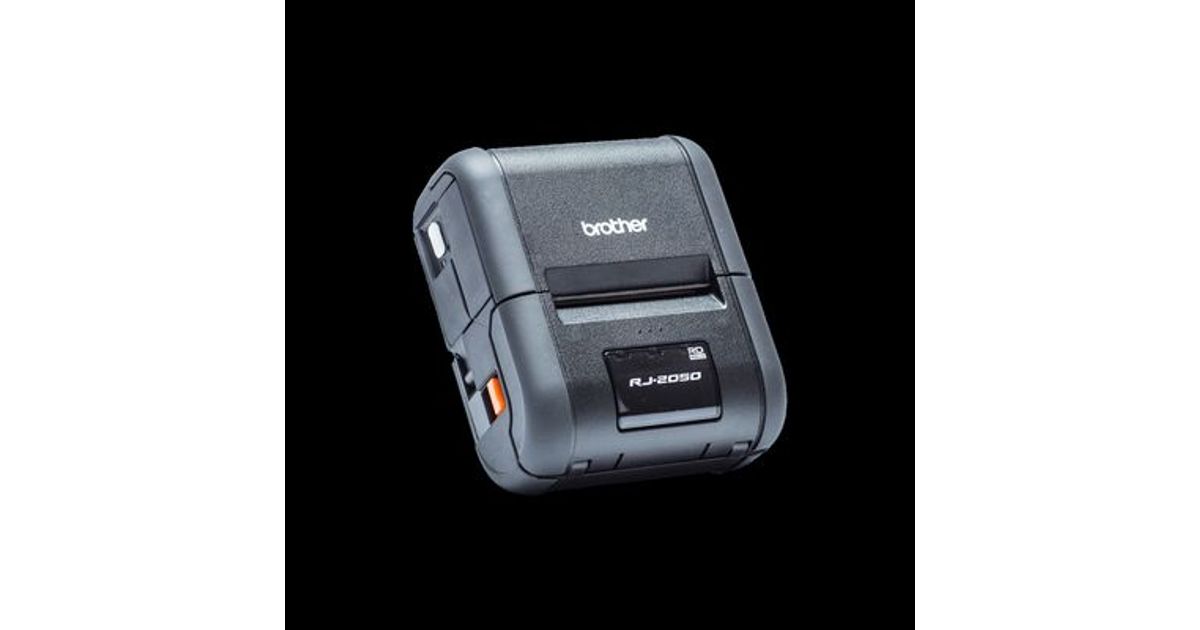
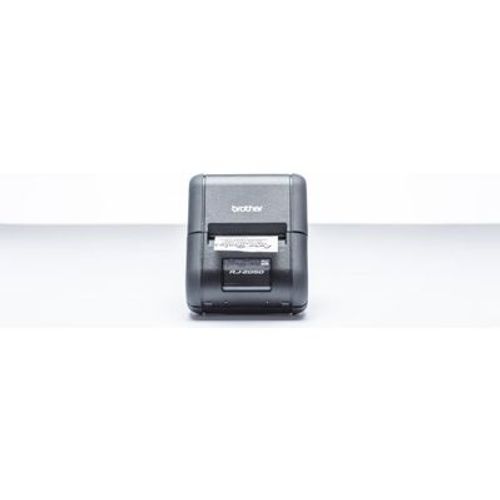
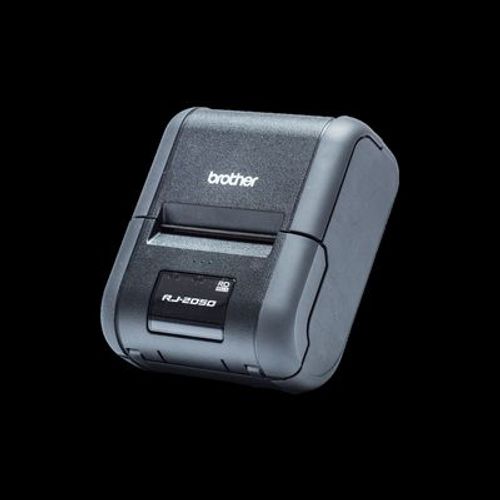
Brother RJ-2050 POS printer 203 x 203 DPI Wired & Wireless Direct thermal Mobile printer
Brother RJ-2050, Direct thermal, Mobile printer, 203 x 203 DPI, 6 ips, 152 mm/sec, 4 cm
Read more...
Read more...
Product Information
| Information | |
|---|---|
| Manufacturer | Brother |
| Product code | 16475405 |
| EAN | 05706998712516 |
| Manufacturer part number | RJ-2050 |
| Category | Label printers and accessories |
| Features | |
|---|---|
| Print technology | Direct thermal |
| Type | Mobile printer |
| Print speed | 152 mm/sec |
| Page description languages | CPCL-native,ESC P,ZPL II |
| RAM capacity | 0.032 GB |
| Printing | |
|---|---|
| Maximum resolution | 203 x 203 DPI |
| Print speed | 6 ips |
| Maximum printing width | 5.4 cm |
| Weight & dimensions | |
|---|---|
| Maximum roll diameter | 4 cm |
| Width | 122 mm |
| Depth | 100 mm |
| Height | 57 mm |
| Weight | 465 g |
| Paper handling | |
|---|---|
| Supported paper width | 58 mm |
| Maximum media length | 100 cm |
| Other features | |
|---|---|
| Media thickness | 0.058 - 0.09 mm |
| USB 2.0 ports quantity | 1 |
| Standard interfaces | Bluetooth, USB 2.0, Wireless LAN |
| Quick start guide | Y |
| Keyboard | |
|---|---|
| Connectivity technology | Wired & Wireless |
| Ports & interfaces | |
|---|---|
| USB port | Y |
| USB connector | Mini-USB Type-B |
| Bluetooth profiles | BIP,HCRP,OPP,SPP |
| Network | |
|---|---|
| Bluetooth | Y |
| Bluetooth version | 2.1+EDR |
| Ethernet LAN | N |
| Wi-Fi | Y |
| Wi-Fi standards | 802.11b,802.11g,Wi-Fi 4 (802.11n) |
| Security algorithms | 64-bit WEP,128-bit WEP,EAP-FAST,EAP-TLS,EAP-TTLS,LEAP,PEAP,WEP,WPA,WPA2-PSK |
| Wi-Fi Direct | Y |
| Mobile printing technologies | Apple AirPrint |
| Performance | |
|---|---|
| Built-in barcodes | AZTECCODE, CODABAR (NW-7), Code 128 (A/B/C), Code 39, Code 93, Data Matrix, EAN128, EAN13, EAN8, ITF, MaxiCode, Micro QR Code, PDF417, POSTNET, QR Code, UPC-A, UPC-E |
| Flash memory | 32 MB |
| Design | |
|---|---|
| Product colour | Black |
| Built-in display | Y |
| Display type | LCD |
| International Protection (IP) code | IP54 |
| Battery | |
|---|---|
| Battery technology | Lithium-Ion (Li-Ion) |
| Battery voltage | 7.2 V |
| Operational conditions | |
|---|---|
| Operating temperature (T-T) | -10 - 50 °C |
| Storage temperature (T-T) | -20 - 60 °C |
| Operating relative humidity (H-H) | 10 - 90% |
| Storage relative humidity (H-H) | 0 - 95% |
| System requirements | |
|---|---|
| Mobile operating systems supported | Android 4.0, Android 4.1, Android 4.2, Android 4.3, Android 4.4, Android 5.0, Android 5.1, iOS 6.0, iOS 6.1, iOS 7.0, iOS 7.1, iOS 7.2, iOS 8.0, iOS 8.1, iOS 8.2, iOS 8.3, iOS 8.4, iOS 9.0, iOS 9.1, iOS 9.2, iOS 9.3 |
| Power | |
|---|---|
| Rechargeable | Y |
Product Description
Rugged 2" mobile receipt printer with Bluetooth and Wi-Fi
Offering the highest print speed in its class, and a range of connectivity options for iOS, Android mobile devices, and Windows desktop, the RJ-2050 is built for the toughest environments. The easy-to-read LCD display along with easy-to-load rolls make the RJ-2050 the ideal mobile printer for your business.
On-demand printing
Leave receipts with your customers in a timely manner on completion of work, or when items are delivered. Increase the efficiency of your mobile operatives within field service/sales, retail, public safety, emergency services logistics, warehousing or manufacturing.
Designed for tough jobs
With an IP54 rating against dust and moisture, and 2.5 metre drop protection, the RJ-2050 can withstand the rigours of daily use. This can help reduce the downtime caused by damaged equipment.
Wi-Fi, Bluetooth and USB connectivity
The RJ-2050 has a range of integrated connectivity options including Bluetooth (with support for Apple MFi). Connect to your Wi-Fi network or set the printer to use Wireless Direct mode where a wireless network is unavailable. For Windows based PC's a USB port is provided for reliable connectivity.
Integration into legacy systems
For maximum compatibility with legacy systems, the RJ-2050 supports ZPL II and CPCL emulations. Alternatively use the Brother ESC/P printer language to access, modify and print templates in the printer's flash memory which were previously designed and uploaded from your PC.
SDK's for iOS, Android and Windows devices
Easily add printing within your existing apps and software by harnessing the power of one of the Brother SDK's (Software Development Kits) available. Use the Brother B-PAC SDK for Windows based programs, or one of the Brother Print SDK's for iPhone, iPad or Android devices.
Offering the highest print speed in its class, and a range of connectivity options for iOS, Android mobile devices, and Windows desktop, the RJ-2050 is built for the toughest environments. The easy-to-read LCD display along with easy-to-load rolls make the RJ-2050 the ideal mobile printer for your business.
On-demand printing
Leave receipts with your customers in a timely manner on completion of work, or when items are delivered. Increase the efficiency of your mobile operatives within field service/sales, retail, public safety, emergency services logistics, warehousing or manufacturing.
Designed for tough jobs
With an IP54 rating against dust and moisture, and 2.5 metre drop protection, the RJ-2050 can withstand the rigours of daily use. This can help reduce the downtime caused by damaged equipment.
Wi-Fi, Bluetooth and USB connectivity
The RJ-2050 has a range of integrated connectivity options including Bluetooth (with support for Apple MFi). Connect to your Wi-Fi network or set the printer to use Wireless Direct mode where a wireless network is unavailable. For Windows based PC's a USB port is provided for reliable connectivity.
Integration into legacy systems
For maximum compatibility with legacy systems, the RJ-2050 supports ZPL II and CPCL emulations. Alternatively use the Brother ESC/P printer language to access, modify and print templates in the printer's flash memory which were previously designed and uploaded from your PC.
SDK's for iOS, Android and Windows devices
Easily add printing within your existing apps and software by harnessing the power of one of the Brother SDK's (Software Development Kits) available. Use the Brother B-PAC SDK for Windows based programs, or one of the Brother Print SDK's for iPhone, iPad or Android devices.