Toote tegelik värvus võib erineda piltidel kujutatavast ning pildid on
illustratiivsed.
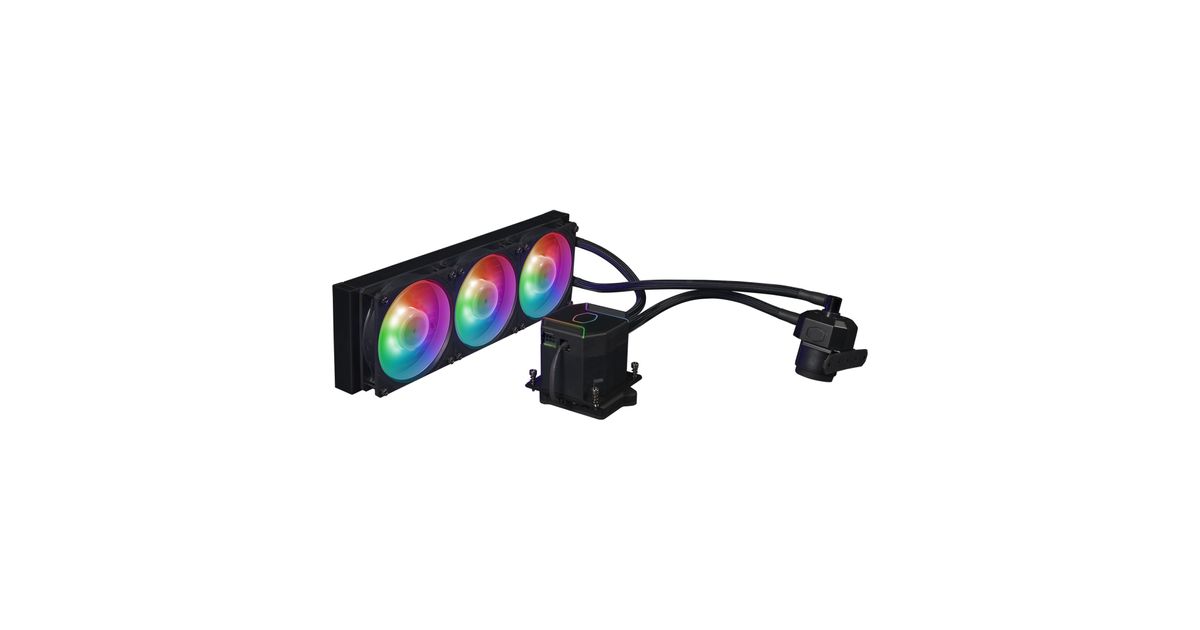
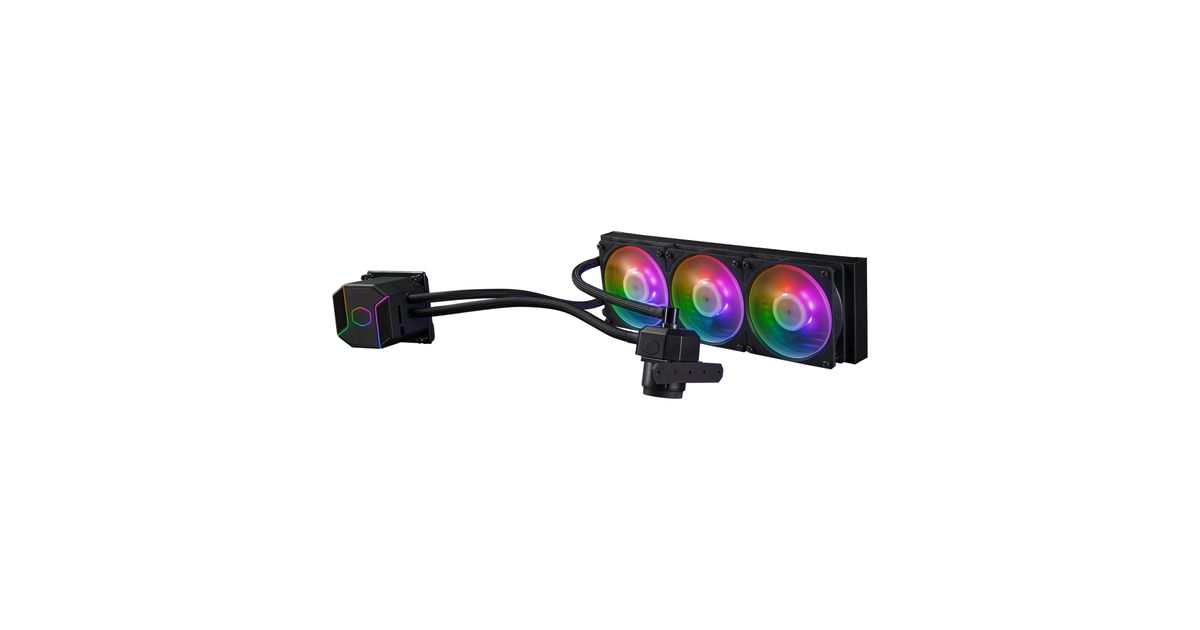
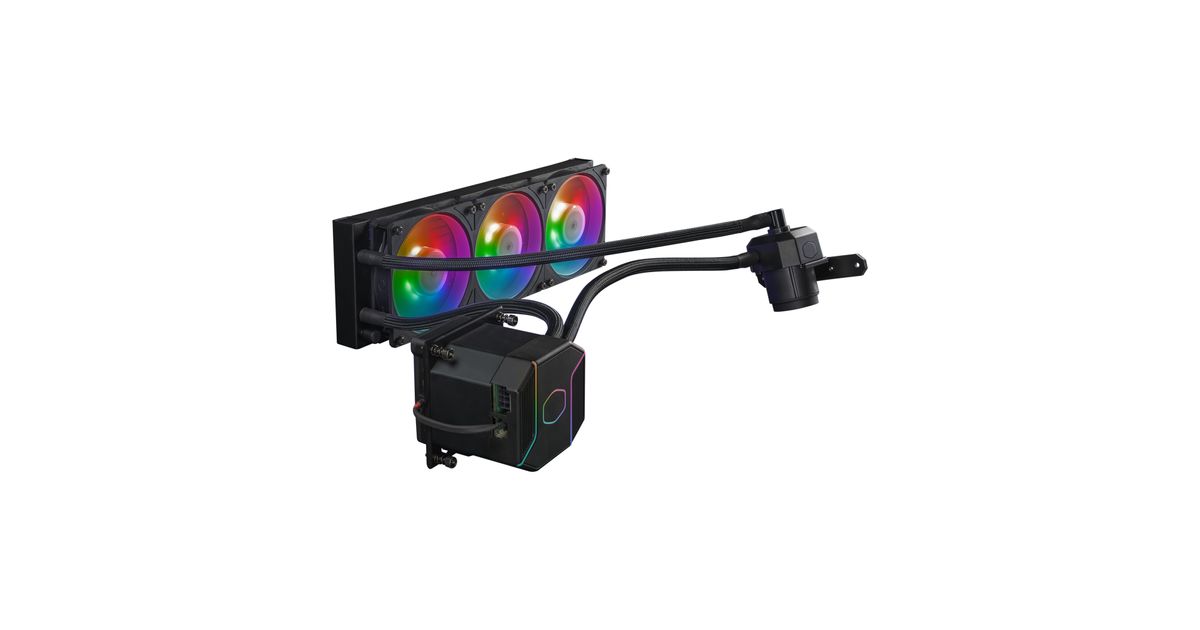
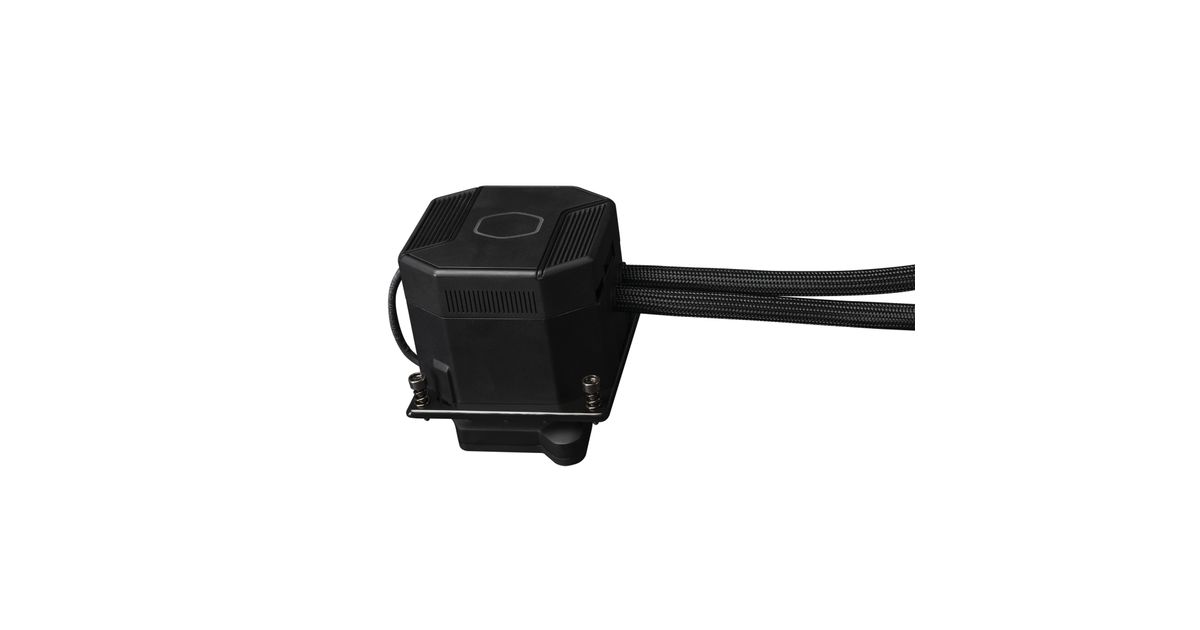
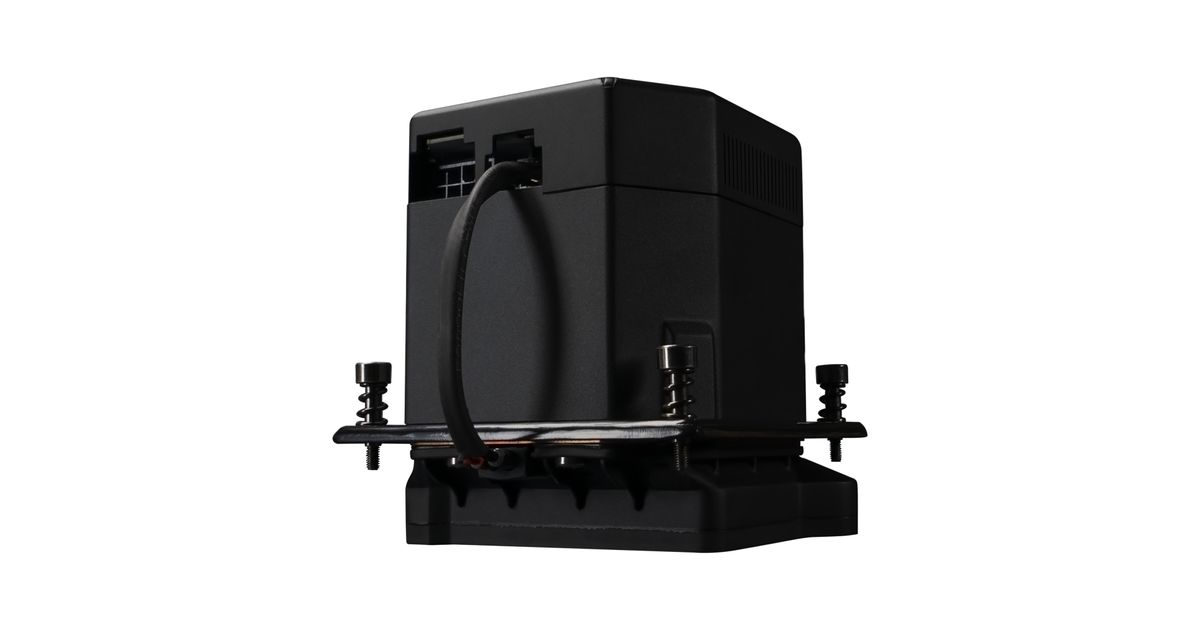
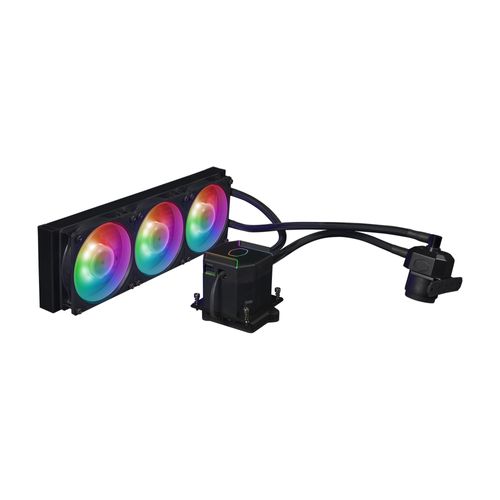
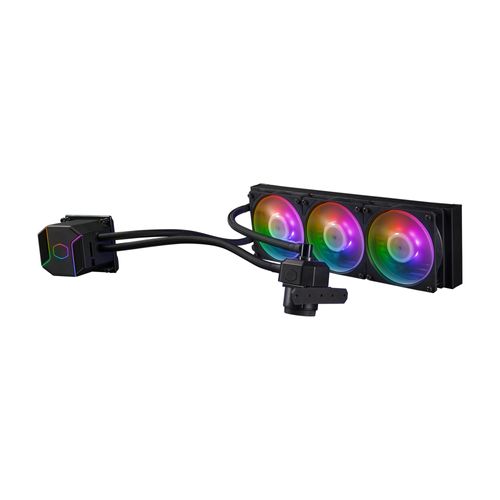
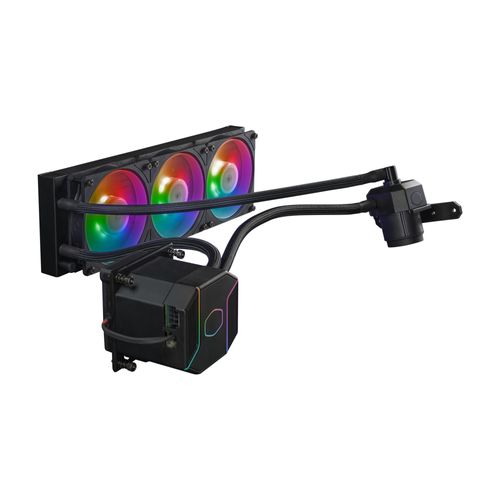
Cooler Master Masterliquid ML360 SUB-ZERO EVO Processor Liquid сooling kit 12 cm Black 1 pc(s)
Cooler Master Masterliquid ML360 SUB-ZERO EVO, Liquid сooling kit, 12 cm, 75.2 cfm, Black
Read more...
Read more...
Product Information
| Information | |
|---|---|
| Manufacturer | Cooler Master |
| Product code | 2210248229 |
| EAN | 04719512135259 |
| Manufacturer part number | MLZ-D36M-A24PZ-17 |
| Category | Liquid cooling |
Product Description
The Chilled Champion
Cooler Master has redesigned the innovative Thermoelectric Cooling (TEC) solution with the launch of the new MasterLiquid ML360 SUB-ZERO EVO. In collaboration with Intel® Cooler Master has developed an AIO to attain sub-ambient cooling in combination with Intel® Cryo Cooling Technology, creating the ultimate AIO Liquid Cooler that delivers the best cooling performance for Intel’s performance CPUs.
Intel® Cryo Cooling Technology
Powered by Intel® Cryo Cooling Technology with integrated software to allow customizable overclocking catered to your specific needs.
Thermoelectric Cooling (TEC)
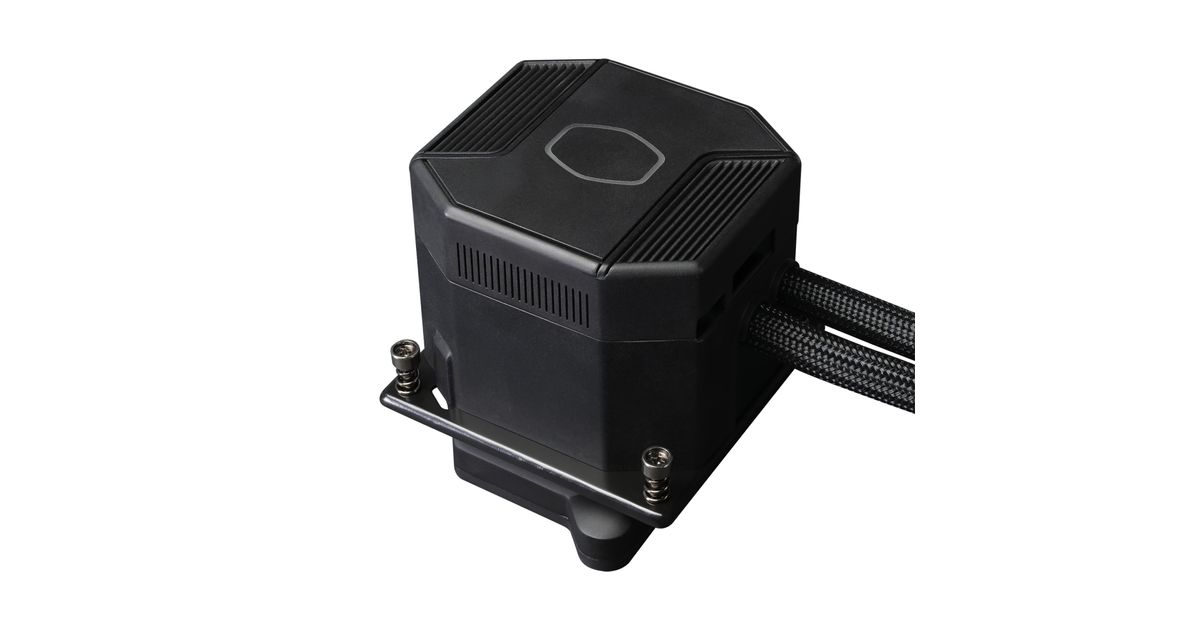
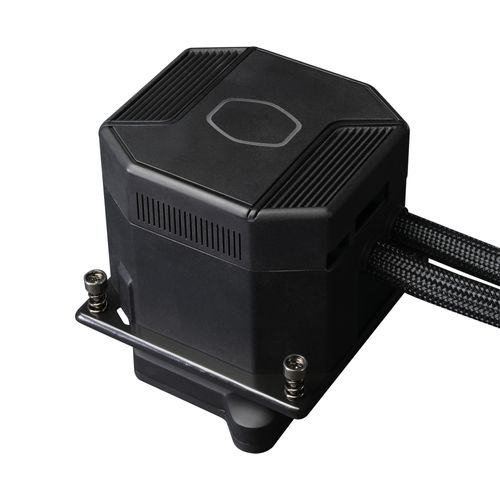
The redesigned TEC unit within the water block accelerates cooling to deliver maximum overclocking of your Intel® processor.
NEW DIY PUMP
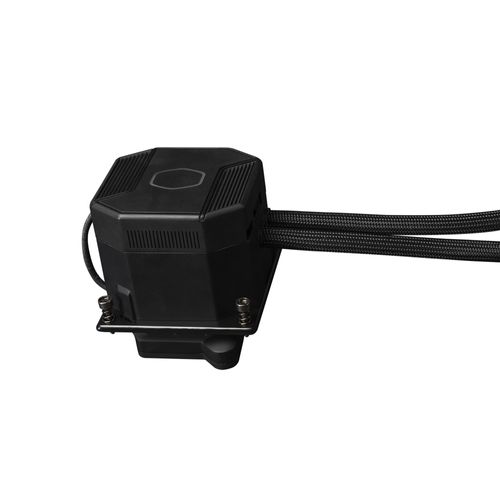
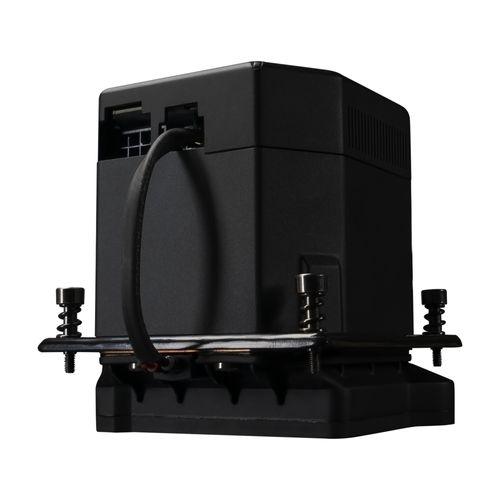
Compact DIY pump upgraded with silent IC delivers better noise performance with small footprint.
Low Profile Radiator
Low profile radiator with superior fin density coupled with performance fans dissipates heat rapidly.
New Mobius Fans
Acclaimed Mobius Series fans optimized for both performance and acoustics to cater to all demands from case, liquid or air cooling for gaming & overclocking.
Setting Up Overclocking on Your CPU
Overclocking your CPU doesn’t have to be complicated and can be achieved in 2 basic ways: Overclocking through BIOS Settings OR Using Intel XTU Software (For more info on downloading and setting up XTU software, click the link below)
Cooler Master has redesigned the innovative Thermoelectric Cooling (TEC) solution with the launch of the new MasterLiquid ML360 SUB-ZERO EVO. In collaboration with Intel® Cooler Master has developed an AIO to attain sub-ambient cooling in combination with Intel® Cryo Cooling Technology, creating the ultimate AIO Liquid Cooler that delivers the best cooling performance for Intel’s performance CPUs.
Intel® Cryo Cooling Technology
Powered by Intel® Cryo Cooling Technology with integrated software to allow customizable overclocking catered to your specific needs.
Thermoelectric Cooling (TEC)
The redesigned TEC unit within the water block accelerates cooling to deliver maximum overclocking of your Intel® processor.
NEW DIY PUMP
Compact DIY pump upgraded with silent IC delivers better noise performance with small footprint.
Low Profile Radiator
Low profile radiator with superior fin density coupled with performance fans dissipates heat rapidly.
New Mobius Fans
Acclaimed Mobius Series fans optimized for both performance and acoustics to cater to all demands from case, liquid or air cooling for gaming & overclocking.
Setting Up Overclocking on Your CPU
Overclocking your CPU doesn’t have to be complicated and can be achieved in 2 basic ways: Overclocking through BIOS Settings OR Using Intel XTU Software (For more info on downloading and setting up XTU software, click the link below)