Toote tegelik värvus võib erineda piltidel kujutatavast ning pildid on
illustratiivsed.
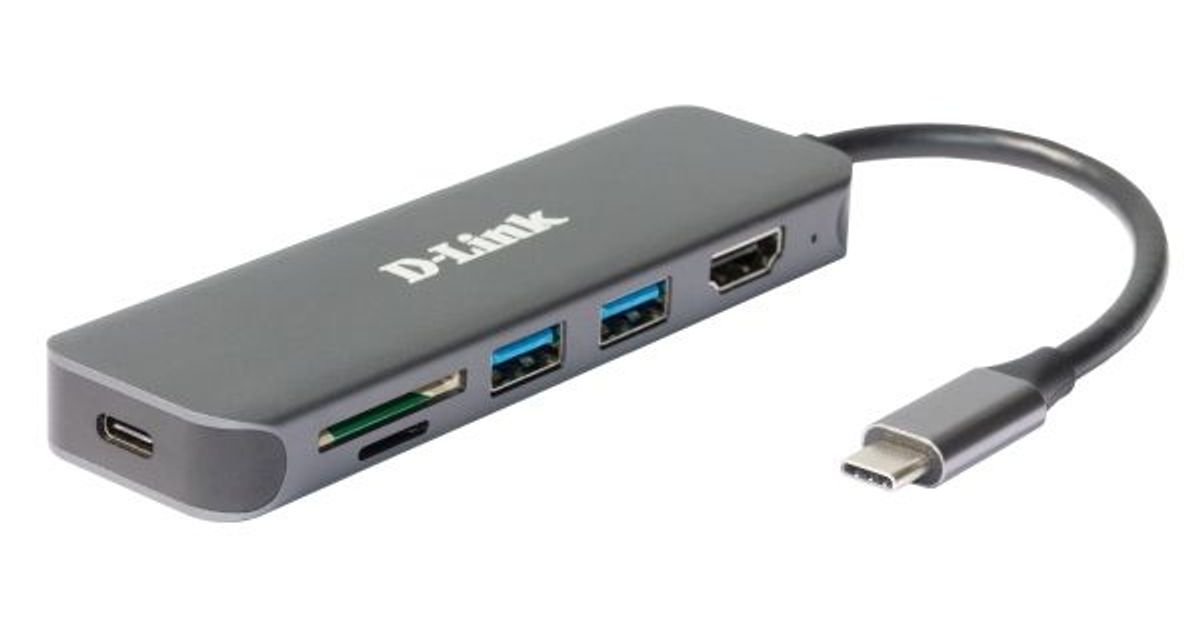
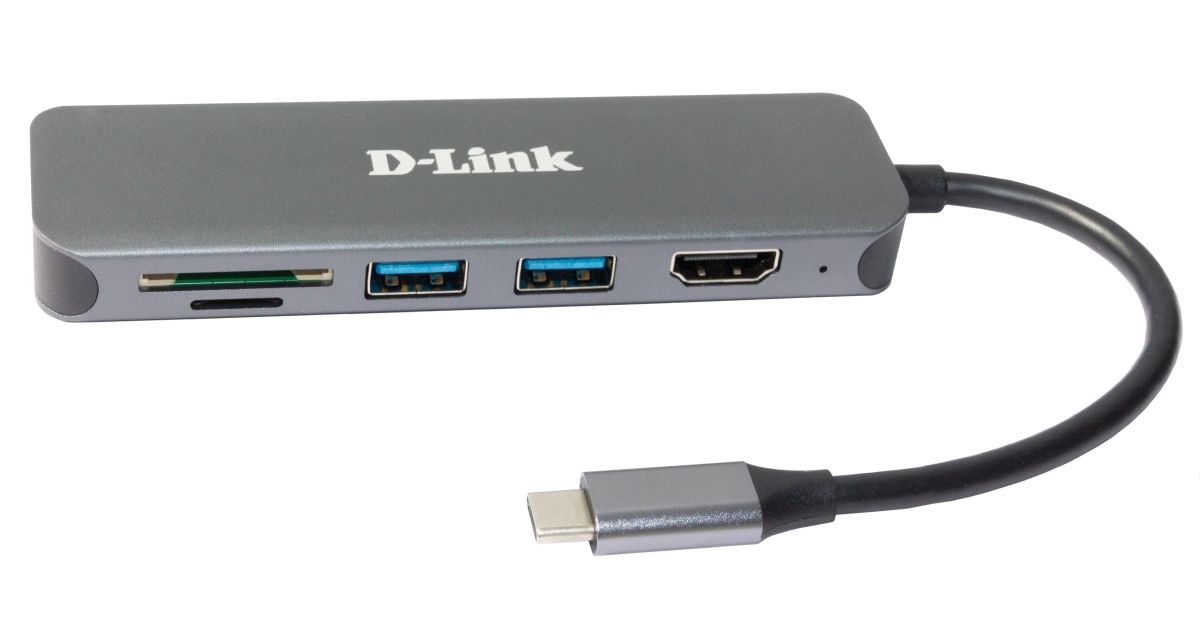
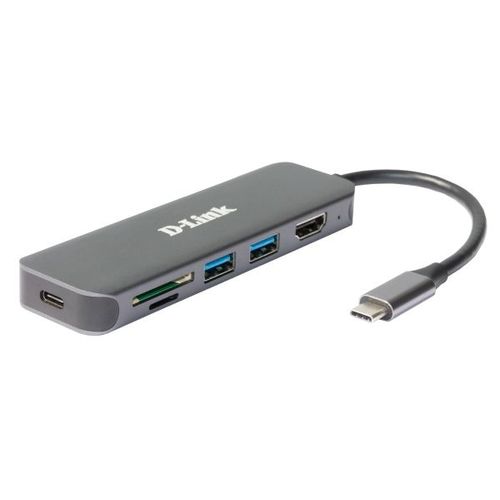
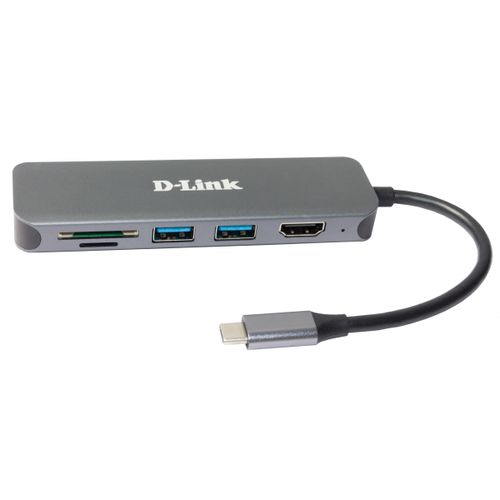
D-Link DUB-2327 notebook dock/port replicator Wired USB Type-C Grey
D-Link DUB-2327, Wired, USB Type-C, Grey, MicroSD (TransFlash), SD, 4K Ultra HD, HDMI, USB 3.2 Gen 1 (3.1 Gen 1) Type-A, USB Type-C
Read more...
Read more...
Product Information
| Information | |
|---|---|
| Manufacturer | D-Link |
| Product code | 167816447 |
| EAN | 00790069468582 |
| Manufacturer part number | DUB-2327 |
| Category | USB cables and adapters |
| Keyboard | |
|---|---|
| Connectivity technology | Wired |
| Ports & interfaces | |
|---|---|
| Host interface | USB Type-C |
| USB 3.2 Gen 1 (3.1 Gen 1) Type-A ports quantity | 2 |
| HDMI ports quantity | 1 |
| Microphone in | N |
| USB 3.2 Gen 1 (3.1 Gen 1) Type-C ports quantity | 1 |
| Hub interfaces | HDMI, USB 3.2 Gen 1 (3.1 Gen 1) Type-A, USB Type-C |
| Features | |
|---|---|
| USB Power Delivery | Y |
| USB Power Delivery revision | 3.0 |
| Plug and Play | Y |
| Power supply type | USB |
| Cable type | Round cable |
| Design | |
|---|---|
| Product colour | Grey |
| LED indicators | Power |
| Storage | |
|---|---|
| Card reader integrated | Y |
| Compatible memory cards | MicroSD (TransFlash), SD |
| Display | |
|---|---|
| HD type | 4K Ultra HD |
| Power | |
|---|---|
| Output voltage | 20 V |
| Output current | 3 A |
| Software | |
|---|---|
| Windows operating systems supported | Windows 10, Windows 7, Windows 8, Windows 8.1 |
| Mac operating systems supported | Mac OS X 10.8 Mountain Lion |
| Operational conditions | |
|---|---|
| Operating temperature (T-T) | 0 - 45 °C |
| Storage temperature (T-T) | -10 - 70 °C |
| Operating relative humidity (H-H) | 0 - 85% |
| Storage relative humidity (H-H) | 0 - 85% |
| Maximum operating temperature | 45 °C |
| Weight & dimensions | |
|---|---|
| Width | 35 mm |
| Depth | 118 mm |
| Height | 13 mm |
| Weight | 70 g |
| Packaging data | |
|---|---|
| Quantity per pack | 1 pc(s) |
| Other features | |
|---|---|
| Quick start guide | Y |
Product Description
The DUB-2327 docking station allows you to enhance the functionality of your laptop or desktop computer equipped with USB Type-C port. USB 3.0 ports allow to connect up to two peripheral USB devices to the DUB-2327, HDMI port1 supporting up to 4K resolution is used for connecting monitor, and dual slot SD card reader allows you to insert SD and microSD cards into the corresponding slots. USB Type-C port is intended for connecting PD 3.0 charger, allowing to deliver not only data, but also power to your laptop via connected DUB-2327 docking station. This means you can charge your laptop while also connect additional devices like monitors, SD and microSD cards, digital and web cameras, card readers, hard drives, mice, keyboards, printers, scanners, and other peripheral devices.
Add Two USB 3.0 Ports to Your Computer
With the DUB-2327 docking station, you can conveniently add two USB 3.0 ports and connect peripheral devices to your computer. USB 3.0 technology supports data rates of up to 5 Gbps.
Dual Slot SD Card Reader
The DUB-2327 docking station is equipped with the SD and microSD card slots. Use the dual slot card reader to access data on a SD and microSD card simultaneously.
PD 3.0 Standard
USB Type-C port is intended for connecting PD 3.0 charger, allowing to deliver not only data, but also power to your laptop via connected DUB-2327 docking station.
Plug-and-Play Support
Simply connect the DUB-2327 to your computer. It’s that easy - no drivers or software installation is required.
Add Two USB 3.0 Ports to Your Computer
With the DUB-2327 docking station, you can conveniently add two USB 3.0 ports and connect peripheral devices to your computer. USB 3.0 technology supports data rates of up to 5 Gbps.
Dual Slot SD Card Reader
The DUB-2327 docking station is equipped with the SD and microSD card slots. Use the dual slot card reader to access data on a SD and microSD card simultaneously.
PD 3.0 Standard
USB Type-C port is intended for connecting PD 3.0 charger, allowing to deliver not only data, but also power to your laptop via connected DUB-2327 docking station.
Plug-and-Play Support
Simply connect the DUB-2327 to your computer. It’s that easy - no drivers or software installation is required.