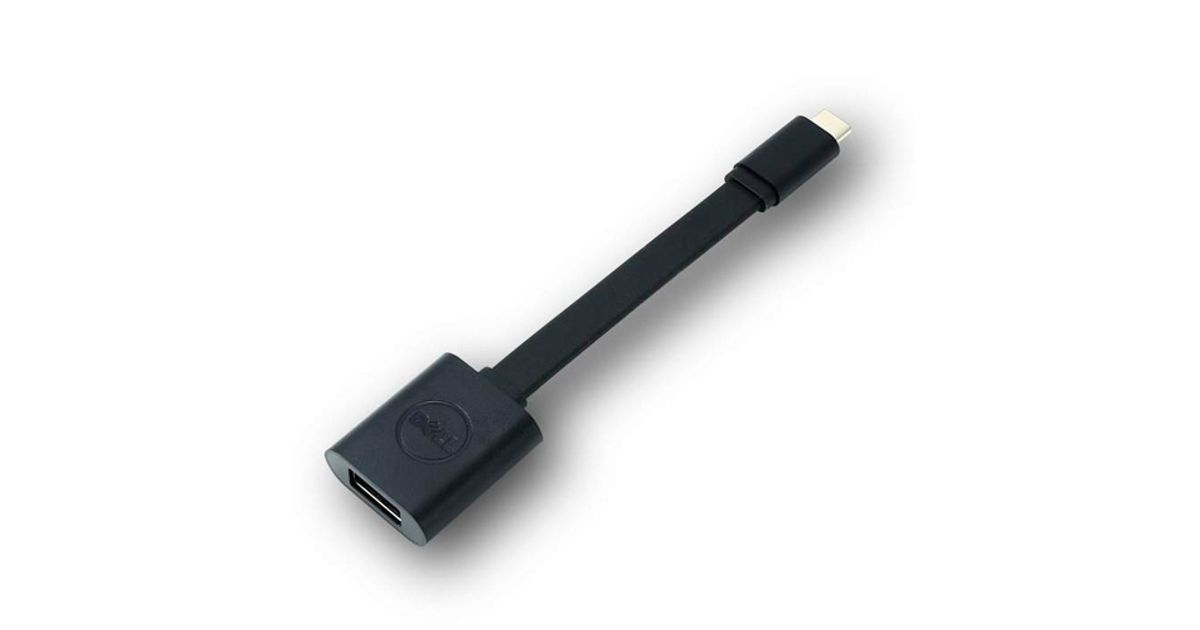
Toote tegelik värvus võib erineda piltidel kujutatavast ning pildid on
illustratiivsed.
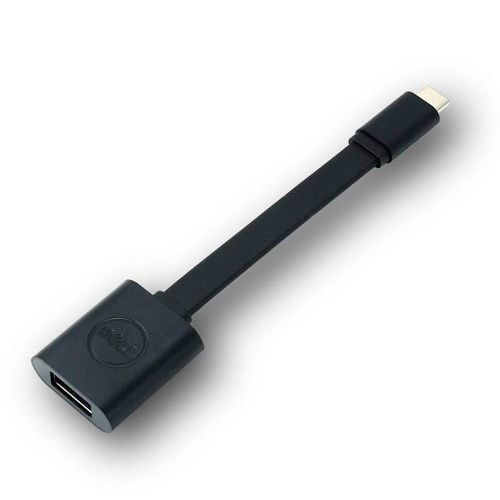
DELL 470-ABNE USB cable 0.132 m USB 3.2 Gen 1 (3.1 Gen 1) USB C USB A Black
DELL 470-ABNE, 0.132 m, USB C, USB A, USB 3.2 Gen 1 (3.1 Gen 1), Male/Female, Black
Read more...
Read more...
Product Information
| Information | |
|---|---|
| Manufacturer | DELL |
| Product code | 166122464 |
| EAN | 00884116197225 |
| Manufacturer part number | 470-ABNE |
| Category | USB cables and adapters |
| Features | |
|---|---|
| Cable length | 0.132 m |
| USB version | USB 3.2 Gen 1 (3.1 Gen 1) |
| Connector 1 | USB C |
| Connector 2 | USB A |
| Connector 1 gender | Male |
| Connector 2 gender | Female |
| Connector gender | Male/Female |
| Harmonized System (HS) code | 84733080 |
| Design | |
|---|---|
| Product colour | Black |
Product Description
Connect your USB-C computer to USB-A 3.0 devices
With the Dell USB-C to USB-A 3.0 adapter you can connect your computer with USB-C port to standard, newly released, USB-A 3.0 devices and accessories.
Synch your legacy computer with new devices
The Dell Adapter USB-C to USB-A 3.0 is the perfect solution for synching data and charging between your legacy computer and the latest tablets, smartphones and other devices.
Easy to use
Simply plug the USB-C end of the adapter into your computer's USB-C port. Then connect your USB-A 3.0 camera, smartphone, tablet device or other device. Plus, you can also connect a USB cable to charge your smartphone or tablet.
With the Dell USB-C to USB-A 3.0 adapter you can connect your computer with USB-C port to standard, newly released, USB-A 3.0 devices and accessories.
Synch your legacy computer with new devices
The Dell Adapter USB-C to USB-A 3.0 is the perfect solution for synching data and charging between your legacy computer and the latest tablets, smartphones and other devices.
Easy to use
Simply plug the USB-C end of the adapter into your computer's USB-C port. Then connect your USB-A 3.0 camera, smartphone, tablet device or other device. Plus, you can also connect a USB cable to charge your smartphone or tablet.