Toote tegelik värvus võib erineda piltidel kujutatavast ning pildid on
illustratiivsed.
DeLOCK 64190 interface cards/adapter M.2, SATA
DeLOCK 64190, SATA, M.2, SATA, Male, Black, 0.3 m
Read more...
Read more...
Product Information
| Information | |
|---|---|
| Manufacturer | DeLOCK |
| Product code | 167530567 |
| EAN | 04043619641901 |
| Manufacturer part number | 64190 |
Product Description
Description
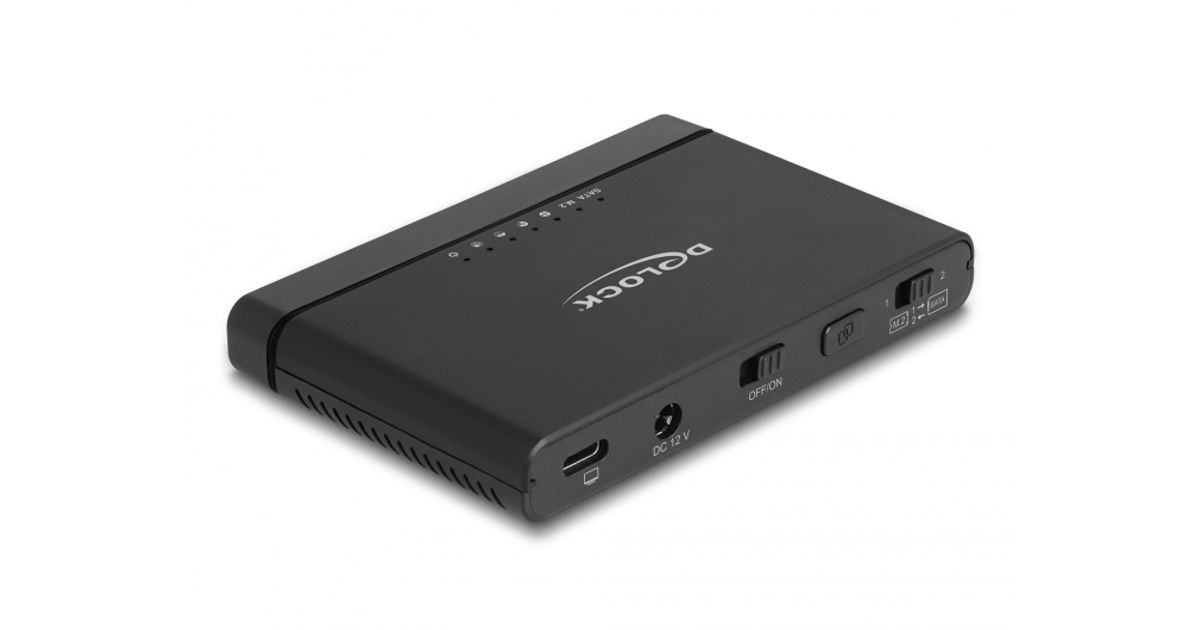
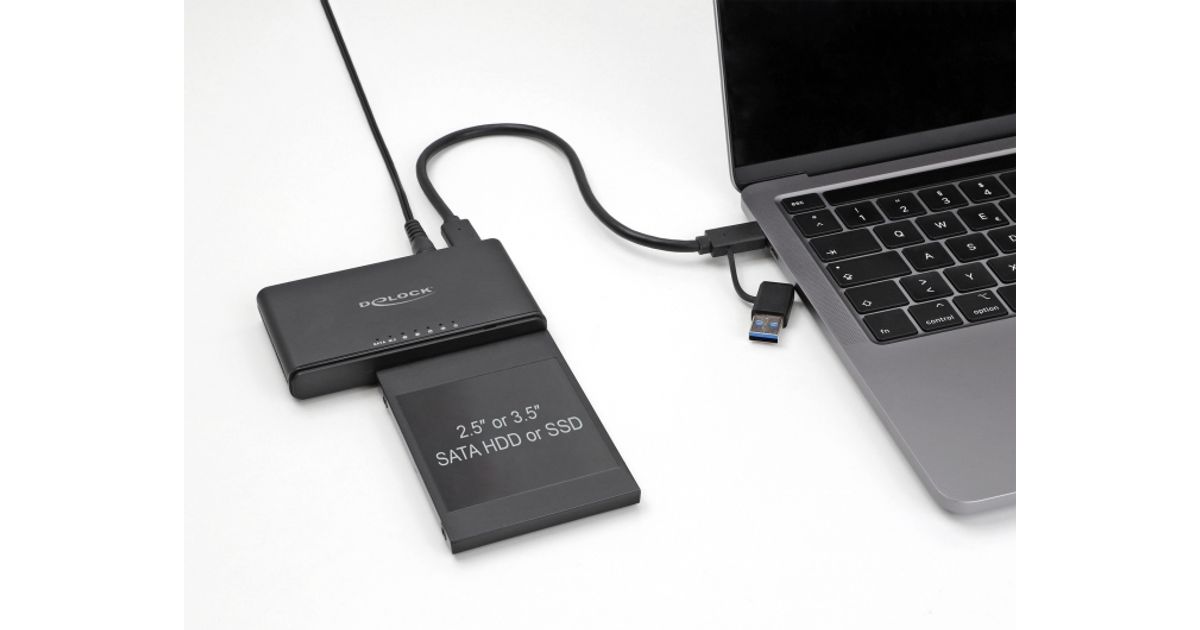
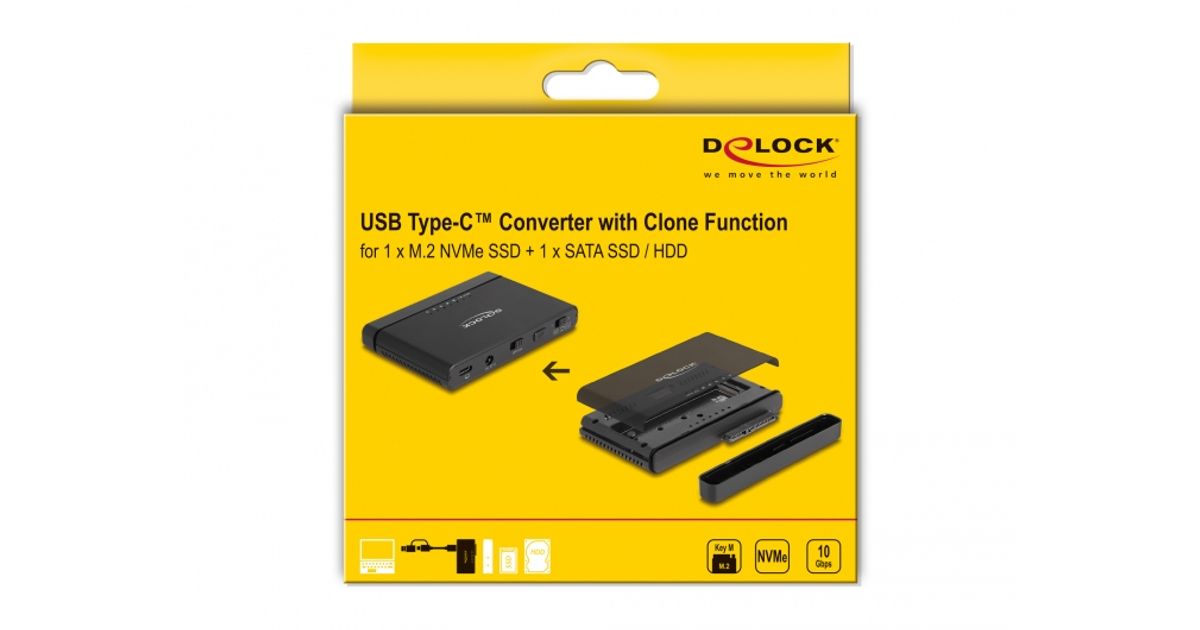
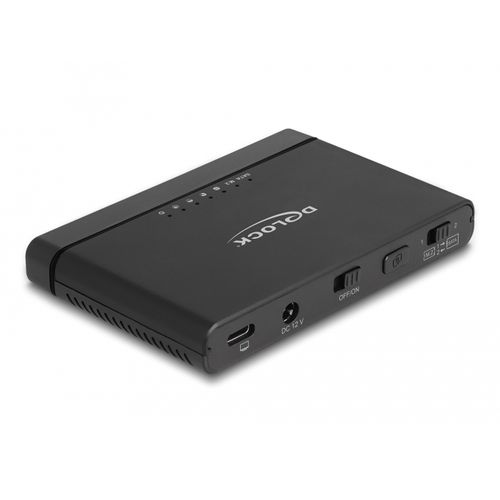
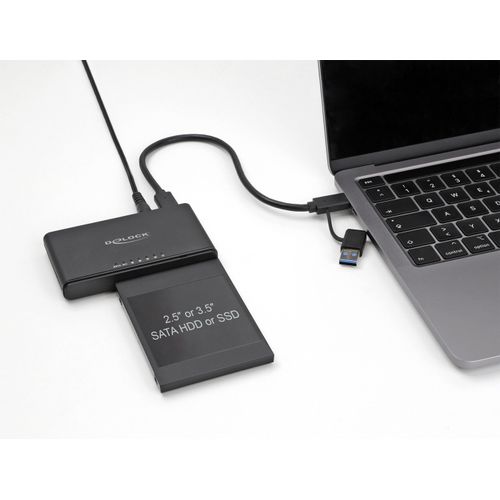
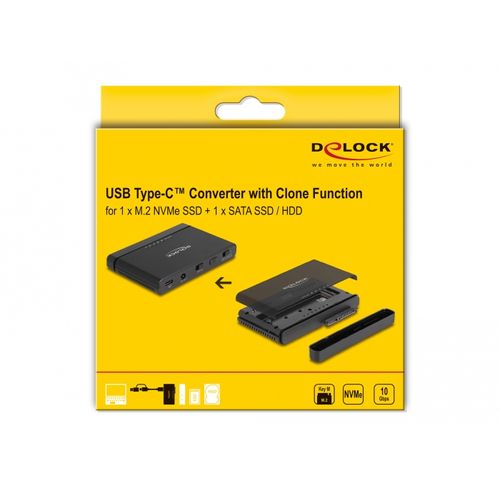
This converter by Delock enables the simultaneous operation of an M.2 NVMe SSD, in 2280, 2260 and 2242 format, and a 2.5″ or 3.5″ SATA HDD or SSD through the USB-C™ interface.
Clone Function without PC
The built-in clone function allows to clone memory without using a PC. It is possible to clone from NVMe to SATA and SATA to NVMe.
Extensive connectivity
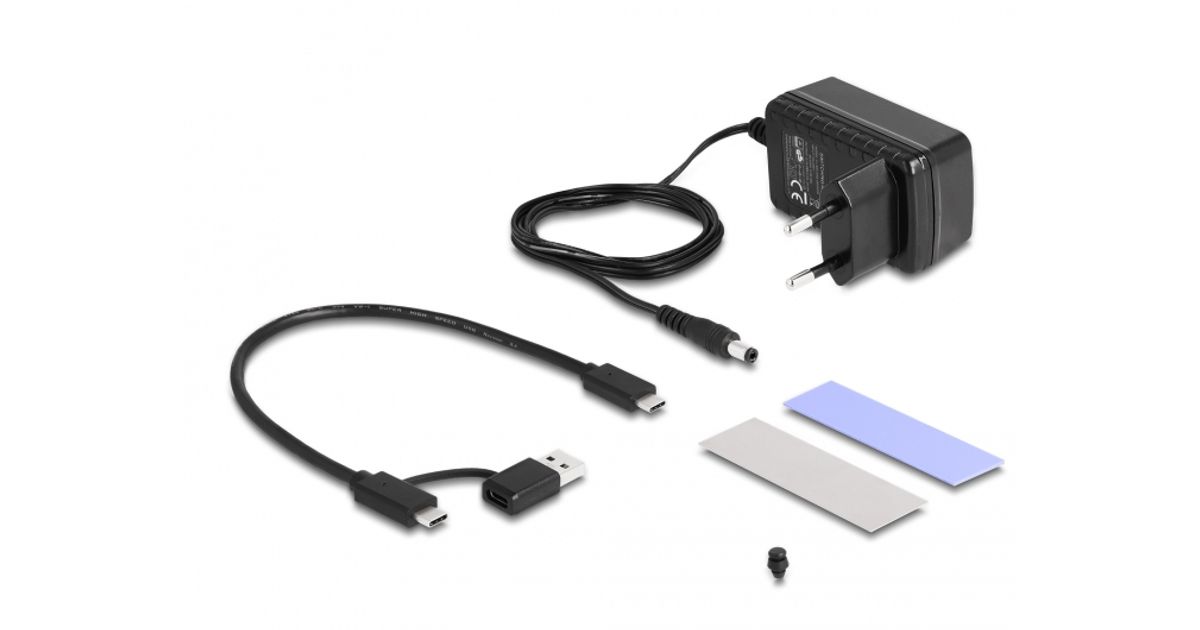
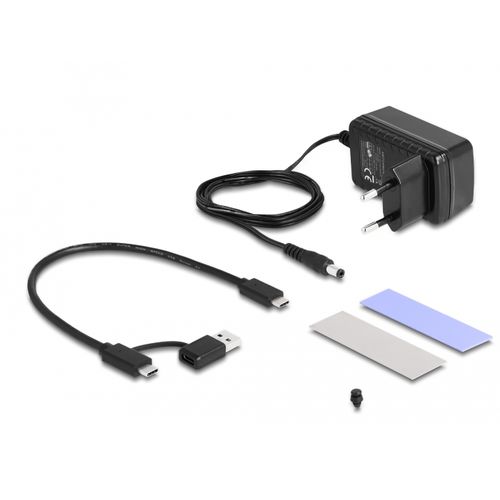
Due to the specially designed adapter, the Delock converter can be quickly and easily connected to the USB Type-A socket. Thus, it can be easily connected to new devices with USB Type-C™ female and older devices that only have a USB Type-A connector. The adapter is located directly on the cable and therefore it cannot be lost.
SSD installation without tools
No tools are required to install the M.2 SSD. The lid can be pushed backwards by a little pressure, the SSD will be attached to the PCB with a rubber nipple and then the lid is reattached until it locks.
This converter by Delock enables the simultaneous operation of an M.2 NVMe SSD, in 2280, 2260 and 2242 format, and a 2.5″ or 3.5″ SATA HDD or SSD through the USB-C™ interface.
Clone Function without PC
The built-in clone function allows to clone memory without using a PC. It is possible to clone from NVMe to SATA and SATA to NVMe.
Extensive connectivity
Due to the specially designed adapter, the Delock converter can be quickly and easily connected to the USB Type-A socket. Thus, it can be easily connected to new devices with USB Type-C™ female and older devices that only have a USB Type-A connector. The adapter is located directly on the cable and therefore it cannot be lost.
SSD installation without tools
No tools are required to install the M.2 SSD. The lid can be pushed backwards by a little pressure, the SSD will be attached to the PCB with a rubber nipple and then the lid is reattached until it locks.