Toote tegelik värvus võib erineda piltidel kujutatavast ning pildid on
illustratiivsed.
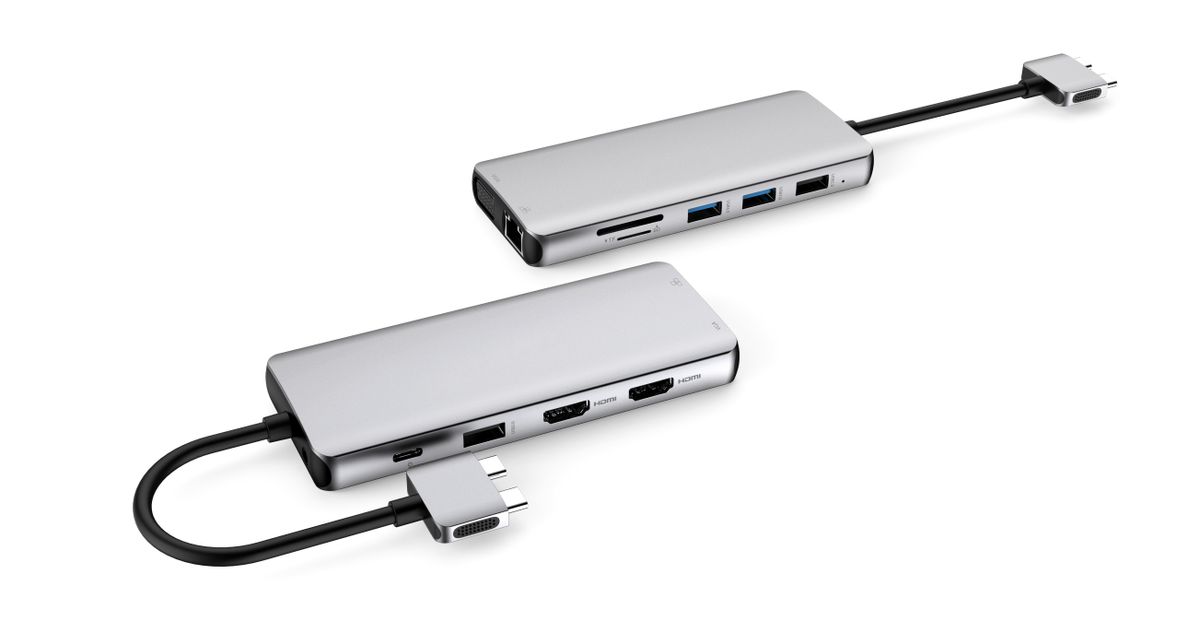
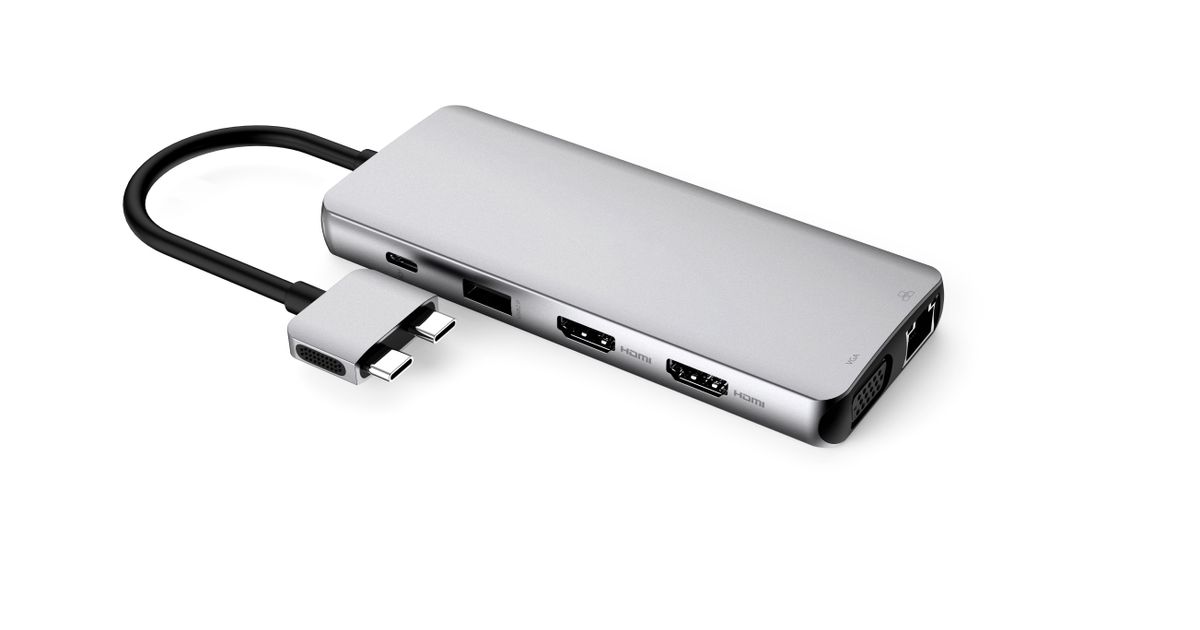
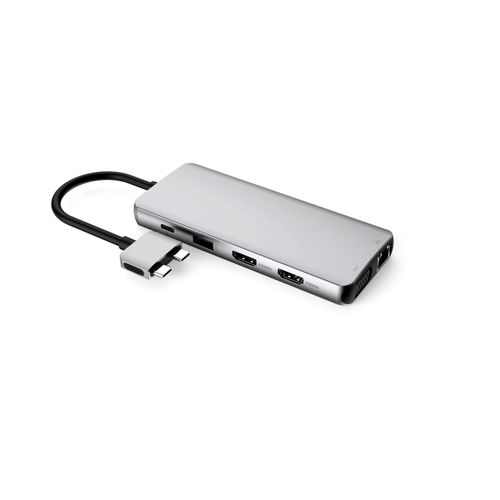
eSTUFF USB-C Dual USB-C Dock USB 3.2 Gen 1 (3.1 Gen 1) Type-C 5000 Mbit/s Aluminium, Metallic
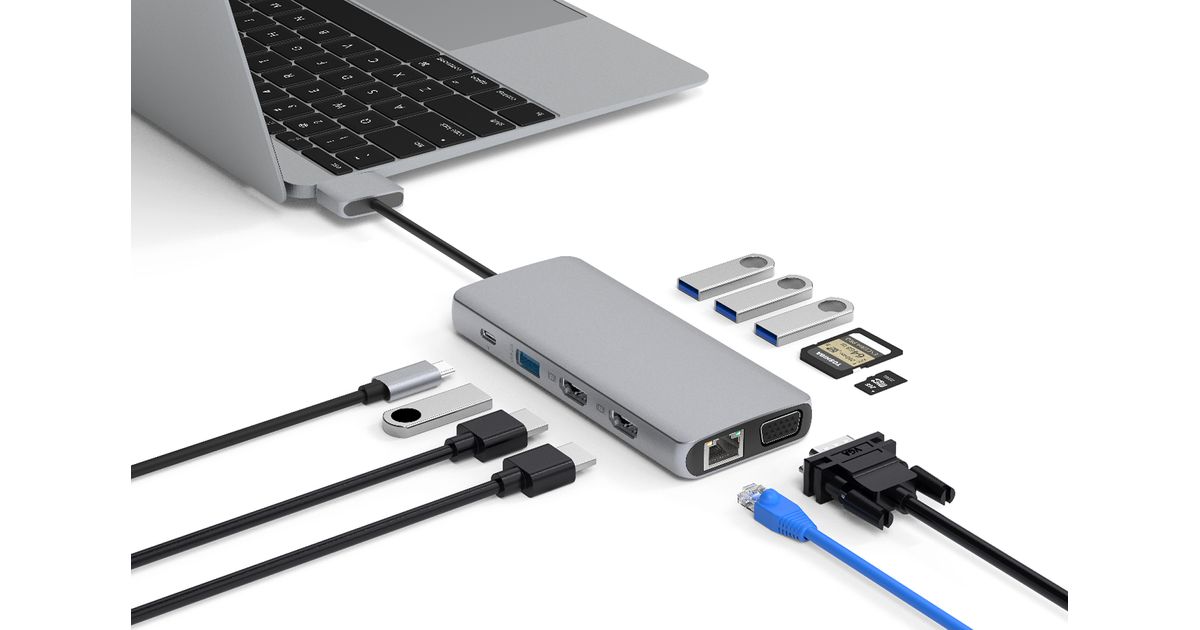
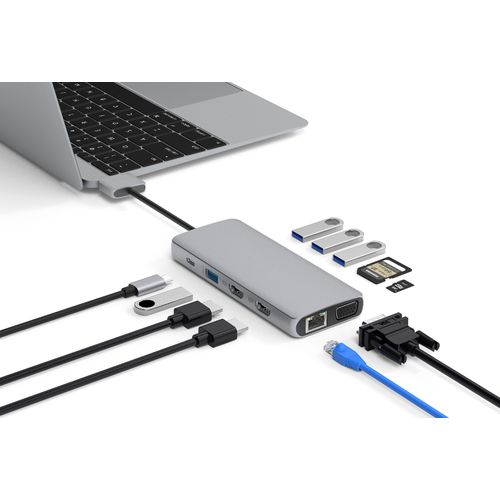
eSTUFF USB-C Dual USB-C Dock, USB 3.2 Gen 1 (3.1 Gen 1) Type-C, 3.5mm, HDMI, RJ-45, USB 2.0, USB 3.2 Gen 1 (3.1 Gen 1) Type-A, USB 3.2 Gen 1 (3.1 Gen 1) Type-C, VGA, 4096 x 2160 pixels, USB 3.2 Gen 1 (3.1 Gen 1), MicroSD (TransFlash), MicroSDHC, MicroSDXC, SD, SDHC, SDIO, SDXC, 5000 Mbit/s
Read more...
Read more...
Product Information
| Information | |
|---|---|
| Manufacturer | eSTUFF |
| Product code | 223908524 |
| EAN | 05704174098584 |
| Manufacturer part number | ES623010 |
| Category | Dockingstations |
Product Description
This dock is designed for those who want a compact but capable upgrade for their MacBook Pro or MacMini with plenty of extra ports in the office, at home or on the move.
By connecting the dual USB-C cable you get both SST and MST Display on macOS enabling extended desktop over dual or triple displays.
The dock is fully compatible with the new M1-based Macs. However, there is a limitation that the M1-based Macs currently cannot support dual screen extended display through their Thunderbolt 3 ports.
This means that when using any dock, users cannot extend their desktop over two displays, and will be limited to either dual screen mirrored display or 1 external display depending on the dock.
It is not a limitation of the dock, but of the new M1-based Macs, and users with Intel based Macs, and Windows PC users will still benefit from dual extended display support when using the dock.
All other functionality of the dock including PD laptop charging will work as normal.
By connecting the dual USB-C cable you get both SST and MST Display on macOS enabling extended desktop over dual or triple displays.
The dock is fully compatible with the new M1-based Macs. However, there is a limitation that the M1-based Macs currently cannot support dual screen extended display through their Thunderbolt 3 ports.
This means that when using any dock, users cannot extend their desktop over two displays, and will be limited to either dual screen mirrored display or 1 external display depending on the dock.
It is not a limitation of the dock, but of the new M1-based Macs, and users with Intel based Macs, and Windows PC users will still benefit from dual extended display support when using the dock.
All other functionality of the dock including PD laptop charging will work as normal.