

Toote tegelik värvus võib erineda piltidel kujutatavast ning pildid on
illustratiivsed.
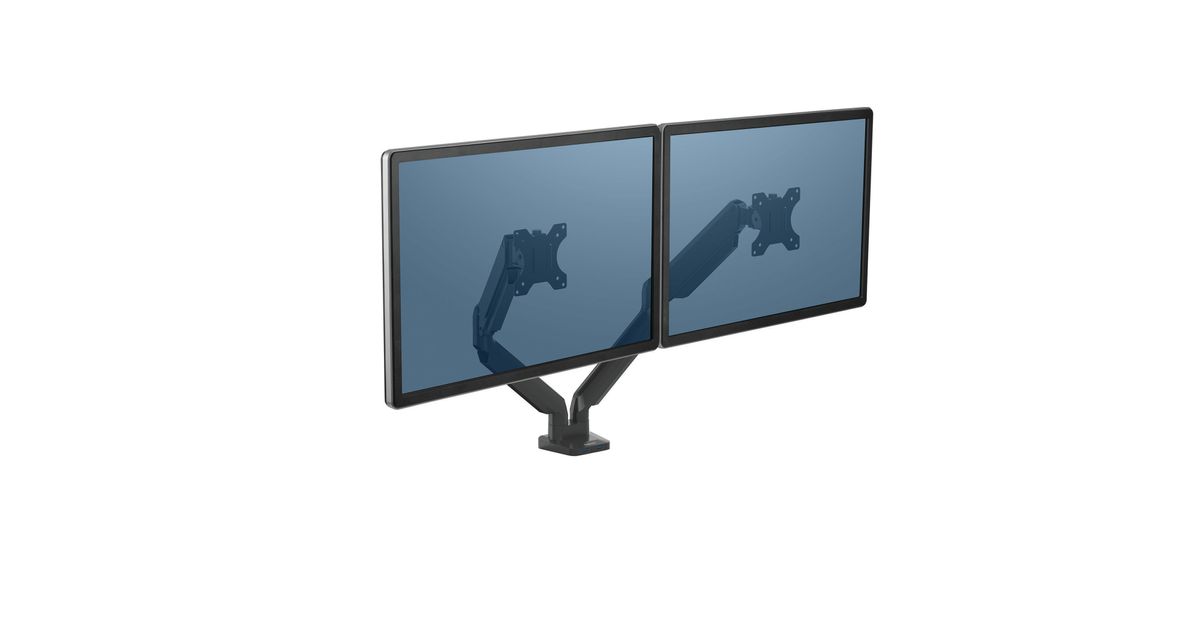
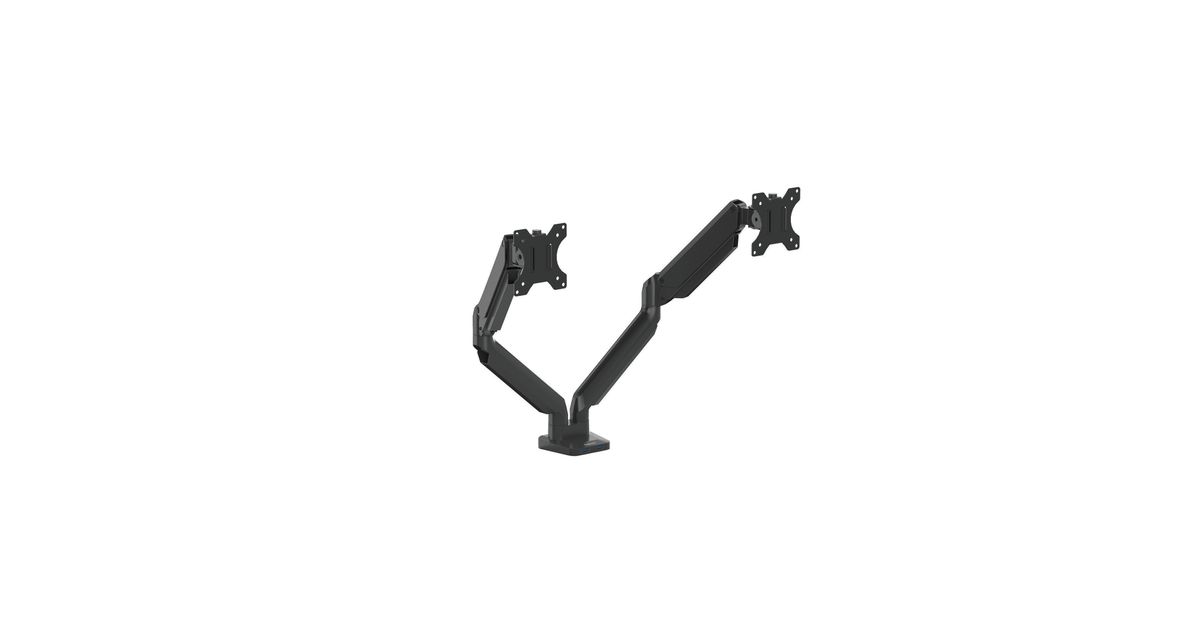
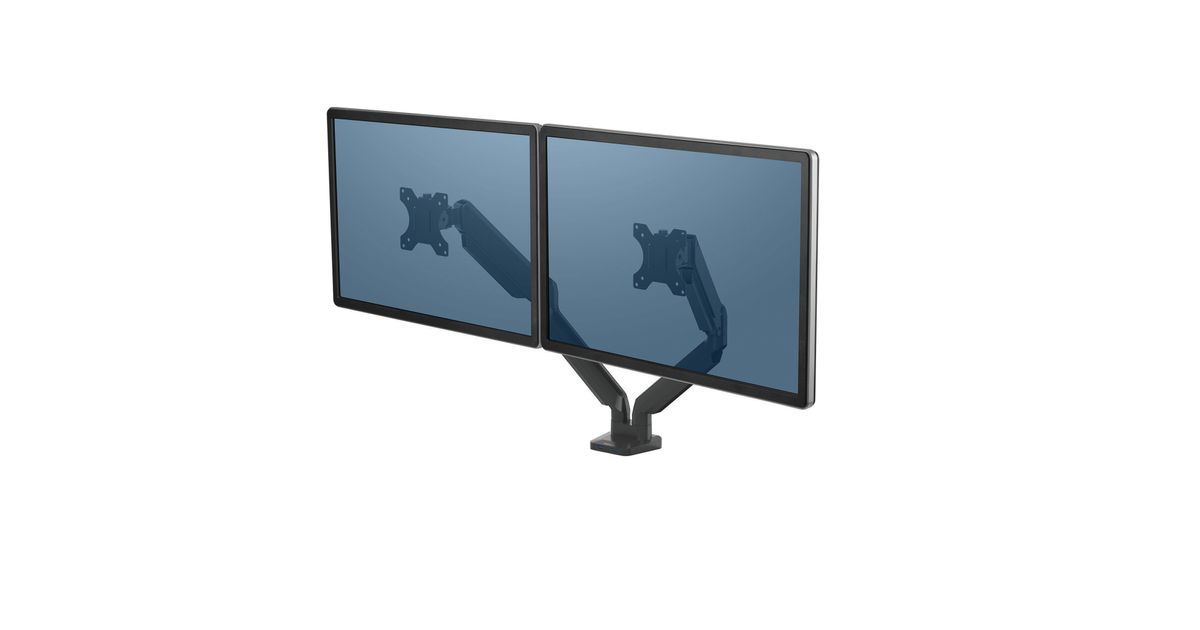
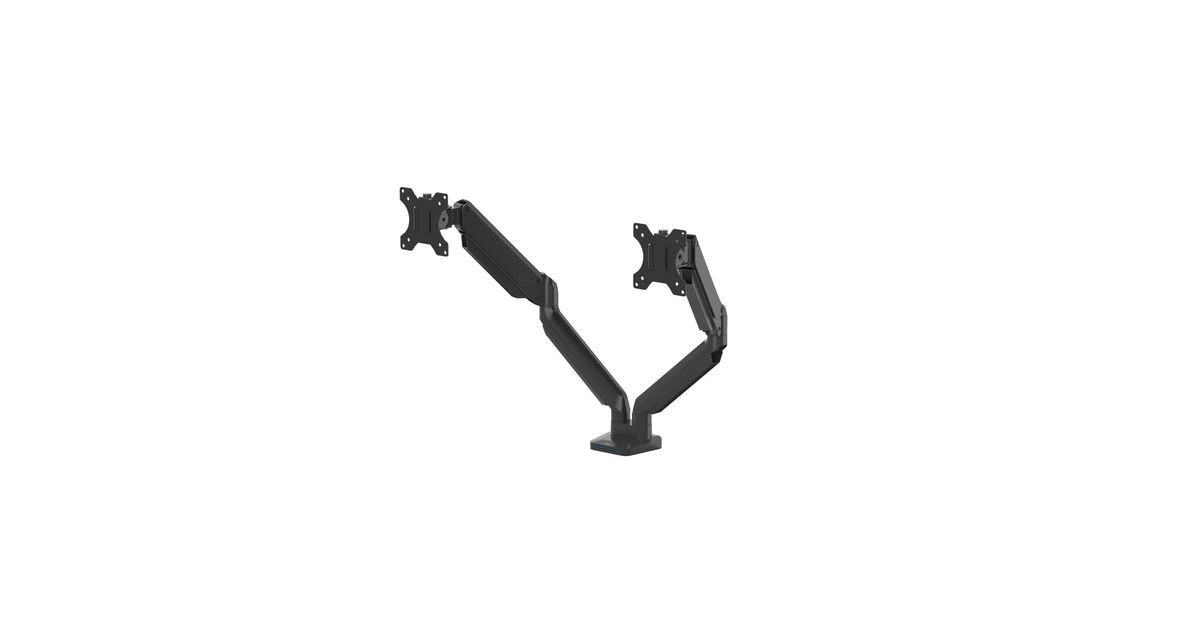
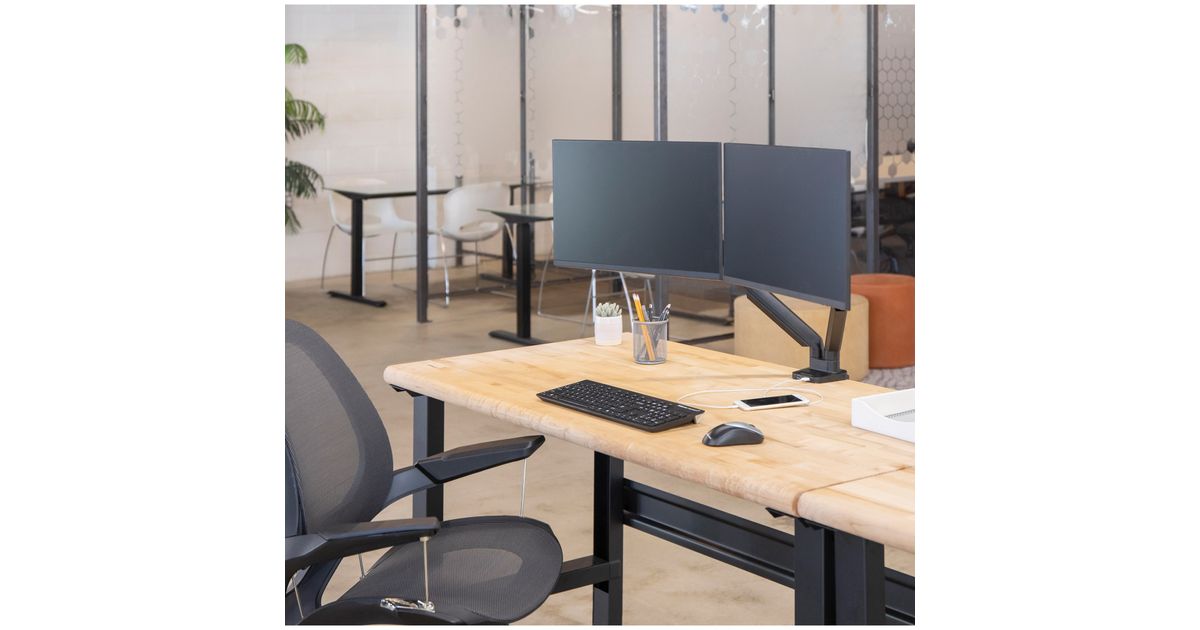
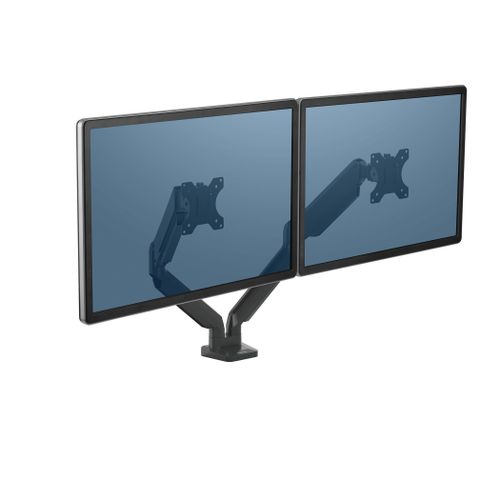
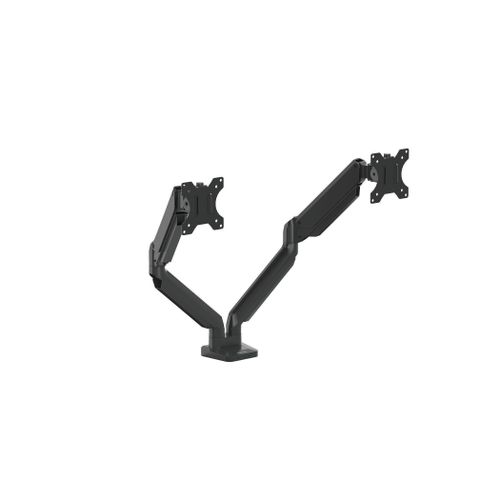
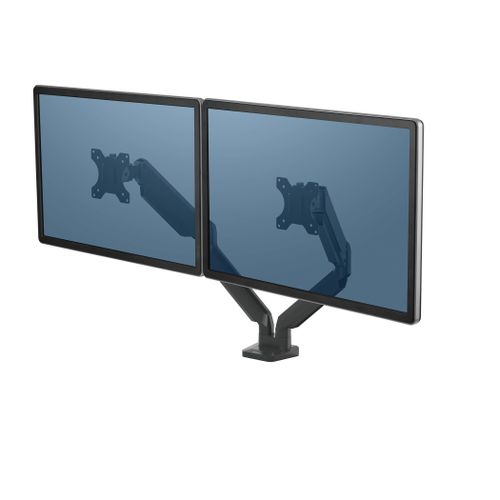
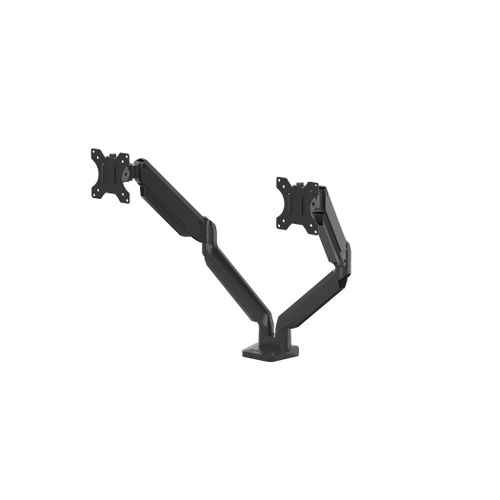
Fellowes Platinum Series Dual Monitor Arm - Black
Fellowes Platinum Series Dual Monitor Arm - Black, Clamp, 16 kg, 81.3 cm (32"), 100 x 100 mm, Height adjustment, Black
Read more...
Read more...
Product Information
| Information | |
|---|---|
| Manufacturer | Fellowes |
| Product code | 03198008 |
| EAN | 04019518043894 |
| Manufacturer part number | 8042501 |
| Category | Wall, ceiling and other mounts |
| Design | |
|---|---|
| Maximum weight capacity | 16 kg |
| Mounting | Clamp |
| Cable management | Y |
| Product colour | Black |
| Housing material | Aluminium |
| Features | |
|---|---|
| Maximum screen size | 81.3 cm (32") |
| Harmonized System (HS) code | 85299097 |
| Mounting | |
|---|---|
| Mounting type | Desk |
| Minimum VESA mount | 75 x 75 mm |
| Maximum VESA mount | 100 x 100 mm |
| Number of displays supported | 2 |
| Maximum weight capacity (per display) | 8 kg |
| Desk thickness (min) | 1 cm |
| Desk thickness (max) | 8.5 cm |
| Ergonomics | |
|---|---|
| Height adjustment | Y |
| Height adjustment range | 135 - 415 mm |
| Tilt angle range | -45 - 45° |
| Swivel angle | 360° |
| Angle of rotation | 360° |
| Camera | |
|---|---|
| Pan range | 0 - 180° |
| Ports & interfaces | |
|---|---|
| Built-in USB hub | Y |
| USB hub version | 3.2 Gen 1 (3.1 Gen 1) |
| USB 3.2 Gen 1 (3.1 Gen 1) Type-A ports quantity | 2 |
| Weight & dimensions | |
|---|---|
| Width | 949.3 mm |
| Depth | 114.3 mm |
| Height | 590.6 mm |
| Weight | 5.1 kg |
| Logistics data | |
|---|---|
| Products per master (outer) case | 1 pc(s) |
Product Description
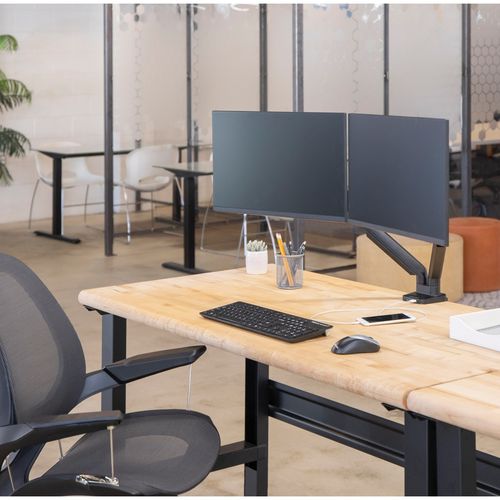
Using a monitor arm means that you can set your screen to be the exact height and angle to
improve your health when working. Whether sitting or standing while using a computer, it will improve your ergonomic posture by preventing leaning forward or tiling of the neck, to avoid back, neck and eye strain.
With office space shrinking, using a monitor arm also means you can free up valuable work-space. Maximize your work environment and in-line desk area through elevating your screen with clear space underneath, to become more organized and productive.
improve your health when working. Whether sitting or standing while using a computer, it will improve your ergonomic posture by preventing leaning forward or tiling of the neck, to avoid back, neck and eye strain.
With office space shrinking, using a monitor arm also means you can free up valuable work-space. Maximize your work environment and in-line desk area through elevating your screen with clear space underneath, to become more organized and productive.