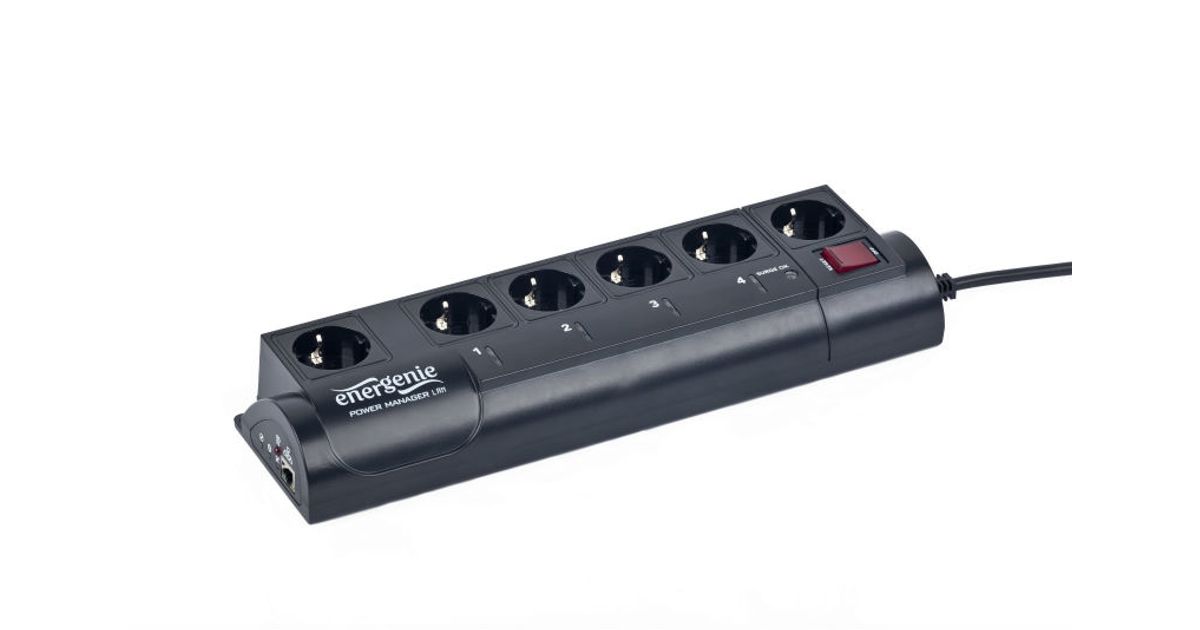
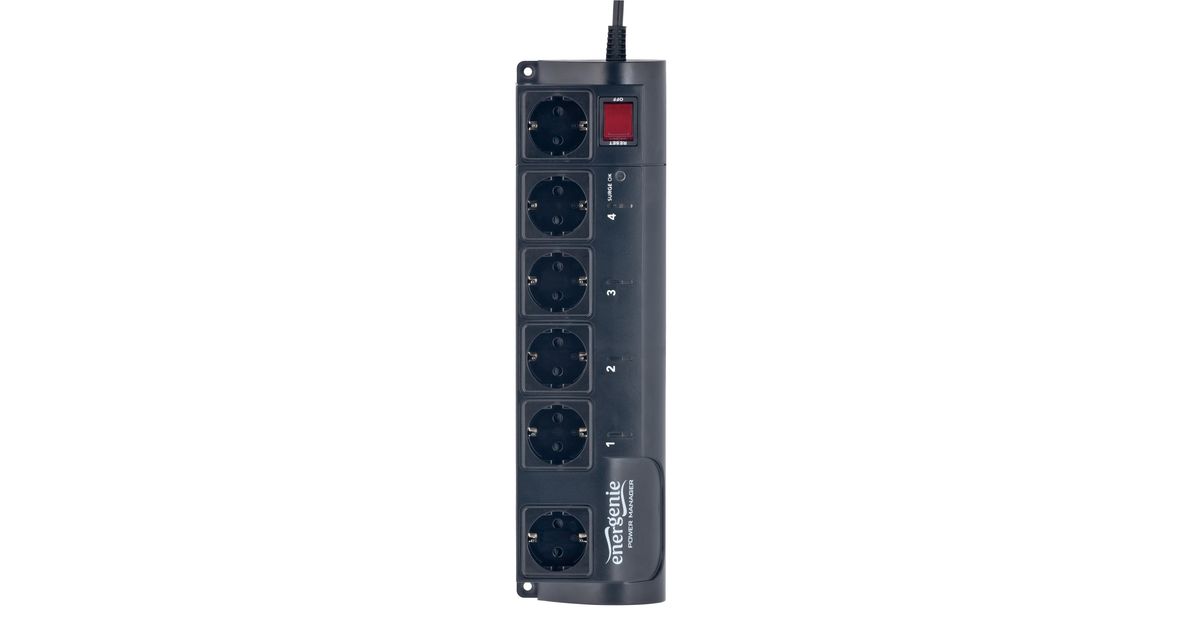
Toote tegelik värvus võib erineda piltidel kujutatavast ning pildid on
illustratiivsed.
Gembird EG-PMS2 surge protector Black 6 AC outlet(s) 250 V 1.8 m
Gembird EG-PMS2, 375 J, 6 AC outlet(s), Type F, 250 V, 50 - 60 Hz, 10 A
Read more...
Read more...
Product Information
| Information | |
|---|---|
| Manufacturer | Gembird |
| Product code | 21803460 |
| EAN | 08716309074155 |
| Manufacturer part number | EG-PMS2 |
| Category | Surge protection |
Product Description
EnerGenie Programmable surge protector
- YOUR SWITCH IS MY COMMAND
- EG-PMS2 is an advanced surge protector with power management features. It is possible to individually switch 4 sockets on or off manually via your PC, by timer schedule, or by programmable special events (eg: switch on my scanner whenever I start Photoshop, or have my printer switched on only when I really print)
- Stay in control of all your electrical devices at home or in the office
- Program four sockets individually via your PC or laptop
- Protect your valuable equipment
- An advanced standby-killer for computer peripherals
- Switch individual sockets on/off manually from your computer
- Switch individual sockets on/off by a programmable timer schedule
- Switch individual sockets on/off whenever a certain software event occurs (e.g. Windows/other software start-up/shutdown, print spooler starting and finishing its job, etc)
- Timers stays active even when the managing PC is turned off
- Child protected sockets
- Mounting holes
- YOUR SWITCH IS MY COMMAND
- EG-PMS2 is an advanced surge protector with power management features. It is possible to individually switch 4 sockets on or off manually via your PC, by timer schedule, or by programmable special events (eg: switch on my scanner whenever I start Photoshop, or have my printer switched on only when I really print)
- Stay in control of all your electrical devices at home or in the office
- Program four sockets individually via your PC or laptop
- Protect your valuable equipment
- An advanced standby-killer for computer peripherals
- Switch individual sockets on/off manually from your computer
- Switch individual sockets on/off by a programmable timer schedule
- Switch individual sockets on/off whenever a certain software event occurs (e.g. Windows/other software start-up/shutdown, print spooler starting and finishing its job, etc)
- Timers stays active even when the managing PC is turned off
- Child protected sockets
- Mounting holes