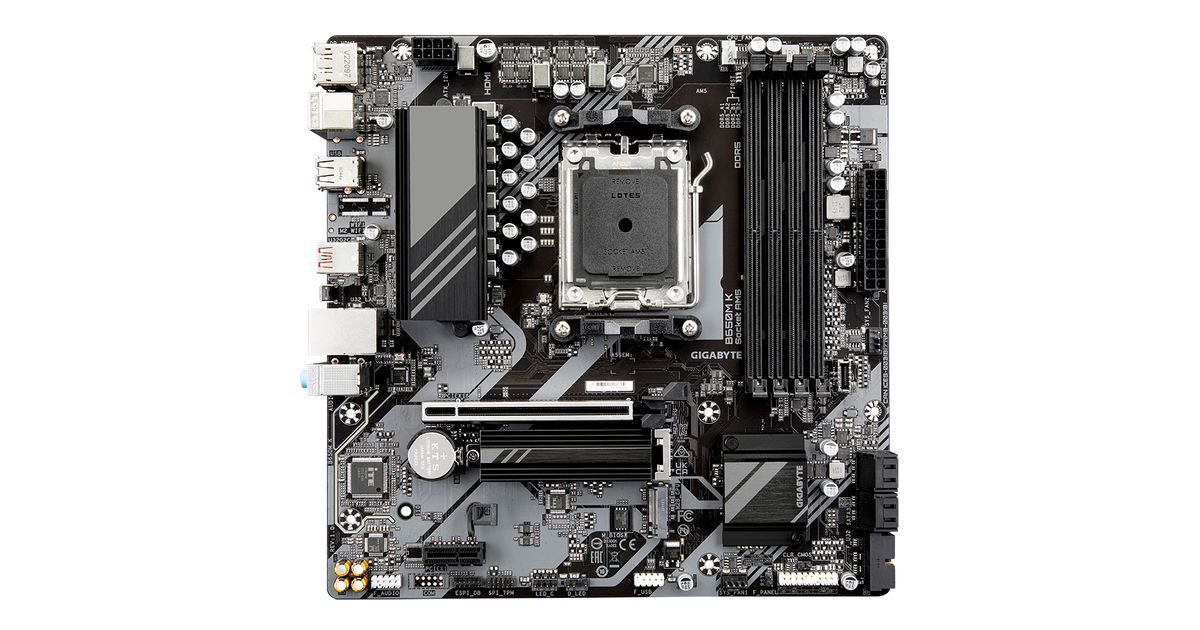
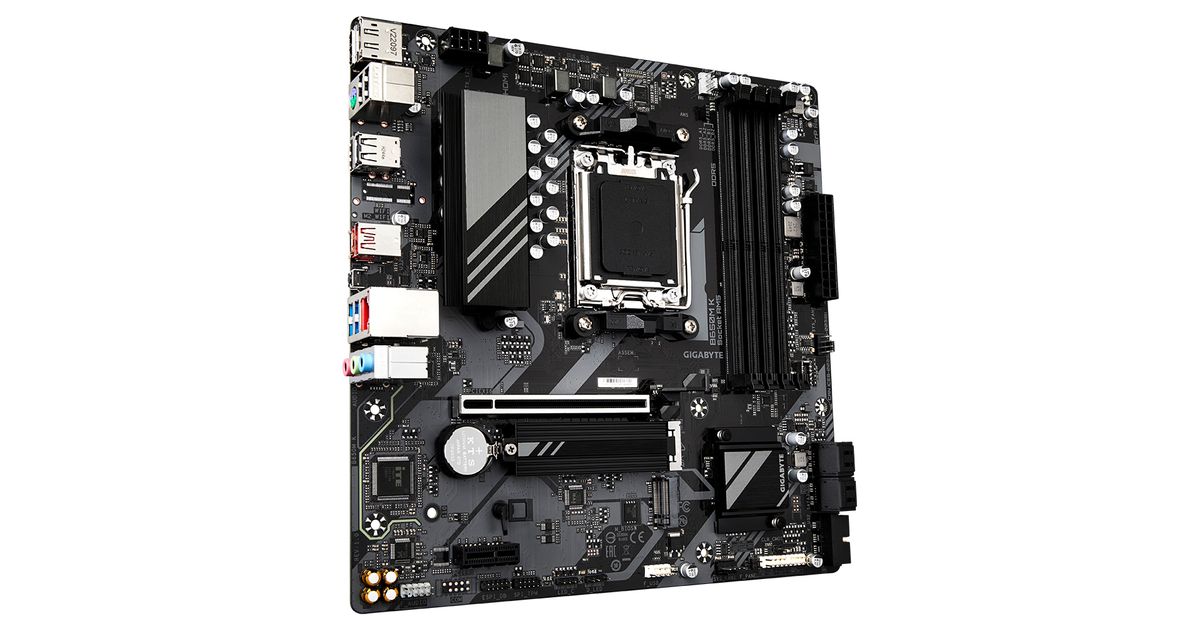
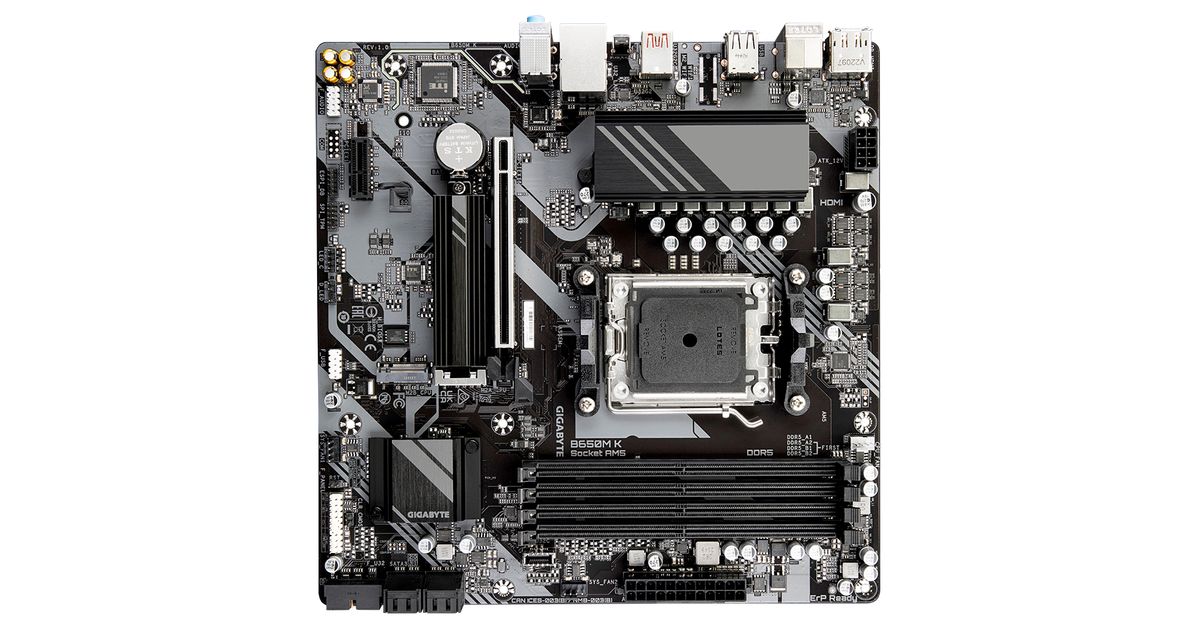
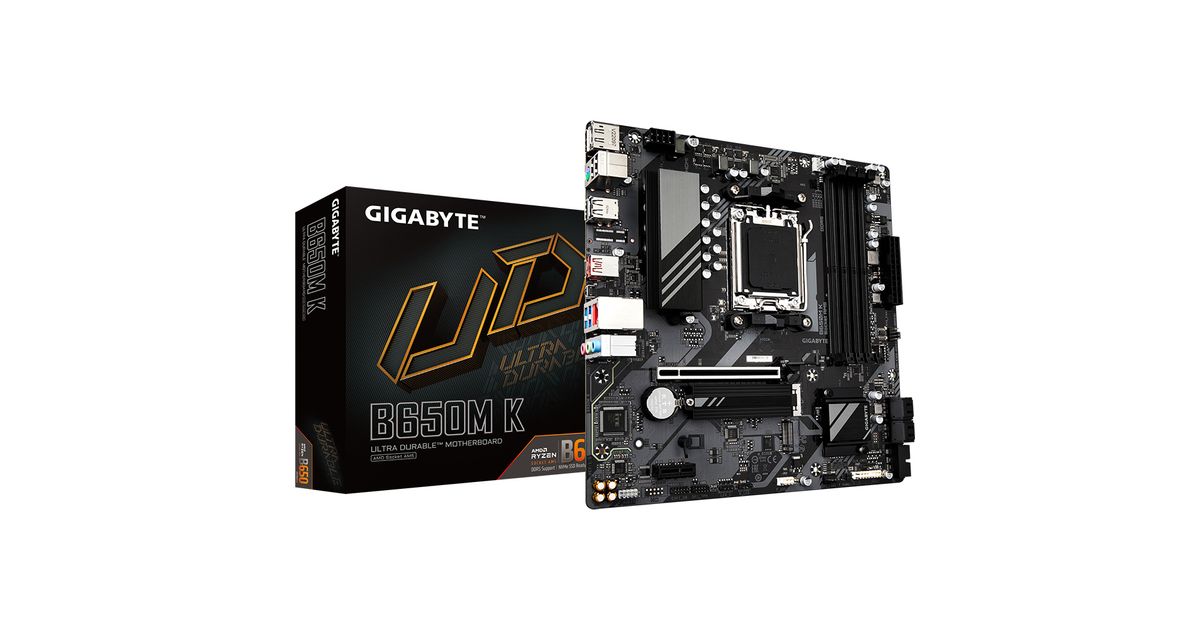
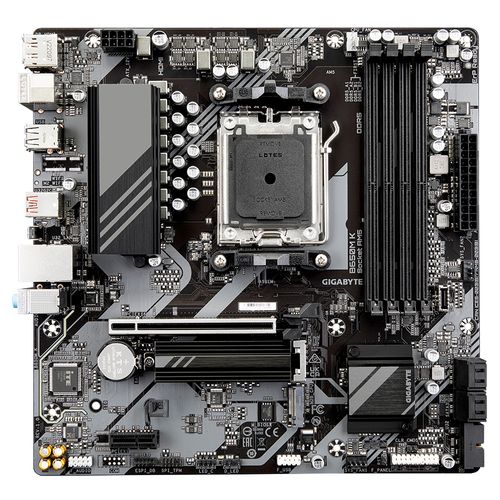
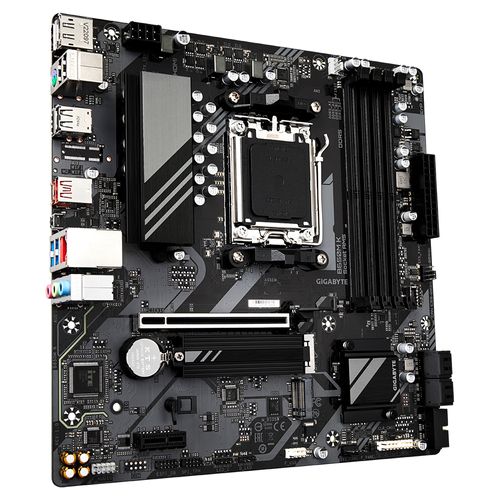
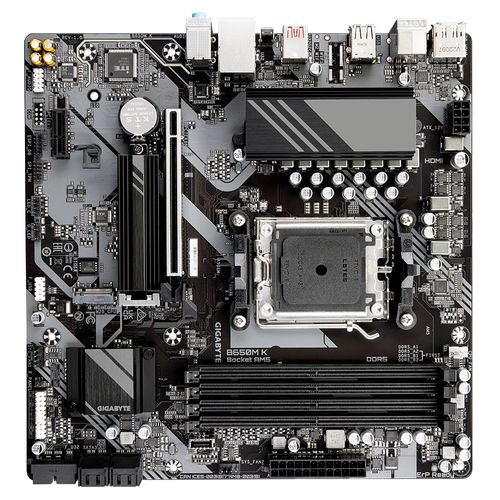
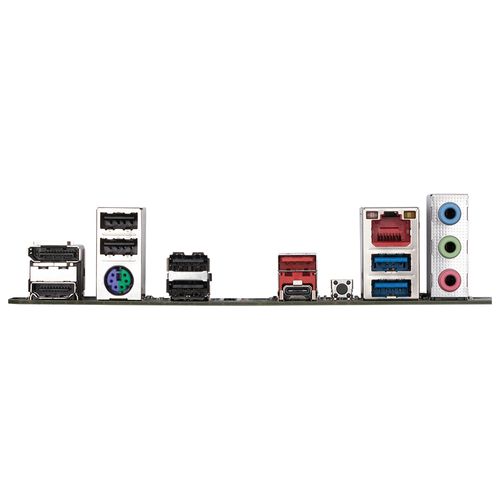
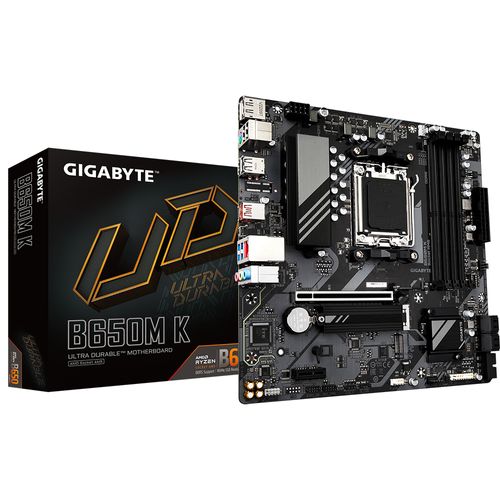
For illustrative purpose only
Gigabyte B650M K motherboard AMD B650 Socket AM5 micro ATX
Gigabyte B650M K, AMD, Socket AM5, AMD Ryzen™ 5, 2nd Generation AMD Ryzen™ 5, 3rd Generation AMD Ryzen 5, AMD Ryzen 5 5th Gen,..., Socket AM5, DDR5-SDRAM, 128 GB
Read more...
Read more...
Product Information
| Information | |
|---|---|
| Manufacturer | Gigabyte |
| Product code | 2210249803 |
| EAN | 00889523036969 |
| Manufacturer part number | B650M K |
| Category | Motherboards |
| Processor | |
|---|---|
| Processor manufacturer | AMD |
| Processor socket | Socket AM5 |
| Performance | |
|---|---|
| Compatible processor series | AMD Ryzen™ 5, 2nd Generation AMD Ryzen™ 5, 3rd Generation AMD Ryzen 5, AMD Ryzen 5 5th Gen, AMD Ryzen 7 7th Gen, AMD Ryzen 9 7th Gen |
| Supported processor sockets | Socket AM5 |
| Memory | |
|---|---|
| Supported memory types | DDR5-SDRAM |
| Number of memory slots | 4 |
| Maximum internal memory | 128 GB |
| Memory slots type | DIMM |
| Memory channels | Dual-channel |
| Non-ECC | Yes |
| Supported memory clock speeds | 4400,4800,5200,5600,6000,6200,6400 MHz |
| Supported memory clock speed (max) | 6400 MHz |
| Unbuffered memory | Yes |
| Storage controllers | |
|---|---|
| Supported storage drive interfaces | M.2, PCI Express 4.0, SATA III |
| Supported storage drive types | HDD & SSD |
| RAID support | Yes |
| RAID levels | 0, 1, 10 |
| Features | |
|---|---|
| Number of storage drives supported | 6 |
| HDCP | Yes |
| DisplayPort version | 1.4 |
| USB connector type | USB Type-A, USB Type-C |
| Motherboard form factor | micro ATX |
| Motherboard chipset family | AMD |
| Motherboard chipset | AMD B650 |
| Audio output channels | 7.1 channels |
| PC health monitoring | Fan, Temperature, Voltage |
| Graphics | |
|---|---|
| Maximum resolution | 4096 x 2160 pixels |
| Mounting | |
|---|---|
| Number of displays supported | 3 |
| Internal I/O | |
|---|---|
| USB 2.0 connectors | 1 |
| USB 3.2 Gen 1 (3.1 Gen 1) connectors | 1 |
| USB 3.2 Gen 2 (3.1 Gen 2) connectors | 1 |
| Number of SATA III connectors | 4 |
| Front panel audio connector | Yes |
| Front panel connector | Yes |
| ATX Power connector (24-pin) | Yes |
| CPU fan connector | Yes |
| EPS power connector (8-pin) | Yes |
| TPM connector | Yes |
| Serial port headers | 1 |
| 12V power connector | Yes |
| RGB LED pin header | Yes |
| Other features | |
|---|---|
| USB 2.0 ports quantity | 4 |
| Ports & interfaces | |
|---|---|
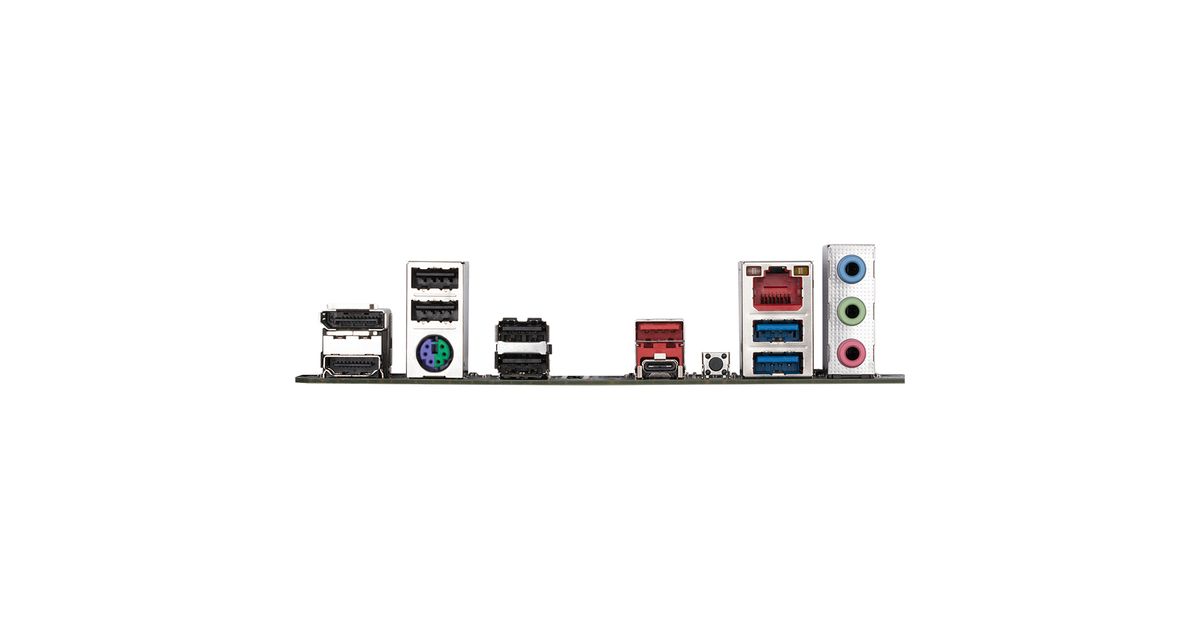
| USB 3.2 Gen 1 (3.1 Gen 1) Type-A ports quantity | 2 |
| USB 3.2 Gen 2 (3.1 Gen 2) Type-C ports quantity | 1 |
| Ethernet LAN (RJ-45) ports | 1 |
| HDMI ports quantity | 1 |
| HDMI version | 2.1 |
| DisplayPorts quantity | 2 |
| Headphone outputs | 3 |
| Microphone in | Yes |
| Rear panel I/O ports | |
|---|---|
| USB 3.2 Gen 2 (3.1 Gen 2) Type-A ports quantity | 1 |
| PS/2 ports quantity | 1 |
| Network | |
|---|---|
| Wi-Fi | No |
| Ethernet LAN | Yes |
| Ethernet interface type | 2.5 Gigabit Ethernet |
| Design | |
|---|---|
| Component for | PC |
| Software | |
|---|---|
| Windows operating systems supported | Windows 10 x64, Windows 11 x64 |
| Expansion slots | |
|---|---|
| PCI Express x1 slots | 1 |
| PCI Express x16 slots | 1 |
| Number of M.2 (M) slots | 2 |
| BIOS | |
|---|---|
| BIOS type | UEFI AMI |
| BIOS memory size | 256 Mbit |
| ACPI version | 5.0 |
| Clear CMOS jumper | Yes |
| Desktop Management Interface (DMI) version | 2.7 |
| System Management BIOS (SMBIOS) version | 2.7 |
| Weight & dimensions | |
|---|---|
| Width | 244 mm |
| Depth | 244 mm |
| Packaging content | |
|---|---|
| Cables included | SATA |
Product Description
UNPARALLELED PERFORMANCE
GIGABYTE Motherboards' unparalleled performance is guaranteed by innovative and optimized thermal design to ensure the best CPU, Chipset, SSD stability and low temperatures under full load application and gaming performance.
THERMAL DESIGN
GIGABYTE Motherboards' unparalleled performance is guaranteed by innovative and optimized thermal design to ensure the best CPU, Chipset, SSD stability and low temperatures under full load application and gaming performance.
CONNECTIVITY
GIGABYTE Motherboards enable the ultimate connection experience with blazing data-transfer speeds through the next generation network, storage.
PERSONALIZATION
GIGABYTE motherboards bundle several useful and intuitive software to help users to control every aspect of motherboard and provide customizable lighting effect with outstanding aesthetics to fit your unique personality.
PCIe EZ-Latch
Unlock the latch of the PCIe slot easily when remove the graphics card in the PCIe slot.
Q-Flash Plus
Update the BIOS easily without installing the CPU, memory and graphics card.
With GIGABYTE Q-Flash Plus, you don't need to install the CPU, memory and graphics card nor enter the BIOS menu to flash the BIOS. Just download and save a new BIOS file (rename to gigabyte.bin) on the USB flash drive, then press the dedicated Q-Flash Plus button and you’re good to go!
GIGABYTE Motherboards' unparalleled performance is guaranteed by innovative and optimized thermal design to ensure the best CPU, Chipset, SSD stability and low temperatures under full load application and gaming performance.
THERMAL DESIGN
GIGABYTE Motherboards' unparalleled performance is guaranteed by innovative and optimized thermal design to ensure the best CPU, Chipset, SSD stability and low temperatures under full load application and gaming performance.
CONNECTIVITY
GIGABYTE Motherboards enable the ultimate connection experience with blazing data-transfer speeds through the next generation network, storage.
PERSONALIZATION
GIGABYTE motherboards bundle several useful and intuitive software to help users to control every aspect of motherboard and provide customizable lighting effect with outstanding aesthetics to fit your unique personality.
PCIe EZ-Latch
Unlock the latch of the PCIe slot easily when remove the graphics card in the PCIe slot.
Q-Flash Plus
Update the BIOS easily without installing the CPU, memory and graphics card.
With GIGABYTE Q-Flash Plus, you don't need to install the CPU, memory and graphics card nor enter the BIOS menu to flash the BIOS. Just download and save a new BIOS file (rename to gigabyte.bin) on the USB flash drive, then press the dedicated Q-Flash Plus button and you’re good to go!