Toote tegelik värvus võib erineda piltidel kujutatavast ning pildid on
illustratiivsed.
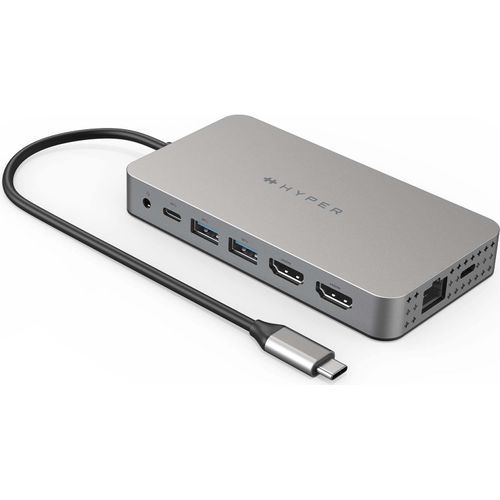
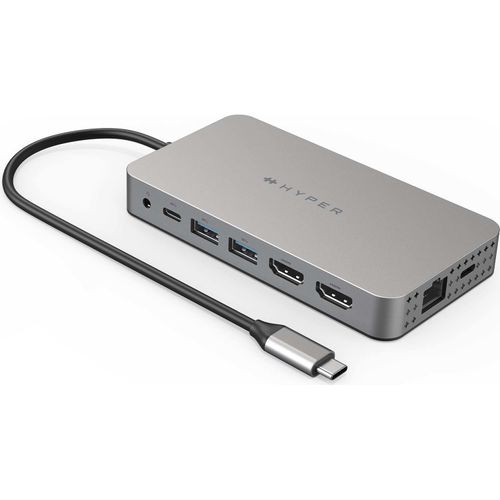
HYPER HDM1H interface hub USB 3.2 Gen 1 (3.1 Gen 1) Type-C 5000 Mbit/s Stainless steel
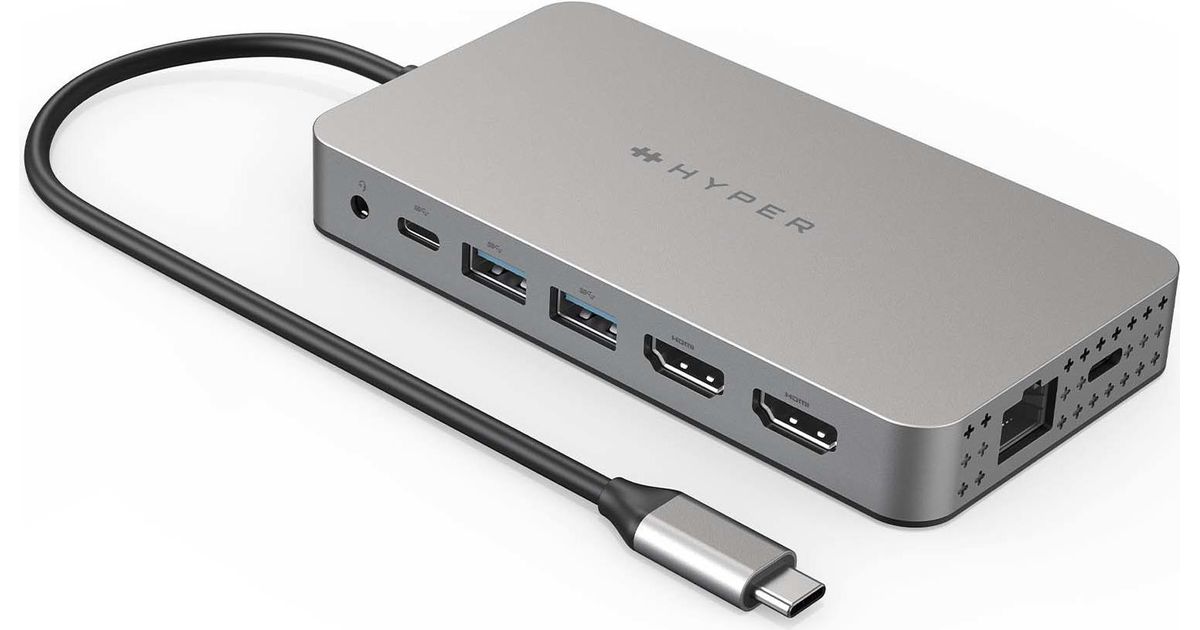
HYPER HDM1H, USB 3.2 Gen 1 (3.1 Gen 1) Type-C, 3.5mm, HDMI, RJ-45, USB 3.2 Gen 1 (3.1 Gen 1) Type-A, USB 3.2 Gen 1 (3.1 Gen 1) Type-C, MicroSD (TransFlash), SD, 5000 Mbit/s, 60 Hz, 3840 x 2160
Read more...
Read more...
Product Information
| Information | |
|---|---|
| Manufacturer | HYPER |
| Product code | 166578663 |
| EAN | 06941921147907 |
| Manufacturer part number | HDM1H |
| Category | Dockingstations |
Product Description
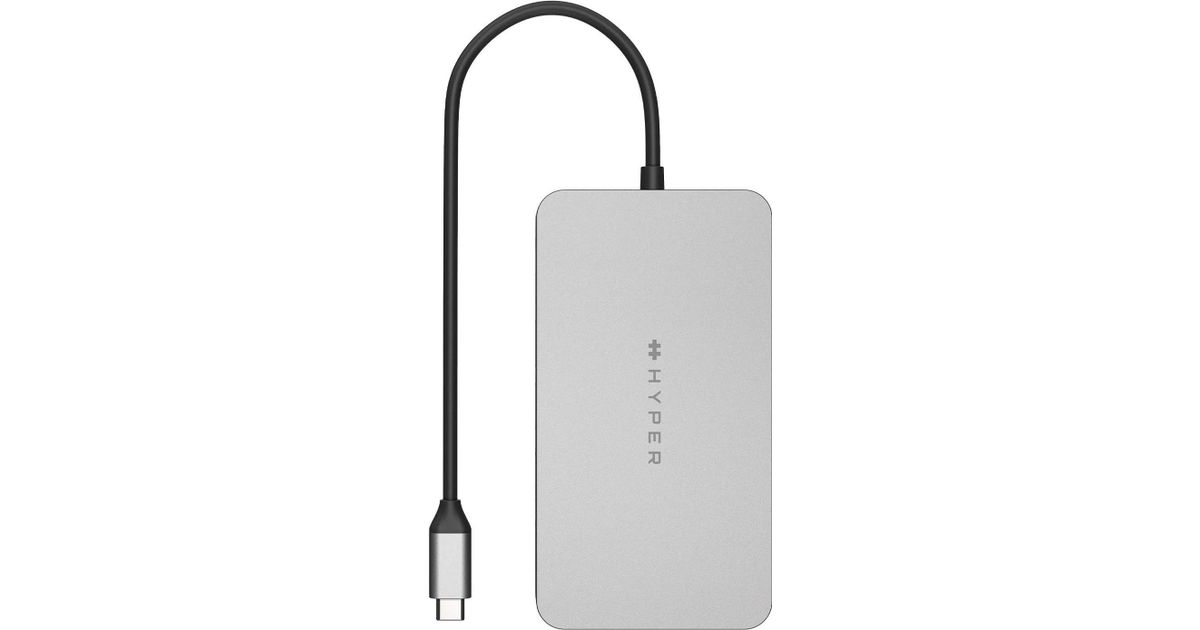
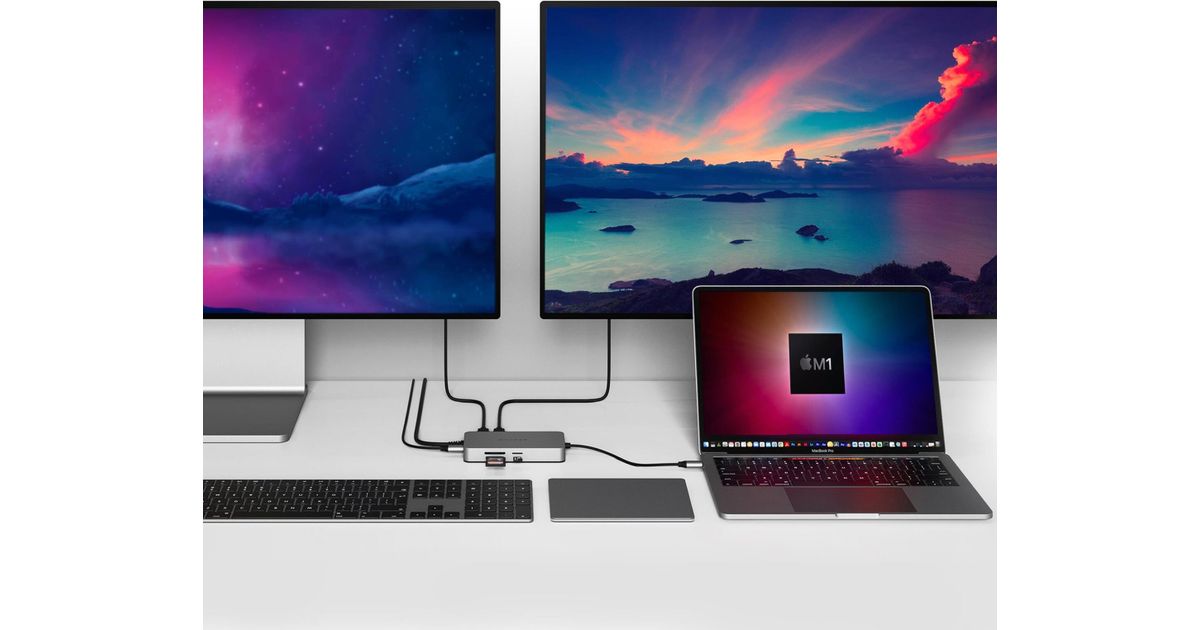
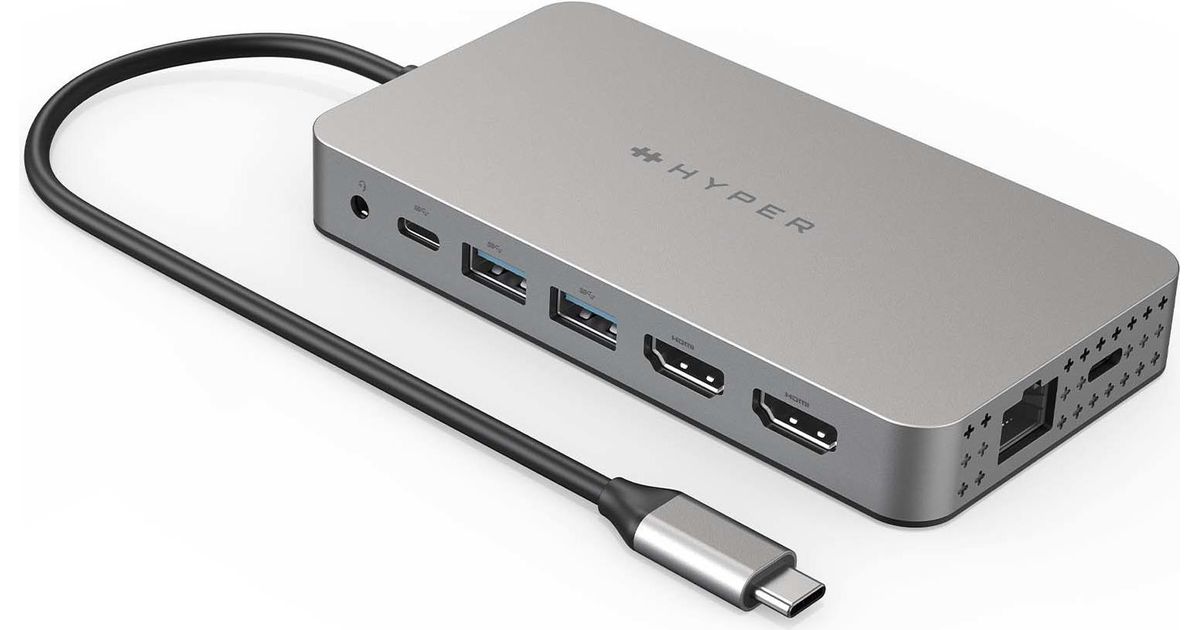
Meet the newest way we’re extending M1 MacBook connectivity. With the Dual 4K HDMI 10-in-1 USB-C Hub, you can extend to 2 displays at 4K video while getting access to 10 essential ports, including USB-C, HDMI, USB-A, and many more. Enjoy transferring photos in a flash, quick charging your device, and extending to 2 HDMI displays, all without having to download cumbersome drivers. And, it’s fully compatible with MacBook Air/Pro (M1 & Intel powered) devices, Windows PC devices as well as Chromebook devices.
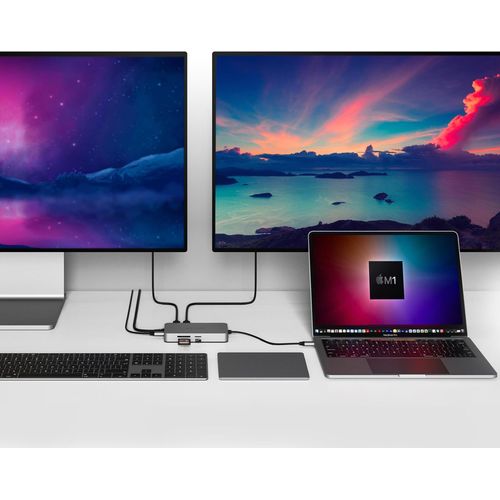
Extend Two 4K Displays
Give your M1 MacBook, PC or Chromebook the ability to connect to 2 extended monitors with crystal clear 4K HDMI video.
Easy Driverless Setup
In just a few seconds, connect the hub to your device via USB and you’ll immediately see the HyperDisplay App icon on your desktop. Just double-click it, and you’re ready to go.
Enjoy 10 Essential Ports
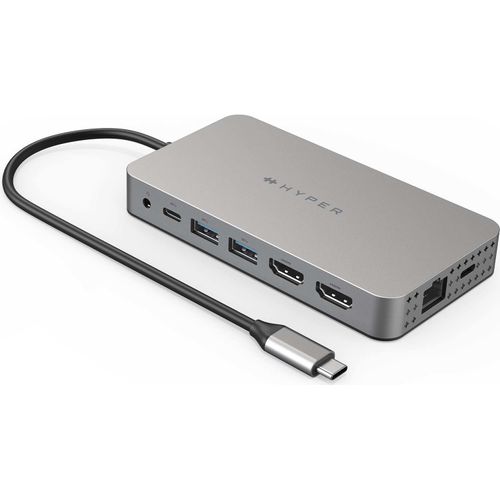
Seamlessly transform your M1 into a powerhouse workspace with 4K 60Hz and 4K 30Hz HDMI video ports, a USB-C 100W Power Delivery port, MicroSD/SD slots, two USB-A 5Gbps ports, a 3.5mm audio combo jack for headphones, and more.
Quickly Transfer Photo/Video Files
For any data, photo files, or video files you need to transfer, our UHS-I to MicroSD/SD slots give you the ability to upload or send them at a blazing-fast 104MB/s.
Quickly Charge Devices
Enjoy powering up your M1 MacBook in a flash with up to 85W of pass-through charging with our USB-C 100W PD charging port.
Extend Two 4K Displays
Give your M1 MacBook, PC or Chromebook the ability to connect to 2 extended monitors with crystal clear 4K HDMI video.
Easy Driverless Setup
In just a few seconds, connect the hub to your device via USB and you’ll immediately see the HyperDisplay App icon on your desktop. Just double-click it, and you’re ready to go.
Enjoy 10 Essential Ports
Seamlessly transform your M1 into a powerhouse workspace with 4K 60Hz and 4K 30Hz HDMI video ports, a USB-C 100W Power Delivery port, MicroSD/SD slots, two USB-A 5Gbps ports, a 3.5mm audio combo jack for headphones, and more.
Quickly Transfer Photo/Video Files
For any data, photo files, or video files you need to transfer, our UHS-I to MicroSD/SD slots give you the ability to upload or send them at a blazing-fast 104MB/s.
Quickly Charge Devices
Enjoy powering up your M1 MacBook in a flash with up to 85W of pass-through charging with our USB-C 100W PD charging port.