Toote tegelik värvus võib erineda piltidel kujutatavast ning pildid on
illustratiivsed.
i-tec USB-C Display Port Adapter 4K/60 Hz
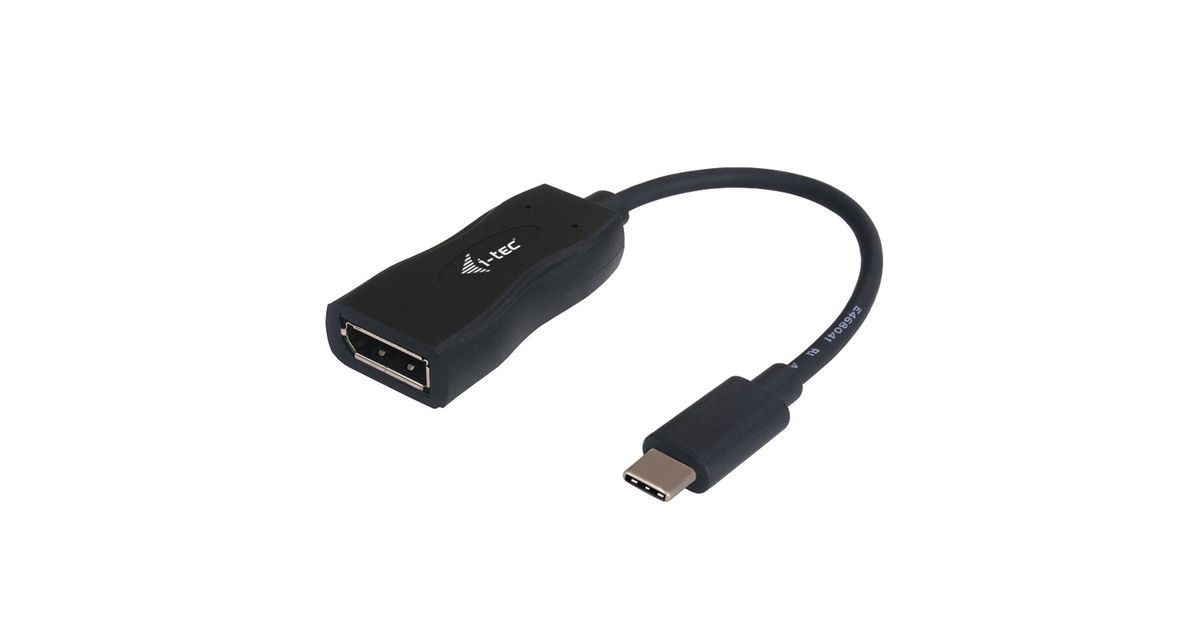
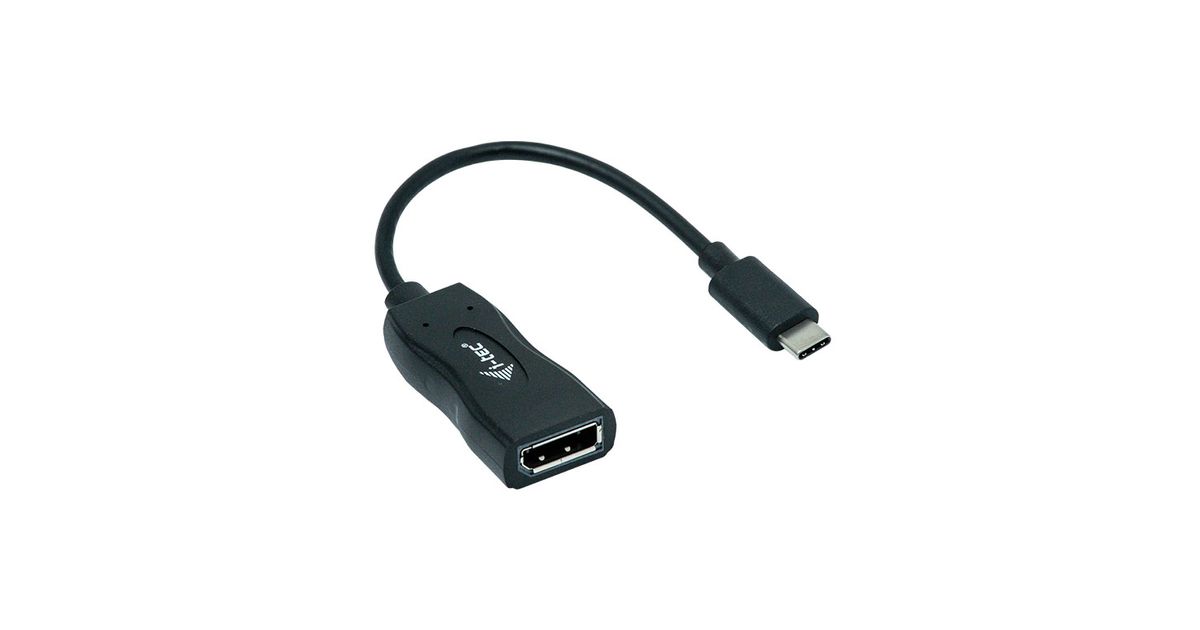
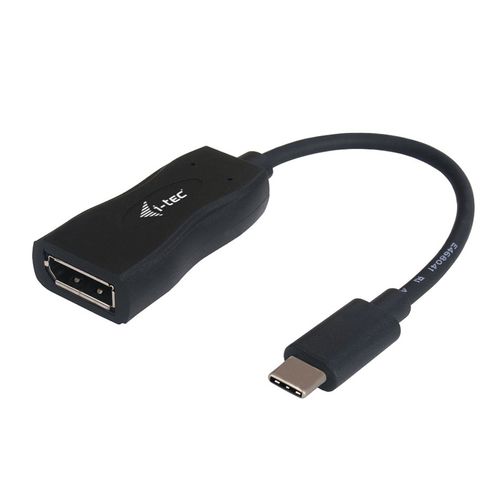
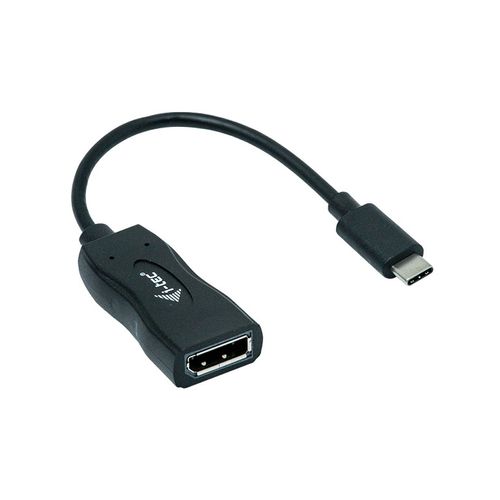
i-tec USB-C Display Port Adapter 4K/60 Hz, 0.15 m, USB-C 3.1, DisplayPort, Male, Female, 3840 x 2160 pixels
Read more...
Read more...
Product Information
| Information | |
|---|---|
| Manufacturer | i-tec |
| Product code | 03135084 |
| EAN | 08595611703003 |
| Manufacturer part number | AIITCA000000033 |
| Category | Refurbished PC-s |
| Features | |
|---|---|
| Cable length | 0.15 m |
| Connector 1 | USB-C 3.1 |
| Connector 2 | DisplayPort |
| Connector 1 gender | Male |
| Connector 2 gender | Female |
| Colour depth | 32 bit |
| Harmonized System (HS) code | 84733080 |
| Graphics | |
|---|---|
| Maximum resolution | 3840 x 2160 pixels |
| Design | |
|---|---|
| Product colour | Black |
| Software | |
|---|---|
| Windows operating systems supported | Y |
| Mac operating systems supported | Y |
| Other features | |
|---|---|
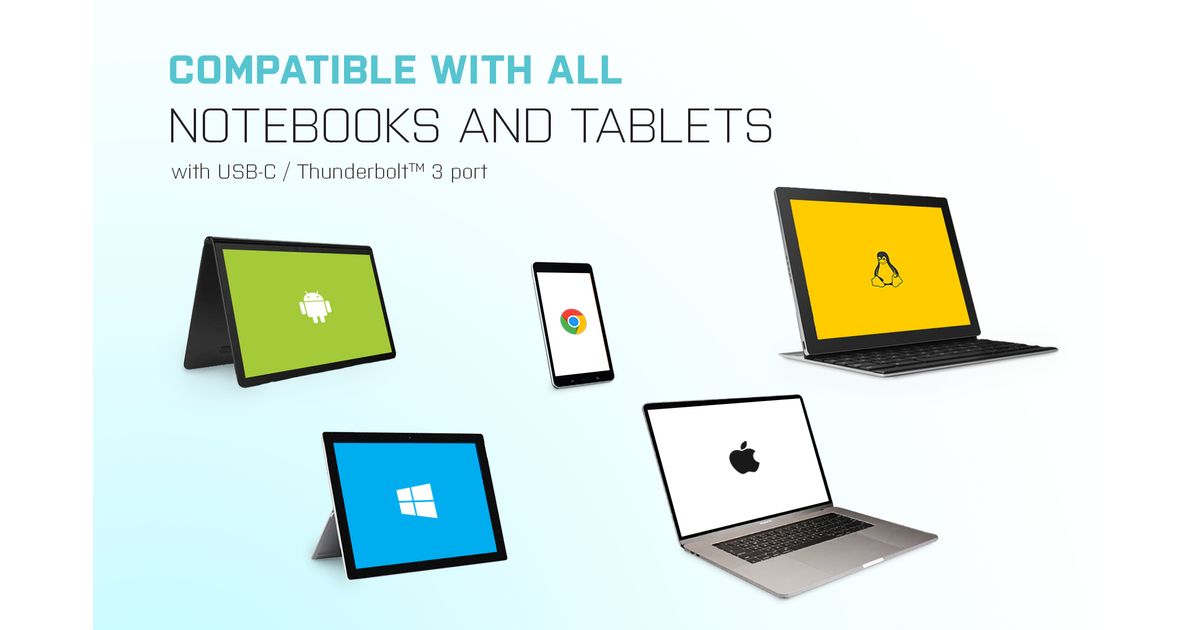
| Other operating systems supported | Android |
| Weight & dimensions | |
|---|---|
| Weight | 21 g |
| Width | 51 mm |
| Depth | 25 mm |
| Height | 15 mm |
| Package weight | 68 g |
| Packaging data | |
|---|---|
| Quantity per pack | 1 pc(s) |
| Package width | 120 mm |
| Package depth | 160 mm |
| Package height | 25 mm |
| Package type | Box |
| Packaging content | |
|---|---|
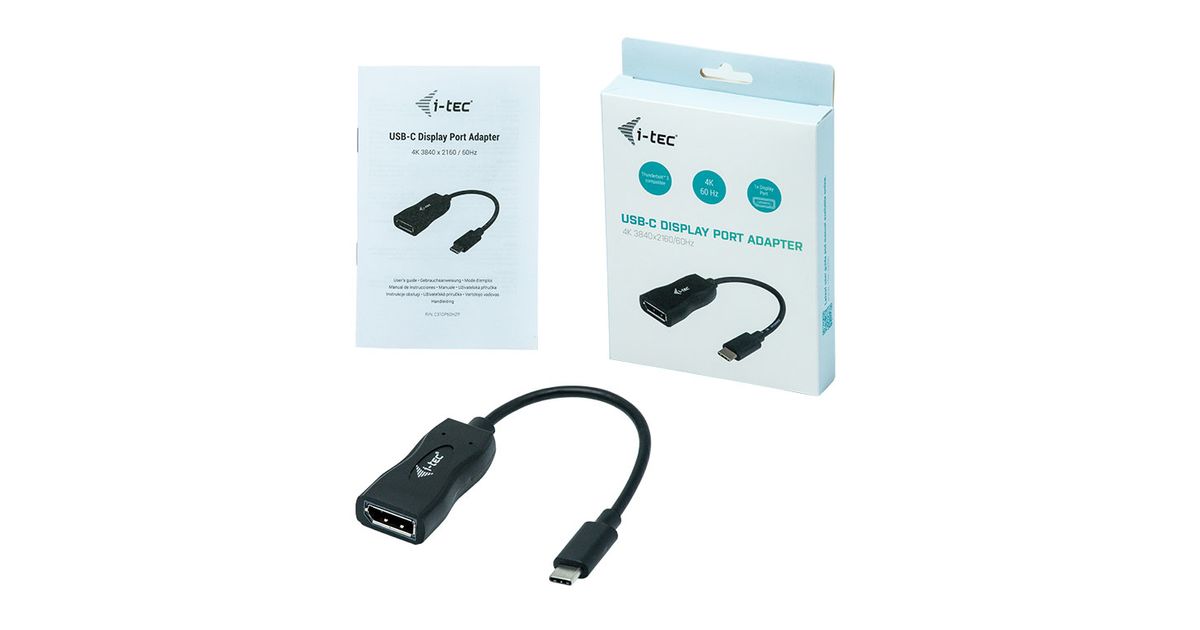
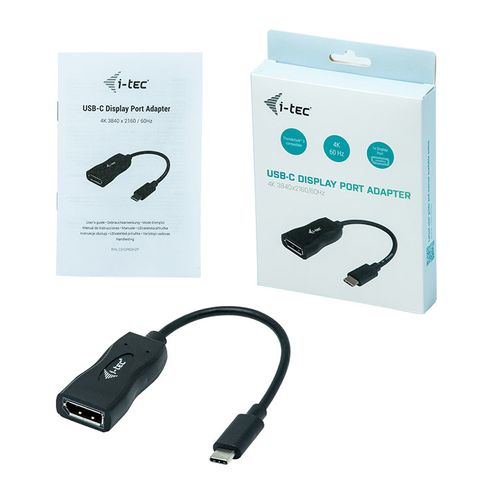
| Manual | Y |
Product Description
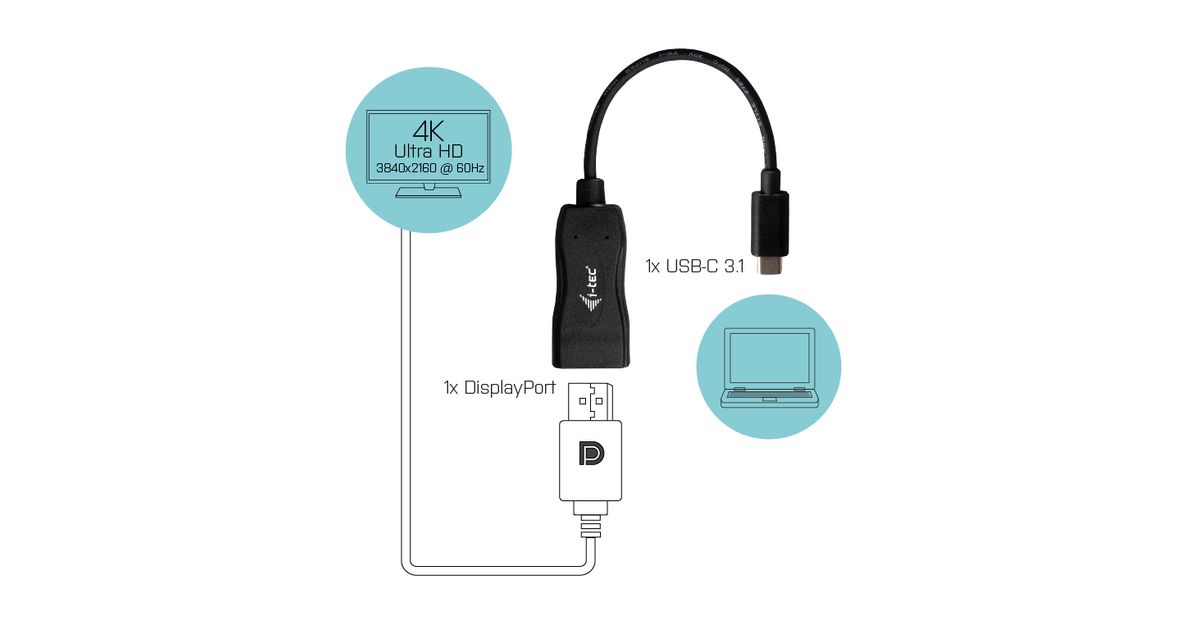
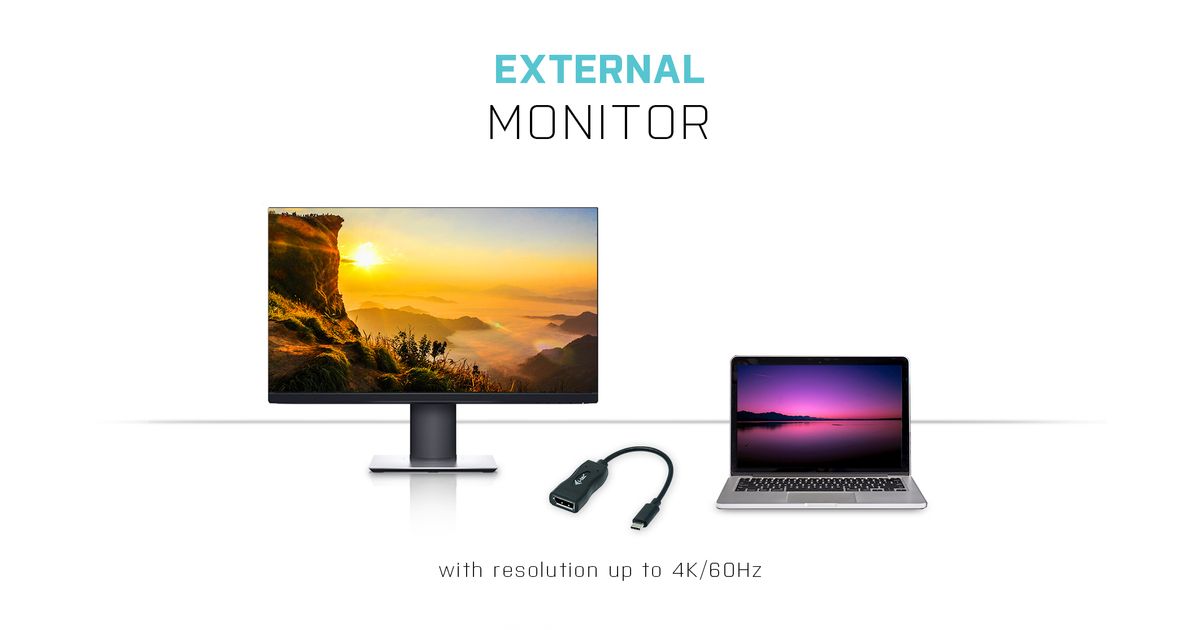
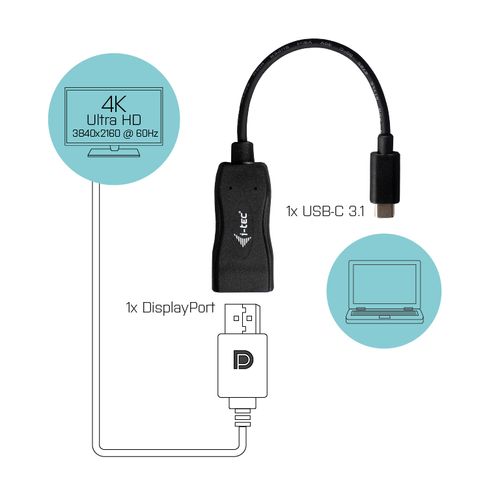
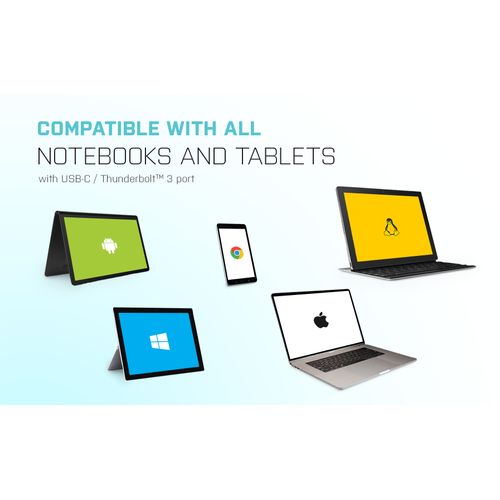
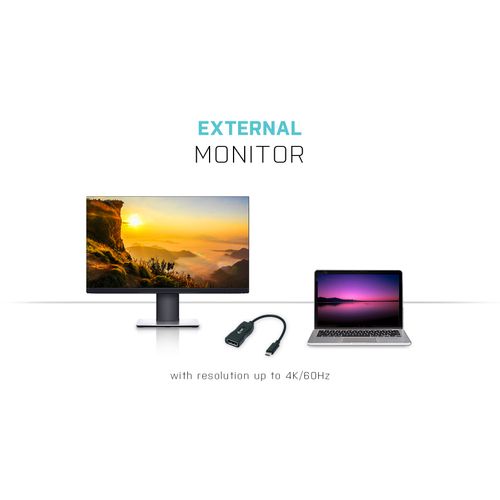
Extend your desktop with an external Display Port monitor via the new USB-C or Thunderbolt 3 connector. The adapter supports the transfer of 4K Ultra HD resolution up to 3840 x 2160 @ 60 Hz pixels including the audio signal.
Using is very simple, just plug the adapter into the USB-C or Thunderbolt 3 port on your computer, connect it with a display device via Display Port cable and you can immediately start using. Driver installation is automatic from the system.
Please make sure to check a compatibility of your device, whether it meets all the requirements for an operation of the specific i-tec product, especially video output (Display Port Alt mode), and/or Power Delivery. If your device would not be fully compatible, your new i-tec product may not operate correctly. You may find the specifications your device (i.e. USB port), in a user manual supplied with your notebook/tablet/smartphone, or – alternatively – via customer service provided by a manufacturer of your device.
Using is very simple, just plug the adapter into the USB-C or Thunderbolt 3 port on your computer, connect it with a display device via Display Port cable and you can immediately start using. Driver installation is automatic from the system.
Please make sure to check a compatibility of your device, whether it meets all the requirements for an operation of the specific i-tec product, especially video output (Display Port Alt mode), and/or Power Delivery. If your device would not be fully compatible, your new i-tec product may not operate correctly. You may find the specifications your device (i.e. USB port), in a user manual supplied with your notebook/tablet/smartphone, or – alternatively – via customer service provided by a manufacturer of your device.