Toote tegelik värvus võib erineda piltidel kujutatavast ning pildid on
illustratiivsed.
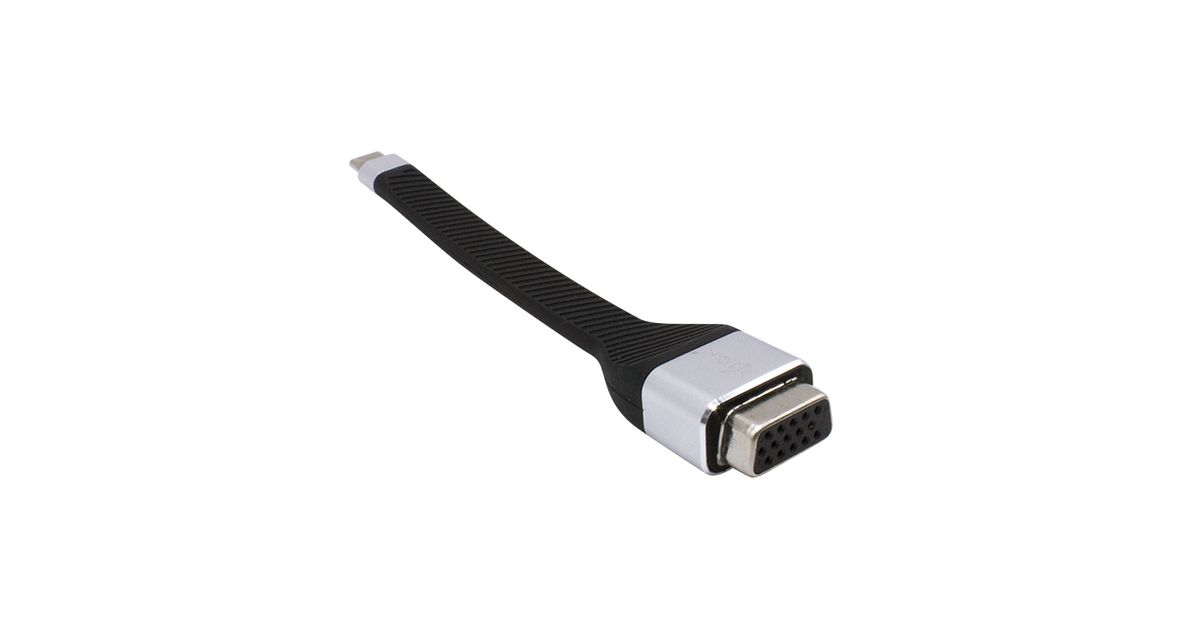
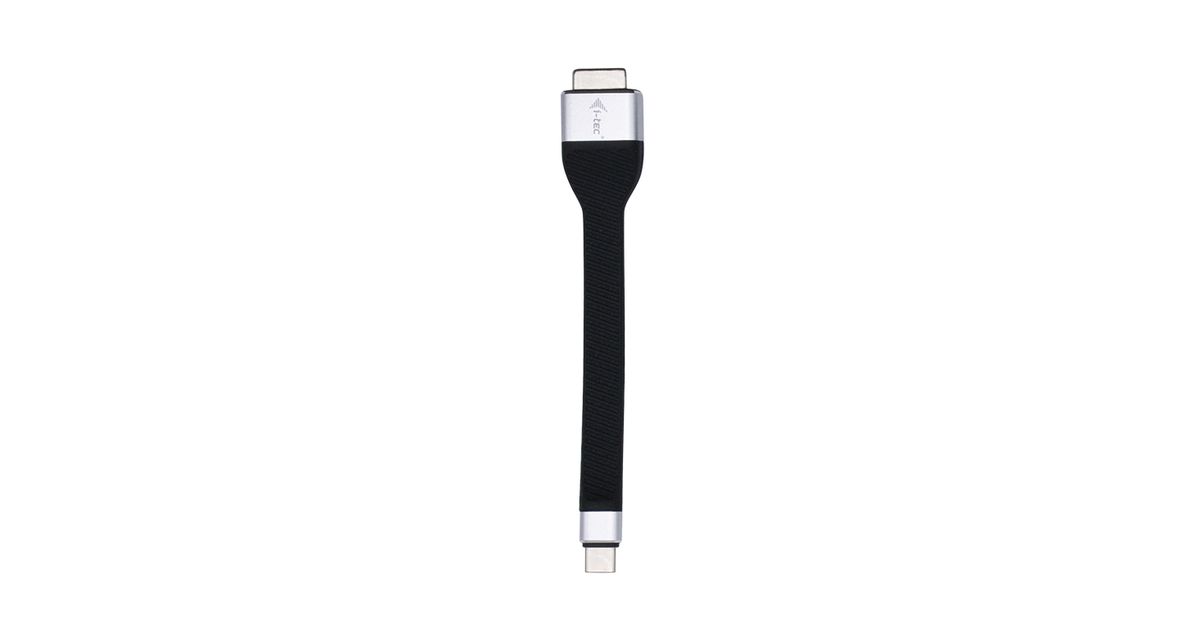
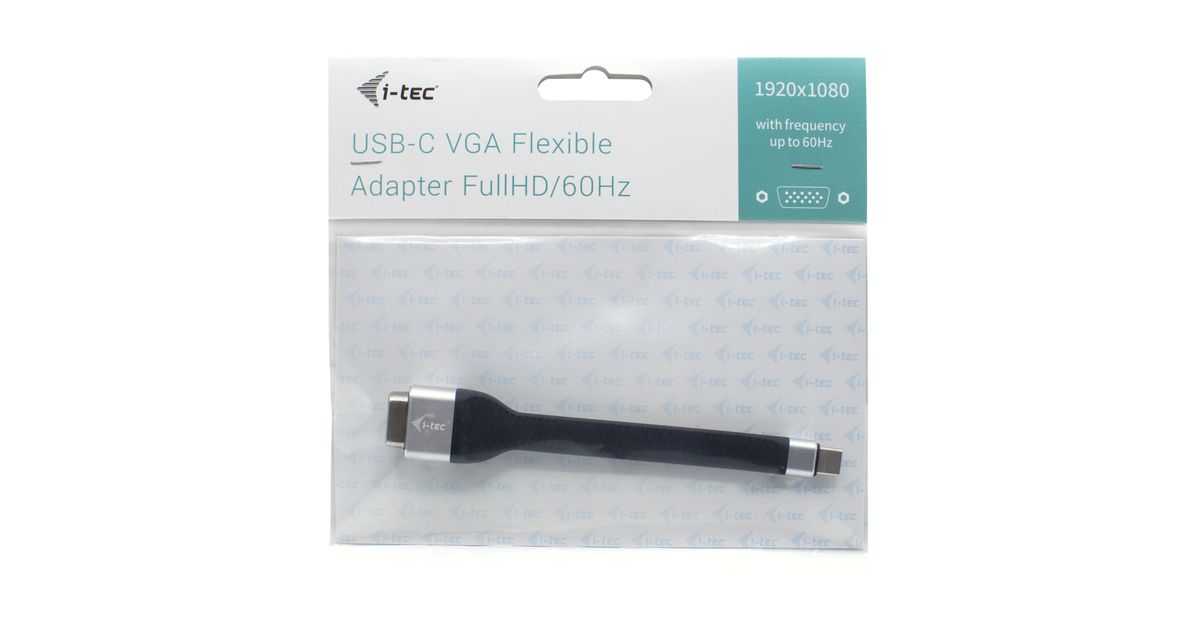
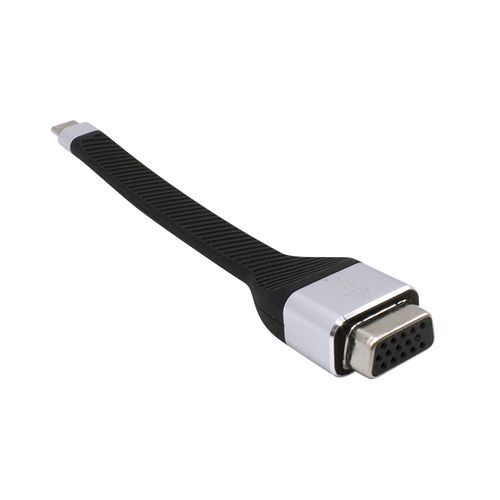
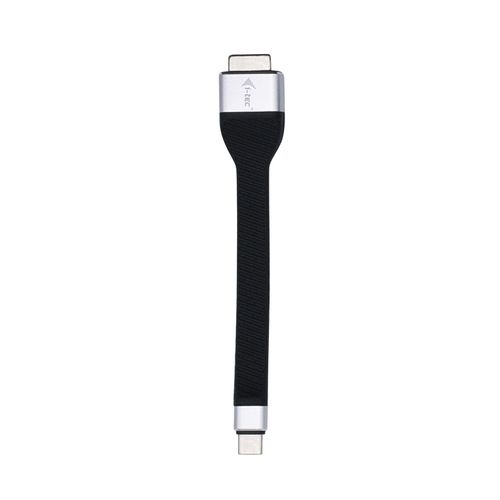
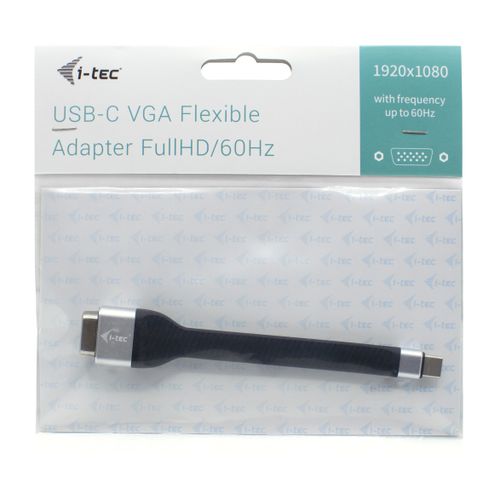
i-tec USB-C Flat VGA Adapter 1920 x 1080p/60 Hz
i-tec USB-C Flat VGA Adapter 1920 x 1080p/60 Hz, 0.11 m, USB Type-C, VGA (D-Sub), Male, Female, 1920 x 1080 pixels
Read more...
Read more...
Product Information
| Information | |
|---|---|
| Manufacturer | i-tec |
| Product code | 03135145 |
| EAN | 08595611703041 |
| Manufacturer part number | AIITCA000000039 |
| Category | USB cables and adapters |
| Features | |
|---|---|
| Cable length | 0.11 m |
| Connector 1 | USB Type-C |
| Connector 2 | VGA (D-Sub) |
| Connector 1 gender | Male |
| Connector 2 gender | Female |
| Supported video modes | 1080p |
| Harmonized System (HS) code | 84733080 |
| Graphics | |
|---|---|
| Maximum resolution | 1920 x 1080 pixels |
| Display | |
|---|---|
| Maximum refresh rate | 60 Hz |
| Design | |
|---|---|
| Product colour | Black |
| Software | |
|---|---|
| Windows operating systems supported | Y |
| Mac operating systems supported | Y |
| Other features | |
|---|---|
| Other operating systems supported | Android |
| Weight & dimensions | |
|---|---|
| Weight | 14 g |
| Width | 130 mm |
| Depth | 22 mm |
| Height | 12 mm |
| Package weight | 25 g |
| Packaging data | |
|---|---|
| Package width | 154 mm |
| Package depth | 100 mm |
| Package height | 20 mm |
| Package type | Polybag |
Product Description
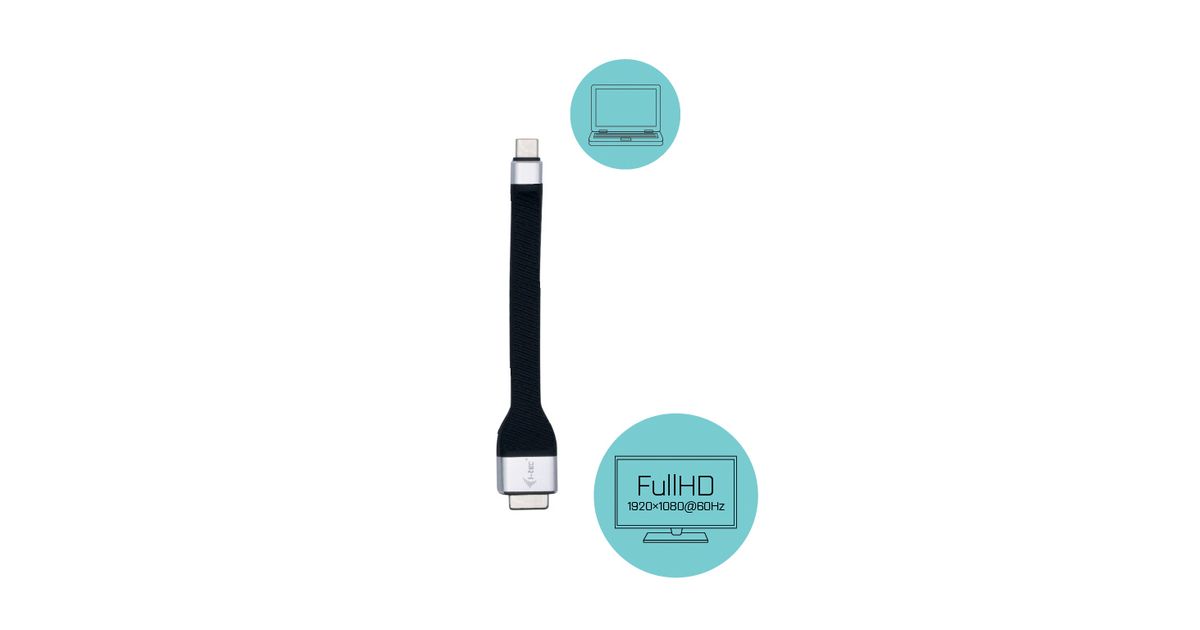
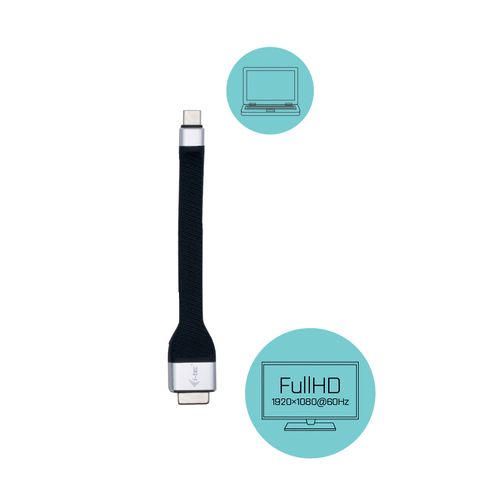
Expand your desktop to external VGA monitor or connect projector or television with VGA interface to your notebook, tablet or PC via new USB-C or Thunderbolt 3 connector. The adapter supports Full HD video with resolution up to 1920 x 1080@60 Hz. This adapter is made of rugged rubber material that can withstand tough conditions. It is, therefore, an ideal companion for travelling or when working in the field.
Using is very simple, just plug the adapter into the USB-C or Thunderbolt 3 port on your computer, connect it with a display device via VGA cable and you can immediately start using. Driver installation is automatic from the system.
Please make sure to check a compatibility of your device, whether it meets all the requirements for an operation of the specific i-tec product, especially video output (Display Port Alt mode). If your device would not be fully compatible, your new i-tec product may not operate correctly. You may find the specifications your device (i.e. USB port), in a user manual supplied with your notebook/tablet/smartphone, or – alternatively – via customer service provided by a manufacturer of your device. If still uncertain, however, contact our service at
Using is very simple, just plug the adapter into the USB-C or Thunderbolt 3 port on your computer, connect it with a display device via VGA cable and you can immediately start using. Driver installation is automatic from the system.
Please make sure to check a compatibility of your device, whether it meets all the requirements for an operation of the specific i-tec product, especially video output (Display Port Alt mode). If your device would not be fully compatible, your new i-tec product may not operate correctly. You may find the specifications your device (i.e. USB port), in a user manual supplied with your notebook/tablet/smartphone, or – alternatively – via customer service provided by a manufacturer of your device. If still uncertain, however, contact our service at