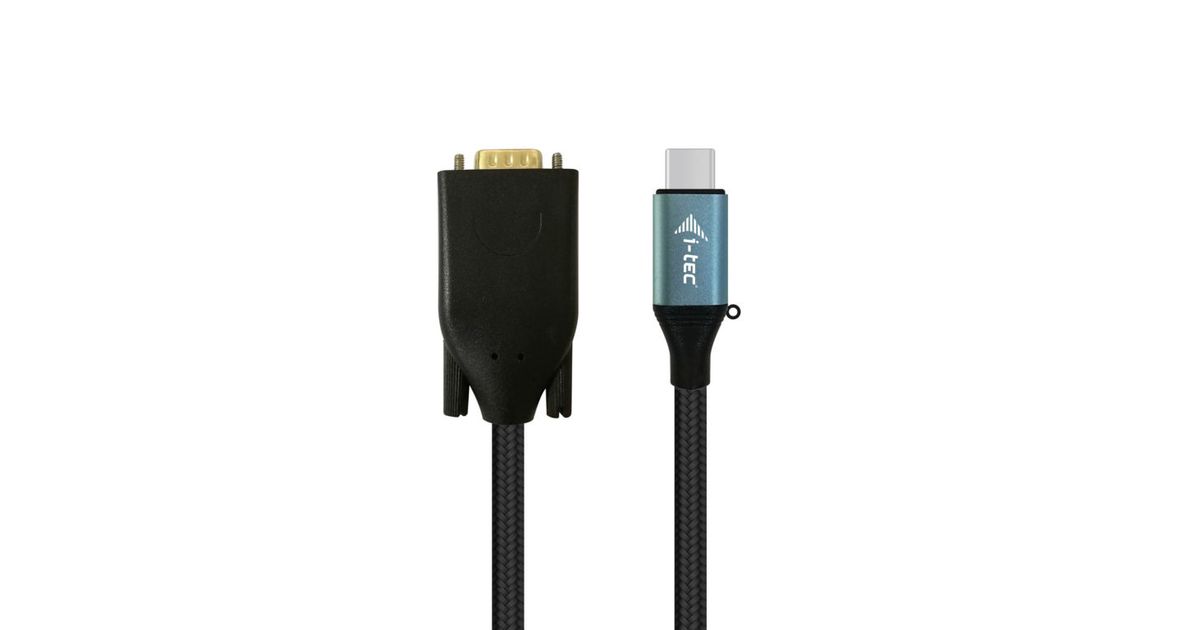
Toote tegelik värvus võib erineda piltidel kujutatavast ning pildid on
illustratiivsed.
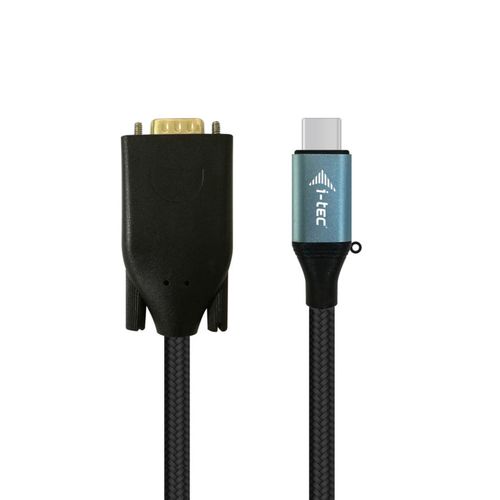
i-tec USB-C VGA Cable Adapter 1080p / 60 Hz 150cm
i-tec USB-C VGA Cable Adapter 1080p / 60 Hz 150cm, 1.5 m, USB Type-C, VGA (D-Sub), Male, Female, 1920 x 1080 pixels
Read more...
Read more...
Product Information
| Information | |
|---|---|
| Manufacturer | i-tec |
| Product code | 03135149 |
| EAN | 08595611702655 |
| Manufacturer part number | AIITCA000000031 |
| Category | USB cables and adapters |
| Features | |
|---|---|
| Cable length | 1.5 m |
| Connector 1 | USB Type-C |
| Connector 2 | VGA (D-Sub) |
| Connector 1 gender | Male |
| Connector 2 gender | Female |
| Supported video modes | 1080p |
| Data transfer rate | 40 Gbit/s |
| Colour depth | 32 bit |
| Harmonized System (HS) code | 84733080 |
| Graphics | |
|---|---|
| Maximum resolution | 1920 x 1080 pixels |
| Display | |
|---|---|
| Maximum refresh rate | 60 Hz |
| Design | |
|---|---|
| Product colour | Black, Blue |
| Software | |
|---|---|
| Windows operating systems supported | Y |
| Mac operating systems supported | Y |
| Other features | |
|---|---|
| Other operating systems supported | Android |
| Weight & dimensions | |
|---|---|
| Weight | 94 g |
| Width | 33 mm |
| Depth | 14 mm |
| Height | 1500 mm |
| Package weight | 114 g |
| Packaging data | |
|---|---|
| Quantity per pack | 1 pc(s) |
| Package width | 180 mm |
| Package depth | 14 mm |
| Package height | 1500 mm |
| Package type | Polybag |
Product Description
Expand your desktop to external VGA monitor via new USB-C or Thunderbolt 3 connector. This cable adapter supports the transfer up to 1080P, resolution up to 1920 x 1080 pixels.
The cable adapter is suitable for use with all notebooks equipped with a USB-C connector which supports video transfer (DisplayPort alt Mode) or with a Thunderbolt 3 connector (including Apple MacBook 2015 or Apple MacBook Pro 2016 and later). The USB-C and Thunderbolt 3 connectors have many benefits. They are smaller and symmetrical, which makes them easy to connect because you do not have to care about connector orientation.
The cable adapter is the excellent choice for designers, graphic designers, gamers, and other users working with more than one screen simultaneously. Using the “Extend” and “Mirror” modes you can work for example with applications on two monitors (e.g., wide spreadsheets), or you can work on the first screen and search for information on the Internet on the second screen, you can compare several documents simultaneously without constant switching among the open windows, you can display panoramic images on two screens without the need to have another computer etc.
Using is very simple, just plug the cable adapter into the USB-C or Thunderbolt 3 port on your computer, connect it with a display device via Display Port connector and you can immediately start using. Driver installation is automatic from the system.
Please make sure to check a compatibility of your device, whether it meets all the requirements for an operation of the specific i-tec product, especially video output (Display Port Alt mode). If your device would not be fully compatible, your new i-tec product may not operate correctly. You may find the specifications your device (i.e. USB port), in a user manual supplied with your notebook/tablet/smartphone, or – alternatively – via customer service provided by a manufacturer of your device.
The cable adapter is suitable for use with all notebooks equipped with a USB-C connector which supports video transfer (DisplayPort alt Mode) or with a Thunderbolt 3 connector (including Apple MacBook 2015 or Apple MacBook Pro 2016 and later). The USB-C and Thunderbolt 3 connectors have many benefits. They are smaller and symmetrical, which makes them easy to connect because you do not have to care about connector orientation.
The cable adapter is the excellent choice for designers, graphic designers, gamers, and other users working with more than one screen simultaneously. Using the “Extend” and “Mirror” modes you can work for example with applications on two monitors (e.g., wide spreadsheets), or you can work on the first screen and search for information on the Internet on the second screen, you can compare several documents simultaneously without constant switching among the open windows, you can display panoramic images on two screens without the need to have another computer etc.
Using is very simple, just plug the cable adapter into the USB-C or Thunderbolt 3 port on your computer, connect it with a display device via Display Port connector and you can immediately start using. Driver installation is automatic from the system.
Please make sure to check a compatibility of your device, whether it meets all the requirements for an operation of the specific i-tec product, especially video output (Display Port Alt mode). If your device would not be fully compatible, your new i-tec product may not operate correctly. You may find the specifications your device (i.e. USB port), in a user manual supplied with your notebook/tablet/smartphone, or – alternatively – via customer service provided by a manufacturer of your device.