Toote tegelik värvus võib erineda piltidel kujutatavast ning pildid on
illustratiivsed.
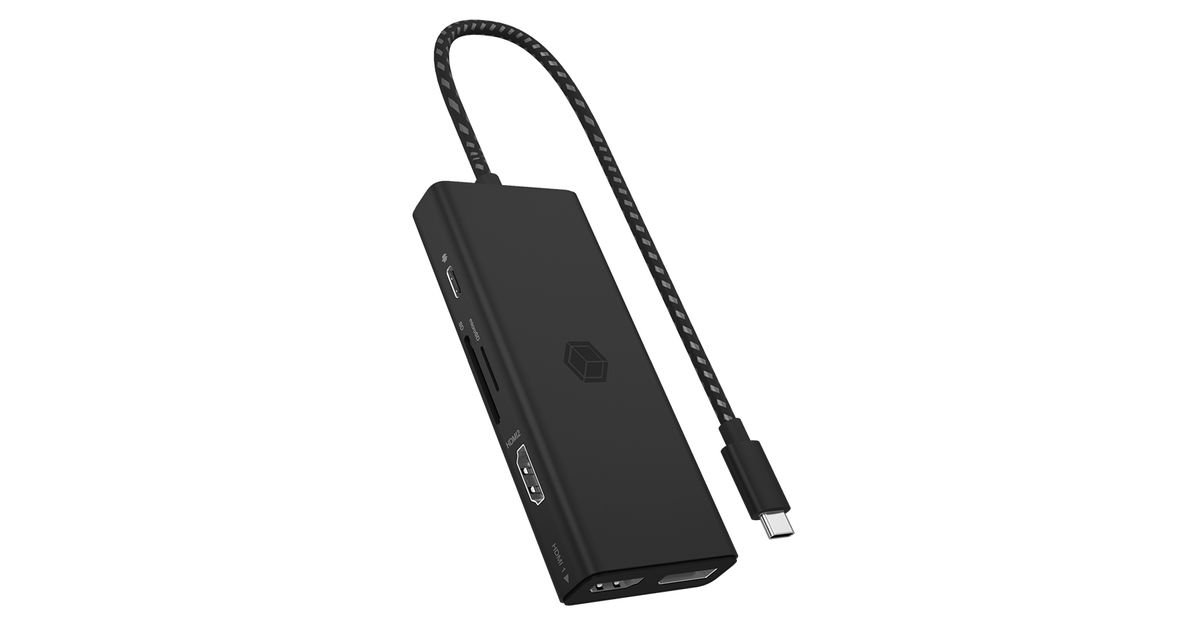
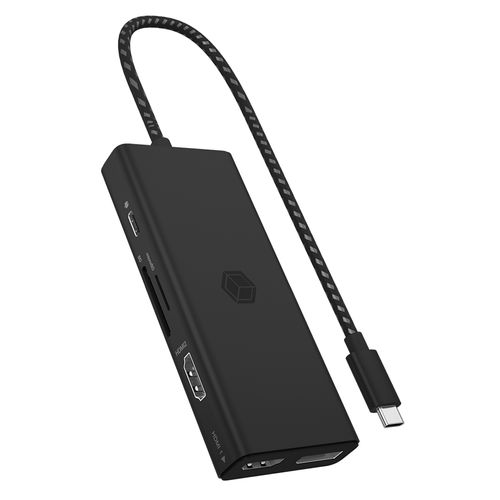
ICY BOX IB-DK4011-CPD Wired USB 3.2 Gen 1 (3.1 Gen 1) Type-C Black
ICY BOX IB-DK4011-CPD, Wired, USB 3.2 Gen 1 (3.1 Gen 1) Type-C, Black, MicroSD (TransFlash), Aluminium, Plastic, 46 mm
Read more...
Read more...
Product Information
| Information | |
|---|---|
| Manufacturer | ICY BOX |
| Product code | 189223393 |
| EAN | 04250078173335 |
| Manufacturer part number | 60999 |
| Category | Dockingstations |
| Keyboard | |
|---|---|
| Connectivity technology | Wired |
| Ports & interfaces | |
|---|---|
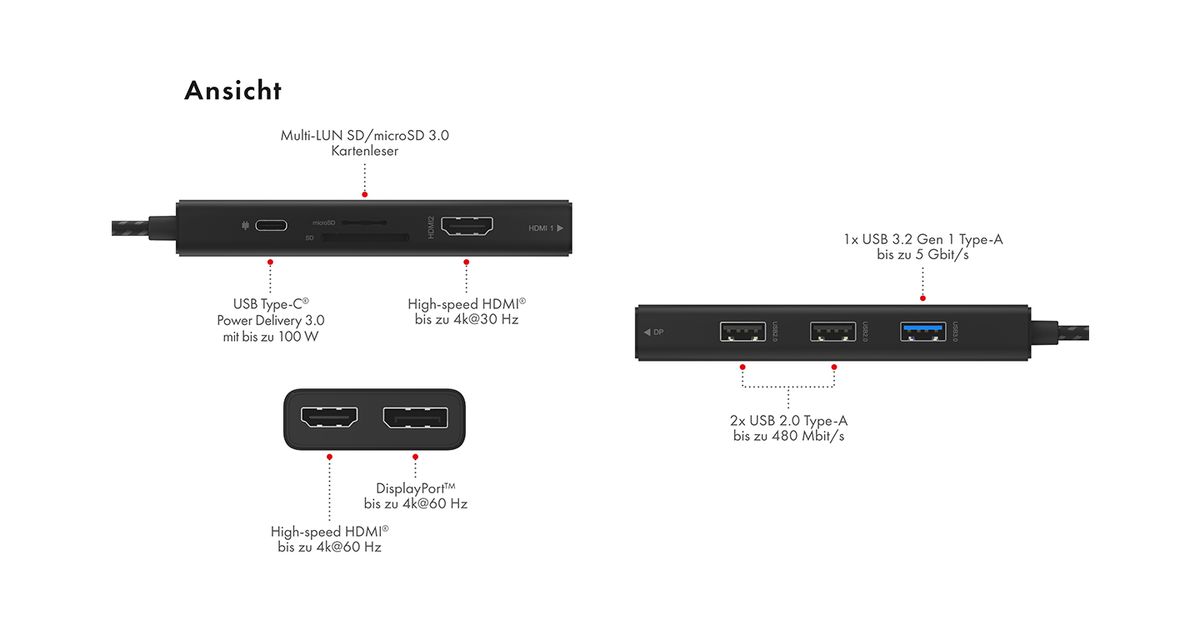
| Host interface | USB 3.2 Gen 1 (3.1 Gen 1) Type-C |
| USB 3.2 Gen 1 (3.1 Gen 1) Type-A ports quantity | 1 |
| HDMI ports quantity | 2 |
| Microphone in | N |
| DisplayPorts quantity | 1 |
| Other features | |
|---|---|
| USB 2.0 ports quantity | 2 |
| Network | |
|---|---|
| Ethernet LAN | N |
| Design | |
|---|---|
| Product colour | Black |
| Housing material | Aluminium, Plastic |
| Storage | |
|---|---|
| Card reader integrated | Y |
| Compatible memory cards | MicroSD (TransFlash) |
| Features | |
|---|---|
| Plug and Play | Y |
| UASP support | Y |
| Weight & dimensions | |
|---|---|
| Width | 46 mm |
| Depth | 113 mm |
| Height | 16 mm |
| Weight | 87 g |
| Package weight | 152 g |
| Packaging data | |
|---|---|
| Quantity per pack | 1 pc(s) |
| Package width | 25 mm |
| Package depth | 100 mm |
| Package height | 200 mm |
| Packaging content | |
|---|---|
| Manual | Y |
| Logistics data | |
|---|---|
| Products per master (outer) case | 60 pc(s) |
| Master (outer) case width | 280 mm |
| Master (outer) case length | 450 mm |
| Master (outer) case height | 345 mm |
| Master (outer) case gross weight | 9.82 kg |
Product Description
Video diversity despite compact design
Three monitors at the same time with up to 2K@60 Hz, your eyes will be grateful! If you want a higher resolution, then connect a single 4K@60 Hz monitor or beamer. Neither is a problem, as long as your host computer‘s graphics card supports it.
USB Type-C® - charging port required as of 2024
What do you do if the only Type-C® port on the notebook is occupied by the DockingStation and there is no further port for the Type-C® PD notebook power supply? No problem, simply use the Type-C® Power Delivery interface of the DockingStation. Then you can charge again with up to 100 watts.
Multiple is simple
The simultaneous use of external USB storage media and memory cards in SD and microSD formats is mandatory here, so that your creativity and productivity are not impaired by unnecessary plugging and unplugging of storage devices. Just dock it!
Three monitors at the same time with up to 2K@60 Hz, your eyes will be grateful! If you want a higher resolution, then connect a single 4K@60 Hz monitor or beamer. Neither is a problem, as long as your host computer‘s graphics card supports it.
USB Type-C® - charging port required as of 2024
What do you do if the only Type-C® port on the notebook is occupied by the DockingStation and there is no further port for the Type-C® PD notebook power supply? No problem, simply use the Type-C® Power Delivery interface of the DockingStation. Then you can charge again with up to 100 watts.
Multiple is simple
The simultaneous use of external USB storage media and memory cards in SD and microSD formats is mandatory here, so that your creativity and productivity are not impaired by unnecessary plugging and unplugging of storage devices. Just dock it!