Toote tegelik värvus võib erineda piltidel kujutatavast ning pildid on
illustratiivsed.
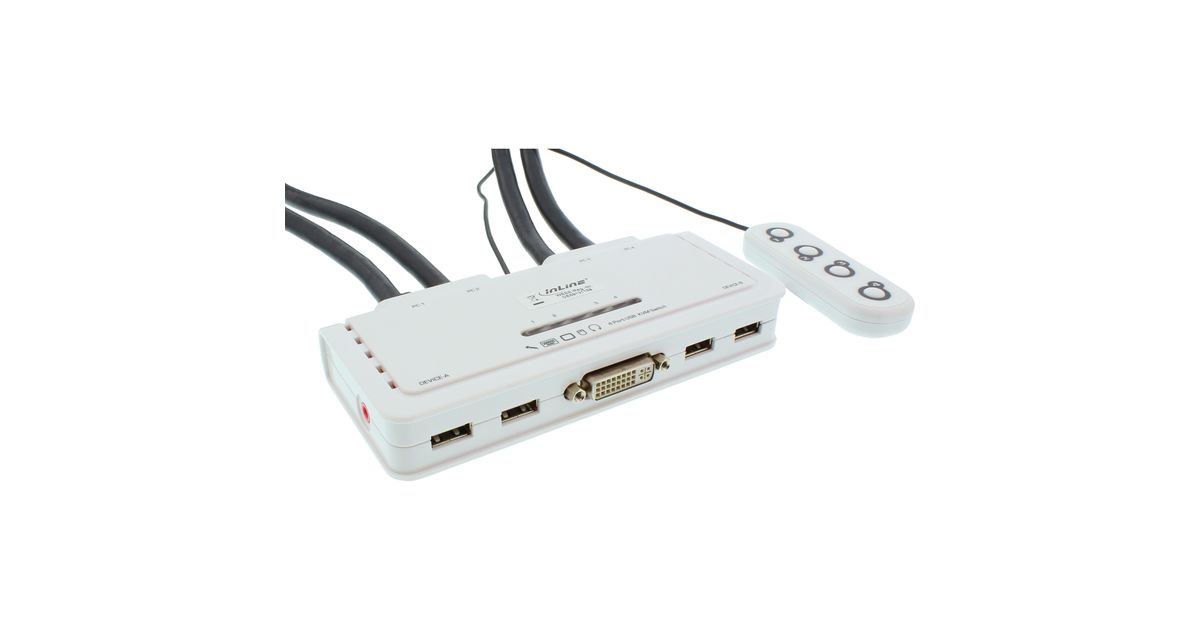
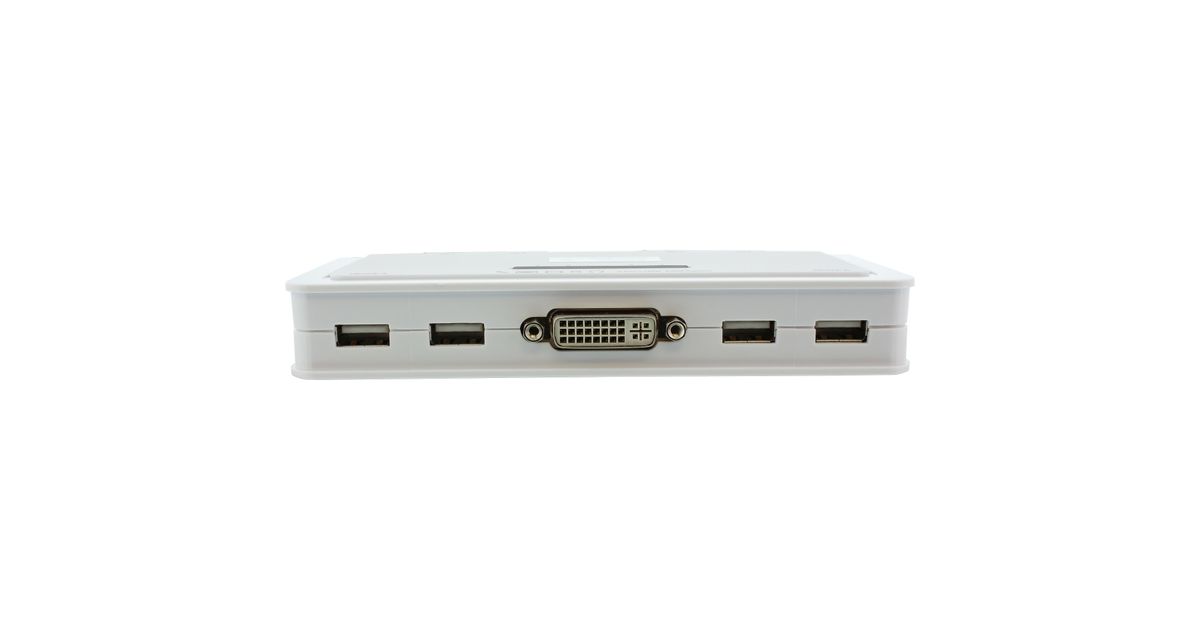
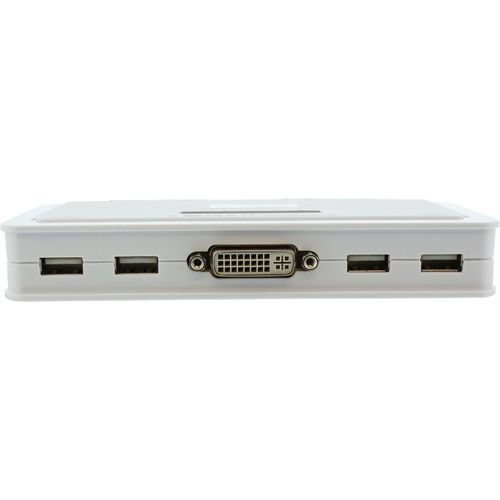
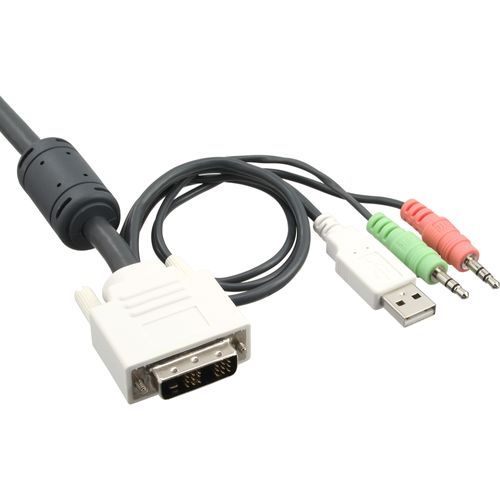
InLine KVM Switch 4 Port DVI-D + USB + Audio incl. 2 Cable Sets
InLine KVM Switch 4 Port DVI-D + USB + Audio incl. 2 Cable Sets, 1920 x 1200 pixels
Read more...
Read more...
Product Information
| Information | |
|---|---|
| Manufacturer | InLine |
| Product code | 15401317 |
| EAN | 04043718205134 |
| Manufacturer part number | 61614I |
| Category | KVM switches |
Product Description
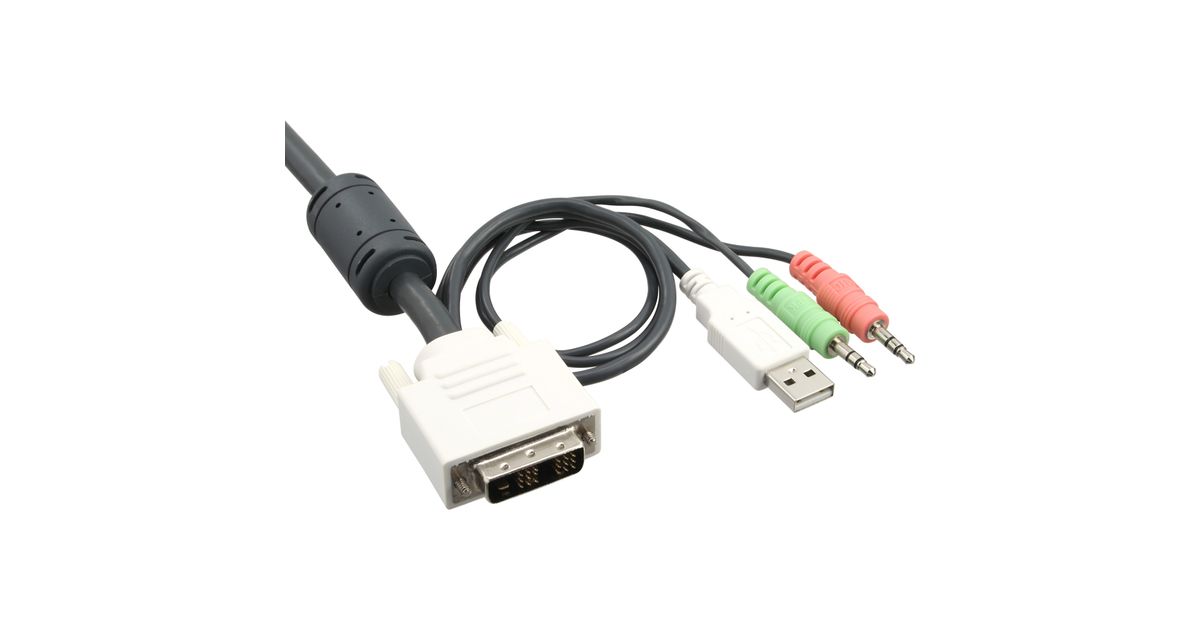
This device is a 4-port compact DVI USB "Cable KVM Switch" with 4 sets of fixed USB KVM & Audio/Mic combo cables and a wired QuickSwitch button for easy connection to your two computers. It allows you to access, control, boot and reboot two USB-enabled multimedia computers with only one USB keyboard, mouse, display and a speaker set and microphone. For easy and fast switching between four computers, you can use either keyboard hotkeys, the QuickSwitch button or the Switching Software Client installed on your PCs! QuickSwitch button for instant switching operation: The QuickSwitch button can be conveniently placed near your hand on the desktop. Whenever you need to switch computer channel, you can press it lightly for instant switching to the other computer. It is the most easy and fastest way to switch. The QuickSwitch button comes optionally either with a soft-magnet bottom to be readily attached to any metal surface, or with a Velcro sticker to be applied to any spot you like. Beside the QuickSwitch button, you can also use the keyboard hotkeys and software switching utility. Switching Software Support for PC and Mac: The device comes with both Windows and Mac version of the Switching Software utility program that can be installed on the connected computers to facilitate easy "software" switching. The Switching Software can show you the current active PC, and allows you to select PC as well as configure keyboard hotkeys. It appears as an icon on the system tray of your Window desktop, and will change its number icon upon switching to show the active computer port. With this software utility, it will give KVM users utmost convenience and control.