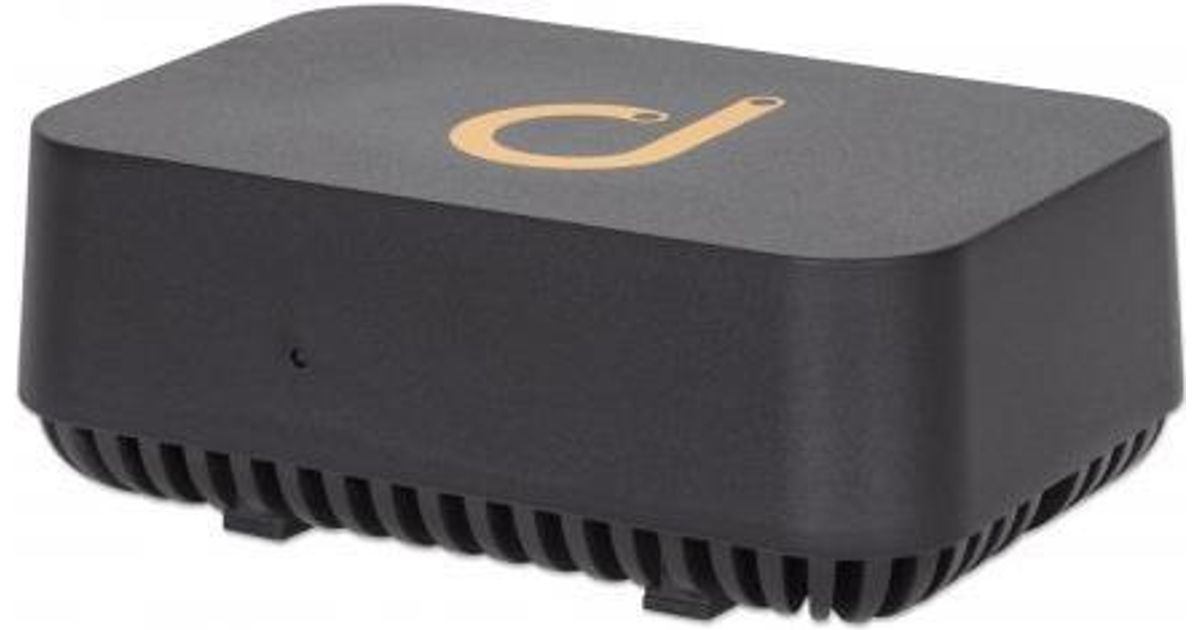
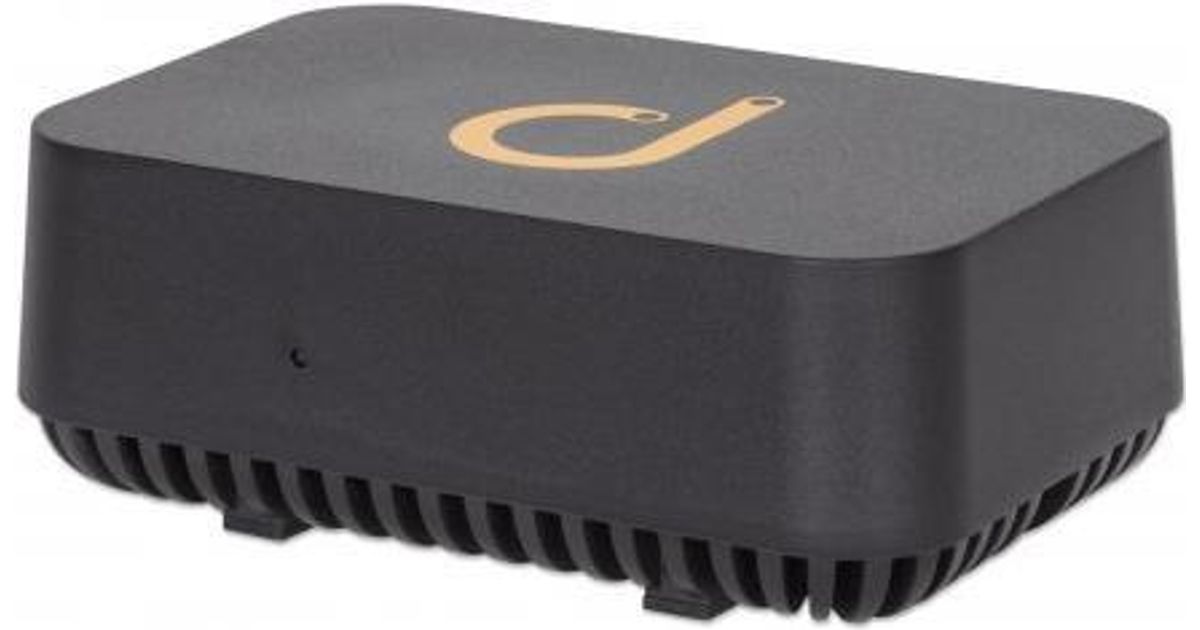
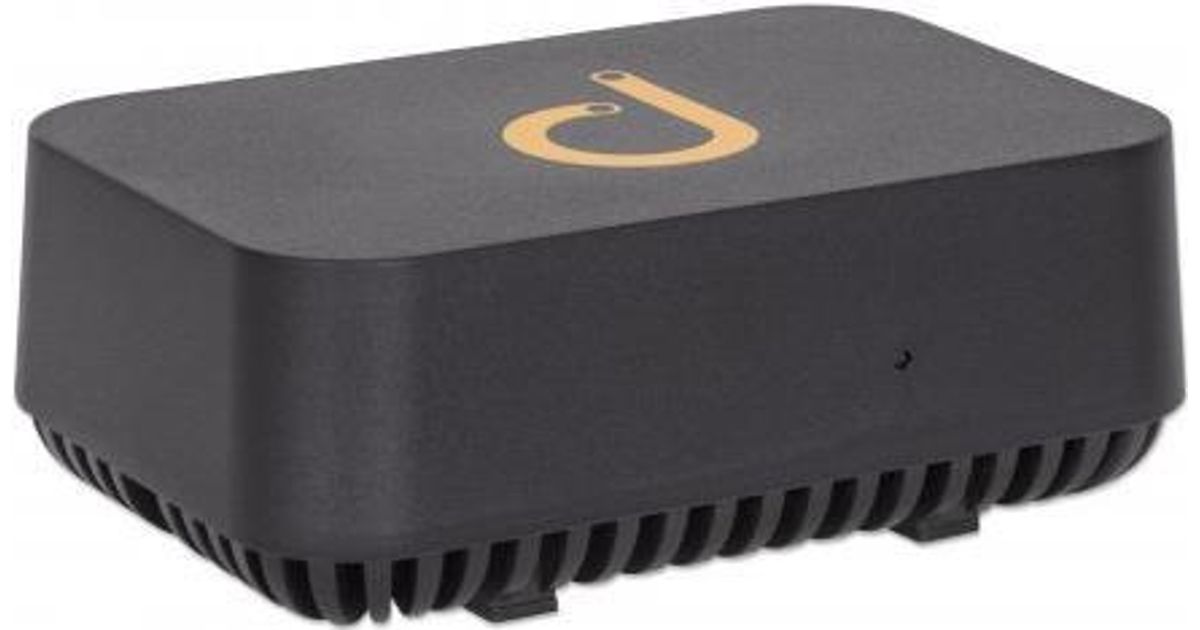
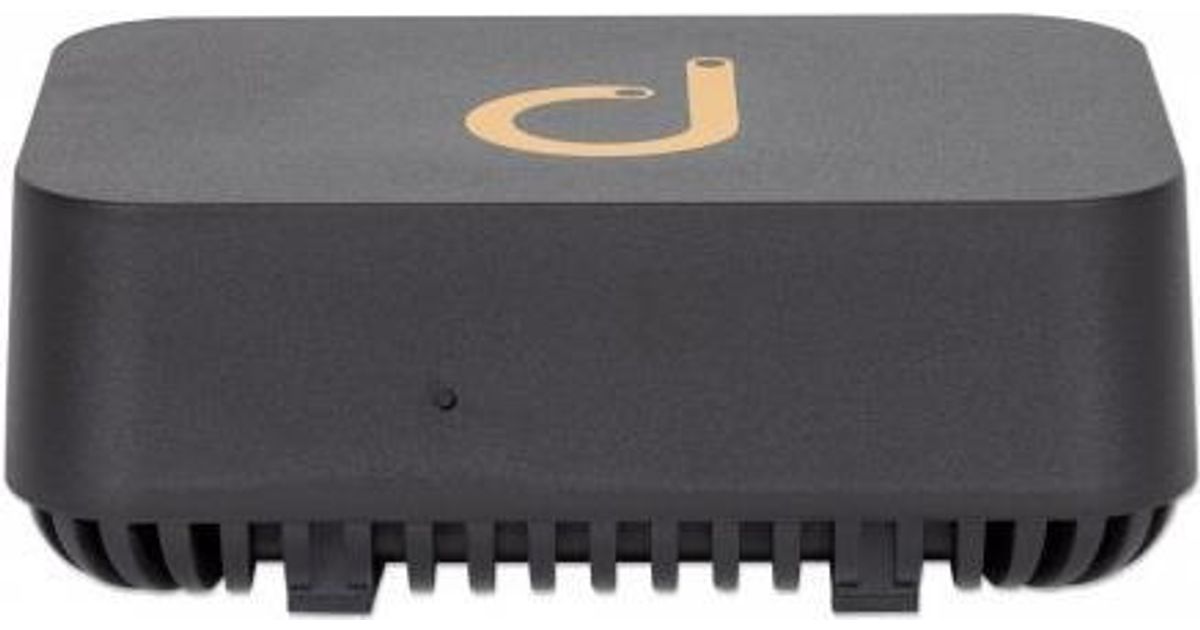
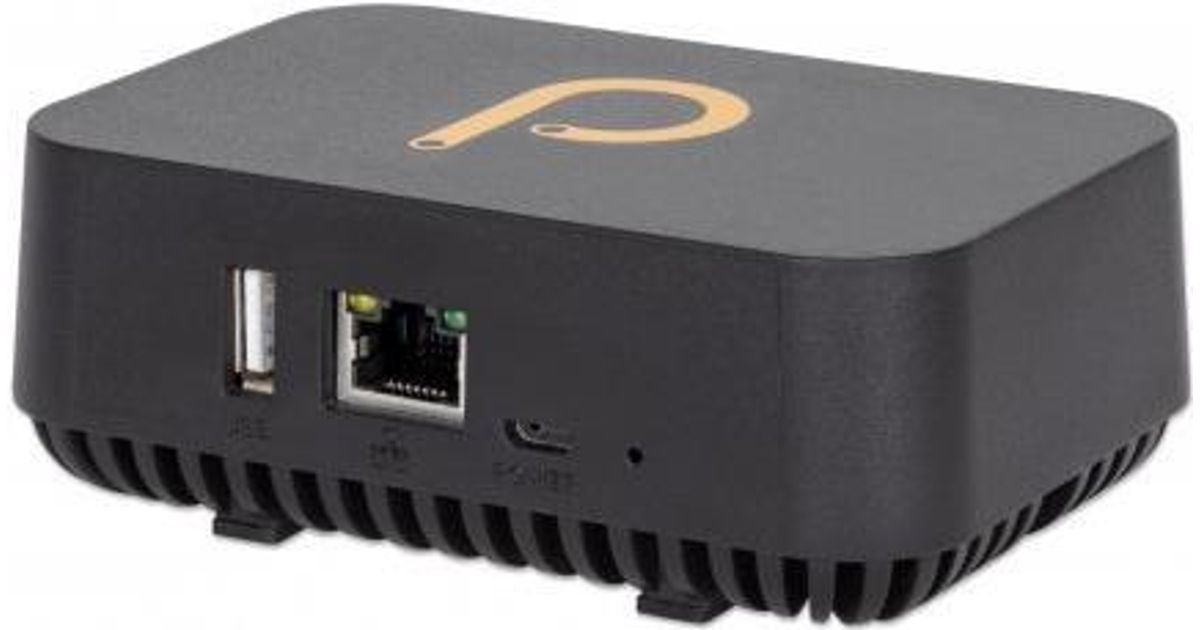
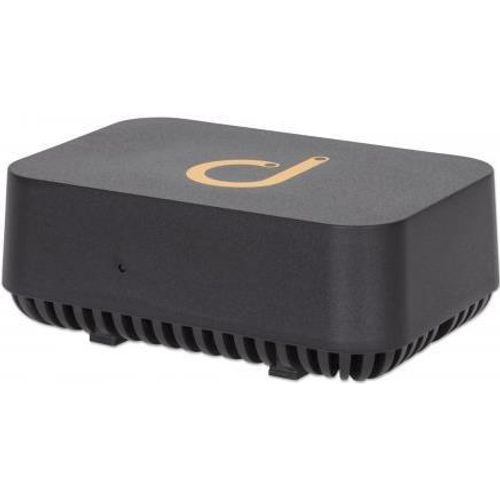
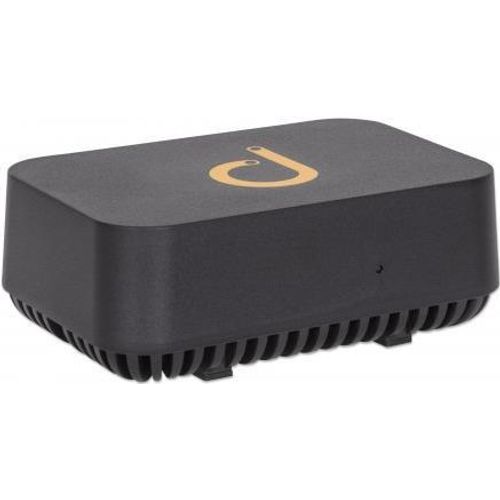
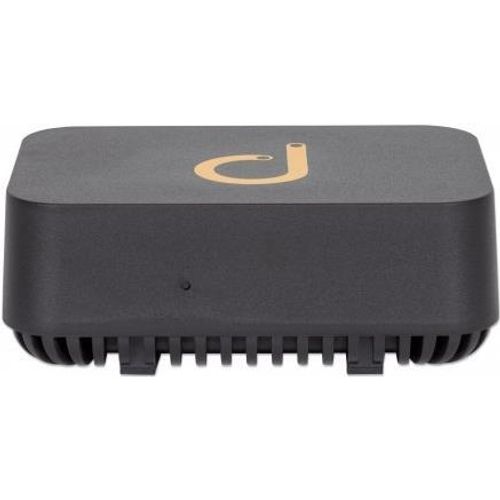
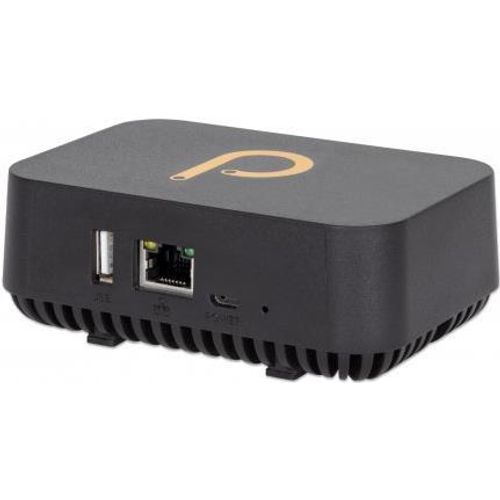
Toote tegelik värvus võib erineda piltidel kujutatavast ning pildid on
illustratiivsed.
Intellinet Domotz Pro Box network management device Ethernet LAN
Intellinet Domotz Pro Box, IEEE 802.3ab,IEEE 802.3i,IEEE 802.3u, Wired, 10 W, 100 - 240 V, 50 - 60 Hz, 0.5 A
Read more...
Read more...
Product Information
| Information | |
|---|---|
| Manufacturer | Intellinet |
| Product code | 163859032 |
| EAN | 00793150520800 |
| Manufacturer part number | 561631 |
| Other features | |
|---|---|
| Networking standards | IEEE 802.3ab,IEEE 802.3i,IEEE 802.3u |
| USB 2.0 ports quantity | 1 |
| Network | |
|---|---|
| Ethernet LAN | Y |
| Keyboard | |
|---|---|
| Connectivity technology | Wired |
| Ports & interfaces | |
|---|---|
| Ethernet LAN (RJ-45) ports | 1 |
| Power | |
|---|---|
| Power supply | 10 W |
| AC input voltage | 100 - 240 V |
| AC input frequency | 50 - 60 Hz |
| Input current | 0.5 A |
| Storage | |
|---|---|
| Total storage capacity | 8 GB |
| Features | |
|---|---|
| HDD capacity | 8 GB |
| Operational conditions | |
|---|---|
| Operating temperature (T-T) | 0 - 40 °C |
| Weight & dimensions | |
|---|---|
| Weight | 126 g |
| Width | 72 mm |
| Depth | 108 mm |
| Height | 40 mm |
Product Description
The Domotz Pro Box - your convenient go-to tool for remote network monitoring and management
The Domotz Pro Box from Intellinet Network Solutions monitors and manages your network and devices remotely in real-time via web or app. Deployment is fast and easy with automatic detection of IP devices. The Domotz Pro Box lets you gain cloud access to those devices, manage an unlimited number of clients, apply remote power management for PDU and PoE switches, perform network diagnostics and receive real-time notifications about network issues.
Detailed device and network monitoring
Monitor anything: internal and external IP addresses, across multiple VLANs, and any ports or devices. Device status is checked every 30 seconds and is visible from both mobile and web apps. You can also monitor data traffic for individual network interfaces of SNMP-enabled devices.
Remote cloud access
The Domotz software provides remote connectivity to devices using HTTP, HTTPS, RDP, SSH and Telnet connections. Router settings do not have to be configured; VPNs are not required. It supports remote desktop to conveniently access client machines through an encrypted connection.
Remote power management
Turn devices on and off using the web or mobile apps via PoE (Power over Ethernet), PDUs (Power Distribution Units), smart plugs, and managed network switches. Use the auto Wake-on-Lan feature to wake up devices as soon as they are found to be offline.
Alert settings
Receive event-based mobile push notifications and e-mail alerts. Alerts can be configured on a per-account basis.
Diagnostics
Check your network’s performance, analyze its bandwidth, run speed tests and monitor device connectivity to identify possible bottlenecks and packet loss.
The Domotz Pro Box from Intellinet Network Solutions monitors and manages your network and devices remotely in real-time via web or app. Deployment is fast and easy with automatic detection of IP devices. The Domotz Pro Box lets you gain cloud access to those devices, manage an unlimited number of clients, apply remote power management for PDU and PoE switches, perform network diagnostics and receive real-time notifications about network issues.
Detailed device and network monitoring
Monitor anything: internal and external IP addresses, across multiple VLANs, and any ports or devices. Device status is checked every 30 seconds and is visible from both mobile and web apps. You can also monitor data traffic for individual network interfaces of SNMP-enabled devices.
Remote cloud access
The Domotz software provides remote connectivity to devices using HTTP, HTTPS, RDP, SSH and Telnet connections. Router settings do not have to be configured; VPNs are not required. It supports remote desktop to conveniently access client machines through an encrypted connection.
Remote power management
Turn devices on and off using the web or mobile apps via PoE (Power over Ethernet), PDUs (Power Distribution Units), smart plugs, and managed network switches. Use the auto Wake-on-Lan feature to wake up devices as soon as they are found to be offline.
Alert settings
Receive event-based mobile push notifications and e-mail alerts. Alerts can be configured on a per-account basis.
Diagnostics
Check your network’s performance, analyze its bandwidth, run speed tests and monitor device connectivity to identify possible bottlenecks and packet loss.