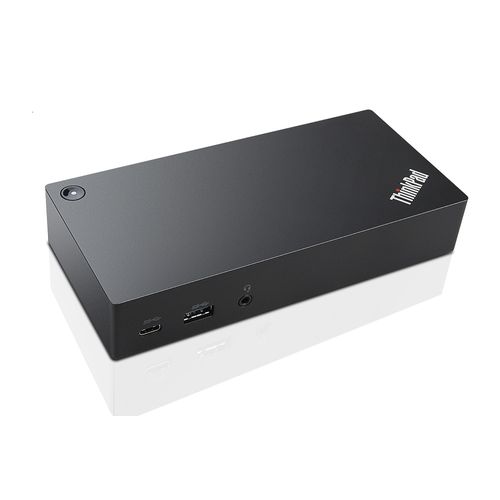
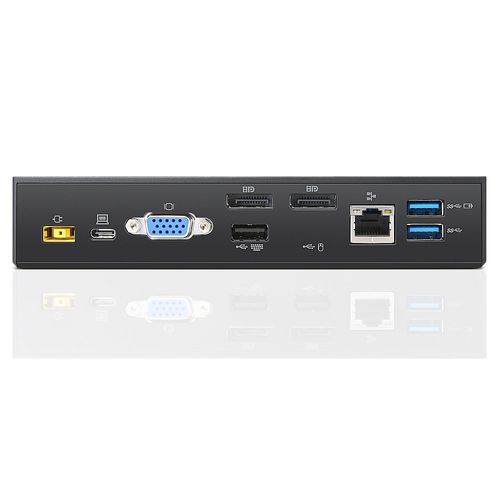
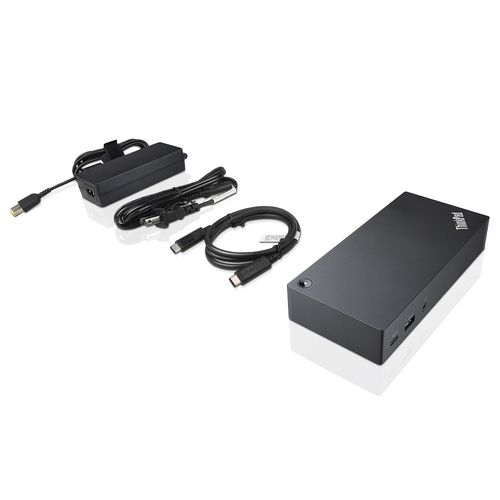
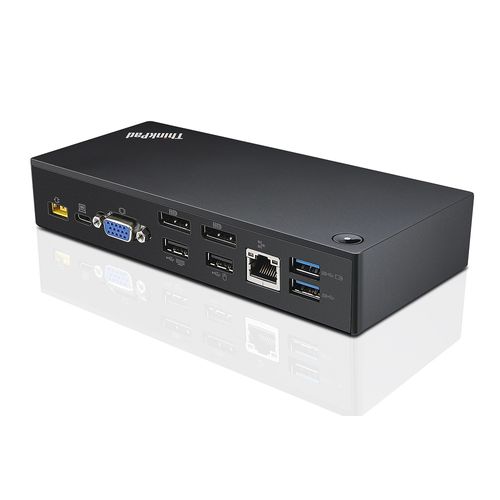
For illustrative purpose only
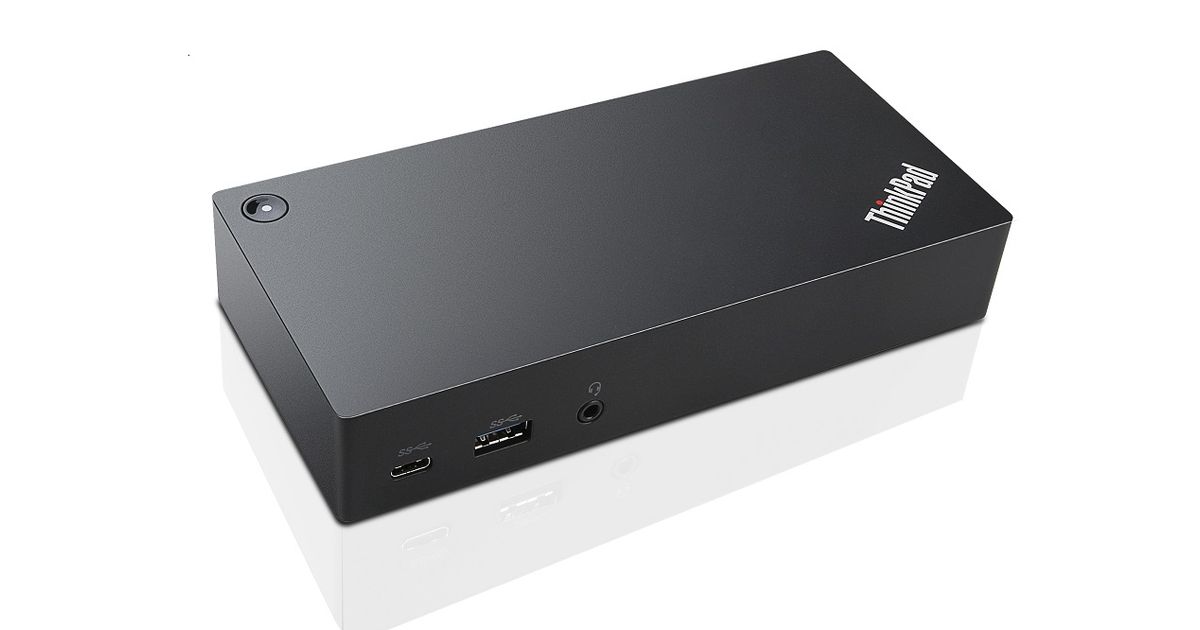
Lenovo 40A90090EU notebook dock/port replicator Wired USB 3.2 Gen 1 (3.1 Gen 1) Type-C Black
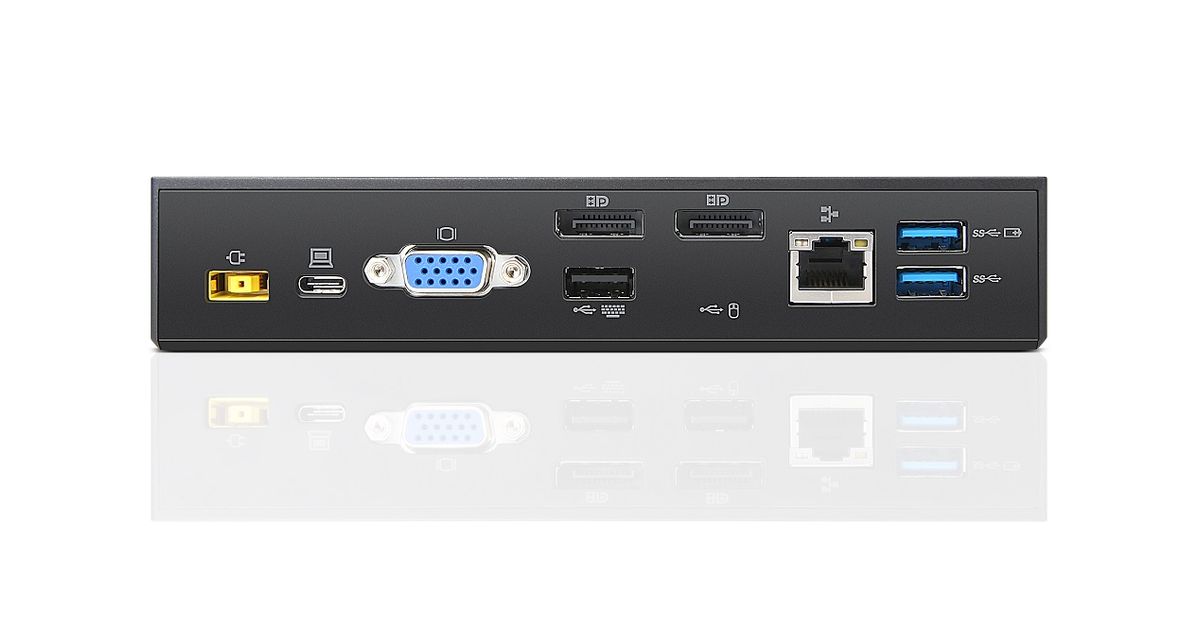
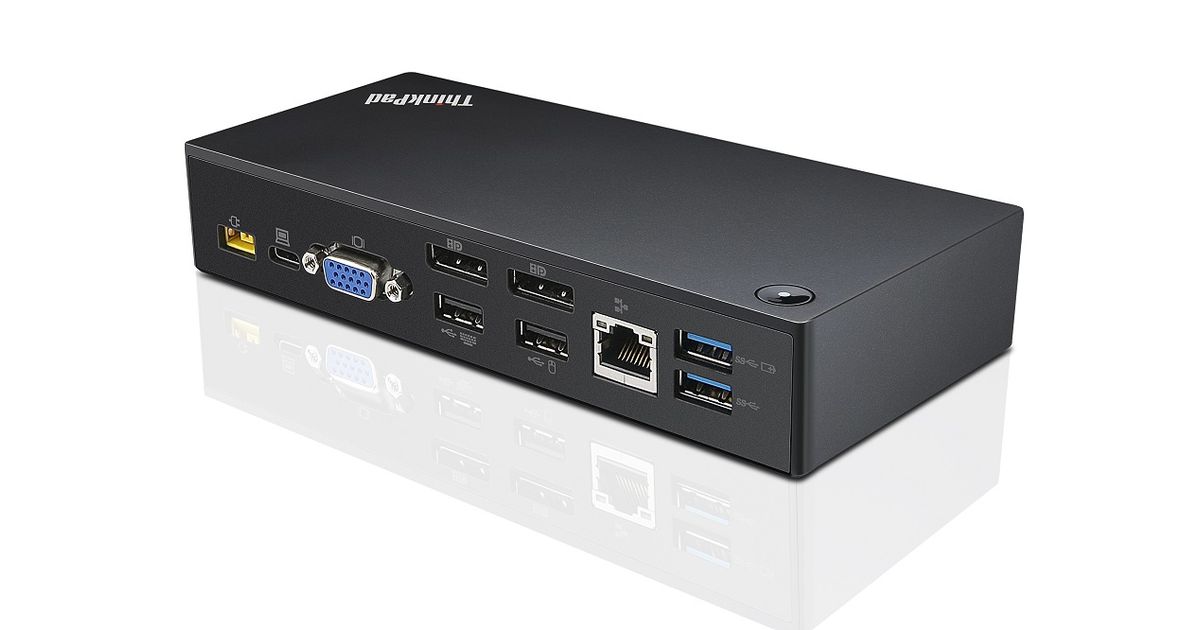
Lenovo 40A90090EU, Wired, USB 3.2 Gen 1 (3.1 Gen 1) Type-C, USB Type-A, USB Type-C, 10,100,1000 Mbit/s, Black, Kensington
Read more...
Read more...
Product Information
| Information | |
|---|---|
| Manufacturer | Lenovo |
| Product code | 16532544 |
| EAN | 04573438639334 |
| Manufacturer part number | 40A90090EU |
| Category | Notebook accessories |
| Keyboard | |
|---|---|
| Connectivity technology | Wired |
| Ports & interfaces | |
|---|---|
| Host interface | USB 3.2 Gen 1 (3.1 Gen 1) Type-C |
| USB 3.2 Gen 1 (3.1 Gen 1) Type-A ports quantity | 3 |
| USB 3.2 Gen 1 (3.1 Gen 1) Type-C ports quantity | 1 |
| VGA (D-Sub) ports quantity | 1 |
| DisplayPorts quantity | 2 |
| Combo headphone/mic port | Y |
| DC-in jack | Y |
| Ethernet LAN (RJ-45) ports | 1 |
| Other features | |
|---|---|
| USB 2.0 ports quantity | 2 |
| Features | |
|---|---|
| USB connector type | USB Type-A, USB Type-C |
| Brand compatibility | Lenovo |
| Certification | CB,CULUS,EAC,TUV Mark,FCC,ICES, DOC, NOM,KCC, RCM, BSMI, VCCI, CE, LoA |
| Power supply type | External |
| Power plug type | Type C |
| Harmonized System (HS) code | 84733020 |
| Network | |
|---|---|
| Ethernet LAN | Y |
| Ethernet LAN data rates | 10,100,1000 Mbit/s |
| Wake-on-LAN ready | Y |
| 10G support | N |
| Design | |
|---|---|
| Product colour | Black |
| Cable lock slot type | Kensington |
| Storage | |
|---|---|
| Card reader integrated | N |
| Mounting | |
|---|---|
| Number of displays supported | 2 |
| Performance | |
|---|---|
| Cable lock slot | Y |
| Power source type | AC |
| Power | |
|---|---|
| Power supply | 90 W |
| Compatible power plug types | EU |
| Operational conditions | |
|---|---|
| Operating temperature (T-T) | -5 - 40 °C |
| Operating relative humidity (H-H) | 20 - 95% |
| Weight & dimensions | |
|---|---|
| Width | 171 mm |
| Depth | 80 mm |
| Height | 32.5 mm |
| Packaging content | |
|---|---|
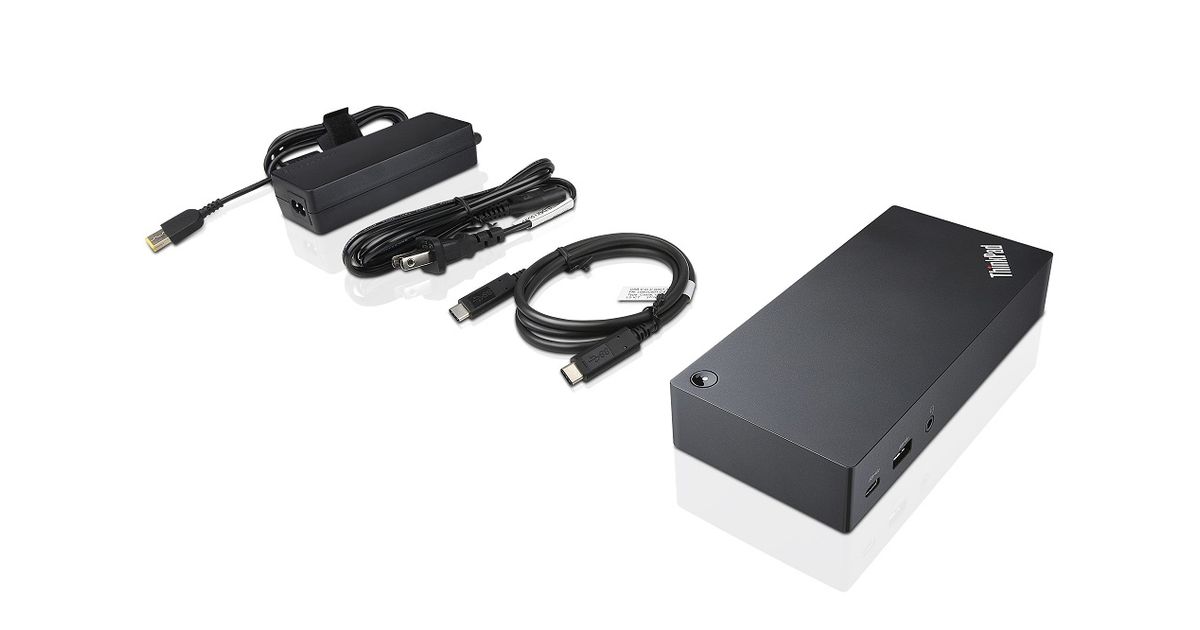
| Cables included | AC, USB Type-C |
| AC adapter included | Y |
Product Description
The ThinkPad USB-C Dock is a new universal docking solution ensuring a productive workstation. Experience all your productivity needs including video, data, and wired network all while delivering continuous power to your laptop via a robust USB Type-C port. Simply connect your laptop or tablet with the dock and boost your productivity in no time. Single UHD display30Hz or dual FHD displays allow you to enjoy a vivid video experience.Always Connected via USB Type-C
A Power Hub for Your Desk
Experience up to 60W of stable, reliable, and continuous power for your laptop or tablet ensuring your station is always ready for peak productivity. Apart from charging your notebook or tablet and mobile device charging with 15W and 10.5W from the USB-C port and USB 3.0 always power on port respectively.
An Unprecedented View
Enjoy a vivid video experience with an Ultra High Definition (UHD – 4K) display or take multi-tasking to a new level two FHD (1080p) displays.
An Enterprise Flagship
Supports network manageability for your ThinkPad system such as PXE boot, system Wake-On LAN from Sleep mode, Hibernate mode, or Power-off mode, and Pass through ThinkPad notebook MAC address to the dock.
Complete Control of Your Device
Once your ThinkPad device is connected to the dock, the power button on the dock mirrors the system power button – simply press it to power your system ON or OFF.
A Power Hub for Your Desk
Experience up to 60W of stable, reliable, and continuous power for your laptop or tablet ensuring your station is always ready for peak productivity. Apart from charging your notebook or tablet and mobile device charging with 15W and 10.5W from the USB-C port and USB 3.0 always power on port respectively.
An Unprecedented View
Enjoy a vivid video experience with an Ultra High Definition (UHD – 4K) display or take multi-tasking to a new level two FHD (1080p) displays.
An Enterprise Flagship
Supports network manageability for your ThinkPad system such as PXE boot, system Wake-On LAN from Sleep mode, Hibernate mode, or Power-off mode, and Pass through ThinkPad notebook MAC address to the dock.
Complete Control of Your Device
Once your ThinkPad device is connected to the dock, the power button on the dock mirrors the system power button – simply press it to power your system ON or OFF.