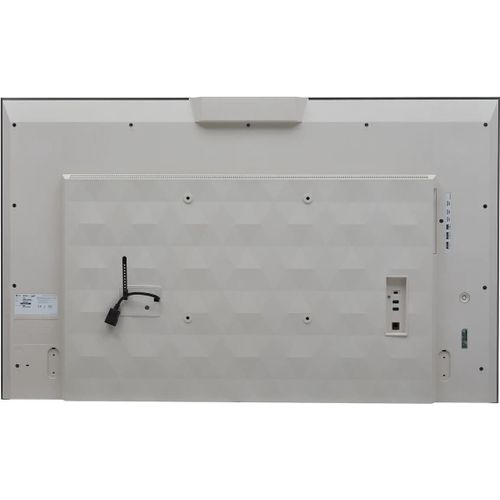
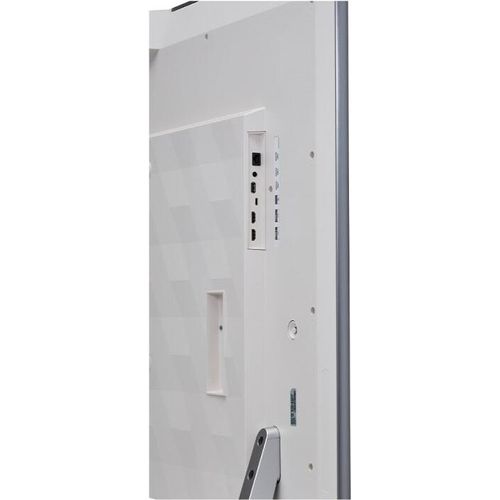
Toote tegelik värvus võib erineda piltidel kujutatavast ning pildid on
illustratiivsed.
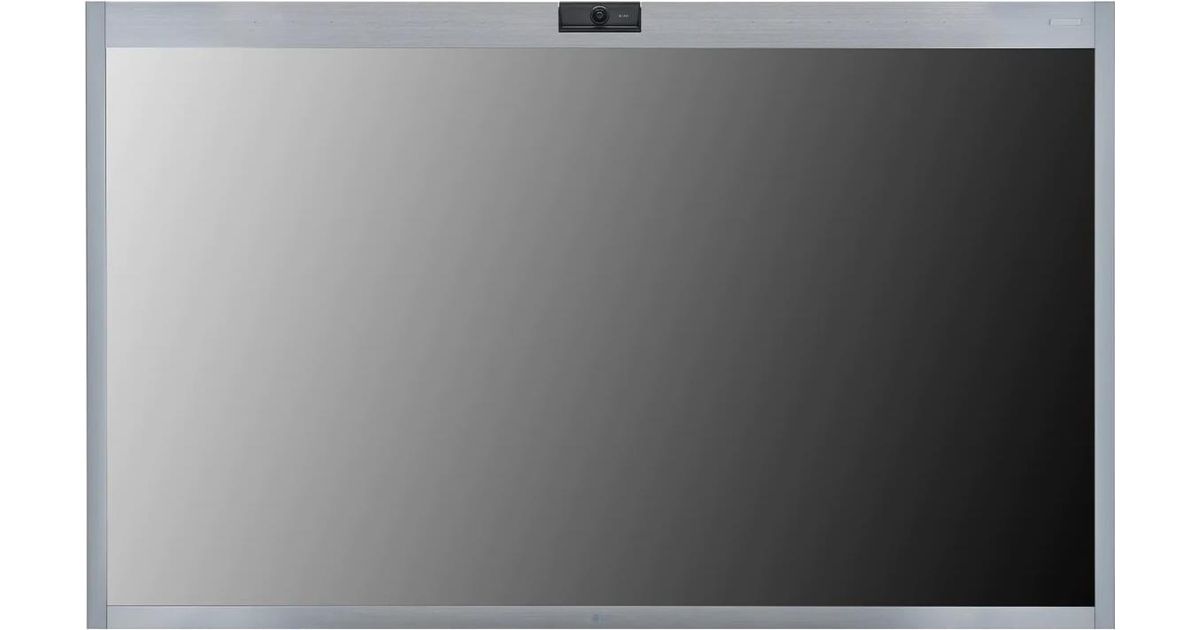
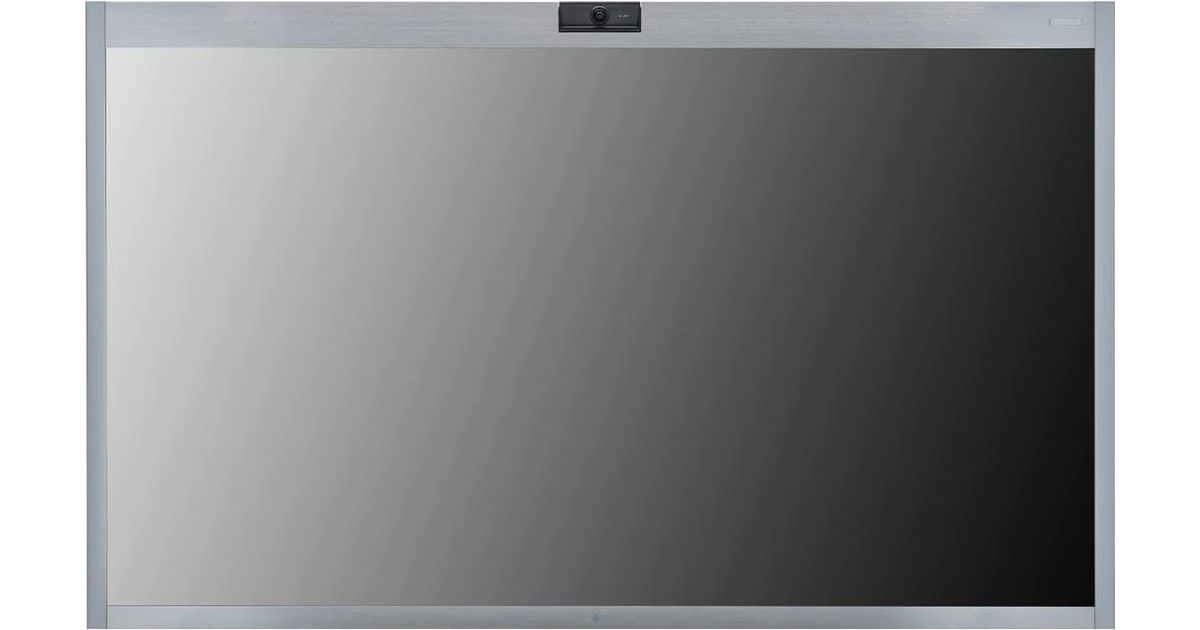
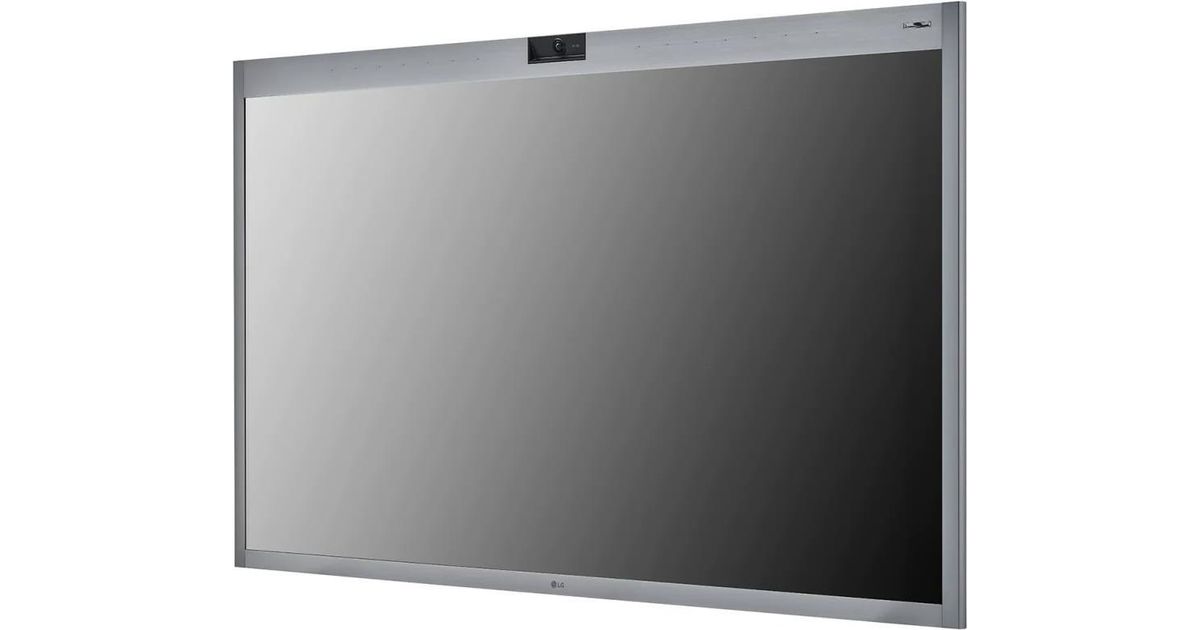
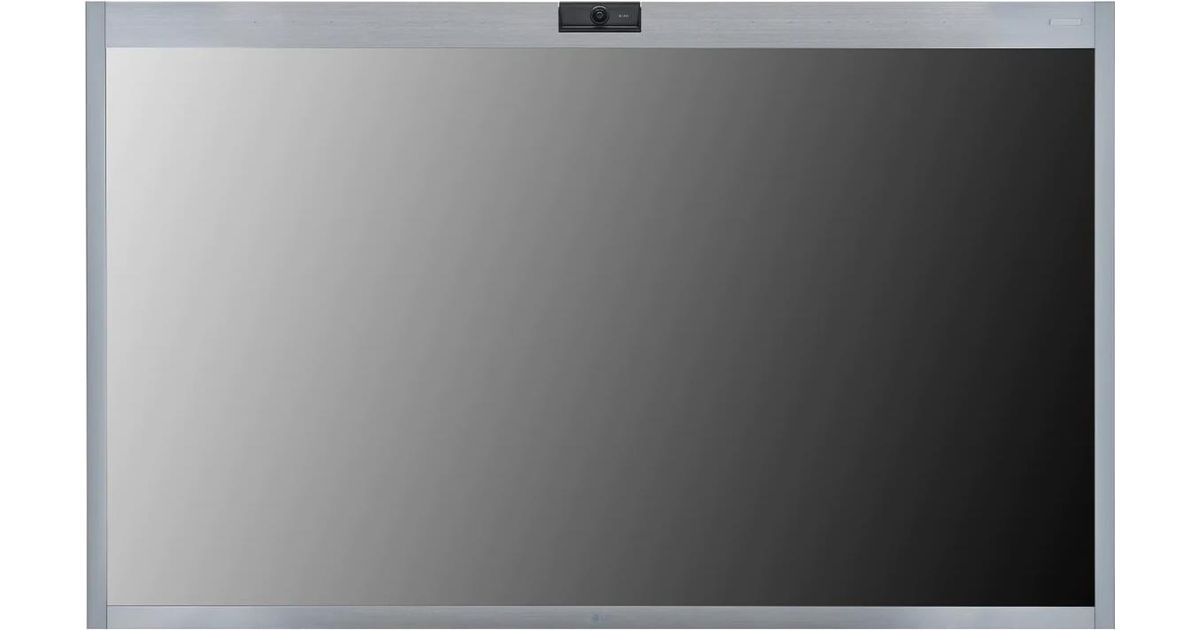
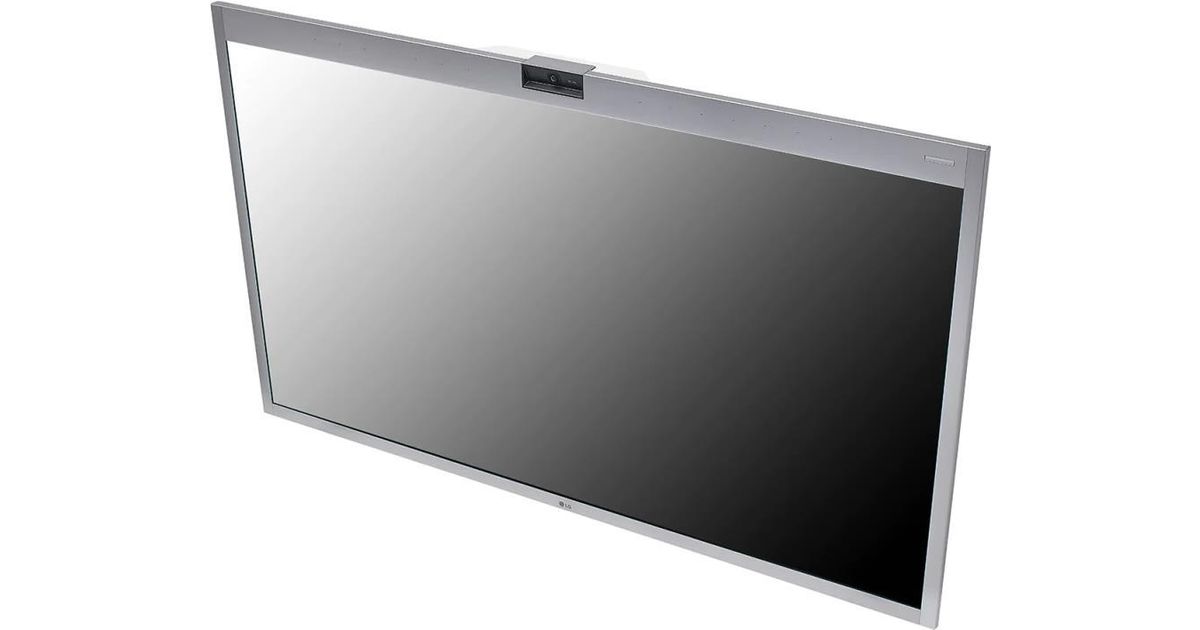
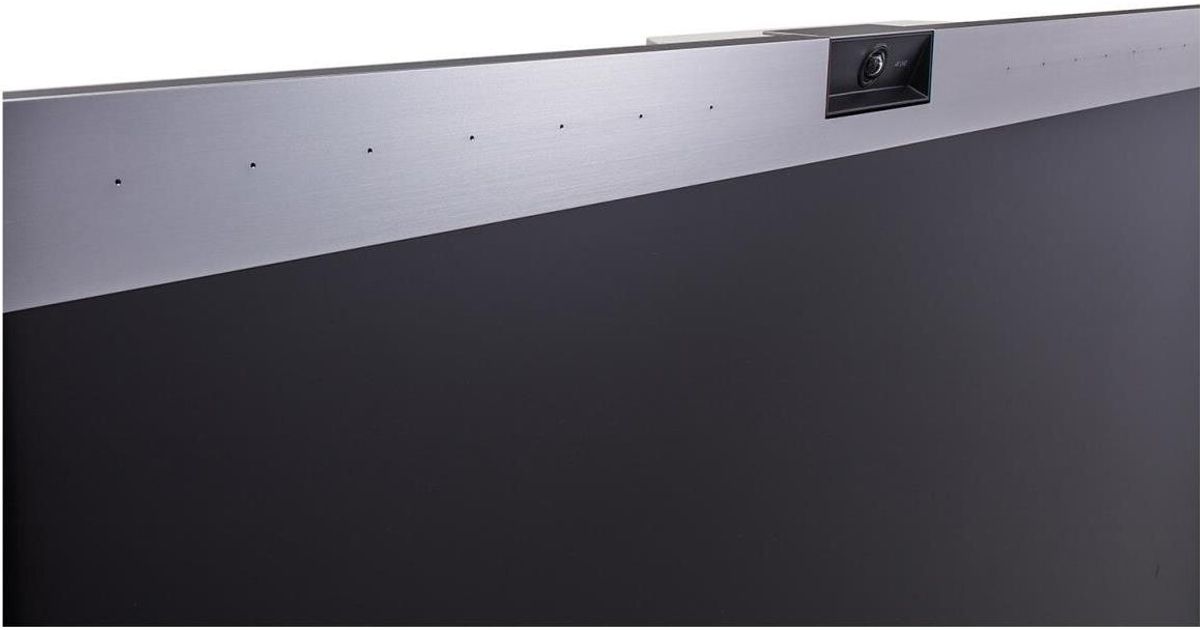
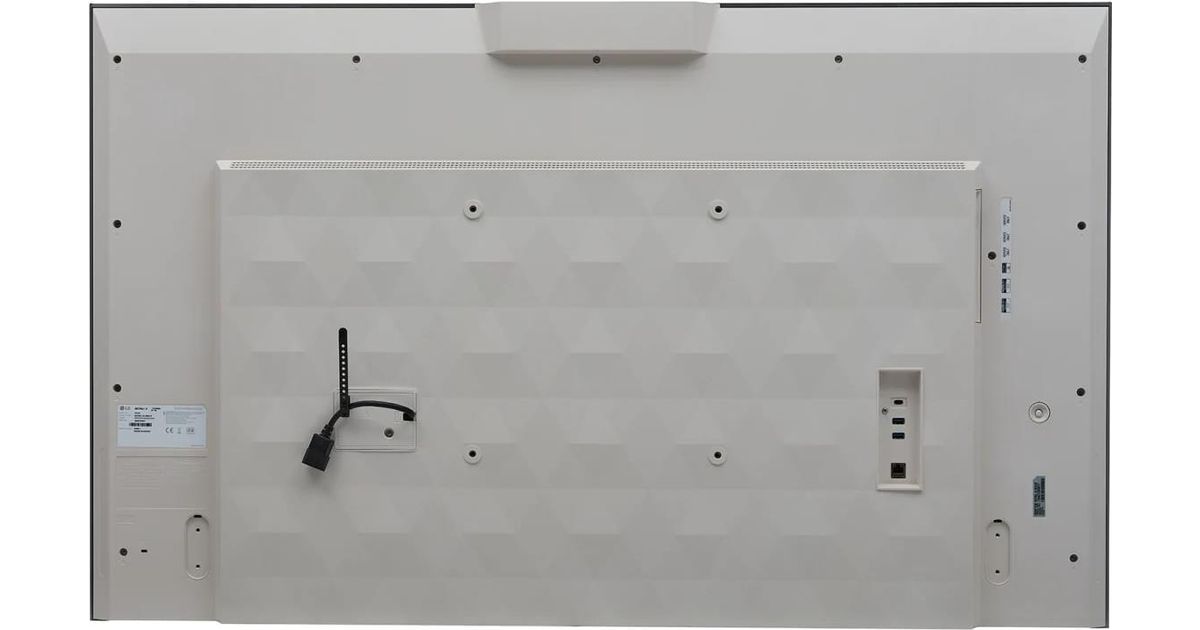
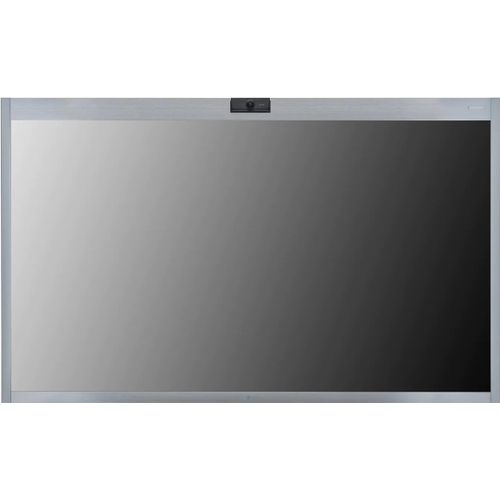
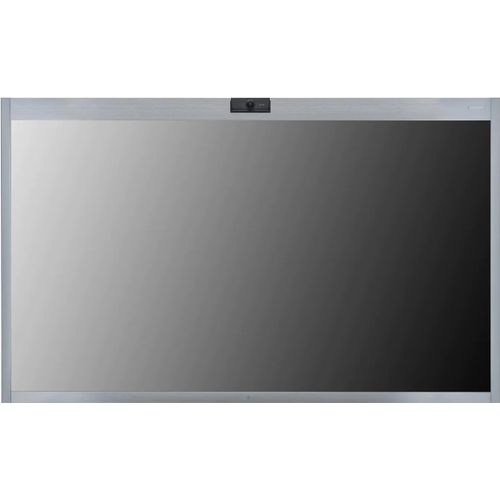
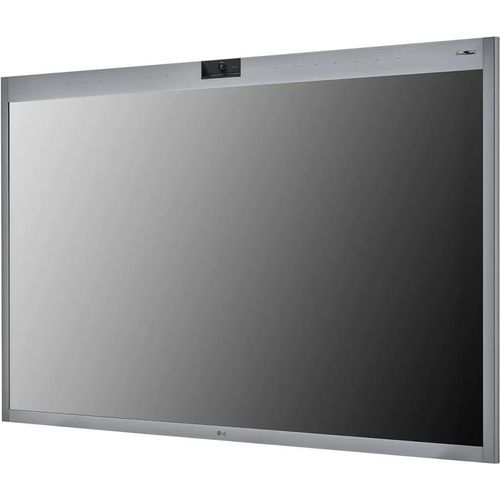
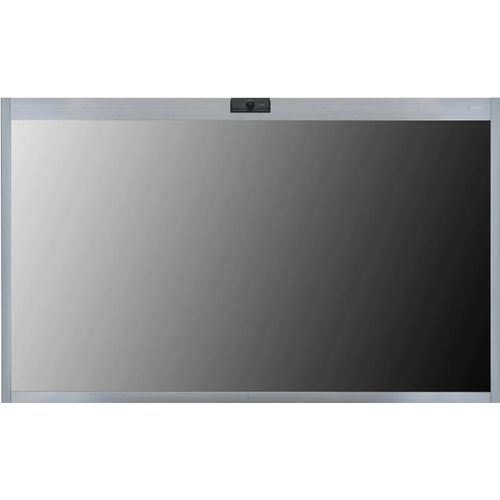
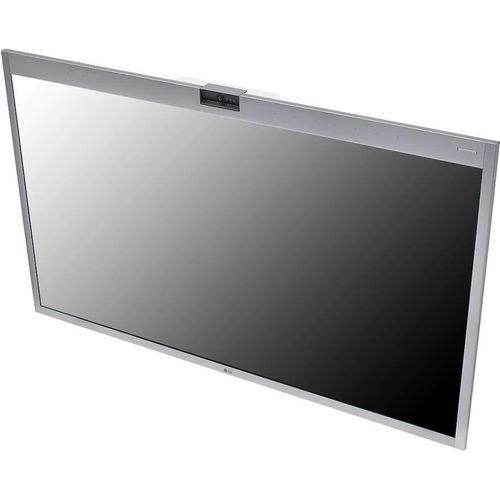
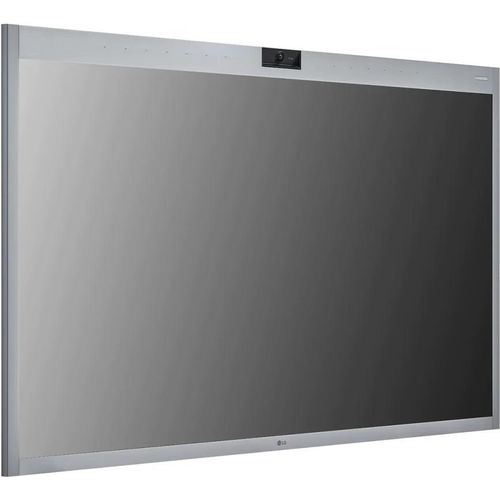
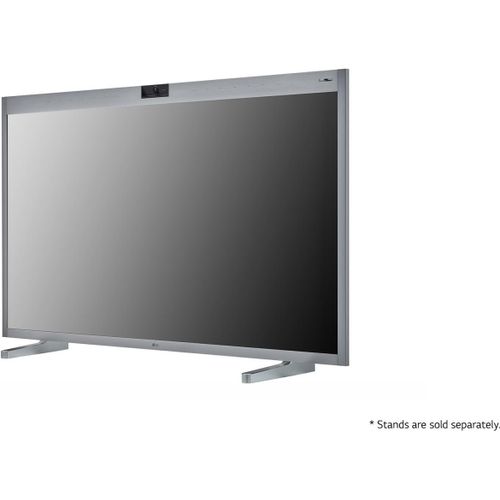
LG 55CT5WJ-B Signage Display Interactive flat panel 139.7 cm (55") IPS Wi-Fi 450 cd/m² 4K Ultra HD Silver Touchscreen Built-in processor Windows 10 IoT Enterprise
LG 55CT5WJ-B, Interactive flat panel, 139.7 cm (55"), IPS, 3840 x 2160 pixels, Wi-Fi
Read more...
Read more...
Product Information
| Information | |
|---|---|
| Manufacturer | LG |
| Product code | 166763146 |
| EAN | 00195174013892 |
| Manufacturer part number | 55CT5WJ-B |
| Category | Digital signage / public displays |
| Display | |
|---|---|
| Display diagonal | 139.7 cm (55") |
| Display technology | IPS |
| Display resolution | 3840 x 2160 pixels |
| Display brightness | 450 cd/m² |
| HD type | 4K Ultra HD |
| Touchscreen | Y |
| Number of simultaneous touchpoints (Windows) | 10 |
| Response time | 9 ms |
| Contrast ratio (typical) | 1000:1 |
| Viewing angle, horizontal | 178° |
| Viewing angle, vertical | 178° |
| Ports & interfaces | |
|---|---|
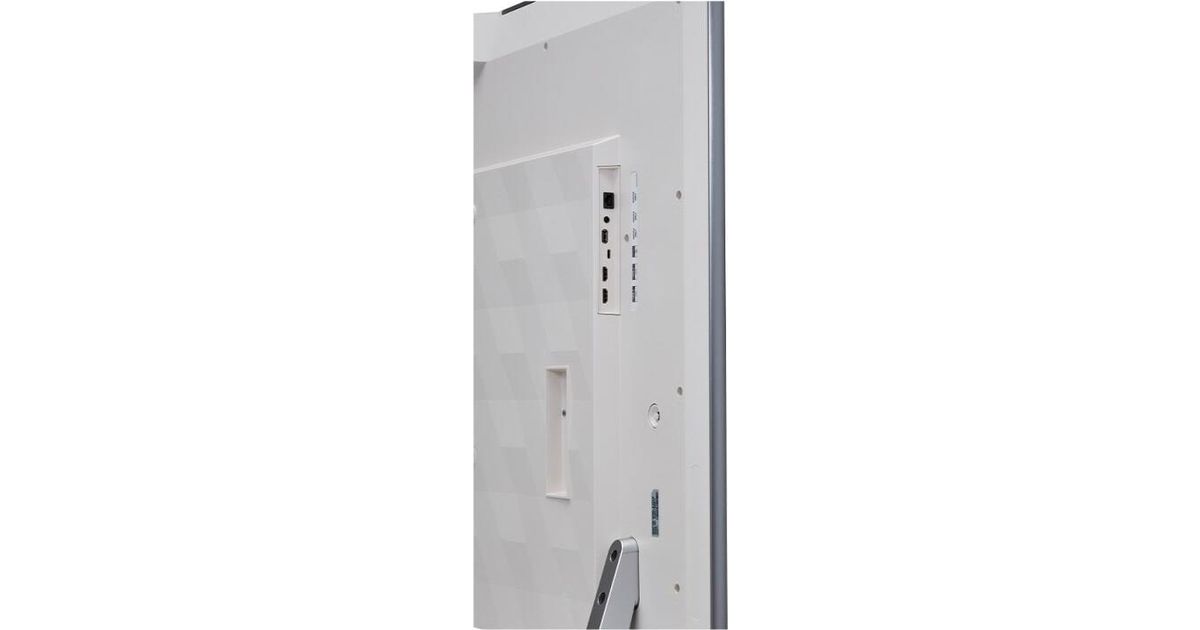
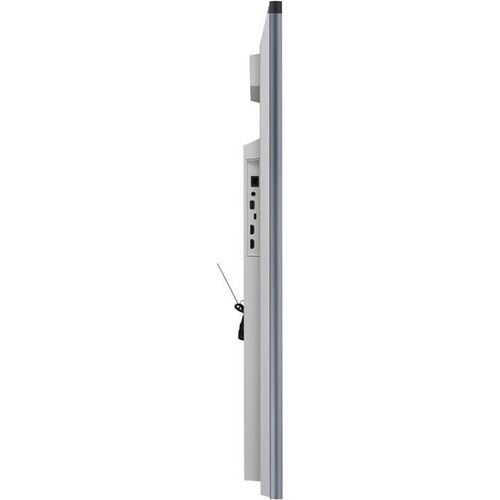
| HDMI ports quantity | 2 |
| DVI port | N |
| DisplayPorts quantity | 1 |
| USB port | Y |
| USB ports quantity | 2 |
| Ethernet LAN (RJ-45) ports | 1 |
| Network | |
|---|---|
| Ethernet LAN | Y |
| Wi-Fi | Y |
| Audio | |
|---|---|
| Built-in speaker(s) | Y |
| Number of built-in speakers | 2 |
| Multimedia | |
|---|---|
| RMS rated power | 20 W |
| Features | |
|---|---|
| Product design | Interactive flat panel |
| Placement supported | Indoor |
| VESA mounting | Y |
| Panel mounting interface | 300 x 300 mm |
| Built-in processor | Y |
| Harmonized System (HS) code | 85285210 |
| Design | |
|---|---|
| Product colour | Silver |
| Weight & dimensions | |
|---|---|
| Bezel width (bottom) | 2.89 cm |
| Bezel width (side) | 2.62 cm |
| Bezel width (top) | 5.72 cm |
| Display width | 1265 mm |
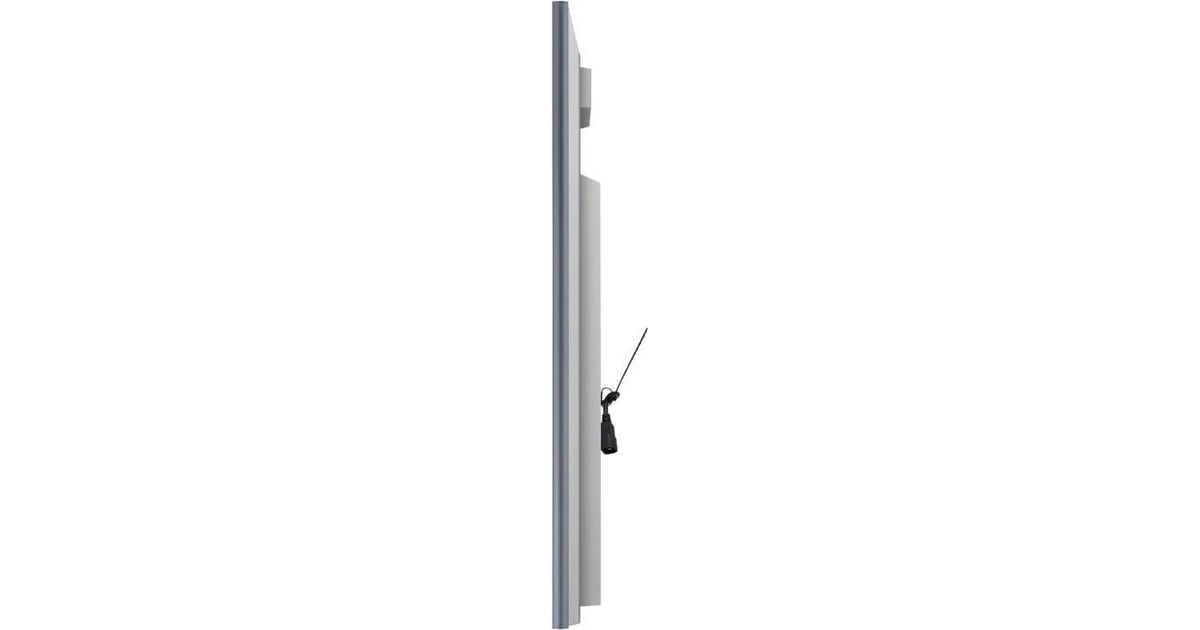
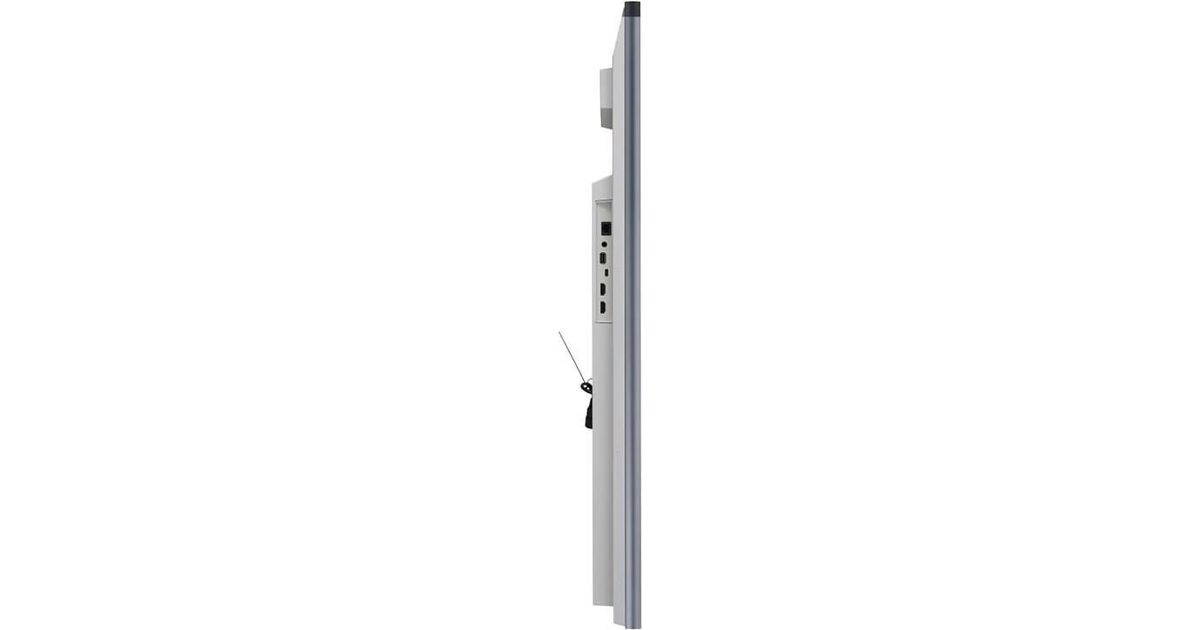
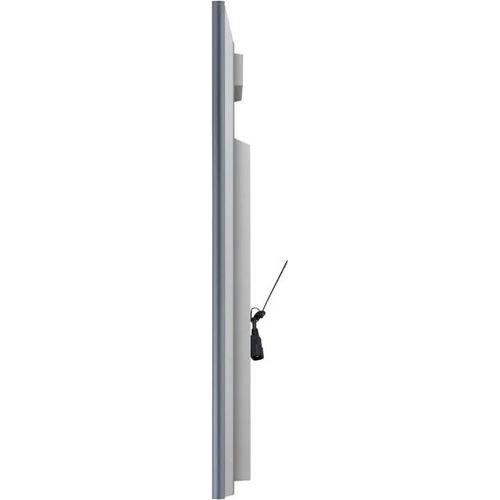
| Display depth | 61.8 mm |
| Display height | 769.5 mm |
| Width (with stand) | 1265 mm |
| Depth (with stand) | 290 mm |
| Height (with stand) | 815 mm |
| Mouse | |
|---|---|
| Purpose | Commercial |
| Power | |
|---|---|
| Power consumption (typical) | 127 W |
| Power consumption (standby) | 0.5 W |
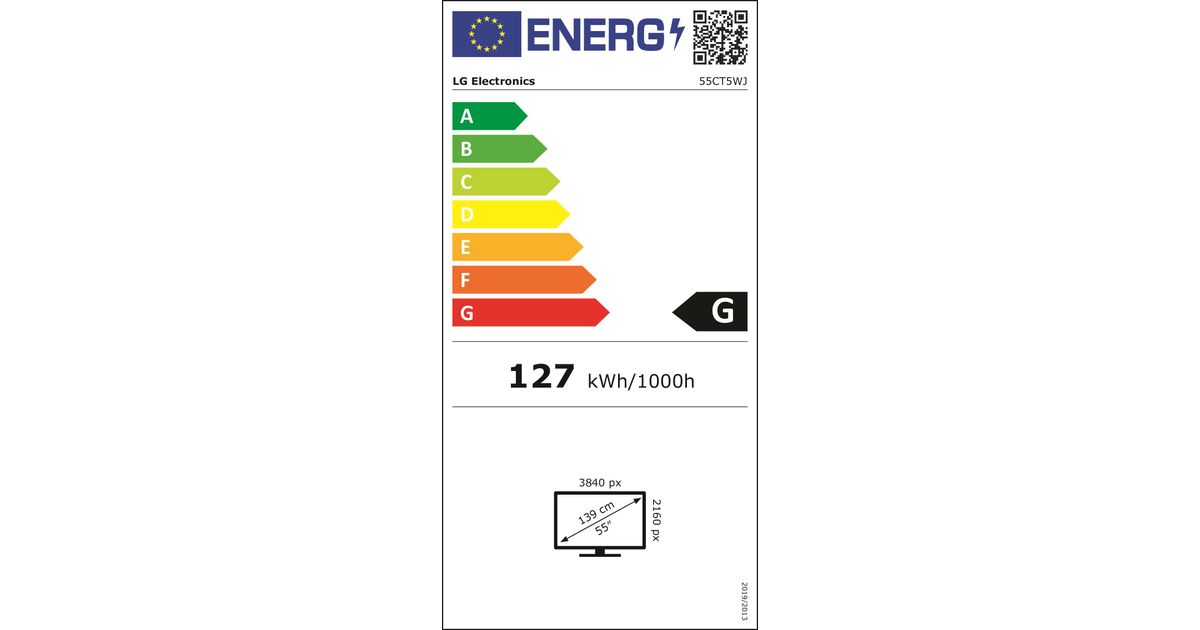
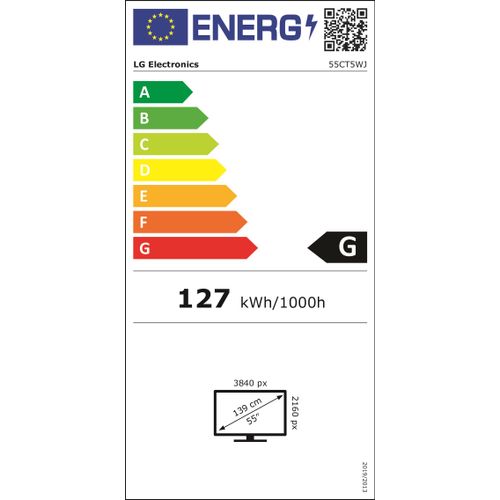
| Energy efficiency class (SDR) | G |
| Energy consumption (SDR) per 1000 hours | 127 kWh |
| AC input voltage | 100 - 240 V |
| AC input frequency | 50 - 60 Hz |
| Processor | |
|---|---|
| Processor manufacturer | AMD |
| Processor model | V1605B |
| Memory | |
|---|---|
| Internal memory | 8 GB |
| Graphics | |
|---|---|
| On-board graphics adapter model | AMD Radeon Vega |
| Software | |
|---|---|
| Operating system installed | Windows 10 IoT Enterprise |
| Performance | |
|---|---|
| Google applications | Google Chrome |
| Operational conditions | |
|---|---|
| Operating temperature (T-T) | 0 - 40 °C |
| Operating relative humidity (H-H) | 10 - 80% |
Product Description
LG One:Quick Works, All-in-One Video Conferencing Display
Make your online meetings more productive and interactive with LG One:Quick Works.
All-in-One Video Conferencing Solution
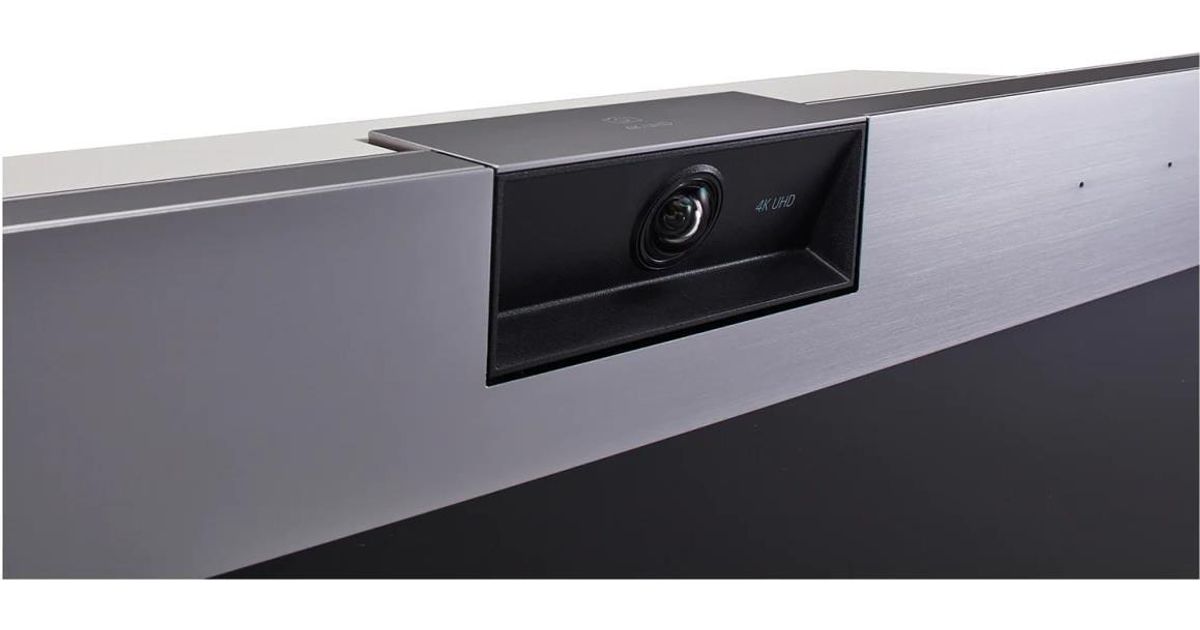
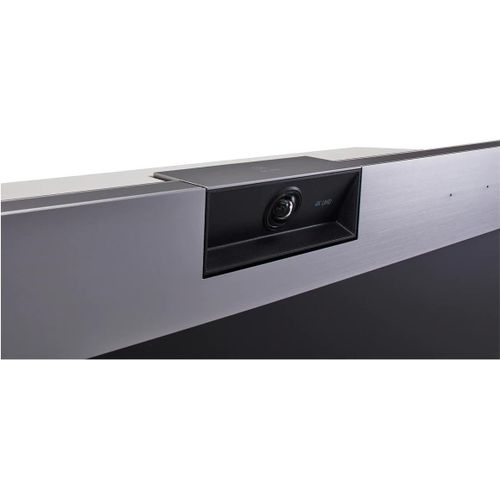
Video conferencing setup doesn't need to be stressful. This all-in-one solution features a built-in Windows PC, crisp 4K UHD camera, microphone, speaker and a digital whiteboard. Experience clear video and sound qualities in your meetings.
Smart Auto Focusing
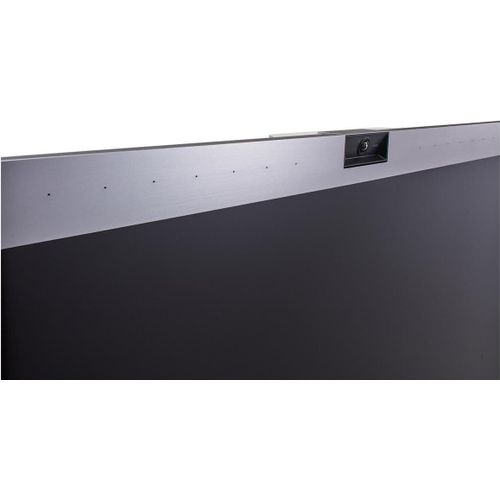
Have the camera and mic move to you, not the other way around. One:Quick Works automatically focuses on the speaker and it is effective in clearly capturing voices up to six meters away with minimal background noise, while the 3,840 x 2,160 resolution camera automatically tracks and focuses on the individual speaker.
* Product performance may differ depending on the environment.
Pre-installed Video Conferencing Application, LG One:Quick Remote Meeting
LG’s One:Quick Remote Meeting works seamlessly with One: Quick Works for users to share documents in various formats, perform real-time interactive drawings and detect who's speaking on the other end automatically.
Easy-To-Use
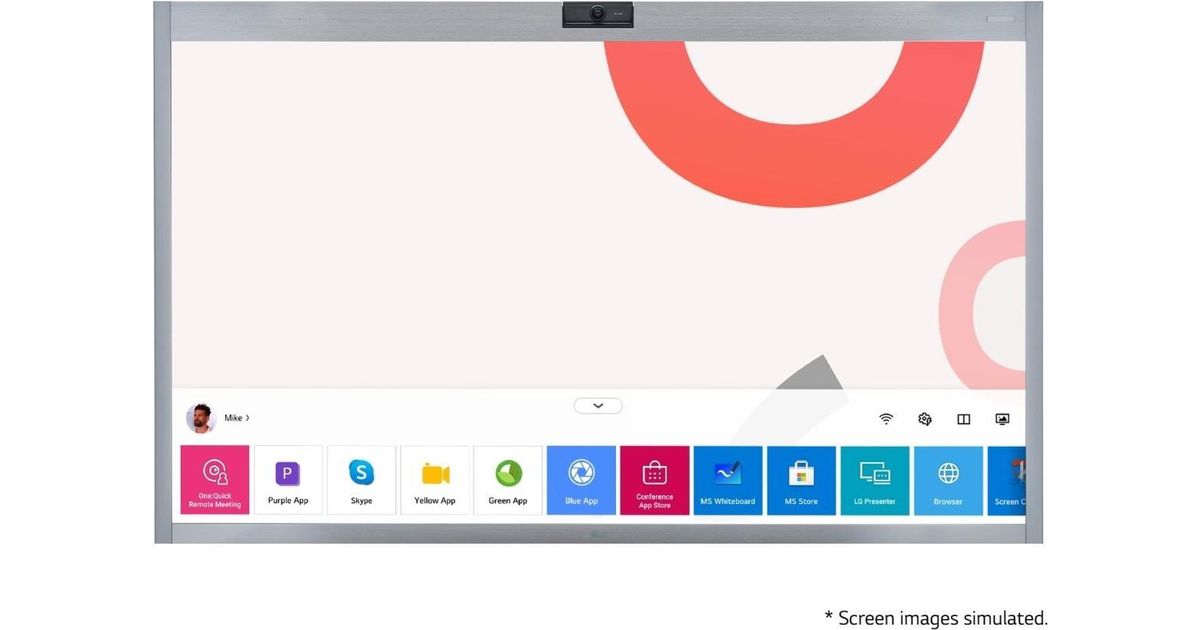
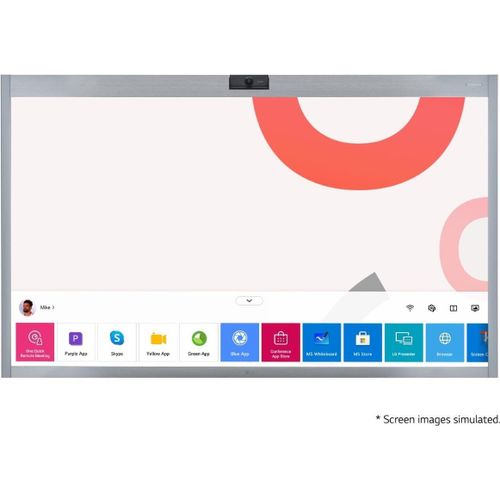
Conference App Store
Shortcuts for installing video conferencing and collaboration apps are included to help with user productivity. A true all-in-one video conferencing solution must be able to use a wide variety of video conferencing apps.
Multi-Touch and Annotation
Equipped with In-cell touch, One:Quick Works turns ideas into reality with 10 points of multi touch. And it conveniently sends files such as notes, writings, drawings and images created in meetings via e-mail.
* Touch pen provided (1 ea.)
** Dedicated apps required for making notes and drawings (MS Whiteboard app ready)
Voice Recording
Rather than keeping separate meeting minutes, simply record the meeting and share files with participants via e-mail.
* Voice Recording may not be allowed when using the video conferencing app.
Split View for Multi-Tasking
Share files and organize ideas simultaneously with members in the meeting room.
Optimized User Experience
Provides a user friendly interface, from adjusting network settings for meetings, screen division to display settings. Supports quick and easy access to video conferencing apps with the One:Quick Works launcher.
Awarded the reddot Design Award
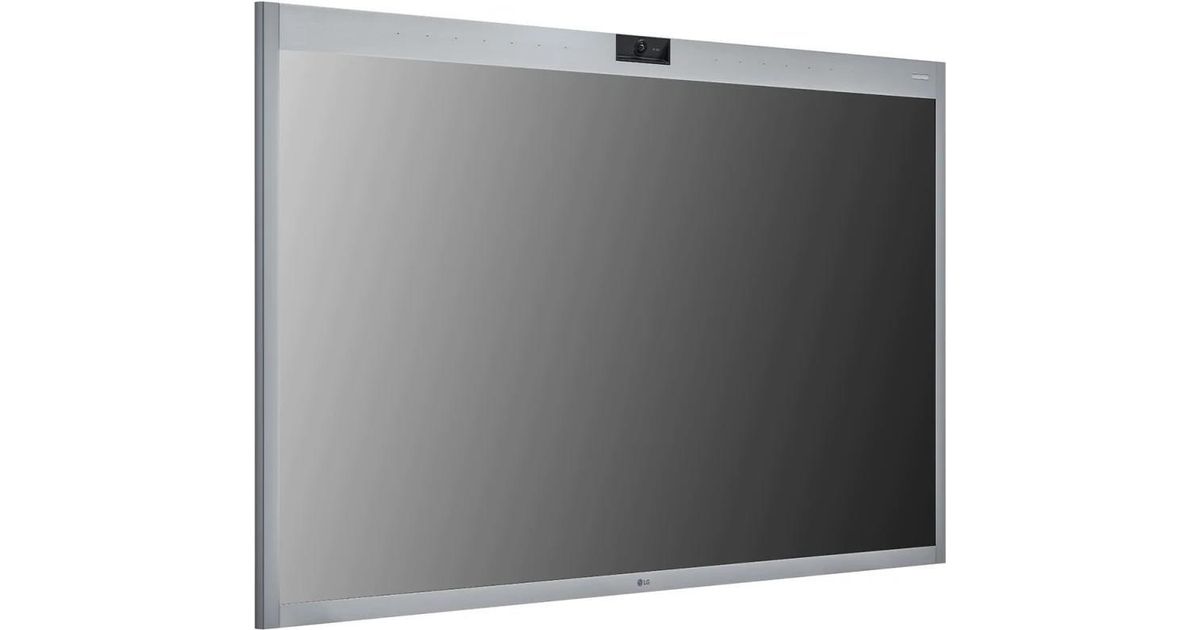
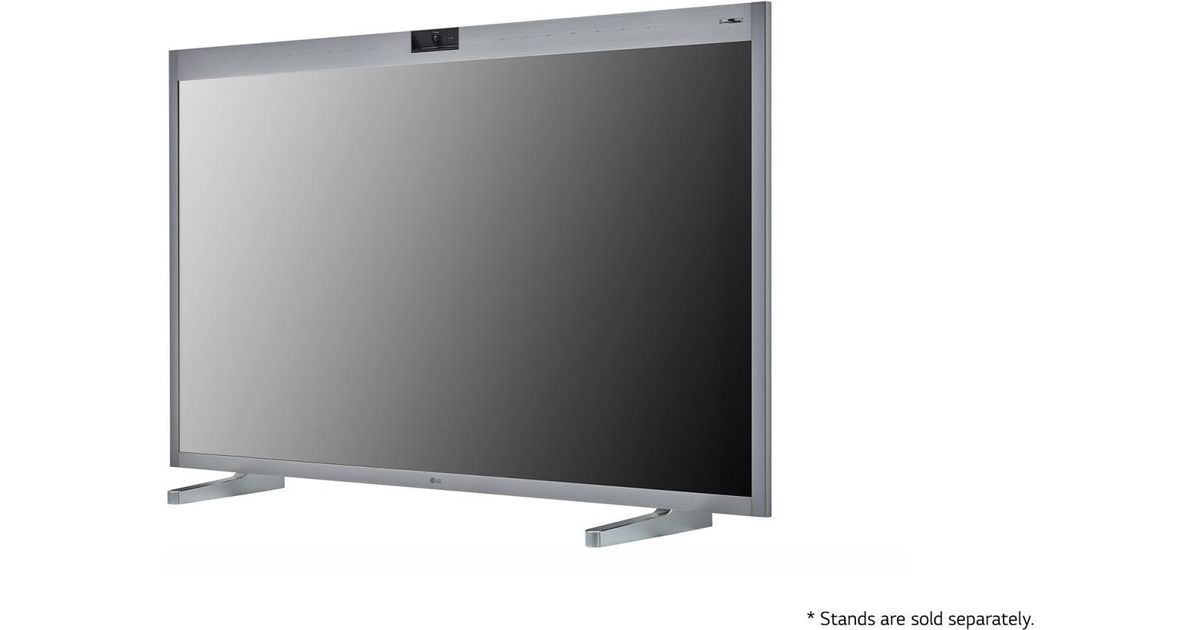
With an impressive award-winning design, the One:Quick Works blends seamlessly with the rest of the workspace. Also brings an elevated aesthetic while providing a practical workspace for all participant.
Make your online meetings more productive and interactive with LG One:Quick Works.
All-in-One Video Conferencing Solution
Video conferencing setup doesn't need to be stressful. This all-in-one solution features a built-in Windows PC, crisp 4K UHD camera, microphone, speaker and a digital whiteboard. Experience clear video and sound qualities in your meetings.
Smart Auto Focusing
Have the camera and mic move to you, not the other way around. One:Quick Works automatically focuses on the speaker and it is effective in clearly capturing voices up to six meters away with minimal background noise, while the 3,840 x 2,160 resolution camera automatically tracks and focuses on the individual speaker.
* Product performance may differ depending on the environment.
Pre-installed Video Conferencing Application, LG One:Quick Remote Meeting
LG’s One:Quick Remote Meeting works seamlessly with One: Quick Works for users to share documents in various formats, perform real-time interactive drawings and detect who's speaking on the other end automatically.
Easy-To-Use
Conference App Store
Shortcuts for installing video conferencing and collaboration apps are included to help with user productivity. A true all-in-one video conferencing solution must be able to use a wide variety of video conferencing apps.
Multi-Touch and Annotation
Equipped with In-cell touch, One:Quick Works turns ideas into reality with 10 points of multi touch. And it conveniently sends files such as notes, writings, drawings and images created in meetings via e-mail.
* Touch pen provided (1 ea.)
** Dedicated apps required for making notes and drawings (MS Whiteboard app ready)
Voice Recording
Rather than keeping separate meeting minutes, simply record the meeting and share files with participants via e-mail.
* Voice Recording may not be allowed when using the video conferencing app.
Split View for Multi-Tasking
Share files and organize ideas simultaneously with members in the meeting room.
Optimized User Experience
Provides a user friendly interface, from adjusting network settings for meetings, screen division to display settings. Supports quick and easy access to video conferencing apps with the One:Quick Works launcher.
Awarded the reddot Design Award
With an impressive award-winning design, the One:Quick Works blends seamlessly with the rest of the workspace. Also brings an elevated aesthetic while providing a practical workspace for all participant.