
Toote tegelik värvus võib erineda piltidel kujutatavast ning pildid on
illustratiivsed.
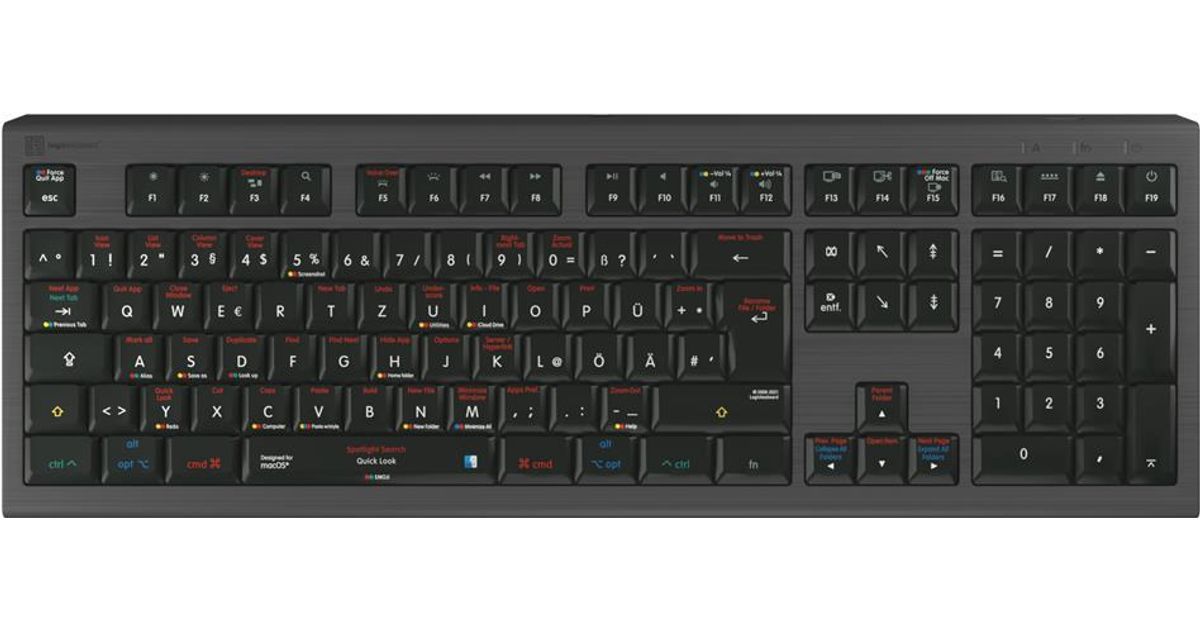
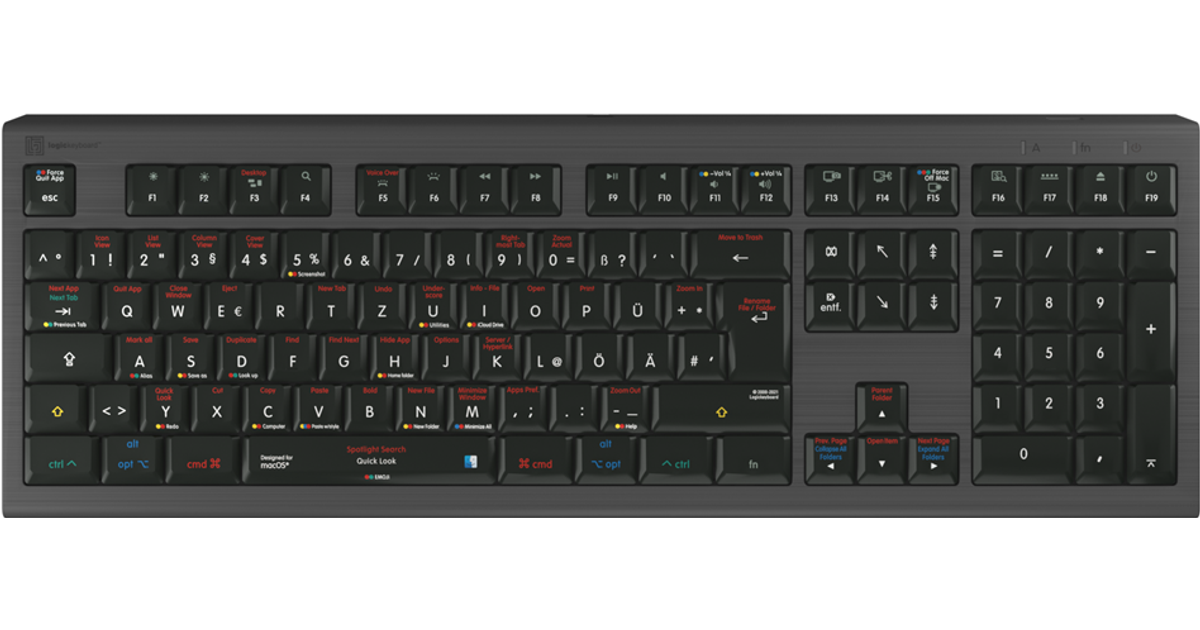
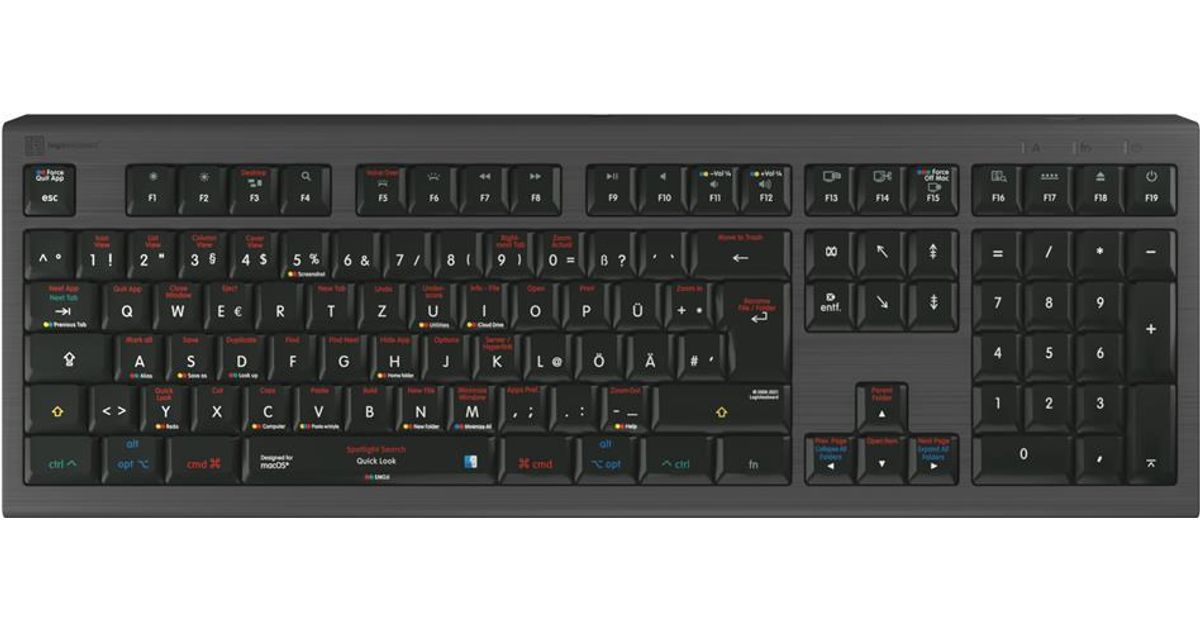
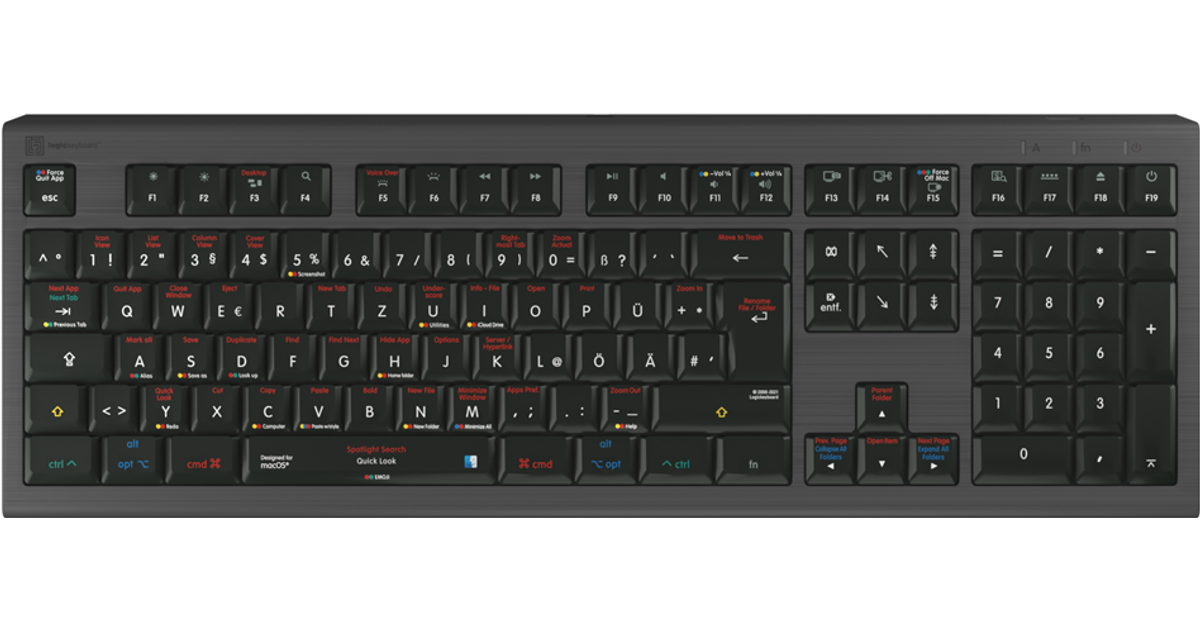
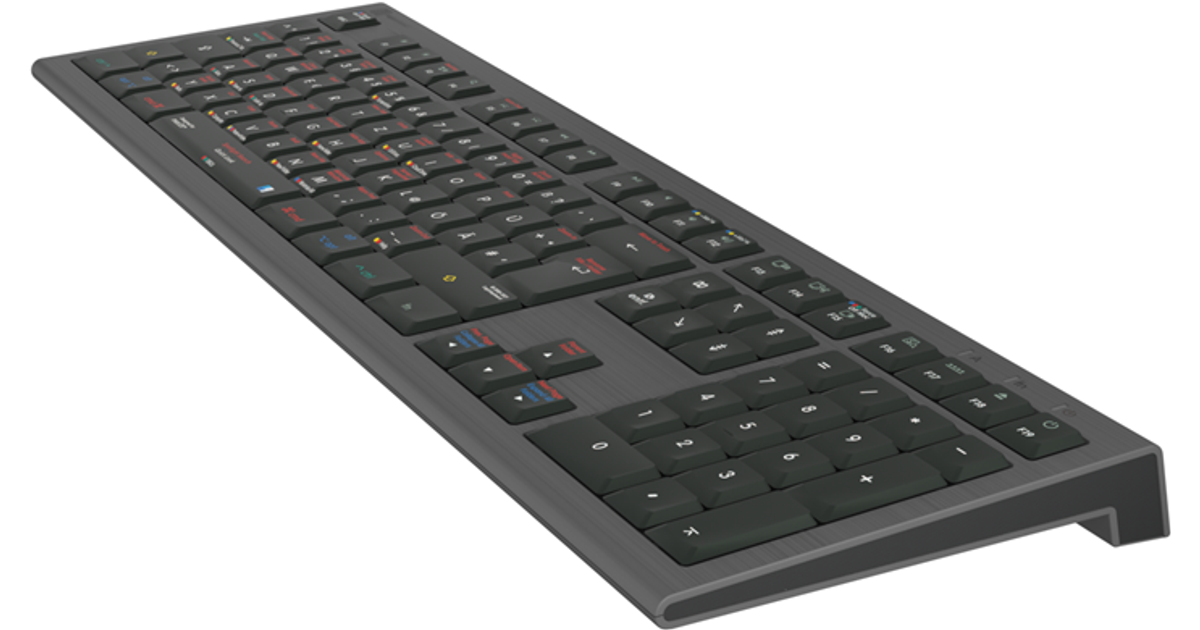
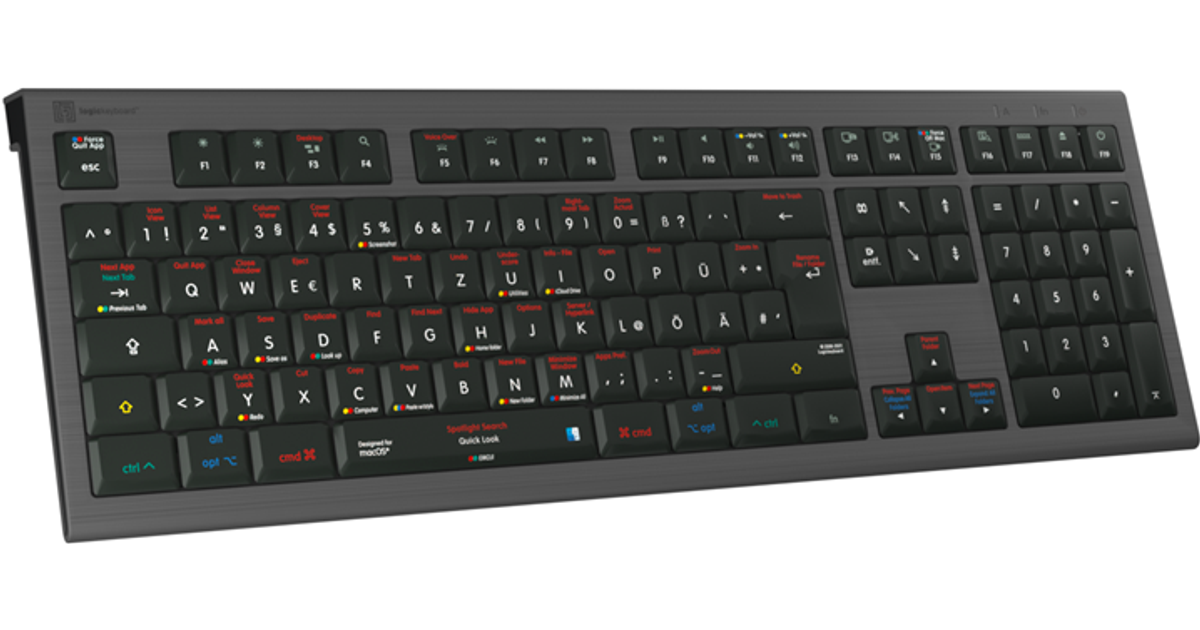
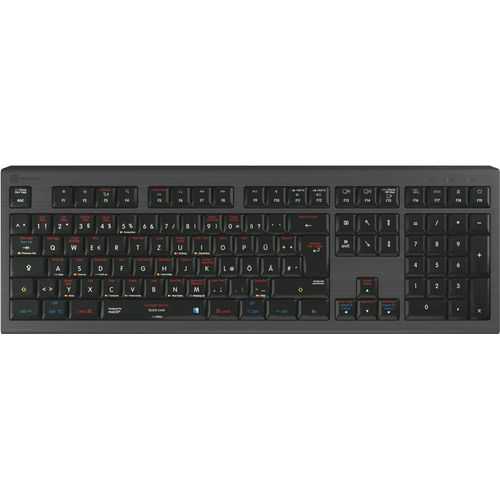
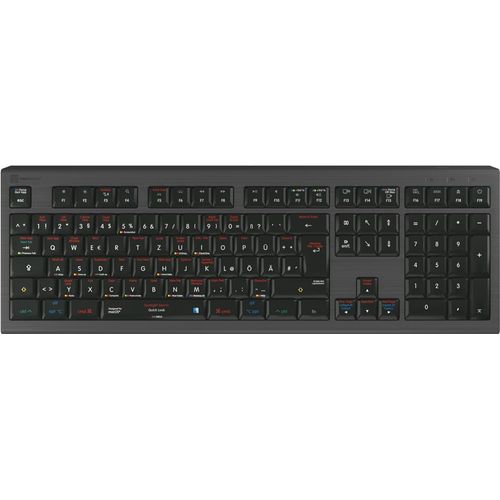
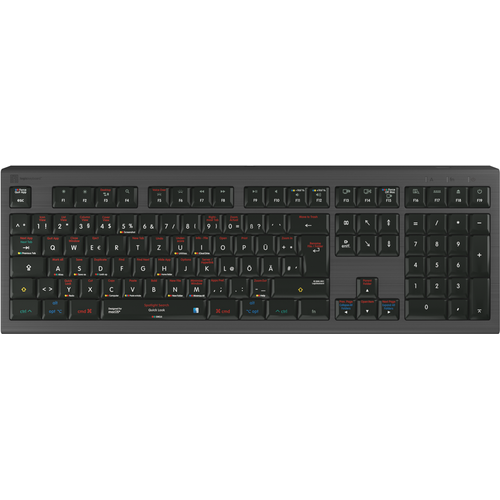
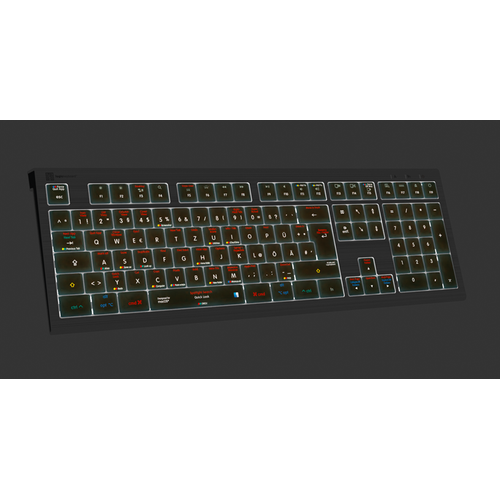
Logickeyboard LKB-OSX-A2M-DE keyboard USB QWERTZ German Black
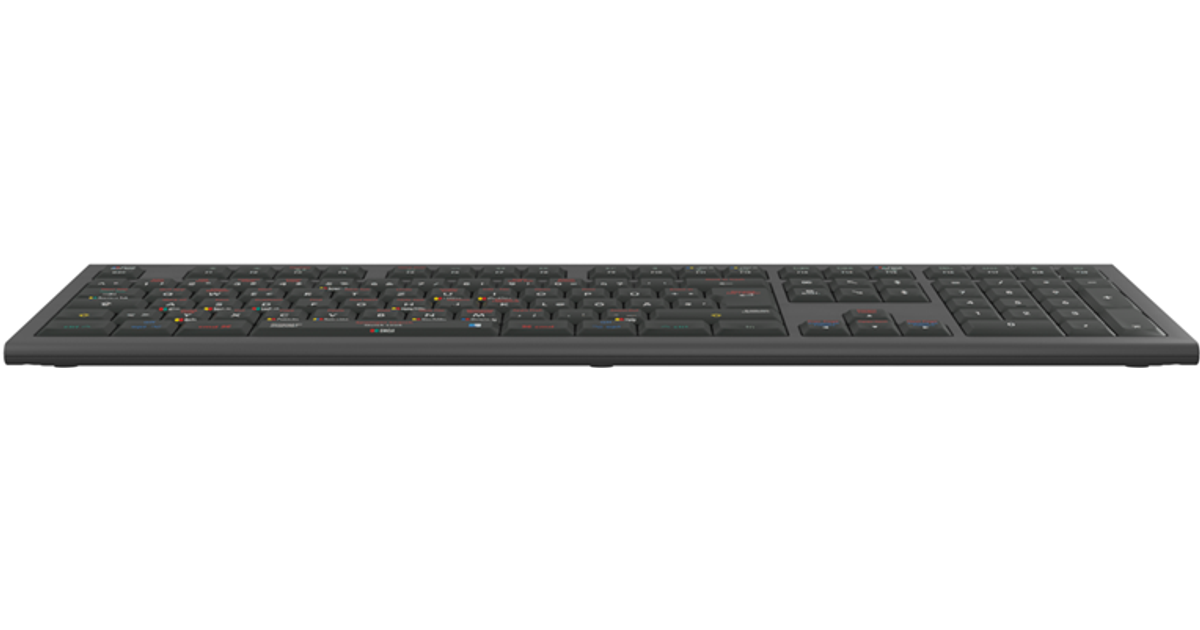
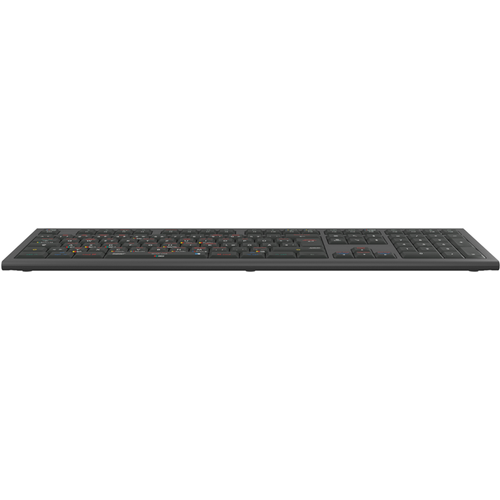
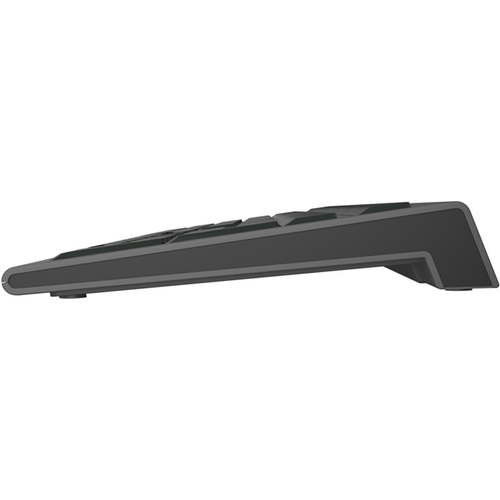
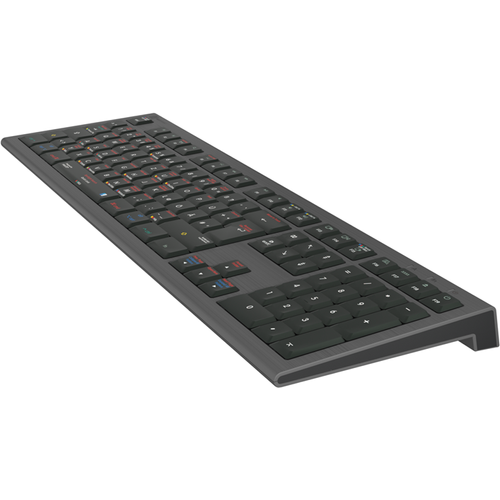
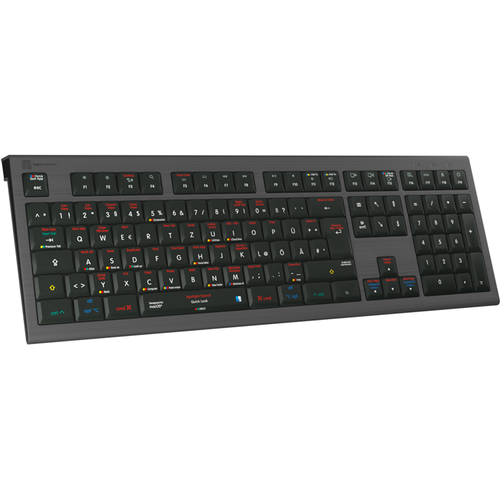
Logickeyboard LKB-OSX-A2M-DE, Full-size (100%), USB, Scissor key switch, QWERTZ, LED, Black
Read more...
Read more...
Product Information
| Information | |
|---|---|
| Manufacturer | Logickeyboard |
| Product code | 166461058 |
| EAN | 05707795020248 |
| Manufacturer part number | LKB-OSX-A2M-DE |
| Category | Keyboards |
Product Description
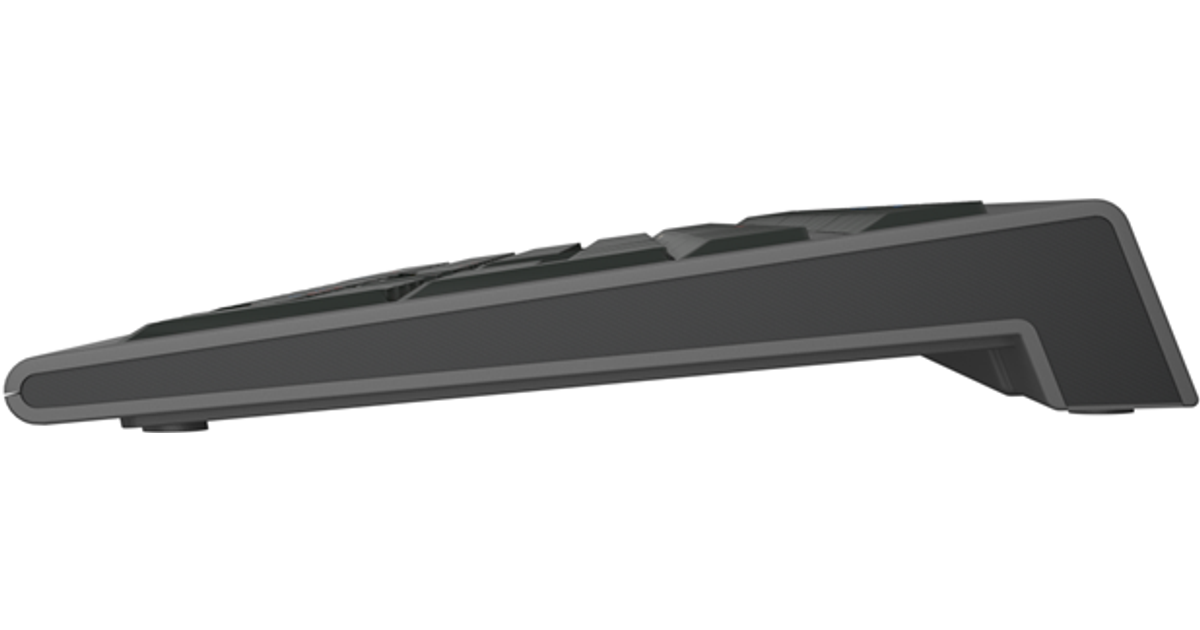
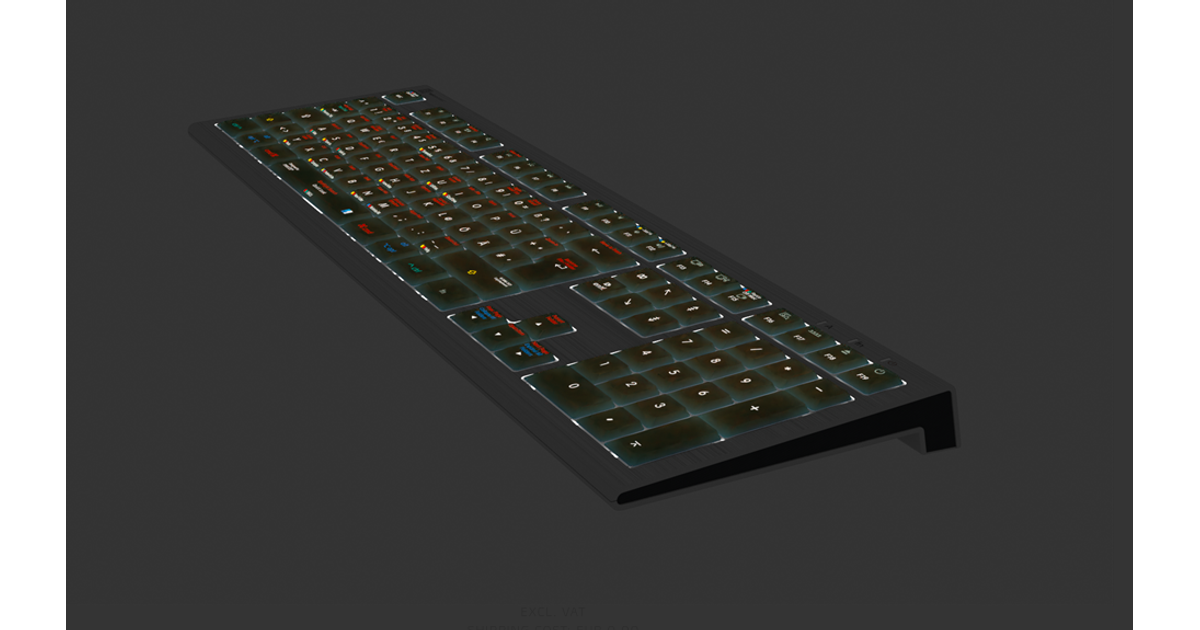
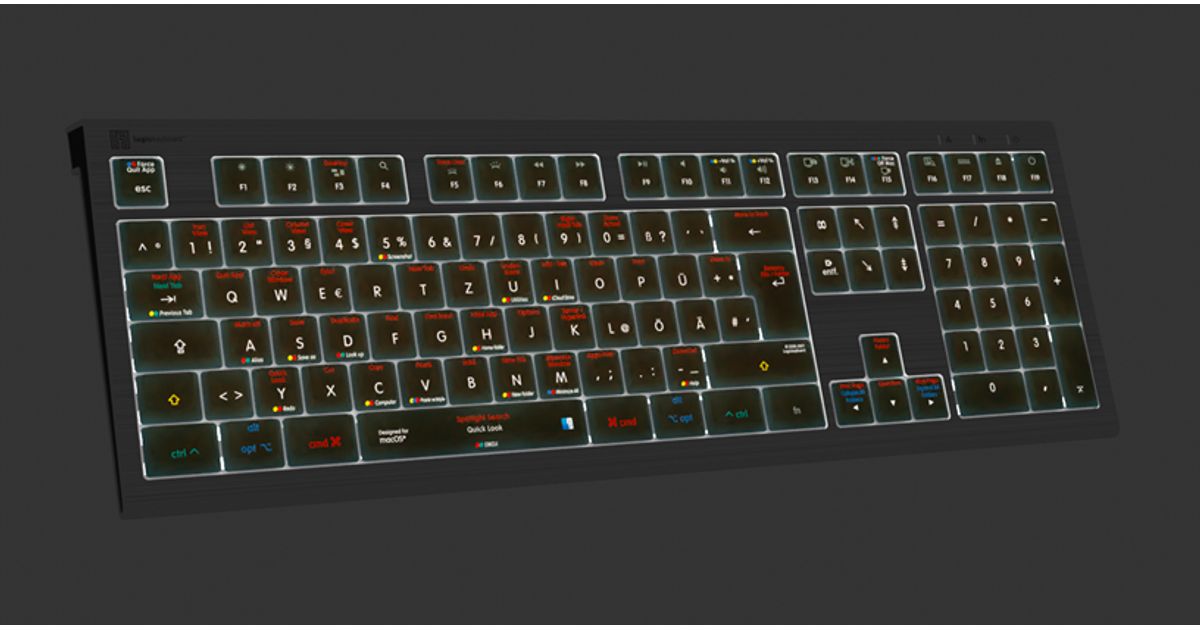
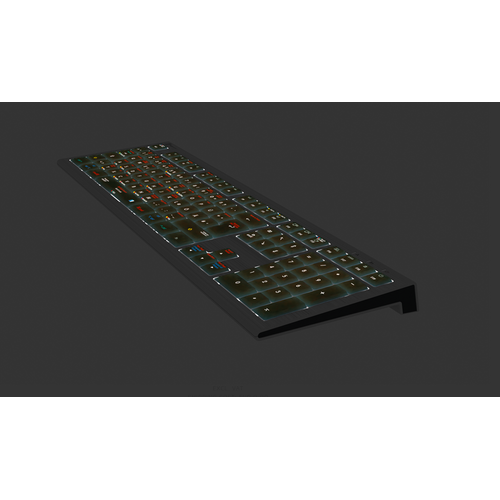
The ASTRA 2 backlit keyboard features an elegant, black keyboard with low-profile scissor-switch keys for a light, yet responsive feel. With five selectable light levels, the ASTRA 2 is the perfect choice for any lighting conditions. The keyboard features a USB 3.0* hub to enable you to connect e.g. mouse, phone, contour shuttle or a USB-dongle.
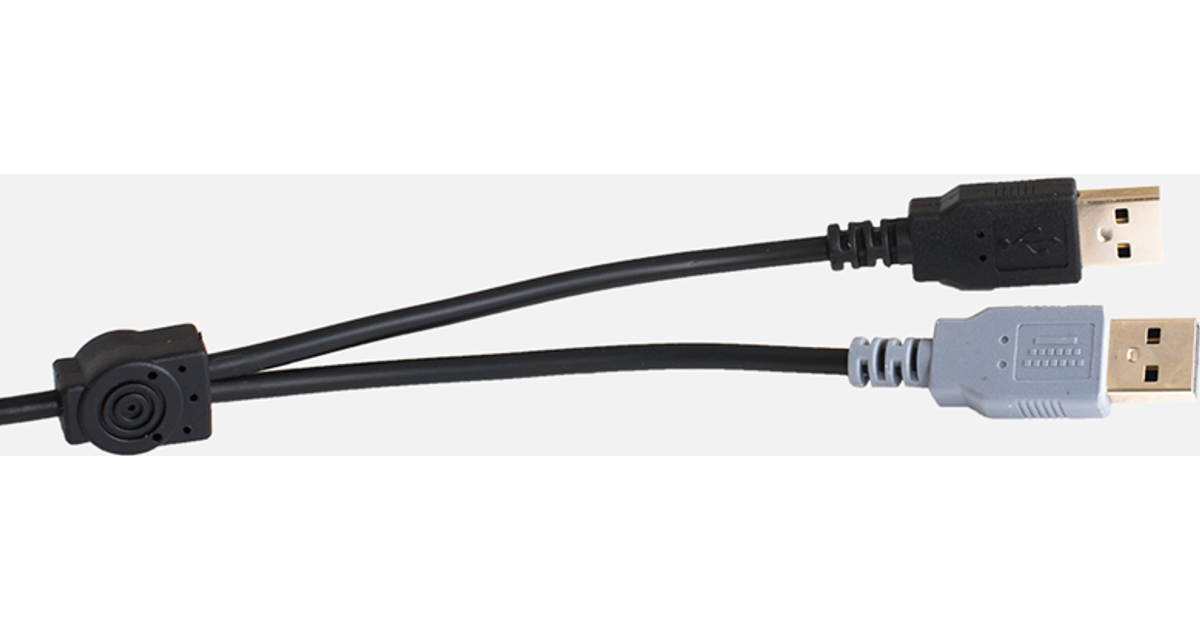
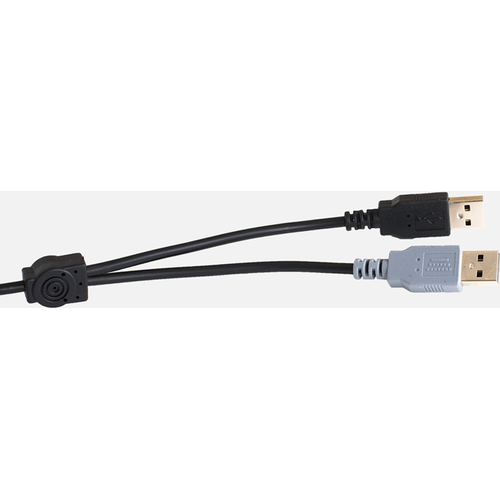
The ASTRA 2 keyboard is developed with two USB cables; a grey one for the keyboard itself, and a black one for the USB hub to avoid problems with installations, that require a KVM extender.
In addition, the ASTRA 2 has a full-sized F-row and multimedia keys to provide full control and effectiveness.
To power the keyboard, you need to plug in the grey USB connector. If you need to activate the USB hub, on the back of the keyboard, plug in the black USB connector.
The MacOS dedicated shortcut keyboard also features all the regular letters, numbers, and symbol labelling that you will find on a conventional keyboard, it can simply be used as a substitute for it. The keyboard is easy to plug in and requires no software installation.
The ASTRA 2 keyboard is developed with two USB cables; a grey one for the keyboard itself, and a black one for the USB hub to avoid problems with installations, that require a KVM extender.
In addition, the ASTRA 2 has a full-sized F-row and multimedia keys to provide full control and effectiveness.
To power the keyboard, you need to plug in the grey USB connector. If you need to activate the USB hub, on the back of the keyboard, plug in the black USB connector.
The MacOS dedicated shortcut keyboard also features all the regular letters, numbers, and symbol labelling that you will find on a conventional keyboard, it can simply be used as a substitute for it. The keyboard is easy to plug in and requires no software installation.