Toote tegelik värvus võib erineda piltidel kujutatavast ning pildid on
illustratiivsed.
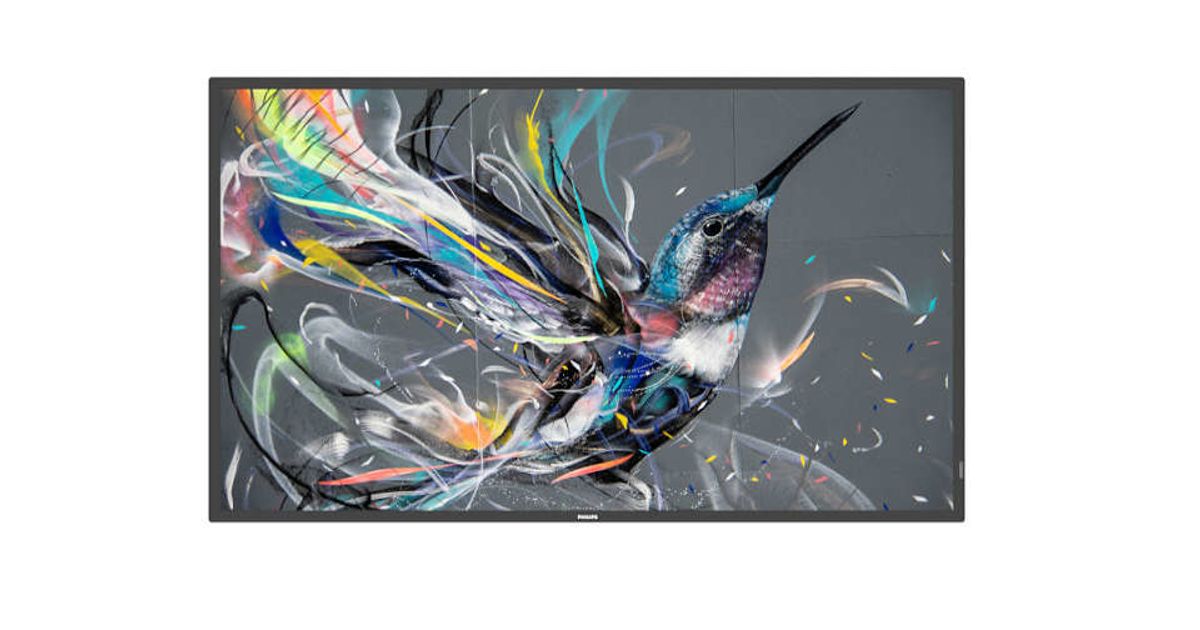
Philips 32BDL3511Q/00 Signage Display Digital A-board 81.3 cm (32") 350 cd/m² Full HD Black 18/7
Philips 32BDL3511Q/00, Digital A-board, 81.3 cm (32"), 1920 x 1080 pixels, 18/7
Read more...
Read more...
Product Information
| Information | |
|---|---|
| Manufacturer | Philips |
| Product code | 576801016 |
| EAN | 08712581778569 |
| Manufacturer part number | AP-399783 |
| Category | Monitors |
| Display | |
|---|---|
| Display diagonal | 81.3 cm (32") |
| Display resolution | 1920 x 1080 pixels |
| Display brightness | 350 cd/m² |
| HD type | Full HD |
| Touchscreen | N |
| LED backlighting type | Direct-LED |
| Native aspect ratio | 16:9 |
| Response time | 6.5 ms |
| Contrast ratio (typical) | 4000:1 |
| Contrast ratio (dynamic) | 500000:1 |
| Viewing angle, horizontal | 178° |
| Viewing angle, vertical | 178° |
| Display number of colours | 16.78 million colours |
| Pixel pitch | 0.36375 x 0.36375 mm |
| Display diagonal (metric) | 80 cm |
| Panel life | 50000 h |
| Panel type | VA |
| Haze rate | 2% |
| Ports & interfaces | |
|---|---|
| HDMI ports quantity | 2 |
| DVI port | Y |
| USB port | Y |
| HDMI version | 2.0 |
| HDMI input ports quantity | 2 |
| DVI-I ports quantity | 1 |
| USB ports quantity | 2 |
| Ethernet LAN (RJ-45) ports | 1 |
| RS-232C | Y |
| Remote (IR) input | 1 |
| Remote (IR) output | 1 |
| Network | |
|---|---|
| Ethernet LAN | Y |
| Features | |
|---|---|
| USB version | 2.0 |
| Product design | Digital A-board |
| Placement supported | Indoor |
| VESA mounting | Y |
| Panel mounting interface | 100 x 100,200 x 200 mm |
| Harmonized System (HS) code | 85285210 |
| Inputs | |
|---|---|
| Audio (L/R) in | 1 |
| Outputs | |
|---|---|
| Audio (L/R) out | 1 |
| Audio | |
|---|---|
| Built-in speaker(s) | Y |
| Number of built-in speakers | 2 |
| Multimedia | |
|---|---|
| RMS rated power | 20 W |
| Design | |
|---|---|
| Product colour | Black |
| Orientation | Horizontal/Vertical |
| Weight & dimensions | |
|---|---|
| Bezel width (bottom) | 1.72 cm |
| Bezel width (side) | 1.19 cm |
| Bezel width (top) | 1.19 cm |
| Display width | 726.5 mm |
| Display depth | 69.1 mm |
| Display height | 425.4 mm |
| Display weight | 5.7 kg |
| Mouse | |
|---|---|
| Purpose | Commercial |
| Performance | |
|---|---|
| Operating hours (hours/days) | 18/7 |
| Power | |
|---|---|
| Power consumption (typical) | 45 W |
| Power consumption (standby) | 0.5 W |
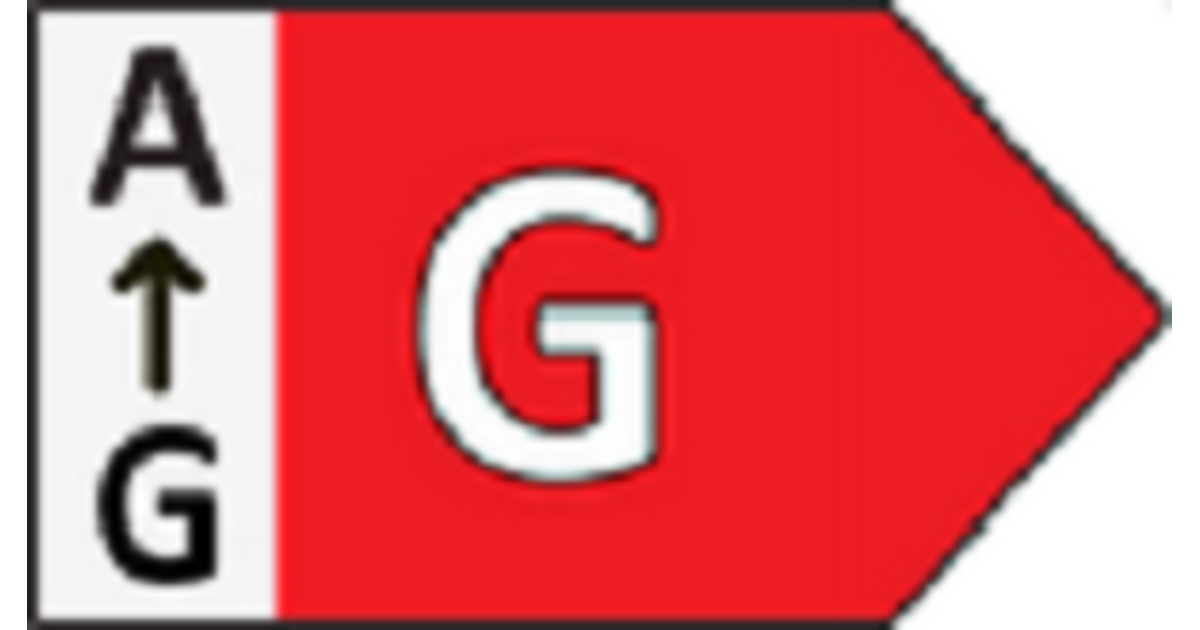
| Energy efficiency class (SDR) | G |
| AC input voltage | 100 - 240 V |
| AC input frequency | 50/60 Hz |
| Batteries included | Y |
| Media formats | |
|---|---|
| Video formats supported | H.264, MPEG, WMV3 |
| Audio formats supported | AAC, HE-AAC, WMA |
| Image formats supported | BMP, JPEG, PNG |
| Other features | |
|---|---|
| Remote control included | Y |
| Packaging content | |
|---|---|
| Cables included | AC, IR sensor, RS-232, USB |
| Operational conditions | |
|---|---|
| Operating temperature (T-T) | 0 - 40 °C |
| Operating relative humidity (H-H) | 20 - 80% |
| Storage temperature (T-T) | -20 - 60 °C |
| Storage relative humidity (H-H) | 5 - 95% |
Product Description
Operate, monitor and maintain with CMND & Control
Run your display network over a local (LAN) connection. CMND & Control allows you to perform vital functions like controlling inputs and monitoring display status. Whether you're in charge of one screen or 100.
FailOver ensures content is always playing
From waiting room to meeting room, never show a blank screen. FailOver lets your Philips Professional Display switch automatically between primary and secondary inputs ensuring content keeps playing even if the primary source goes down. Simply set a list of alternate inputs to be sure your business is always on.
Schedule what you want, when you want with SmartPlayer
Turn your USB into a true cost effective digital signage device. Simply save your content (video, audio, pictures) on your USB and plug into your display.Create your playlist and schedule your content via the on screen menu, and enjoy your own created playlists anytime, anywhere.
Integrated media player. Easily schedule USB content
Easily schedule content to play from USB. Your Philips Professional Display will wake from standby to play the content you want, and then return to standby once playback is done.
Run your display network over a local (LAN) connection. CMND & Control allows you to perform vital functions like controlling inputs and monitoring display status. Whether you're in charge of one screen or 100.
FailOver ensures content is always playing
From waiting room to meeting room, never show a blank screen. FailOver lets your Philips Professional Display switch automatically between primary and secondary inputs ensuring content keeps playing even if the primary source goes down. Simply set a list of alternate inputs to be sure your business is always on.
Schedule what you want, when you want with SmartPlayer
Turn your USB into a true cost effective digital signage device. Simply save your content (video, audio, pictures) on your USB and plug into your display.Create your playlist and schedule your content via the on screen menu, and enjoy your own created playlists anytime, anywhere.
Integrated media player. Easily schedule USB content
Easily schedule content to play from USB. Your Philips Professional Display will wake from standby to play the content you want, and then return to standby once playback is done.