Toote tegelik värvus võib erineda piltidel kujutatavast ning pildid on
illustratiivsed.
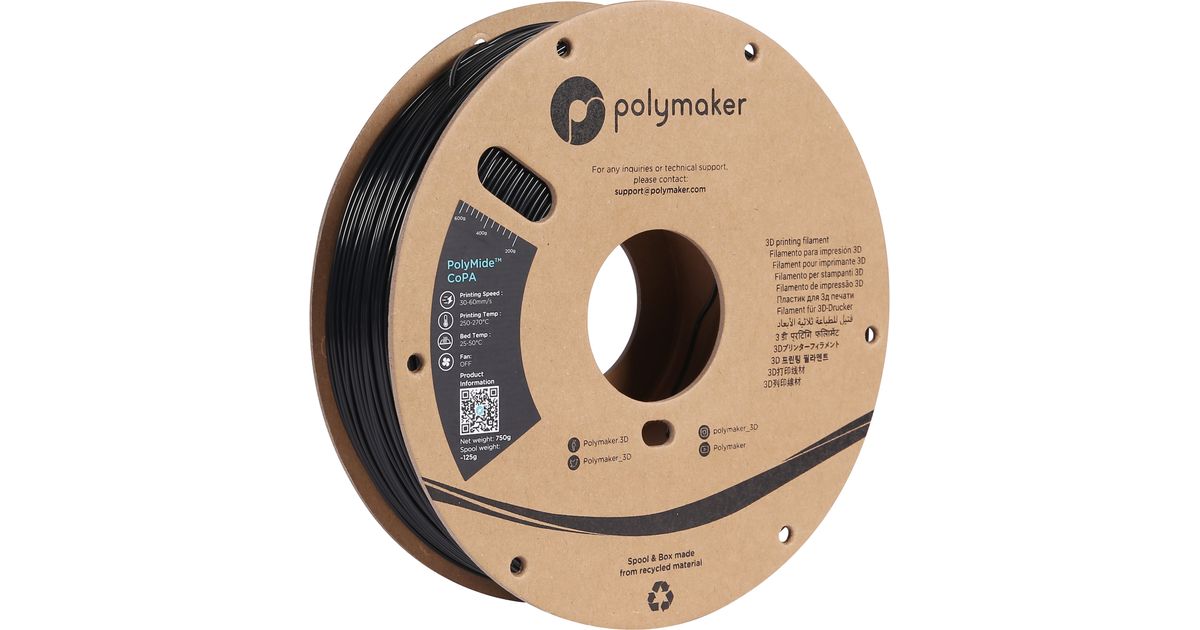
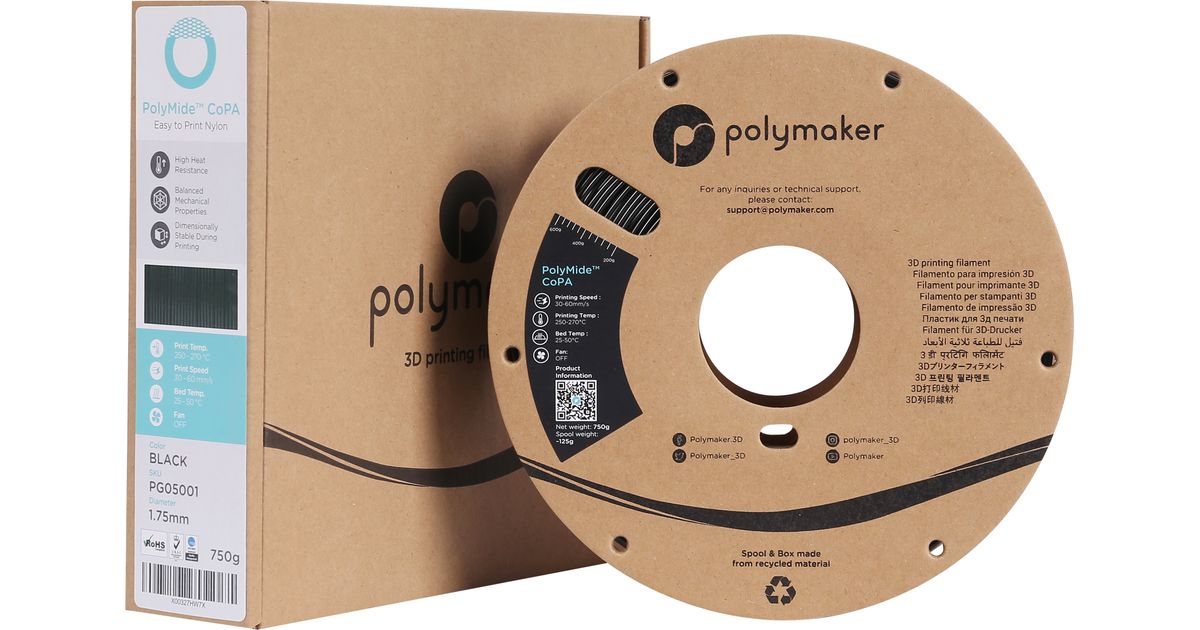
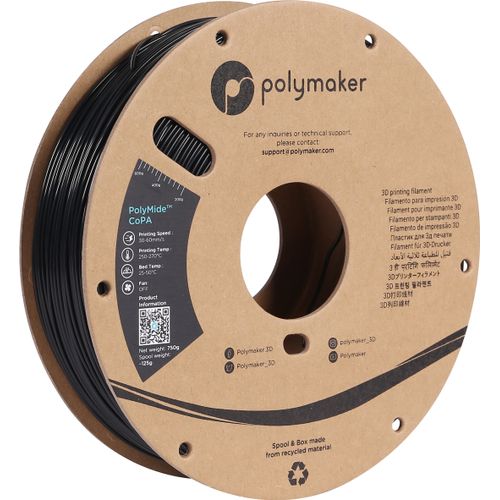
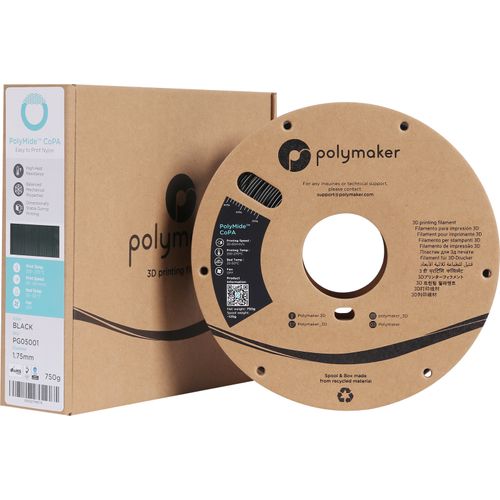
Polymaker PG05001 3D printing material Black 750 g
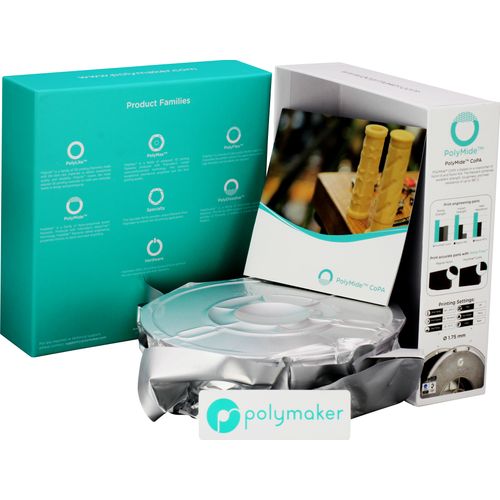
Polymaker PG05001, 1 pc(s), 750 g
Read more...
Read more...
Product Information
| Information | |
|---|---|
| Manufacturer | Polymaker |
| Product code | 169576584 |
| EAN | 06938936710738 |
| Manufacturer part number | PG05001 |
| Category | 3D printer accessories |
| Features | |
|---|---|
| Printing colours | Black |
| Hex colour code | 101820 |
| Design | |
|---|---|
| Colour name | Black |
| Weight & dimensions | |
|---|---|
| Weight | 750 g |
| Thickness | 1.75 mm |
| Packaging data | |
|---|---|
| Quantity per pack | 1 pc(s) |
Product Description
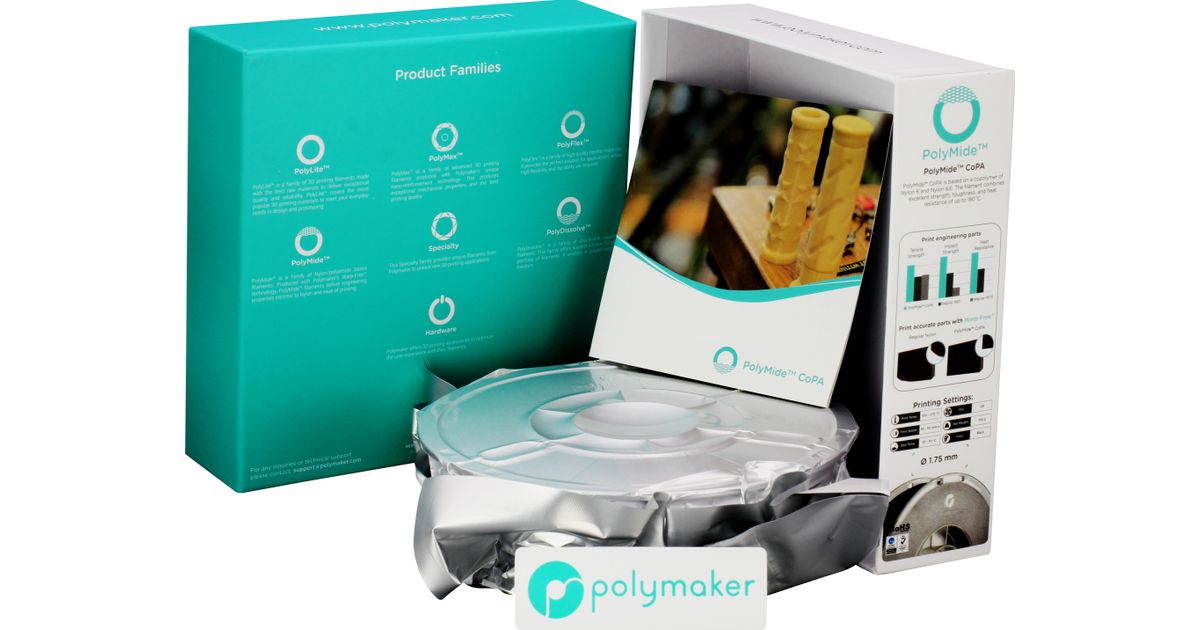
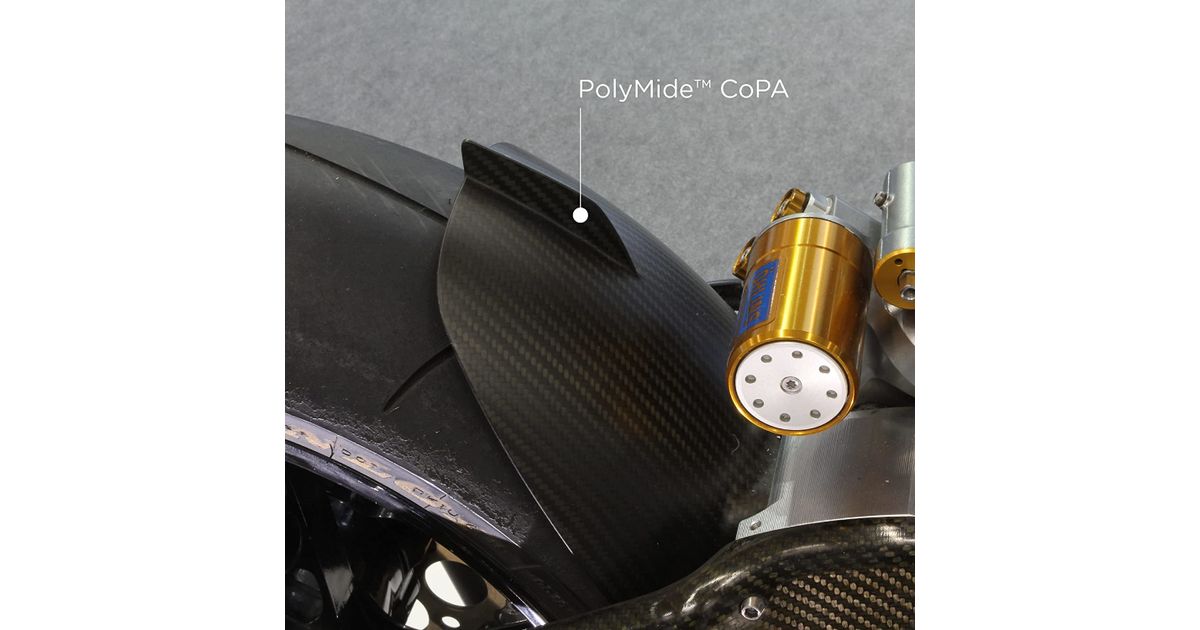
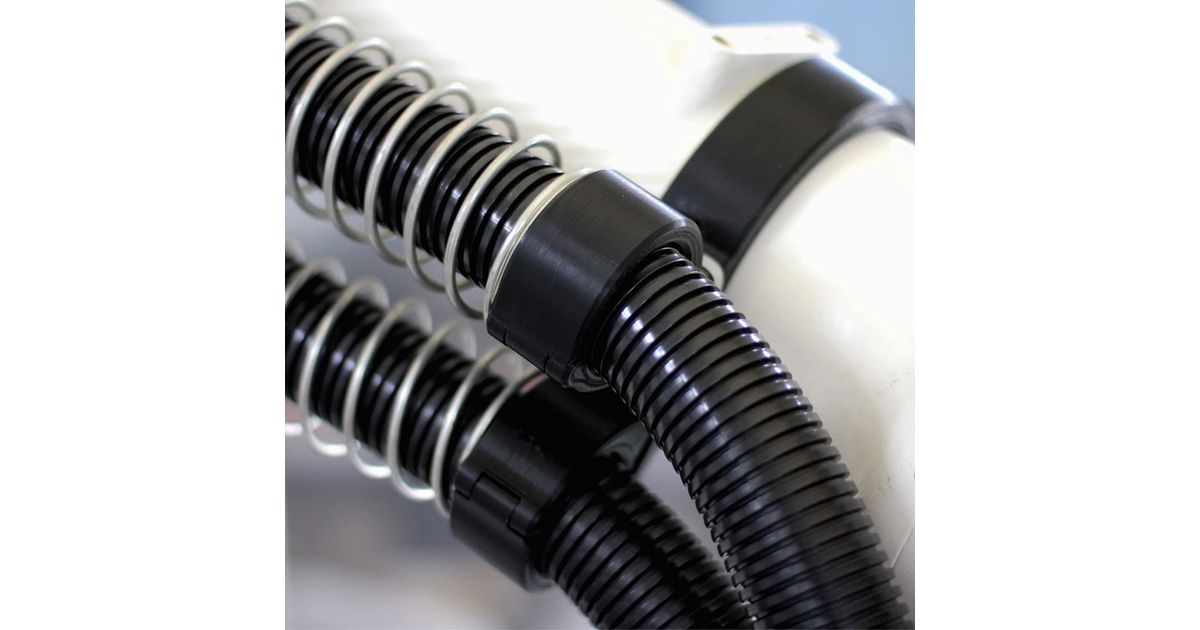
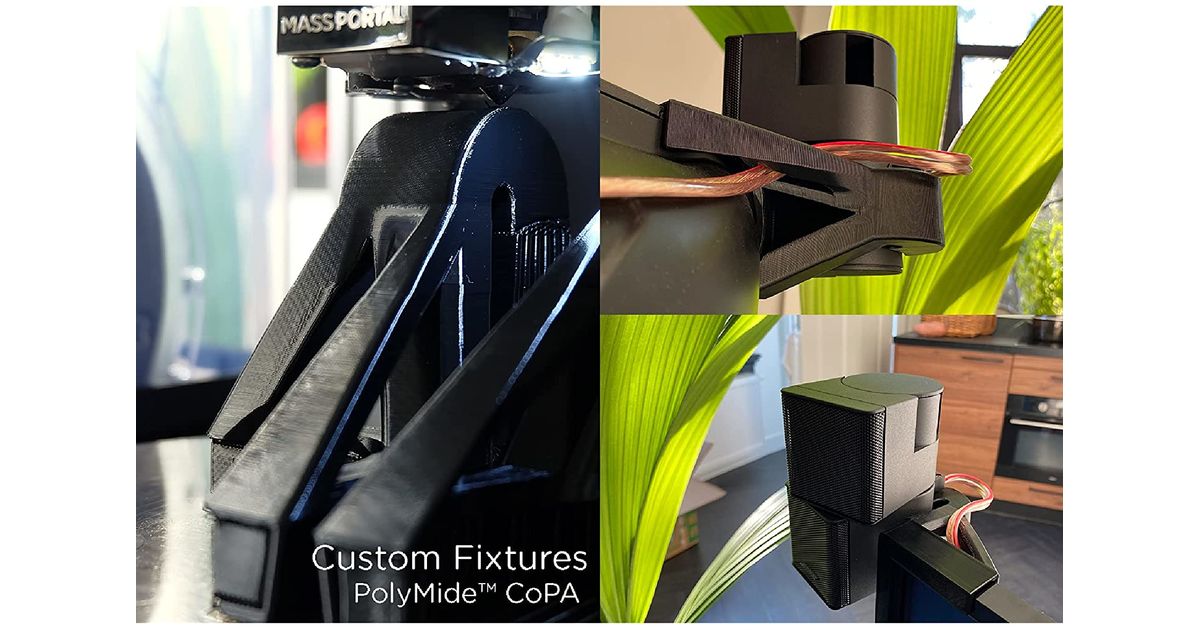
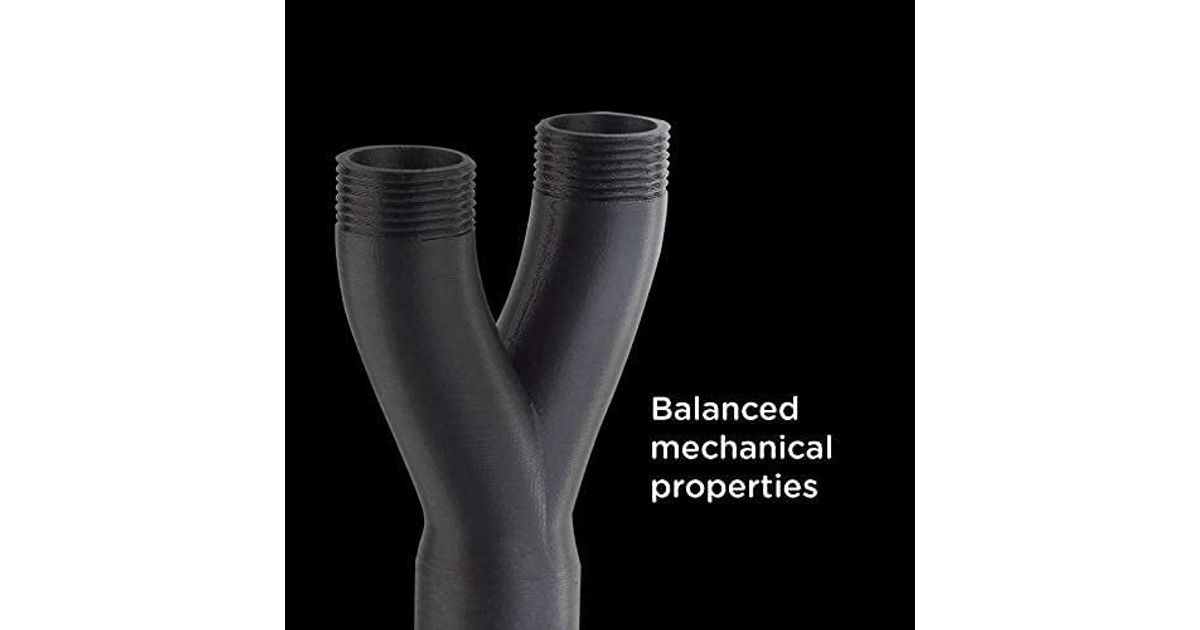
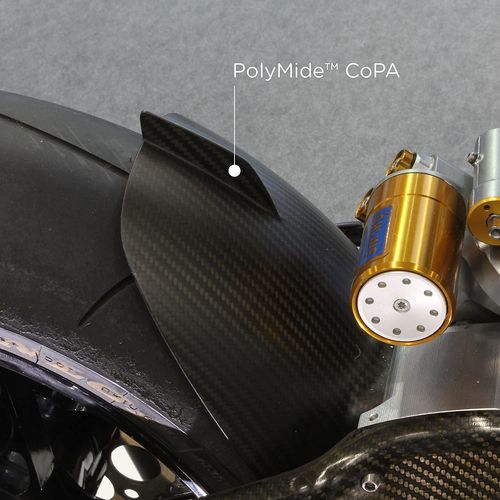
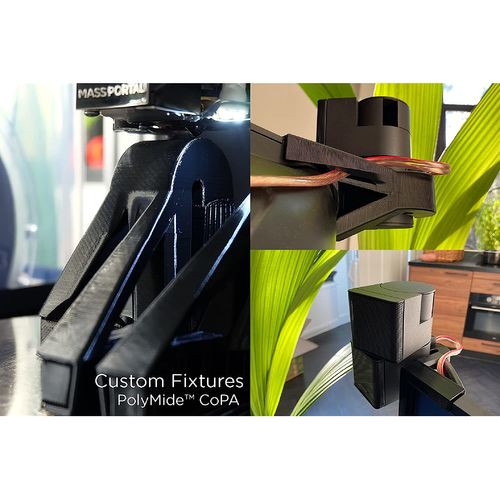
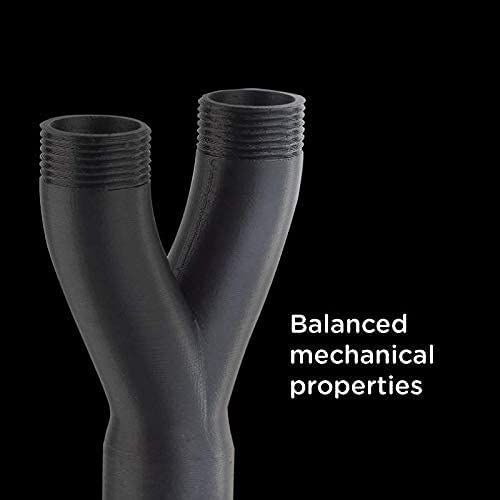
PolyMide™ CoPA is based on a copolymer of Nylon 6 and Nylon 6,6. The filament combines excellent strength, toughness, and heat resistance of up to 180˚C.
Does PolyMide™ CoPA requires an enclosed printer?
No, all our Nylon features our Warp-Free™ Technology which means it does not require a heated bed or heated chamber of more than 50˚C.PolyMide™ CoPA can be printed on a 30-40˚C bed without enclosure.
Printing, Drying and Annealing Settings?
Printing Temperature: 250˚C - 270˚CBed Temperature: 25˚C - 50˚CPrinting Speed: 30mm/s - 50mm/sFan: OFFDirect Drive:Retraction Distance: 3mmRetraction Speed: 50mm/sIndirect Drive:Retraction Distance: 6mmRetraction Speed: 60mm/sDrying Settings: 100˚C for 6h(Only if the material has absorbed moisture)Annealing Settings: 80˚ for 6h
Do you need to anneal PolyMide™ CoPA?
PolyMide™ CoPA displays outstanding mechanical and thermal properties when fully crystallized. The printed part will not reach full crystallization after the printing process, an additional step is required: Annealing.You can anneal PolyMide™ CoPA by placing your part in the oven at 80˚C for 6h.
Does PolyMide™ CoPA requires an enclosed printer?
No, all our Nylon features our Warp-Free™ Technology which means it does not require a heated bed or heated chamber of more than 50˚C.PolyMide™ CoPA can be printed on a 30-40˚C bed without enclosure.
Printing, Drying and Annealing Settings?
Printing Temperature: 250˚C - 270˚CBed Temperature: 25˚C - 50˚CPrinting Speed: 30mm/s - 50mm/sFan: OFFDirect Drive:Retraction Distance: 3mmRetraction Speed: 50mm/sIndirect Drive:Retraction Distance: 6mmRetraction Speed: 60mm/sDrying Settings: 100˚C for 6h(Only if the material has absorbed moisture)Annealing Settings: 80˚ for 6h
Do you need to anneal PolyMide™ CoPA?
PolyMide™ CoPA displays outstanding mechanical and thermal properties when fully crystallized. The printed part will not reach full crystallization after the printing process, an additional step is required: Annealing.You can anneal PolyMide™ CoPA by placing your part in the oven at 80˚C for 6h.