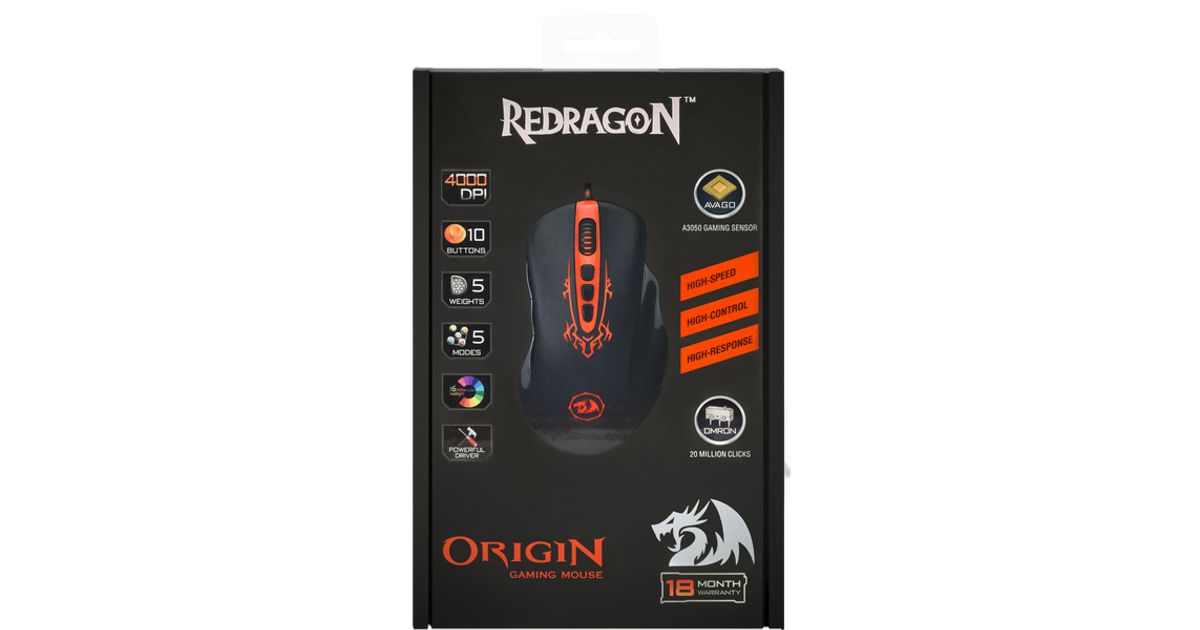

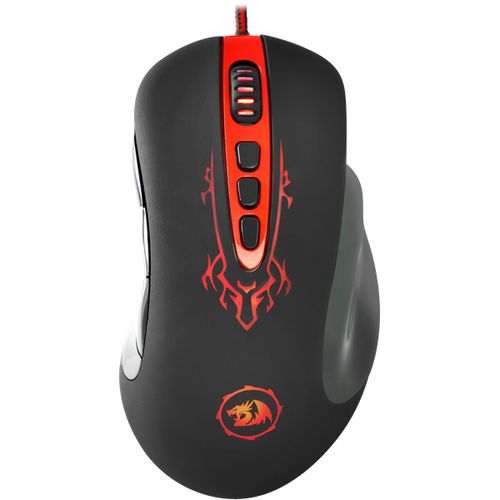
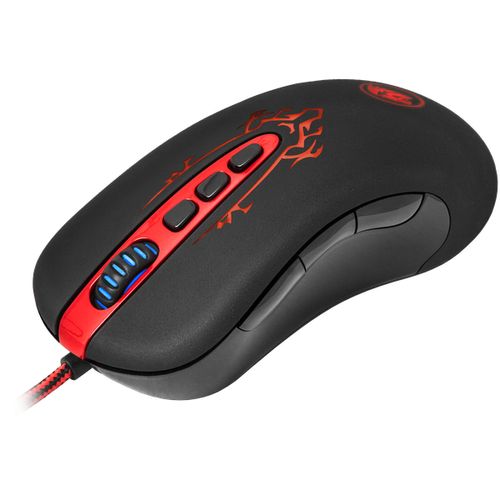
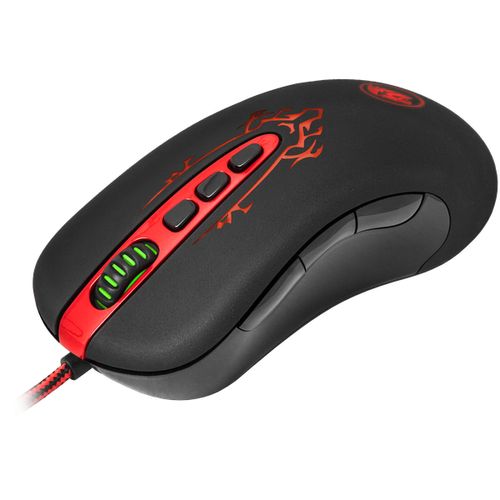
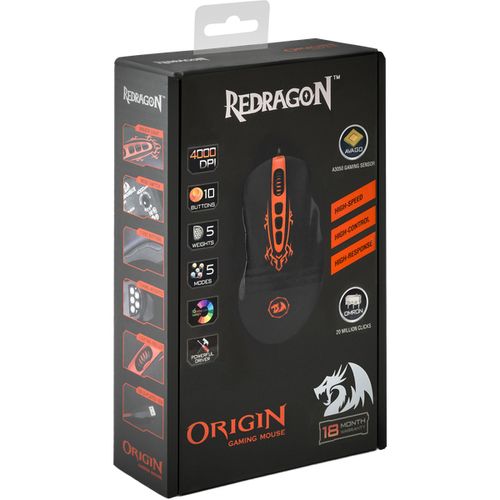
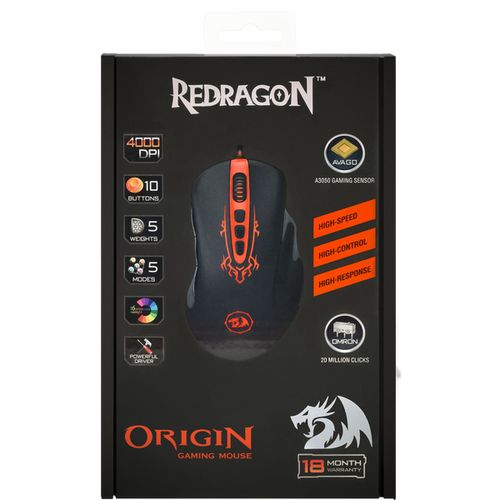

For illustrative purpose only
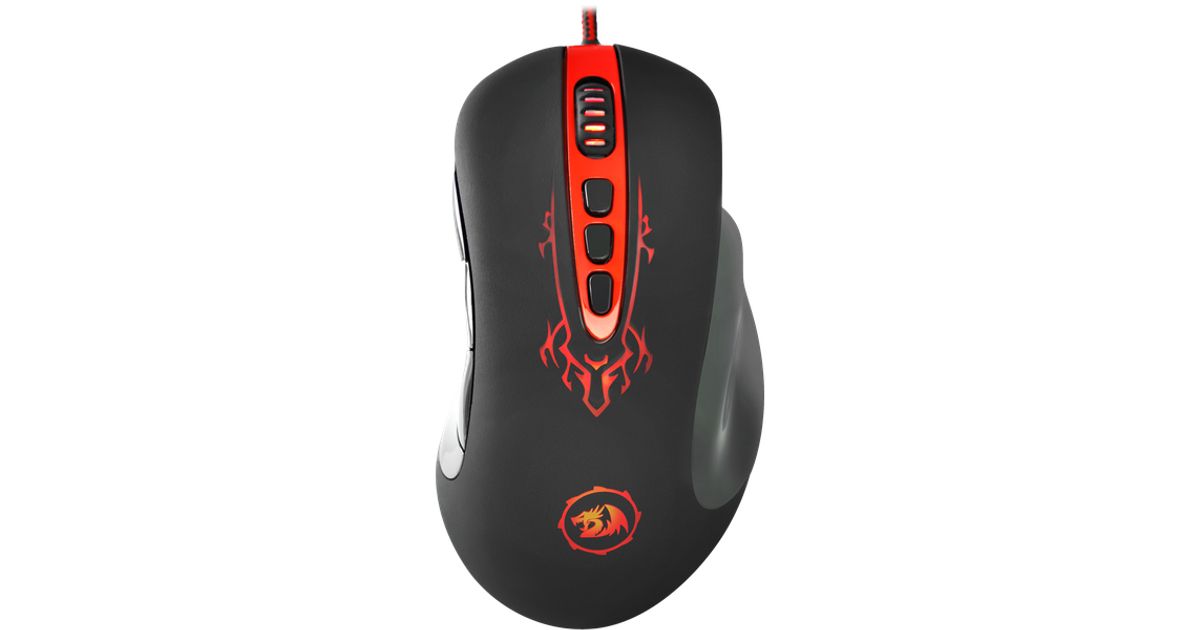
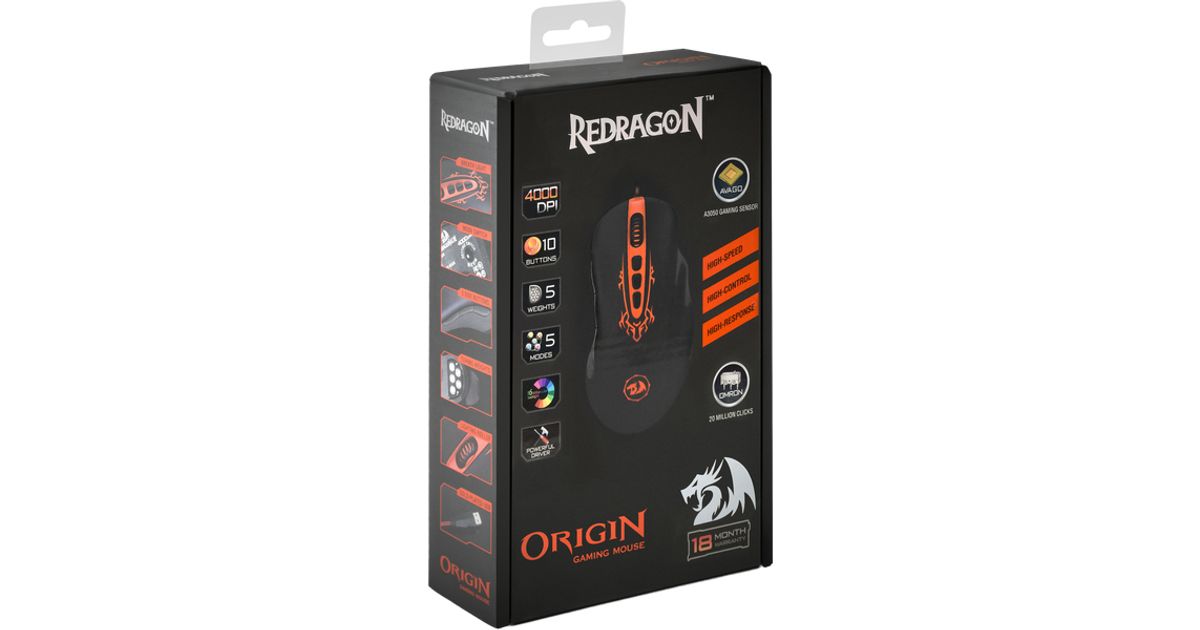
REDRAGON Origin mouse Right-hand USB Type-A Optical 4000 DPI
REDRAGON Origin, Right-hand, Optical, USB Type-A, 4000 DPI, Black
Read more...
Read more...
Product Information
| Information | |
|---|---|
| Manufacturer | REDRAGON |
| Product code | 324758866 |
| EAN | 06950376703439 |
| Manufacturer part number | 70343 |
| Category | Gaming mouses |
Product Description
Wired gaming mouse
The gaming mouse with 8 customizable buttons and optimal preset cursor speed levels (500/1000/2000/3000/4000 dpi), 5 profiles. 5 lead weights are included. Ergonomic sleak shape.
High precision optical sensor
RDN Origin sensor allows to adjust the resolution from 100 to 4000 DPI with 100 DPI increments so it is possible to change the cursor speed fleetingly
Stable operation even on high speed
The sensor provides high speed on any surface. It takes 6000 shots of the surface per second (6000 FPS), which allows to move the mouse with acceleration up to 20 G (195 m/s2)
DPI level indication
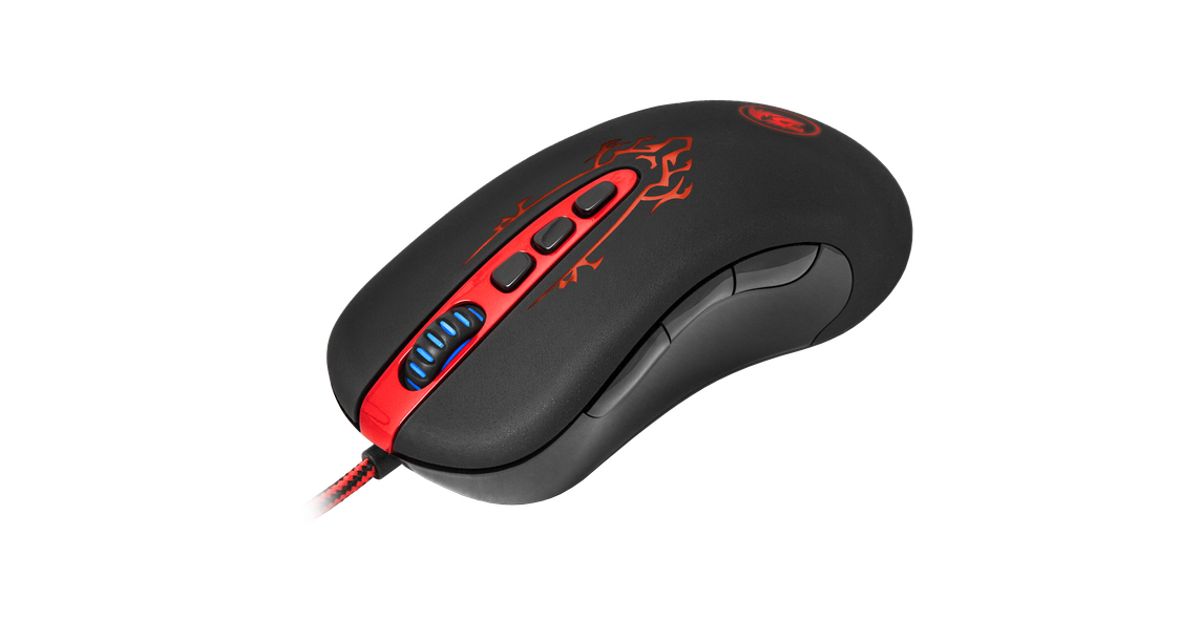
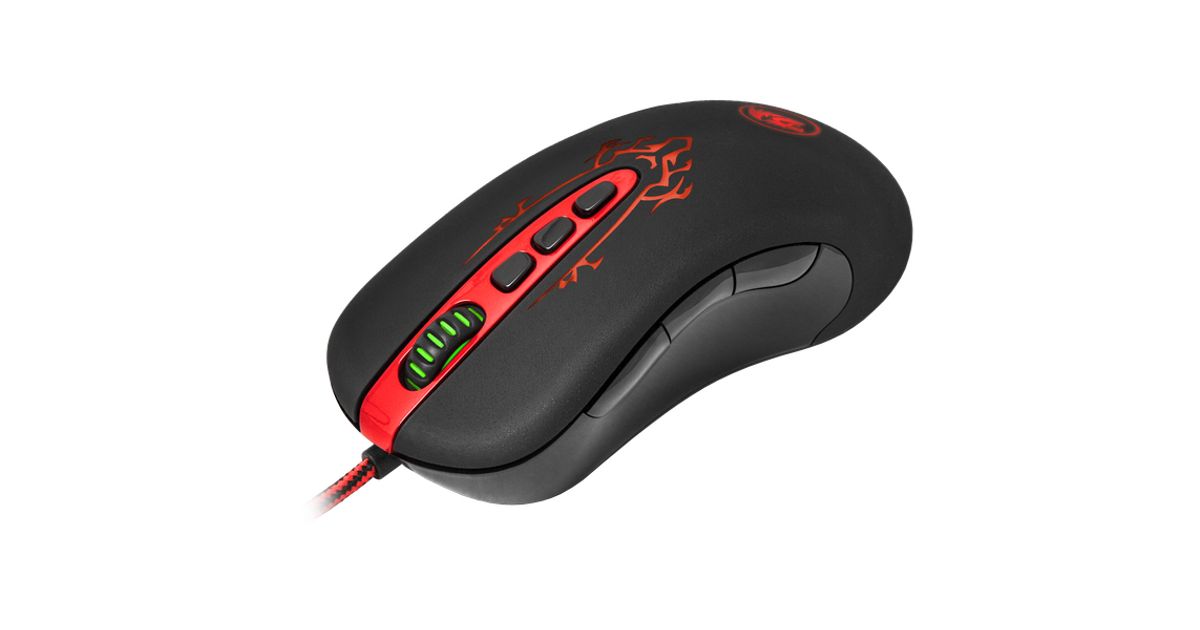
The chosen level of cursor speed is indicated by the color of the scroll wheel
Adjustable report rate
Program control allows to adjust the mouse report rate (125, 250, 500 or 1000 Hz), so that to increase the report speed to the user's movements
Cursor speed control
Cursor speed can be adjusted on any mouse keys. 5 DPI levels are supported and each level can be customized accurately to your needs
Report rate can be adjusted with the mouse buttons
Report rate adjustment can be assigned to any button
Mode switching with mouse buttons
The user can create up to 5 modes for convenient control in favourite games. The mode switch can be assigned to any mouse buttons. The backlight color changes when the mode is switched
Profiles can be stored
Profiles can be stored on an external memory/disc and uploaded when necessary or sent to others
MODE button for switching profiles (modes)
The user can create the mode and store to the mouse memory its settings for convenient control in a favourite game. The modes are switched by the MODE button on the bottom of the mouse. The backlight color can be setted for each mode
Built-in memory to store settings
All settings can be stored to the mouse memory. The memory volume allows to store up to 5 different profiles
The gaming mouse with 8 customizable buttons and optimal preset cursor speed levels (500/1000/2000/3000/4000 dpi), 5 profiles. 5 lead weights are included. Ergonomic sleak shape.
High precision optical sensor
RDN Origin sensor allows to adjust the resolution from 100 to 4000 DPI with 100 DPI increments so it is possible to change the cursor speed fleetingly
Stable operation even on high speed
The sensor provides high speed on any surface. It takes 6000 shots of the surface per second (6000 FPS), which allows to move the mouse with acceleration up to 20 G (195 m/s2)
DPI level indication
The chosen level of cursor speed is indicated by the color of the scroll wheel
Adjustable report rate
Program control allows to adjust the mouse report rate (125, 250, 500 or 1000 Hz), so that to increase the report speed to the user's movements
Cursor speed control
Cursor speed can be adjusted on any mouse keys. 5 DPI levels are supported and each level can be customized accurately to your needs
Report rate can be adjusted with the mouse buttons
Report rate adjustment can be assigned to any button
Mode switching with mouse buttons
The user can create up to 5 modes for convenient control in favourite games. The mode switch can be assigned to any mouse buttons. The backlight color changes when the mode is switched
Profiles can be stored
Profiles can be stored on an external memory/disc and uploaded when necessary or sent to others
MODE button for switching profiles (modes)
The user can create the mode and store to the mouse memory its settings for convenient control in a favourite game. The modes are switched by the MODE button on the bottom of the mouse. The backlight color can be setted for each mode
Built-in memory to store settings
All settings can be stored to the mouse memory. The memory volume allows to store up to 5 different profiles