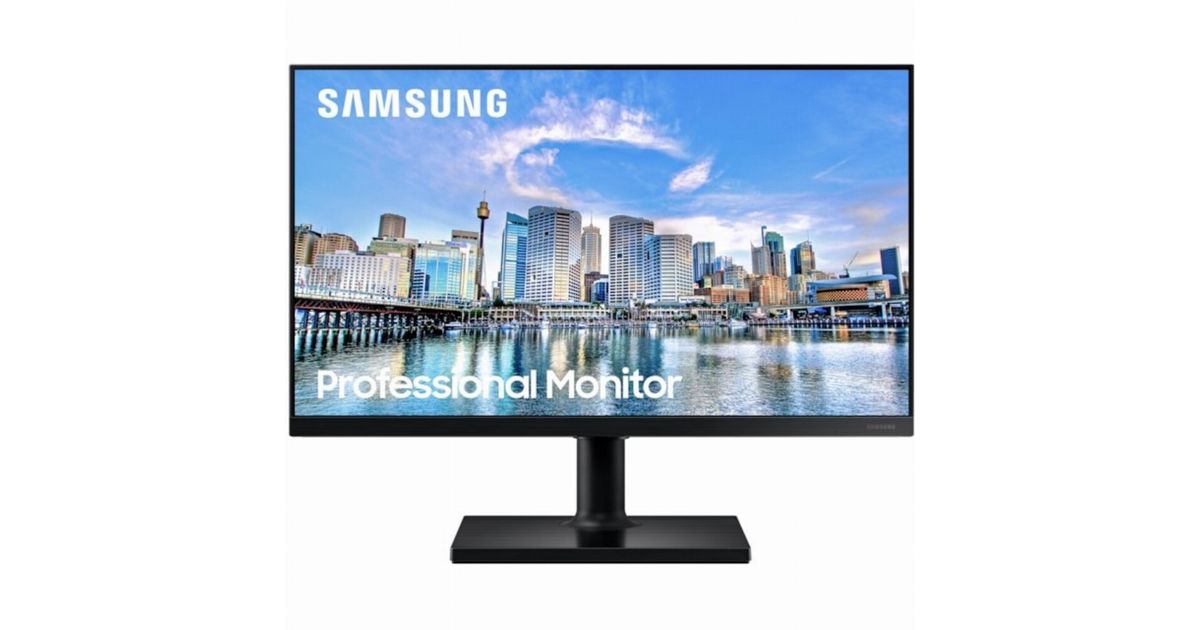
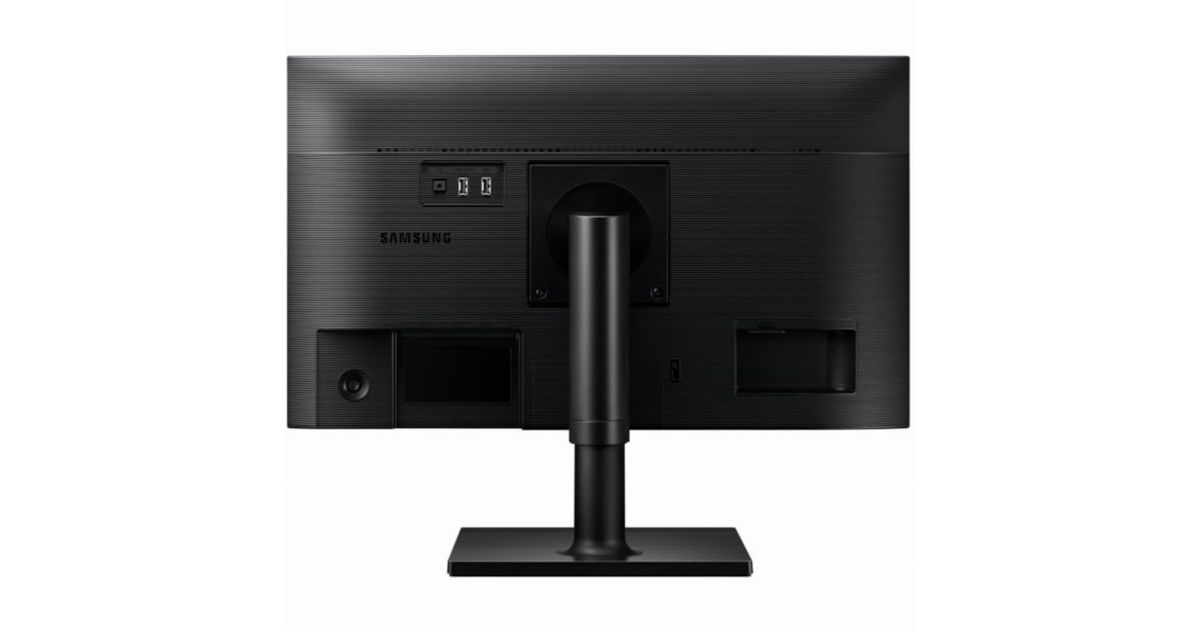
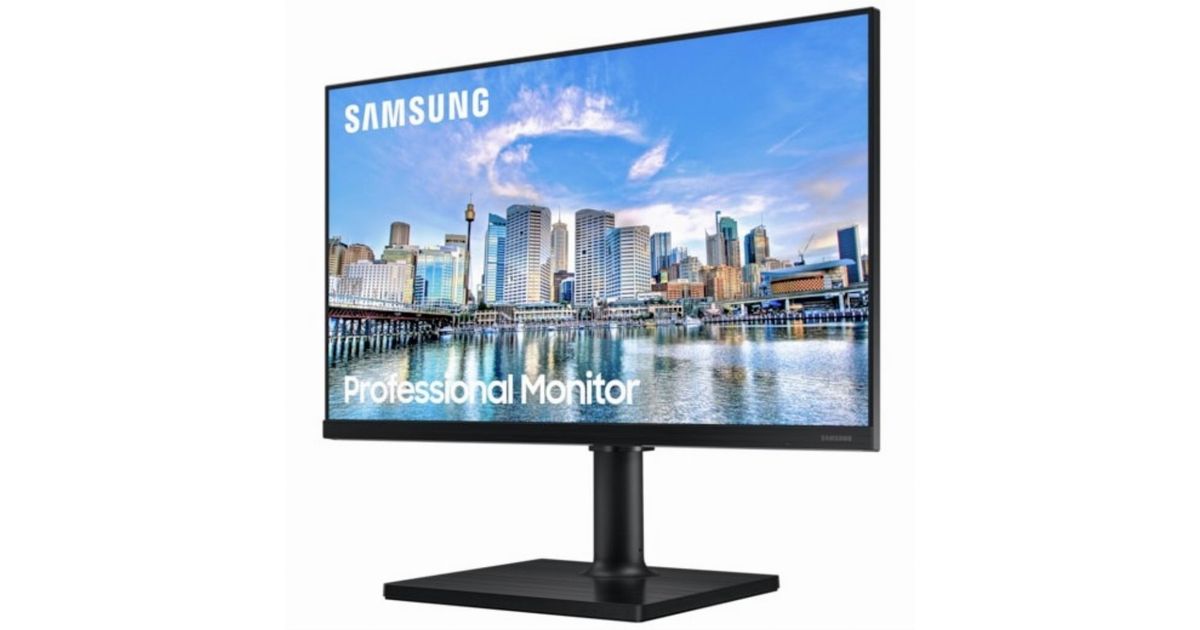
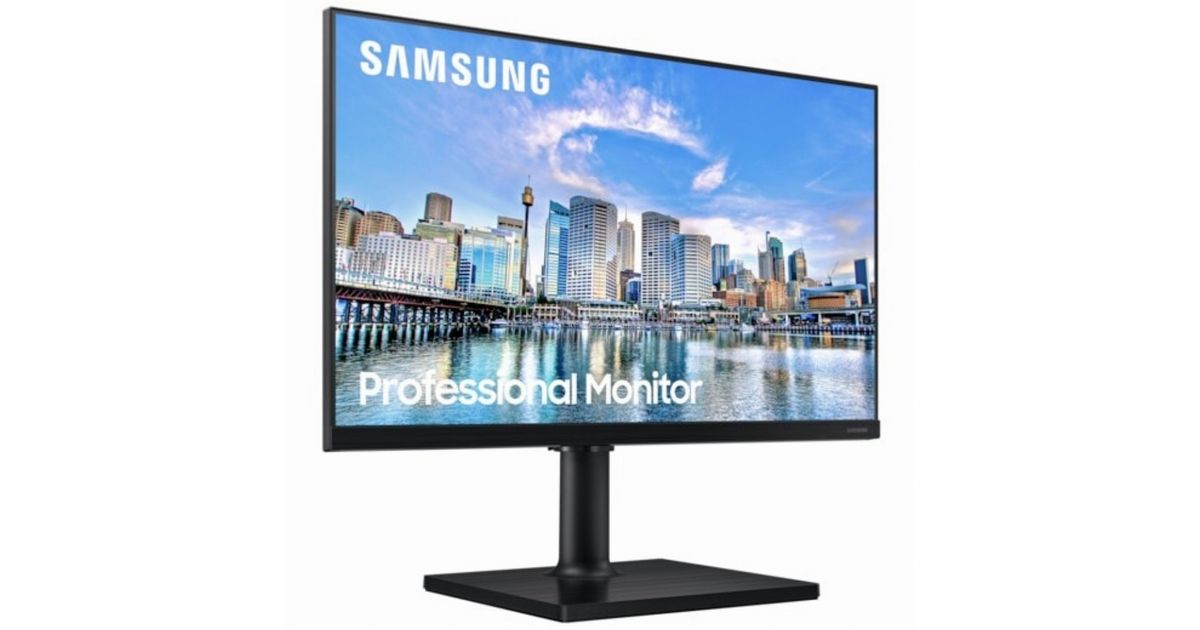
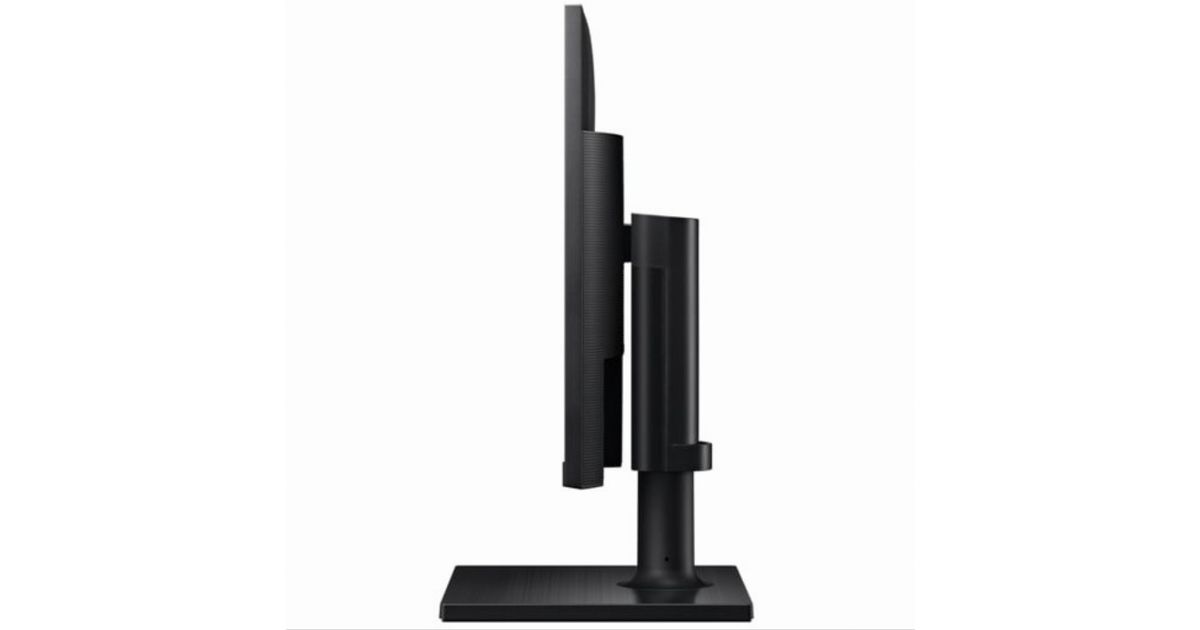
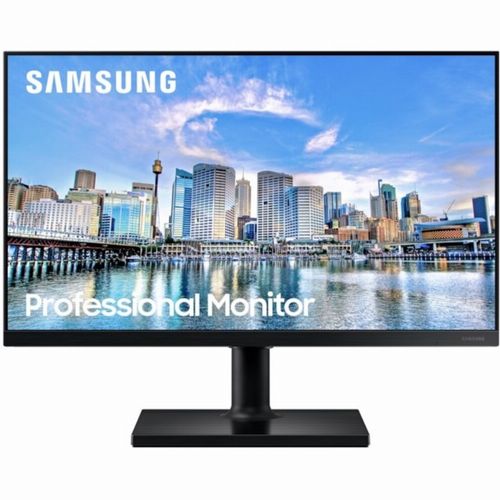
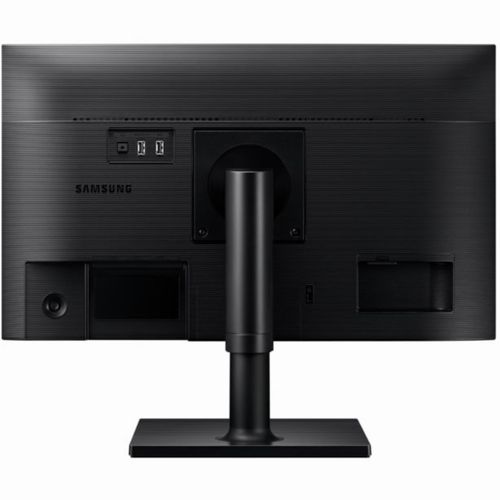
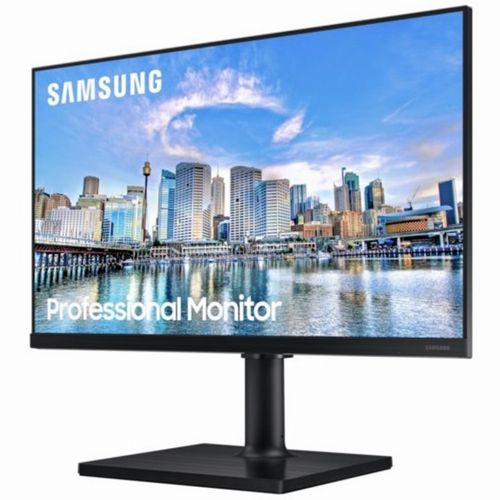
For illustrative purpose only
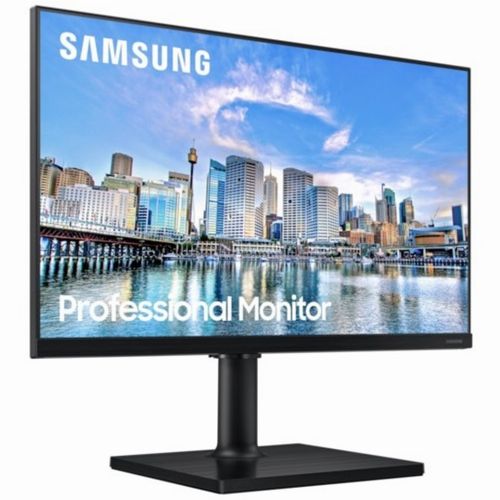
Samsung F22T450FQR 55.9 cm (22") 1920 x 1080 pixels Full HD Black
Samsung F22T450FQR, 55.9 cm (22"), 1920 x 1080 pixels, Full HD, 5 ms, Black
Read more...
Read more...
Product Information
| Information | |
|---|---|
| Manufacturer | Samsung |
| Product code | 214500309 |
| EAN | 08806090980633 |
| Manufacturer part number | LF22T450FQRX/EN |
| Category | Monitors |
| Display | |
|---|---|
| Display diagonal | 55.9 cm (22") |
| Display resolution | 1920 x 1080 pixels |
| Native aspect ratio | 16:9 |
| Panel type | IPS |
| HD type | Full HD |
| Screen shape | Flat |
| Contrast ratio (typical) | 1000:1 |
| Maximum refresh rate | 75 Hz |
| Display brightness (typical) | 250 cd/m² |
| Response time | 5 ms |
| Aspect ratio | 16:9 |
| Viewing angle, horizontal | 178° |
| Viewing angle, vertical | 178° |
| Quantum dot color technology | N |
| High Dynamic Range (HDR) supported | N |
| Colour gamut | 72% |
| Features | |
|---|---|
| Supported graphics resolutions | 1920 x 1080 (HD 1080) |
| DisplayPort version | 1.2 |
| VESA mounting | Y |
| Panel mounting interface | 100 x 100 mm |
| Height adjustment | 10 cm |
| ECO mode | Y |
| Daisy chain | N |
| Performance | |
|---|---|
| NVIDIA G-SYNC | N |
| AMD FreeSync | Y |
| AMD FreeSync type | FreeSync |
| Flicker-free technology | Y |
| Game mode | Y |
| Swivel angle range | -45 - 45° |
| Audio | |
|---|---|
| Built-in speaker(s) | N |
| Camera | |
|---|---|
| Built-in camera | N |
| Design | |
|---|---|
| Market positioning | Business |
| Product colour | Black |
| Ports & interfaces | |
|---|---|
| Built-in USB hub | Y |
| HDMI | Y |
| Headphone out | Y |
| USB hub version | 2.0 |
| DVI port | N |
| HDMI ports quantity | 2 |
| HDMI version | 1.4 |
| DisplayPorts quantity | 1 |
| Audio input | N |
| Ergonomics | |
|---|---|
| Height adjustment | Y |
| Pivot | Y |
| Swivelling | Y |
| Tiltable | Y |
| Tilt angle range | -3 - 25° |
| Picture-in-Picture | N |
| Black eQualizer function | N |
| Power | |
|---|---|
| Energy efficiency class (SDR) | D |
| Energy consumption (SDR) per 1000 hours | 12 kWh |
| Power consumption (typical) | 12 W |
| Power consumption (standby) | 0.5 W |
| Power consumption (off) | 0.3 W |
| Energy efficiency scale | A to G |
| Operational conditions | |
|---|---|
| Operating temperature (T-T) | 10 - 40 °C |
| Operating relative humidity (H-H) | 10 - 80% |
| Weight & dimensions | |
|---|---|
| Width (with stand) | 488.8 mm |
| Depth (with stand) | 210 mm |
| Height (with stand) | 325.3 mm |
| Weight (with stand) | 3.5 kg |
| Width (without stand) | 48.9 cm |
| Depth (without stand) | 3.94 cm |
| Height (without stand) | 29.4 cm |
| Weight (without stand) | 2.2 kg |
| Package weight | 4.7 kg |
| Packaging content | |
|---|---|
| Cables included | HDMI |
| Packaging data | |
|---|---|
| Package width | 553 mm |
| Package depth | 358 mm |
| Package height | 146 mm |
| Other features | |
|---|---|
| Power consumption (DPMS) | 0.5 W |
| Picture-by-Picture (PbP) | N |
| Samsung Eye Saver Mode | Y |
| On/Off timer | Y |
Product Description
All-round colour clarity
See every inch clearly from any angle. The IPS panel preserves colour vividness and detail across the whole screen. Now, whole teams can work comfortably on the productivity-boosting wide display and view accurate tones and shades from 178˚ all around, with no colour washing.
More screen to focus on
The borderless design maximises concentration. Take in everything with just one glance on a display that looks almost gapless when used in a dual-monitor setup. With no distractions in your way, get through larger sections of your to-do list during screen time.
More ways to connect
A variety of inputs bring a convenient computing experience. With 2x HDMI 1.4 ports and a display port, enjoy the versatility of being able to plug multiple devices straight into your monitor.
Tailored to your use
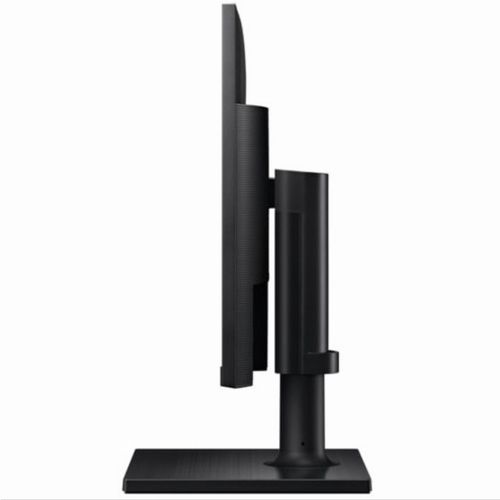
Superior design for the ultimate in everyday versatility. The height-adjustable monitor swivels, tilts and pivots for you to see your work any way you want. The sleek and clean design adds a touch of style to your office interior and is VESA-compatible for easy installation.
Fresh eyes achieve more
Protected eyes stay focused through the whole shift. Advanced eye comfort technology reduces eye strain for heightened concentration and greater productivity. Flicker Free technology continuously removes tiring and irritating screen flicker, while Eye Saver Mode minimises blue light emissions.
Energy-saving display
Eco Saving Plus achieves power-consumption reductions of up to 10% while still maintaining picture quality. It adjusts the brightness of the screen's black sections while simultaneously adjusting the RGB gain values, so the screen looks just as bright as you remember.
See every inch clearly from any angle. The IPS panel preserves colour vividness and detail across the whole screen. Now, whole teams can work comfortably on the productivity-boosting wide display and view accurate tones and shades from 178˚ all around, with no colour washing.
More screen to focus on
The borderless design maximises concentration. Take in everything with just one glance on a display that looks almost gapless when used in a dual-monitor setup. With no distractions in your way, get through larger sections of your to-do list during screen time.
More ways to connect
A variety of inputs bring a convenient computing experience. With 2x HDMI 1.4 ports and a display port, enjoy the versatility of being able to plug multiple devices straight into your monitor.
Tailored to your use
Superior design for the ultimate in everyday versatility. The height-adjustable monitor swivels, tilts and pivots for you to see your work any way you want. The sleek and clean design adds a touch of style to your office interior and is VESA-compatible for easy installation.
Fresh eyes achieve more
Protected eyes stay focused through the whole shift. Advanced eye comfort technology reduces eye strain for heightened concentration and greater productivity. Flicker Free technology continuously removes tiring and irritating screen flicker, while Eye Saver Mode minimises blue light emissions.
Energy-saving display
Eco Saving Plus achieves power-consumption reductions of up to 10% while still maintaining picture quality. It adjusts the brightness of the screen's black sections while simultaneously adjusting the RGB gain values, so the screen looks just as bright as you remember.