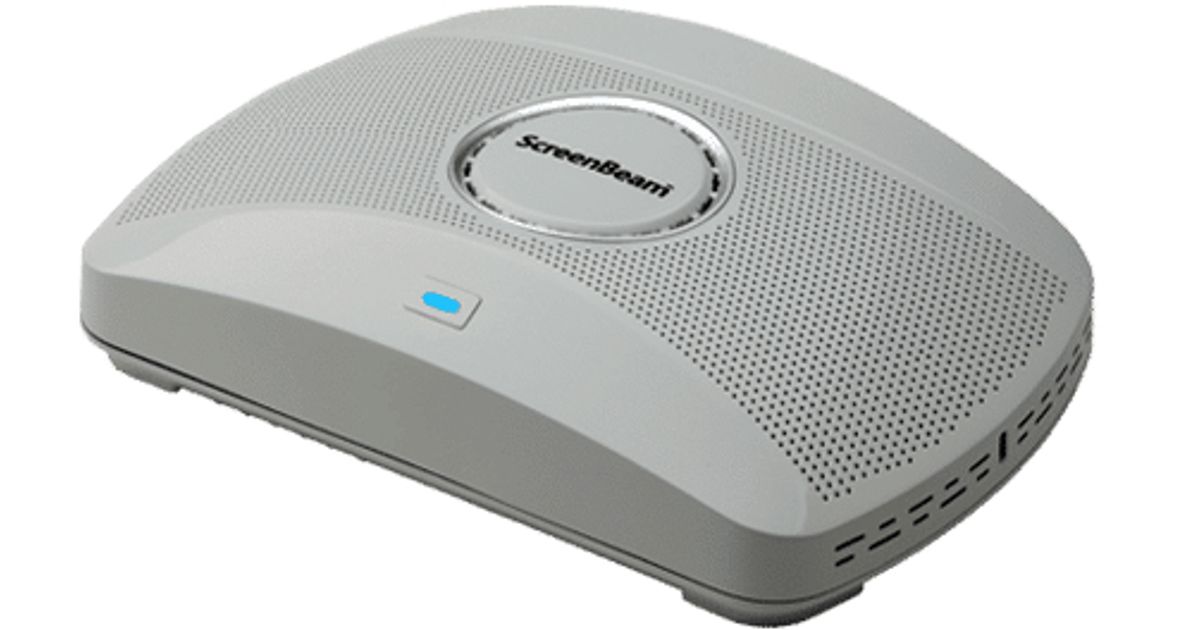
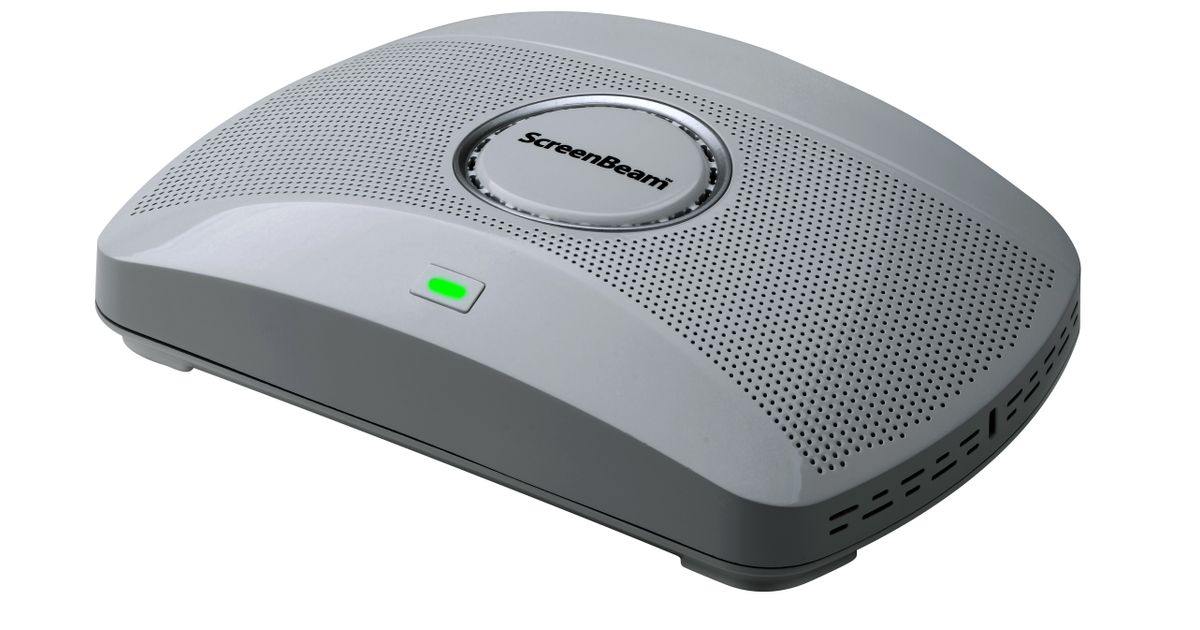
Toote tegelik värvus võib erineda piltidel kujutatavast ning pildid on
illustratiivsed.
ScreenBeam 1000 EDU wireless presentation system HDMI + VGA (D-Sub) Desktop
ScreenBeam 1000 EDU, Desktop, White, FCC, UL, CE, RED, RoHS, 3840 x 2160, Wi-Fi 5 (802.11ac), Wi-Fi 5 (802.11ac)
Read more...
Read more...
Product Information
| Information | |
|---|---|
| Manufacturer | ScreenBeam |
| Product code | 229926788 |
| EAN | 00789286820778 |
| Manufacturer part number | 0948-0147-401 |
| Design | |
|---|---|
| Form factor | Desktop |
| Product colour | White |
| Features | |
|---|---|
| Certification | FCC, UL, CE, RED, RoHS |
| Supported graphics resolutions | 3840 x 2160 |
| Input voltage | 12 V |
| Harmonized System (HS) code | 85176990 |
| Other features | |
|---|---|
| Miracast | Y |
| USB 2.0 ports quantity | 2 |
| Other operating systems supported | ChromeOS |
| Network | |
|---|---|
| Wi-Fi standards | Wi-Fi 5 (802.11ac) |
| Top Wi-Fi standard | Wi-Fi 5 (802.11ac) |
| Ethernet LAN | Y |
| Ethernet LAN data rates | 10,100,1000 Mbit/s |
| Cabling technology | 10/100/1000Base-T(X) |
| Security algorithms | EAP-TLS, PEAP, WPA-PSK, WPA2-PSK |
| Ports & interfaces | |
|---|---|
| Interface | HDMI + VGA (D-Sub) |
| Number of HDMI outputs | 1 |
| VGA (D-Sub) output ports | 1 |
| Ethernet LAN (RJ-45) ports | 1 |
| USB 3.2 Gen 1 (3.1 Gen 1) Type-A ports quantity | 3 |
| Headphone outputs | 1 |
| DC-in jack | Y |
| Performance | |
|---|---|
| Power source type | AC |
| Power | |
|---|---|
| Input current | 3 A |
| Power consumption (max) | 36 W |
| Power consumption (typical) | 8.4 W |
| Software | |
|---|---|
| Windows operating systems supported | Windows 10, Windows 7 |
| Mac compatibility | Y |
| Mac operating systems supported | Mac OS X 10.10 Yosemite, Mac OS X 10.11 El Capitan, Mac OS X 10.12 Sierra, Mac OS X 10.13 High Sierra, Mac OS X 10.14 Mojave, Mac OS X 10.15 Catalina, Mac OS X 10.15.3 Catalina |
| System requirements | |
|---|---|
| Mobile operating systems supported | Android 4.2, iOS 11.0, iOS 11.4 |
| Operational conditions | |
|---|---|
| Operating temperature (T-T) | 0 - 40 °C |
| Operating relative humidity (H-H) | 20 - 80% |
| Storage temperature (T-T) | -20 - 85 °C |
| Storage relative humidity (H-H) | 10 - 90% |
| Weight & dimensions | |
|---|---|
| Width | 220 mm |
| Depth | 144 mm |
| Height | 50.5 mm |
| Weight | 1.13 kg |
| Package weight | 1.13 kg |
| Packaging data | |
|---|---|
| Package width | 177.8 mm |
| Package depth | 287 mm |
| Package height | 82.5 mm |
| Packaging content | |
|---|---|
| AC adapter included | Y |
| Logistics data | |
|---|---|
| Country of origin | China |
| Sustainability | |
|---|---|
| Sustainability compliance | Y |
| Sustainability certificates | CE, RoHS |
Product Description
ScreenBeam | 1000 EDU
Wireless screen mirroring is an essential tool for moving teachers from the front of the classroom and into the classroom, making it easier to connect and collaborate with their students.
The result is the right kind of teacher and student interactions that foster creative productivity and encourage meaningful collaboration. The need is clear and it is already being met by education institutions all over the world. Keep scrolling to hear from ScreenBeam experts that are making a difference every day in their classrooms and getting the most out of their devices.
4K App-Free Wireless Screen Sharing and Annotation on Any Teacher Device
ScreenBeam 1000 EDU delivers app-free screen sharing on any device eliminating the need to download an app or keep a cable or dongle nearby. Simply tap to wirelessly connect a mobile device to the room display. Teacher and guest devices have multiple ways to connect including local Wi-Fi mode, Miracast™ and network infrastructure connectivity. Teachers can display up to four student screens simultaneously, and with a Windows 10 device can ink and annotate in Office 365 apps and share notes to student devices or the front-of-room display. Includes the enhanced ScreenBeam Classroom Commander experience, providing both wireless display and student device orchestration for Windows 10 or Chromebook student devices.
Wireless screen mirroring is an essential tool for moving teachers from the front of the classroom and into the classroom, making it easier to connect and collaborate with their students.
The result is the right kind of teacher and student interactions that foster creative productivity and encourage meaningful collaboration. The need is clear and it is already being met by education institutions all over the world. Keep scrolling to hear from ScreenBeam experts that are making a difference every day in their classrooms and getting the most out of their devices.
4K App-Free Wireless Screen Sharing and Annotation on Any Teacher Device
ScreenBeam 1000 EDU delivers app-free screen sharing on any device eliminating the need to download an app or keep a cable or dongle nearby. Simply tap to wirelessly connect a mobile device to the room display. Teacher and guest devices have multiple ways to connect including local Wi-Fi mode, Miracast™ and network infrastructure connectivity. Teachers can display up to four student screens simultaneously, and with a Windows 10 device can ink and annotate in Office 365 apps and share notes to student devices or the front-of-room display. Includes the enhanced ScreenBeam Classroom Commander experience, providing both wireless display and student device orchestration for Windows 10 or Chromebook student devices.