
Toote tegelik värvus võib erineda piltidel kujutatavast ning pildid on
illustratiivsed.
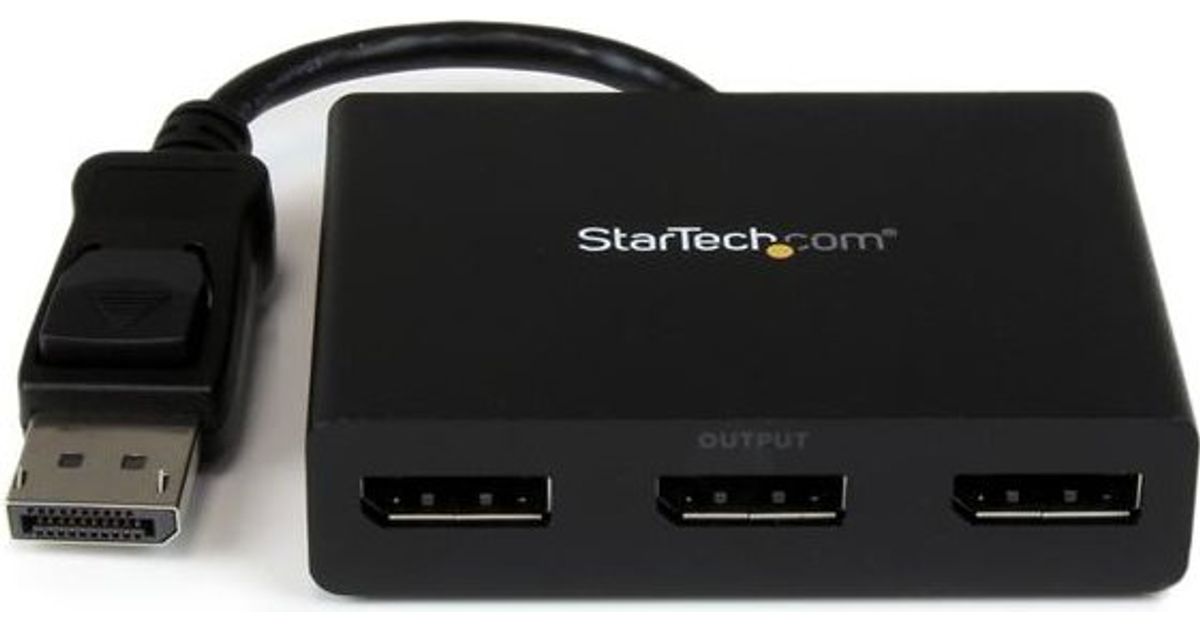
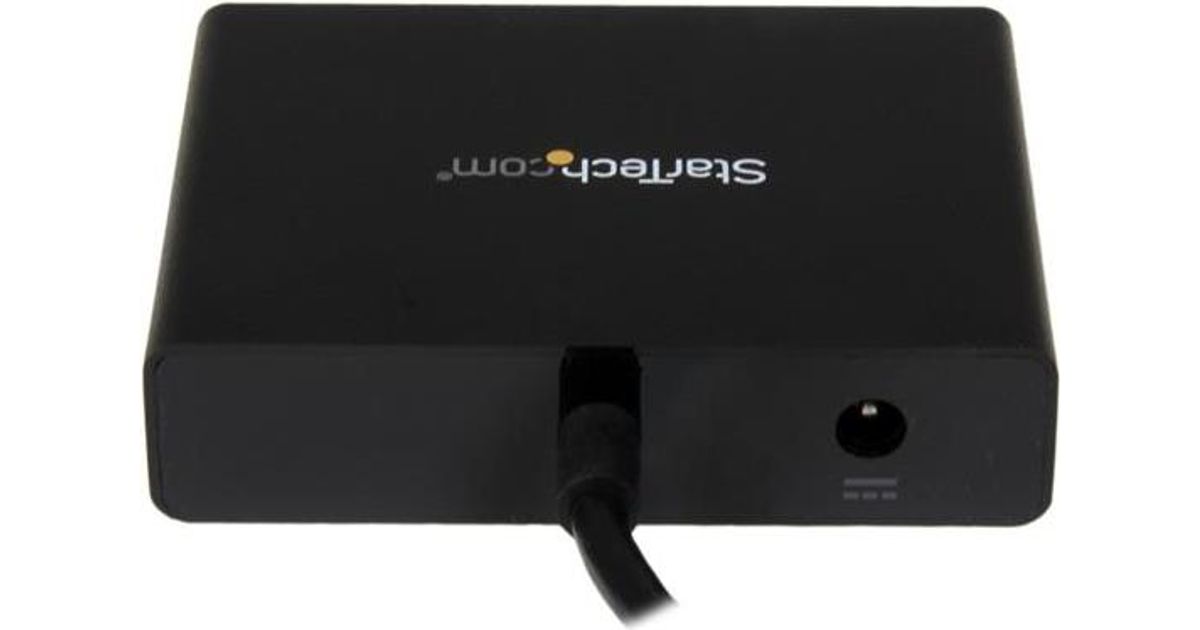
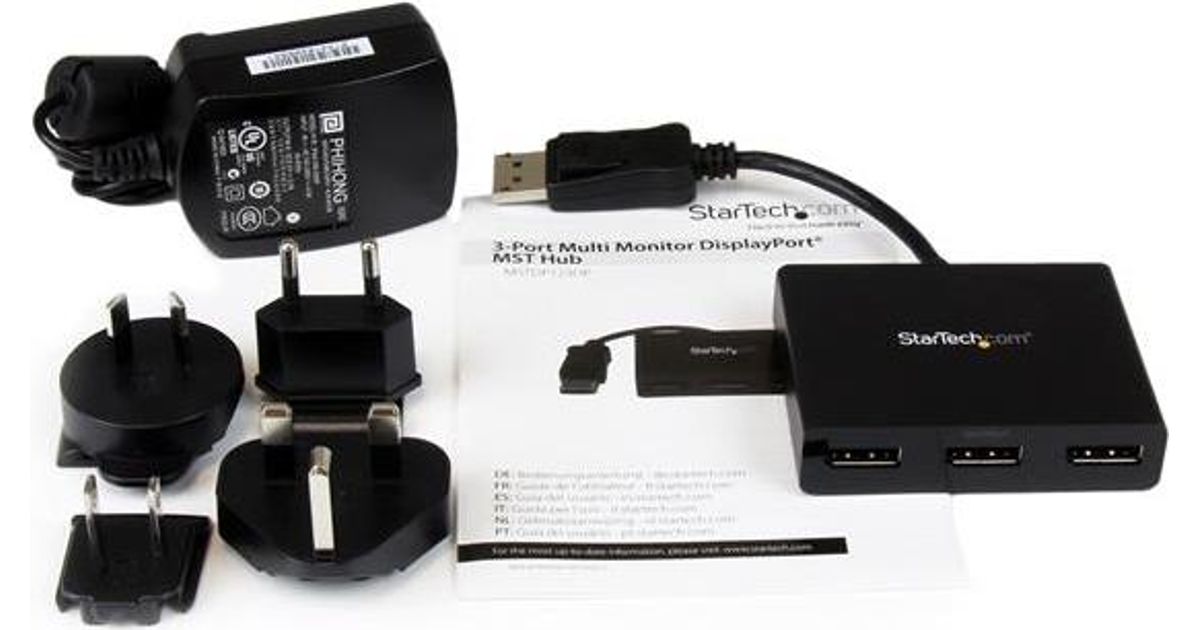
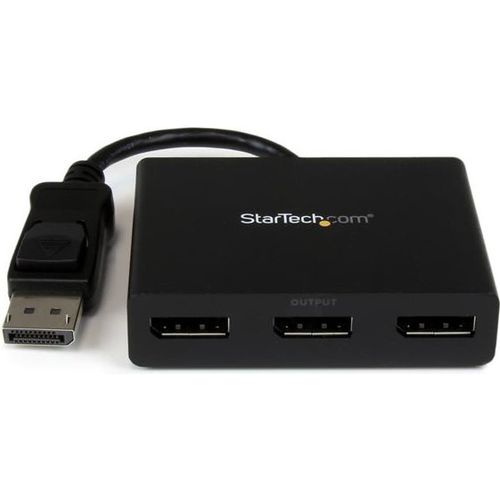
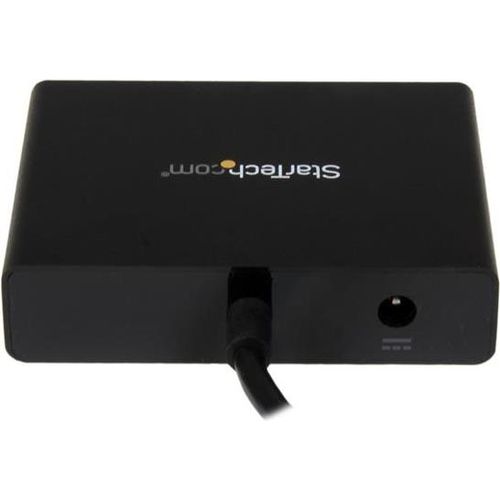
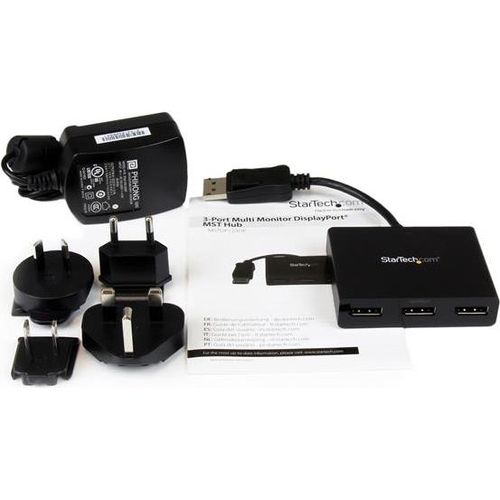
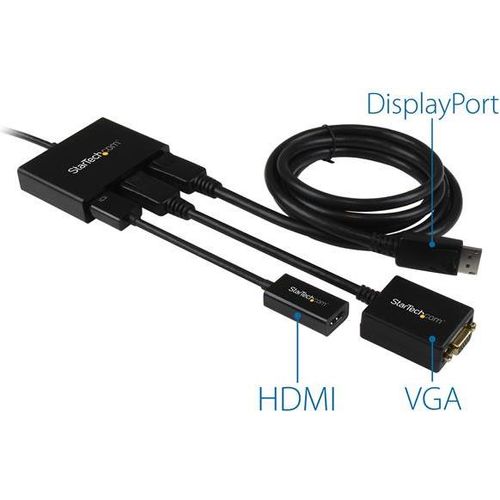
StarTech.com 3-Port Multi Monitor Adapter - DisplayPort 1.2 MST Hub to Dual 4K 30Hz & 1x 1080p - Video Splitter for Extended Desktop Mode on Windows PCs Only - DP to 3x DP Monitors
StarTech.com 3-Port Multi Monitor Adapter - DisplayPort 1.2 MST Hub to Dual 4K 30Hz & 1x 1080p - Video Splitter for Extended Desktop Mode on Windows PCs Only - DP to 3x DP Monitors, DisplayPort, 3x DisplayPort, Black, Plastic, 0.19 m, ROHS
Read more...
Read more...
Product Information
| Information | |
|---|---|
| Manufacturer | StarTech.com |
| Product code | 16506762 |
| EAN | 00724627116912 |
| Manufacturer part number | MSTDP123DP |
| Category | Displayport cables and adapters |
| Ports & interfaces | |
|---|---|
| Video ports quantity | 3 |
| Video port type | DisplayPort |
| Video out | 3x DisplayPort |
| Design | |
|---|---|
| Product colour | Black |
| Housing material | Plastic |
| Features | |
|---|---|
| Cable length | 0.19 m |
| Plug and Play | Y |
| Certification | ROHS |
| Power | |
|---|---|
| AC input voltage | 110 - 240 V |
| Input current | 0.5 A |
| Output voltage | 5 V |
| Output current | 3 A |
| Power consumption (typical) | 15 W |
| Weight & dimensions | |
|---|---|
| Width | 78 mm |
| Depth | 386 mm |
| Height | 20 mm |
| Weight | 99 g |
| Package weight | 409 g |
| Packaging data | |
|---|---|
| Package width | 229 mm |
| Package depth | 155 mm |
| Package height | 55 mm |
| Included power plug types | AU,EU,NA,UK |
| Packaging content | |
|---|---|
| Manual | Y |
| AC adapter included | Y |
| Operational conditions | |
|---|---|
| Operating temperature (T-T) | 0 - 45 °C |
| Storage temperature (T-T) | -20 - 70 °C |
| Sustainability | |
|---|---|
| Sustainability certificates | RoHS |
| Logistics data | |
|---|---|
| Master (outer) case width | 34 cm |
| Master (outer) case length | 50 cm |
| Master (outer) case height | 23 cm |
| Products per master (outer) case | 10 pc(s) |
Product Description
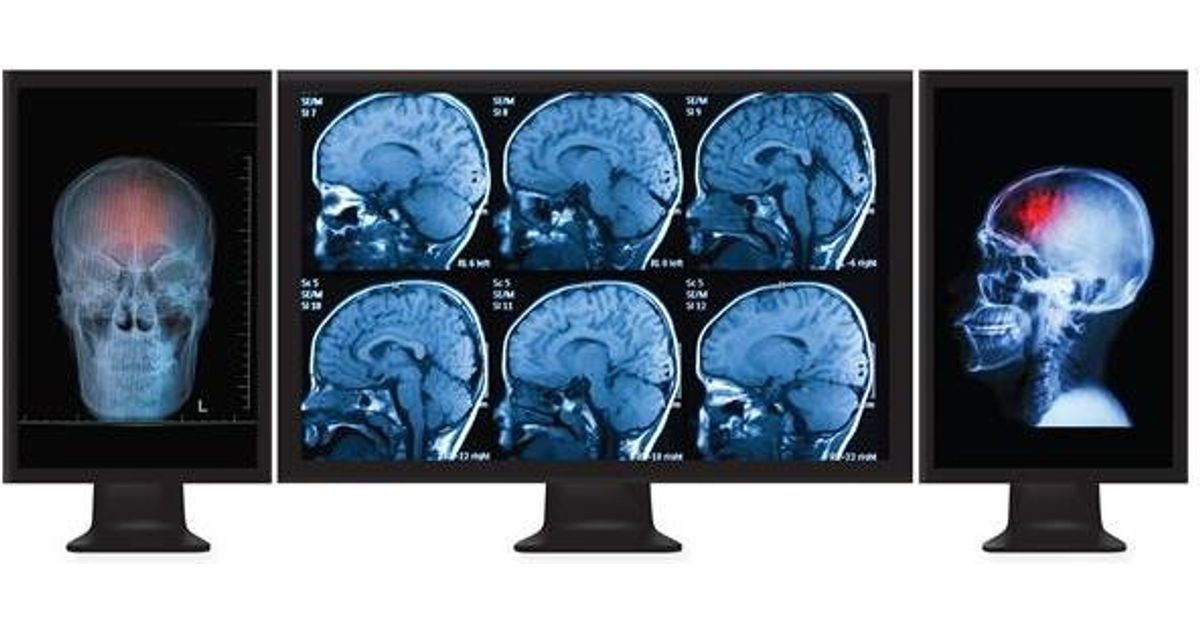
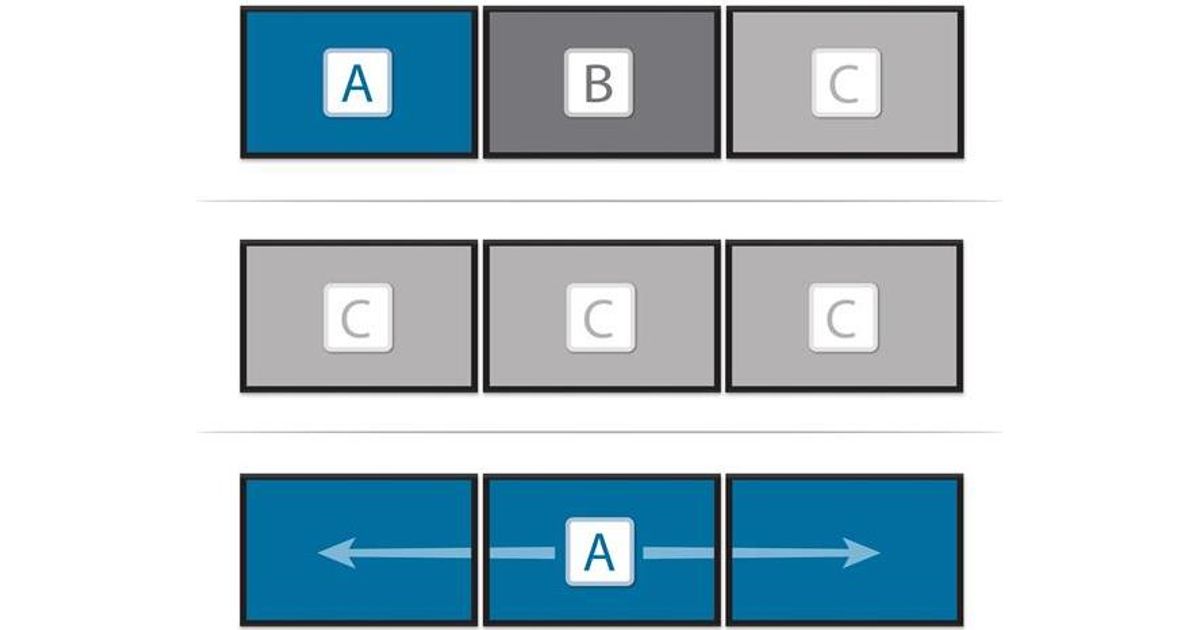
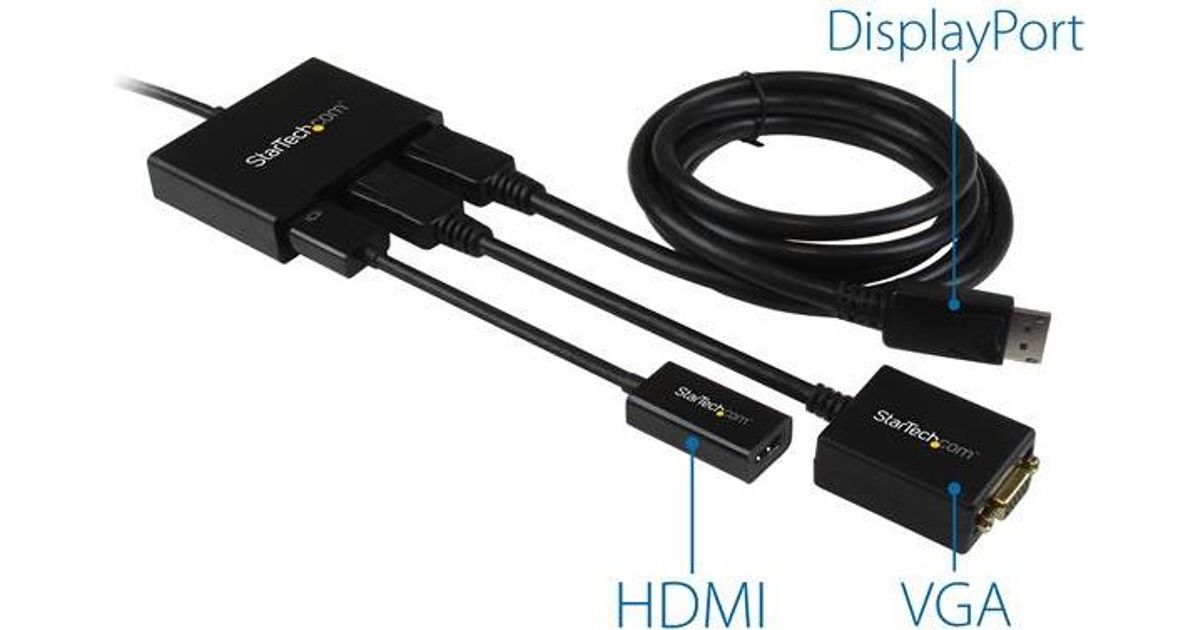
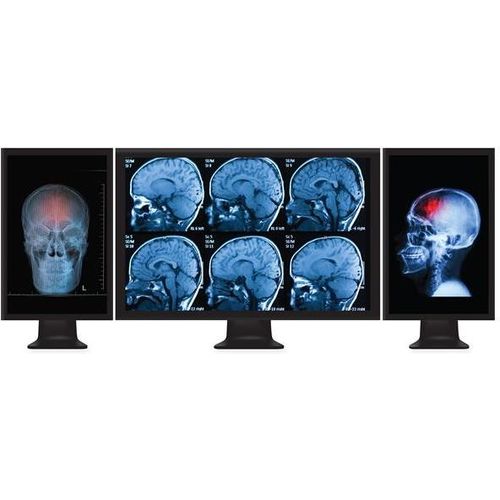
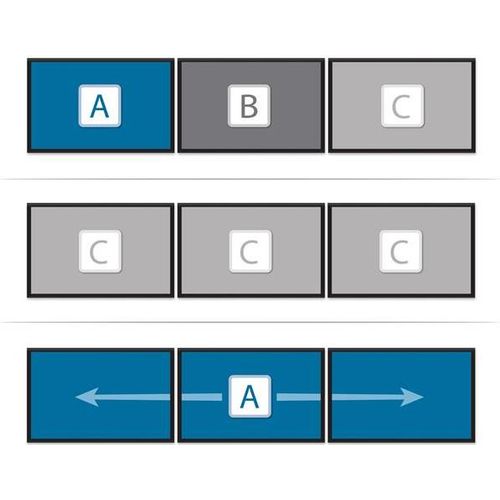
Use this adapter to connect three independent displays to a single DP 1.2 portThis MST hub lets you connect three monitors to your DisplayPort™ (DP) 1.2 equipped Windows® laptop or desktop.Increase productivity with multiple screensThe newest generations of computers are more portable than ever, which often means that you’re left with fewer video outputs and smaller integrated screens. This MST hub solves both of these problems by letting you connect three additional displays to your computer, which makes multitasking much easier.Connect to any displayWith the MST hub, you can use DisplayPort video adapters and cable adapters that enable you to connect HDMI, VGA or DVI displays. This ensures your MST hub will be compatible with virtually any television, monitor or projector. This MST hub is VESA and DisplayPort certified to support DP 1.2 enabled systems, for seamless integration with your existing video equipment.Configure your displays for any environmentUsing the MST hub, you can extend your desktop onto additional monitors and stream independent content to each display giving you the freedom to multitask and increase your productivity. You can also mirror the same image onto multiple displays for remote viewing applications such as digital signage.Enjoy amazing video quality, without draining system resourcesMST technology uses your existing video card to minimize the use of system resources while delivering Ultra HD 4K resolutions. This unprecedented performance makes MST perfect for high-resolution applications such as graphic design, gaming and medical imaging.Note: When using a DisplayPort 1.1 video card the MSTDP123DP will act as splitter, automatically mirroring your video source across all displays. Resolution limitations apply.The MSTDP123DP supports plug-and-play installation for a hassle-free setup, and is backed by a StarTech.com 3-year warranty and free lifetime technical support.Note: MST shares 21.6 Gbps across all attached displays. Higher resolutions can restrict the available bandwidth with the remaining ports, please see our guideline below for determining an ideal resolution for your setup. Certain graphics adapters have limited MST support and will only output to three displays in total. If more than three monitors are attached the fourth will be disabled.Average Resolution Bandwidth Allocation1920x1080 (High-definition 1080p) @60hz - 22%1920x1200 @60hz - 30%2560x1440 @60hz - 35%2560x1600 @60hz - 38%3840 x 2160 (Ultra HD 4K) @30hz - 38%Note: Exceeding 100% will reduce functionality.Examples of Supported Resolution ConfigurationsScreen 1 ResolutionScreen 2 ResolutionScreen 3 ResolutionTotal % of Bandwidth1920x1200 @60hz (30%)1920x1200 @60hz (30%)1920x1200 @60hz (30%)90%2560x1440 @60hz (35%)2560x1440 @60hz (35%)1920x1200 @60hz (30%)100%2560x1600 @60hz (38%)2560x1600 @60hz (38%)1920x1080 @60hz (22%)98%3840x2160 @30hz (38%)2560x1600 @60hz (38%)1920x1080 @60hz (22%)98%3840x2160 @30hz (38%)3840x2160 @30hz (38%)1920x1080 @60hz (22%)98%Examples of Unsupported Resolution ConfigurationsScreen 1 ResolutionScreen 2 ResolutionScreen 3 ResolutionTotal % of Bandwidth2560x1600 @60hz (38%)2560x1600 @60hz (38%)1920x1200 @60hz (30%)106%3840x2160 @30hz (38%)2560x1600 @60hz (38%)1920x1200 @60hz (30%)106%3840x2160 @30hz (38%)2560x1600 @60hz (38%)2560x1440 @60hz (35%)111%3840x2160 @30hz (38%)3840x2160 @30hz (38%)3840x2160 @30hz (38%)114%The StarTech.com Advantage