

Toote tegelik värvus võib erineda piltidel kujutatavast ning pildid on
illustratiivsed.
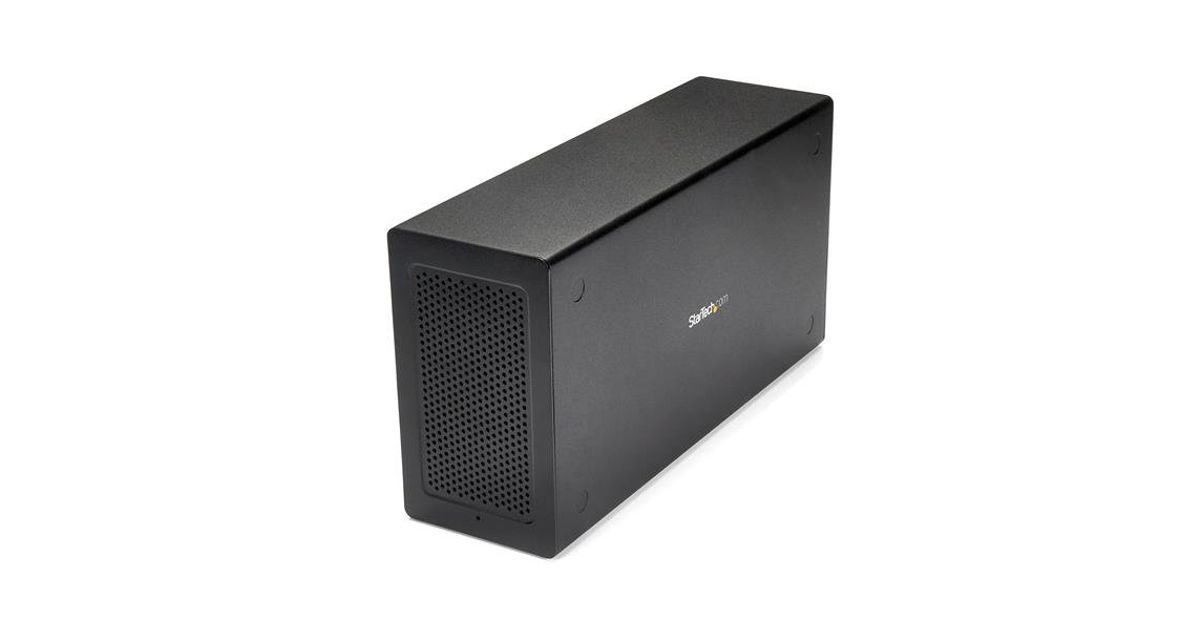
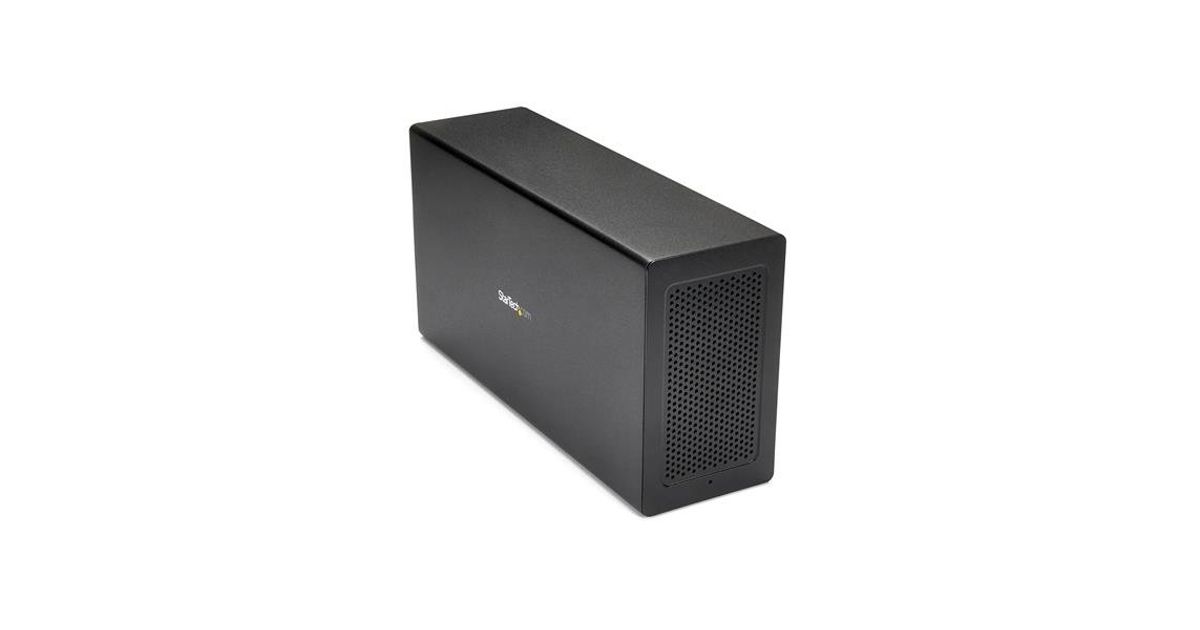
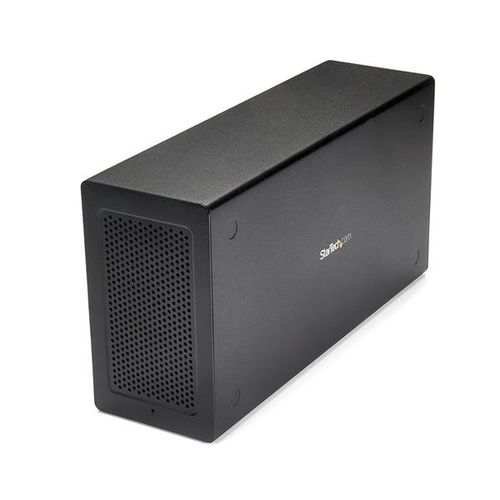
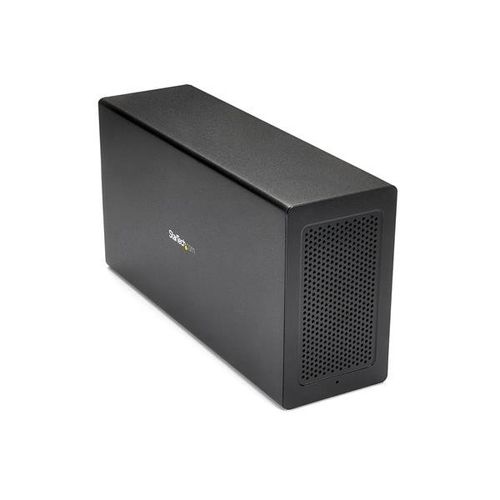
StarTech.com Thunderbolt 3 PCIe Expansion Chassis with DisplayPort - PCIe x16
StarTech.com Thunderbolt 3 PCIe Expansion Chassis with DisplayPort - PCIe x16, Wired, Thunderbolt 3, Black, 40 Gbit/s, Power, Aluminium, Steel
Read more...
Read more...
Product Information
| Information | |
|---|---|
| Manufacturer | StarTech.com |
| Product code | 567589635 |
| EAN | 00065030868440 |
| Manufacturer part number | TB31PCIEX16 |
| Category | USB cables and adapters |
| Keyboard | |
|---|---|
| Connectivity technology | Wired |
| Ports & interfaces | |
|---|---|
| Host interface | Thunderbolt 3 |
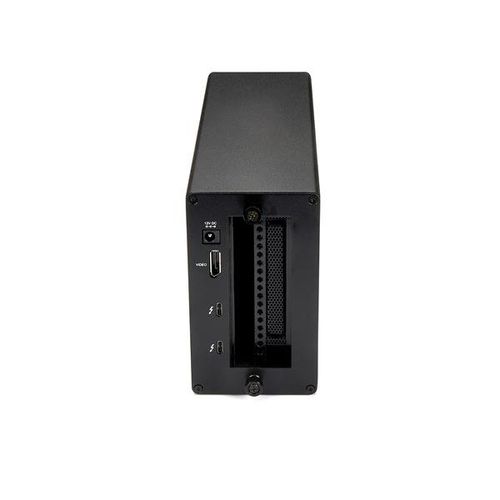
| DisplayPorts quantity | 1 |
| Thunderbolt 3 ports quantity | 2 |
| Network | |
|---|---|
| Ethernet LAN | N |
| Design | |
|---|---|
| Product colour | Black |
| LED indicators | Power |
| Housing material | Aluminium, Steel |
| Number of fans | 1 fan(s) |
| Storage | |
|---|---|
| Card reader integrated | N |
| Features | |
|---|---|
| Data transfer rate | 40 Gbit/s |
| Certification | CE, FCC, TAA, Thunderbolt, REACH |
| Power plug type | Type N |
| Harmonized System (HS) code | 84733020 |
| Cable length | 0.5 m |
| Packaging data | |
|---|---|
| Rubber feet | Y |
| Package width | 290 mm |
| Package depth | 360 mm |
| Package height | 145 mm |
| Performance | |
|---|---|
| Built-in fan | Y |
| Bearing type | Sleeve bearing |
| Fan diameter | 6 cm |
| Maximum airflow | 14.06 cfm |
| Chipset | Intel - Alpine Ridge DSL6540 |
| Other features | |
|---|---|
| Noise level | 24.55 dB |
| Quick start guide | Y |
| PCI slot | 1 x PCIe x16 |
| Maximum port bandwidth | 3.94 GB/s |
| Power | |
|---|---|
| AC input voltage | 100 - 240 V |
| Input current | 2 A |
| Output voltage | 12 V |
| Output current | 5.417 A |
| Power consumption (typical) | 65 W |
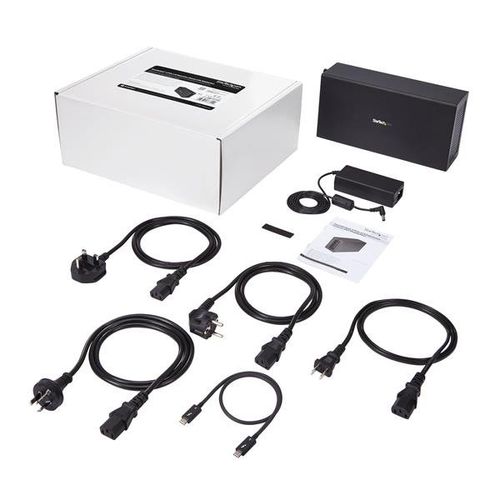
| Compatible power plug types | AU, EU, JP, UK, US |
| Software | |
|---|---|
| Mac compatibility | Y |
| Mac operating systems supported | Mac OS X 10.12 Sierra, Mac OS X 10.13 High Sierra, Mac OS X 10.14 Mojave, Mac OS X 10.15 Catalina |
| Operational conditions | |
|---|---|
| Operating temperature (T-T) | 5 - 35 °C |
| Storage temperature (T-T) | -20 - 50 °C |
| Operating relative humidity (H-H) | 20 - 80% |
| Sustainability | |
|---|---|
| Sustainability certificates | RoHS |
| Weight & dimensions | |
|---|---|
| Width | 142 mm |
| Depth | 280 mm |
| Height | 82 mm |
| Weight | 1.6 kg |
| Package weight | 3.1 kg |
| Packaging content | |
|---|---|
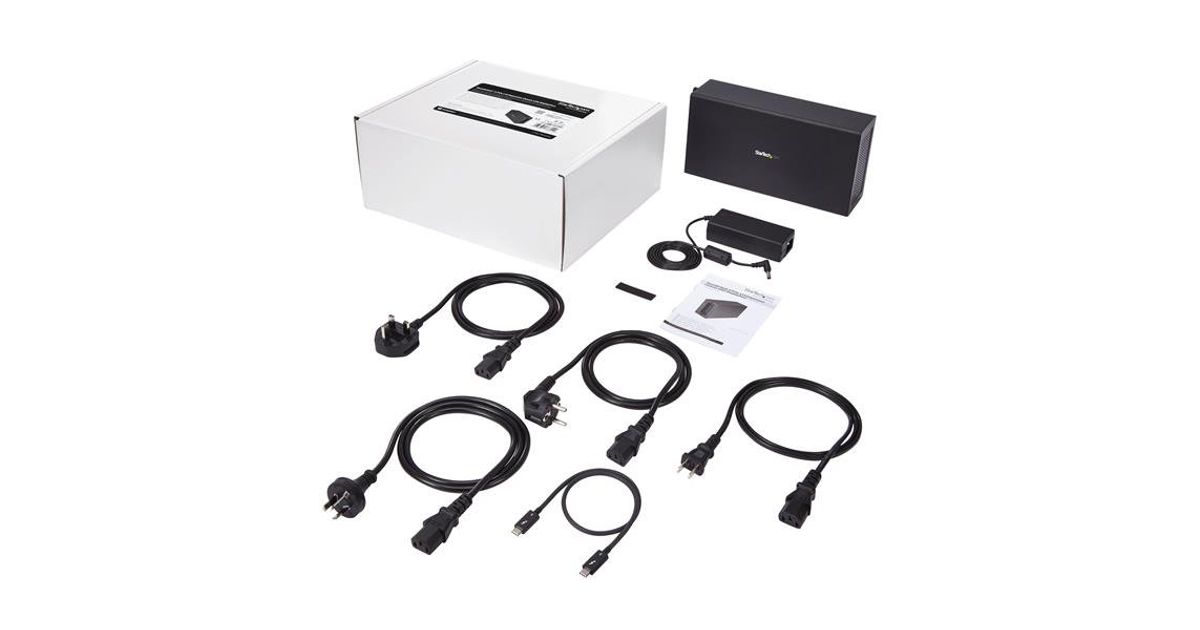
| Cables included | Thunderbolt |
| AC adapter included | Y |
Product Description
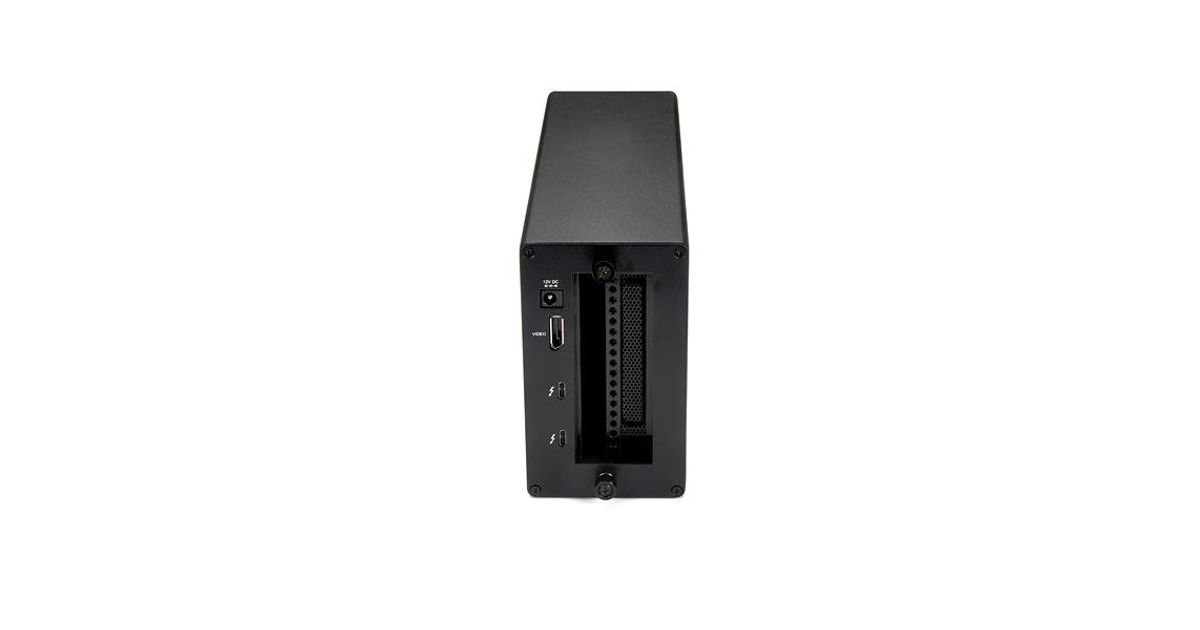
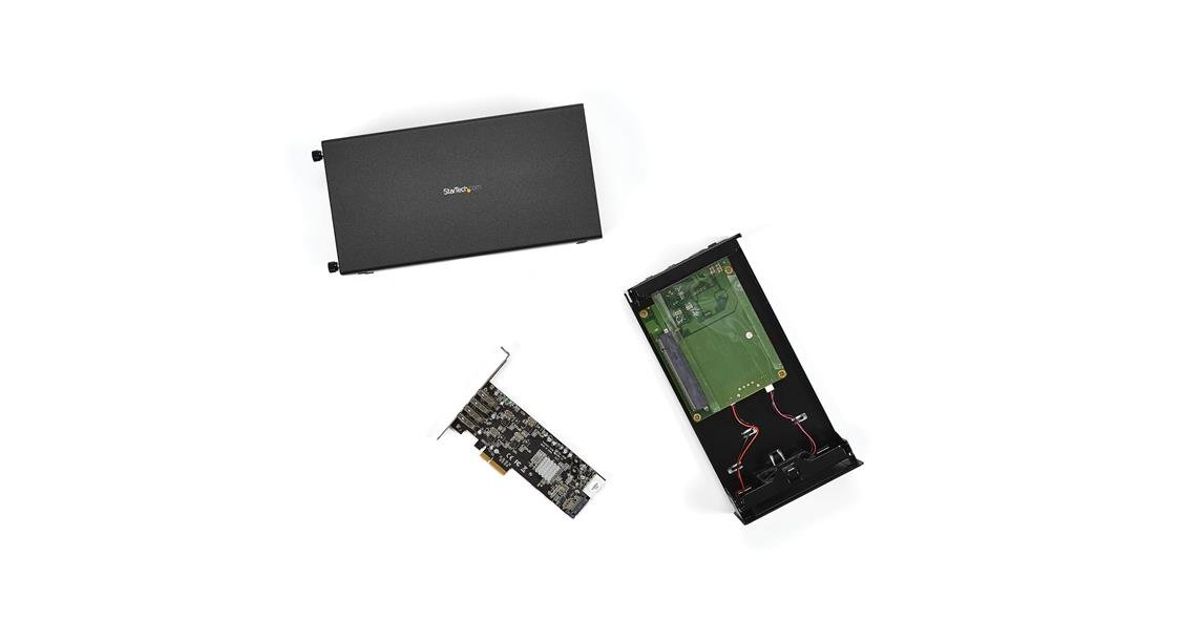
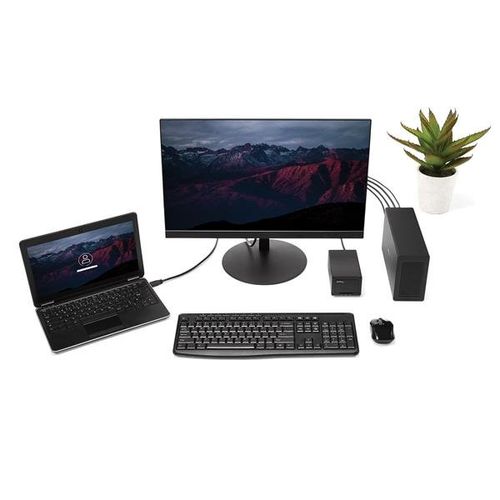
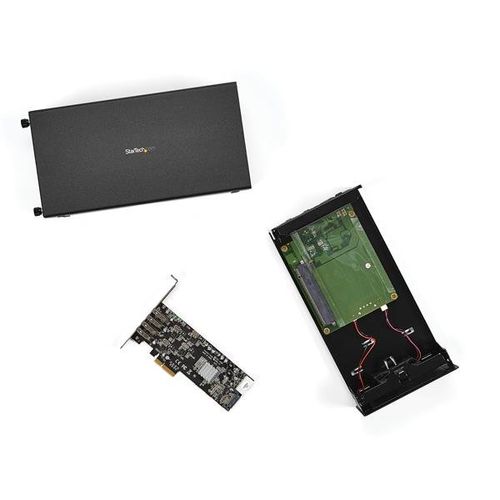
This Thunderbolt™3 PCIe expansion chassis lets you add a PCI Express card to your laptop or desktop computer, through an external Thunderbolt 3 connection. The chassis also features a DisplayPort video output, so you can connect an additional monitor to your laptop, and supports Thunderbolt 3 daisy chaining, so you can expand your workstation even further.
Expand the capabilities of your Thunderbolt 3 computer
The Thunderbolt 3 PCIe chassis makes it easy to expand your system with the capabilities you need to work at peak productivity. You can add many types of PCI Express cards, such as a PCIe USB 3.1/3.0/2.0 and USB-C, SSD, network, eSATA, FireWire or video capture cards. And, with the speed and bandwidth support of Thunderbolt 3 and PCIe 3.0, you can enjoy many of the same port additions you would from the PCI Express expansion slots of a desktop system.
Extend your workstation
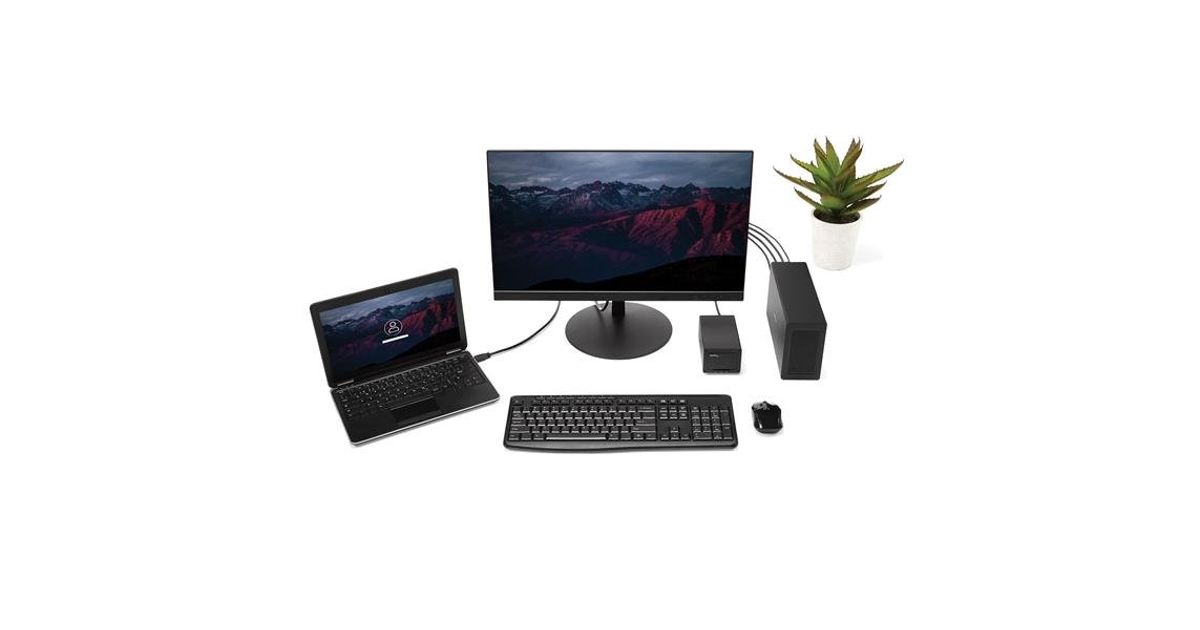
The external PCIe enclosure features a dedicated DisplayPort output that lets you add an additional display to your laptop or desktop computer. The enclosure features a second Thunderbolt 3 (USB-C) port, that you can use to connect a secondary display (a USB-C video adapter may be required). With multiple extended displays, you can work more efficiently by multitasking faster, and avoid the hassle of continually repositioning several open windows or programs.
You can also use the second Thunderbolt 3 port to connect additional Thunderbolt, USB and DisplayPort devices to your system. You can daisy chain up to six Thunderbolt 3 devices and expand your workstation to suit your specific requirements.
Increase productivity with faster speeds
Thunderbolt 3 is the fastest connection available, which means you don’t have to deal with the performance bottlenecks of a slower connection, and can accomplish more in the same amount of time.
At up to 40Gbps this Thunderbolt 3 expansion chassis gives you the throughput to add displays to your laptop, access files quickly, and work without disruptions. It’s easy to access and edit large uncompressed files such as videos and images on the fly, making it ideal for dynamic on-site production.
The TB31PCIEX16 is backed by a StarTech.com 2-year warranty and free lifetime technical support.
Expand the capabilities of your Thunderbolt 3 computer
The Thunderbolt 3 PCIe chassis makes it easy to expand your system with the capabilities you need to work at peak productivity. You can add many types of PCI Express cards, such as a PCIe USB 3.1/3.0/2.0 and USB-C, SSD, network, eSATA, FireWire or video capture cards. And, with the speed and bandwidth support of Thunderbolt 3 and PCIe 3.0, you can enjoy many of the same port additions you would from the PCI Express expansion slots of a desktop system.
Extend your workstation
The external PCIe enclosure features a dedicated DisplayPort output that lets you add an additional display to your laptop or desktop computer. The enclosure features a second Thunderbolt 3 (USB-C) port, that you can use to connect a secondary display (a USB-C video adapter may be required). With multiple extended displays, you can work more efficiently by multitasking faster, and avoid the hassle of continually repositioning several open windows or programs.
You can also use the second Thunderbolt 3 port to connect additional Thunderbolt, USB and DisplayPort devices to your system. You can daisy chain up to six Thunderbolt 3 devices and expand your workstation to suit your specific requirements.
Increase productivity with faster speeds
Thunderbolt 3 is the fastest connection available, which means you don’t have to deal with the performance bottlenecks of a slower connection, and can accomplish more in the same amount of time.
At up to 40Gbps this Thunderbolt 3 expansion chassis gives you the throughput to add displays to your laptop, access files quickly, and work without disruptions. It’s easy to access and edit large uncompressed files such as videos and images on the fly, making it ideal for dynamic on-site production.
The TB31PCIEX16 is backed by a StarTech.com 2-year warranty and free lifetime technical support.