Toote tegelik värvus võib erineda piltidel kujutatavast ning pildid on
illustratiivsed.
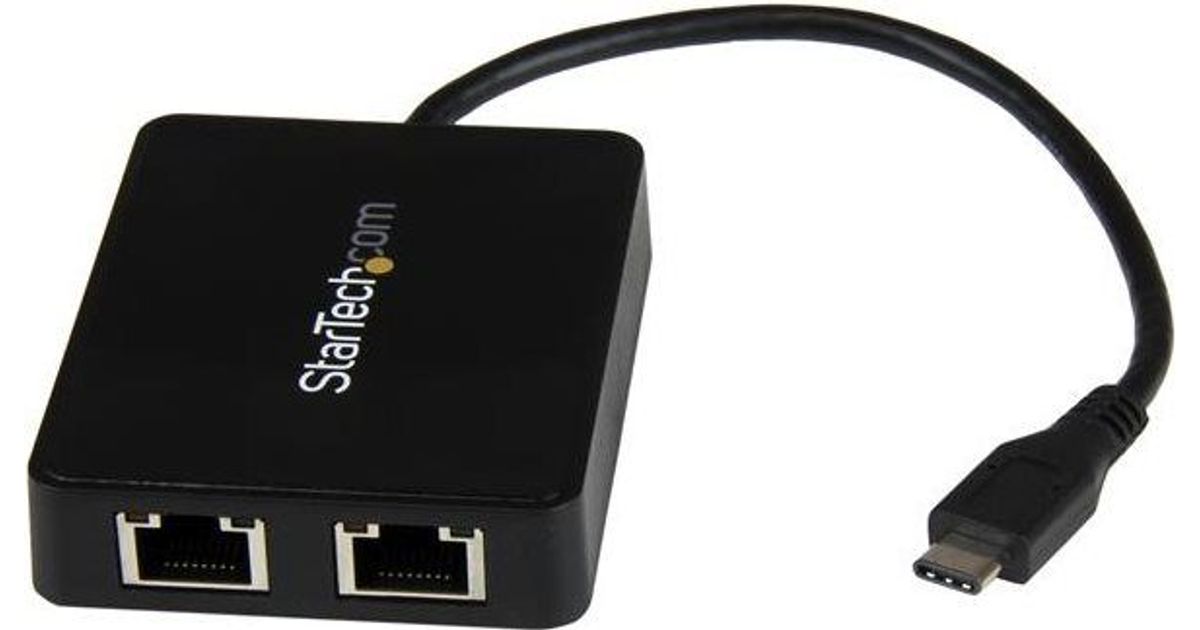
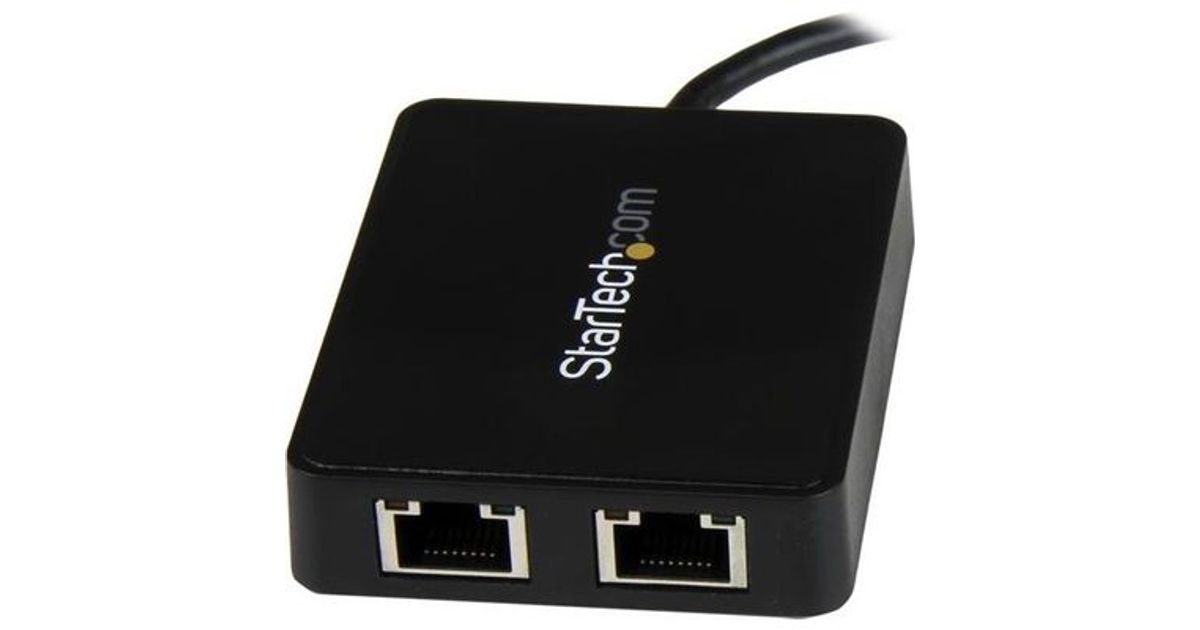
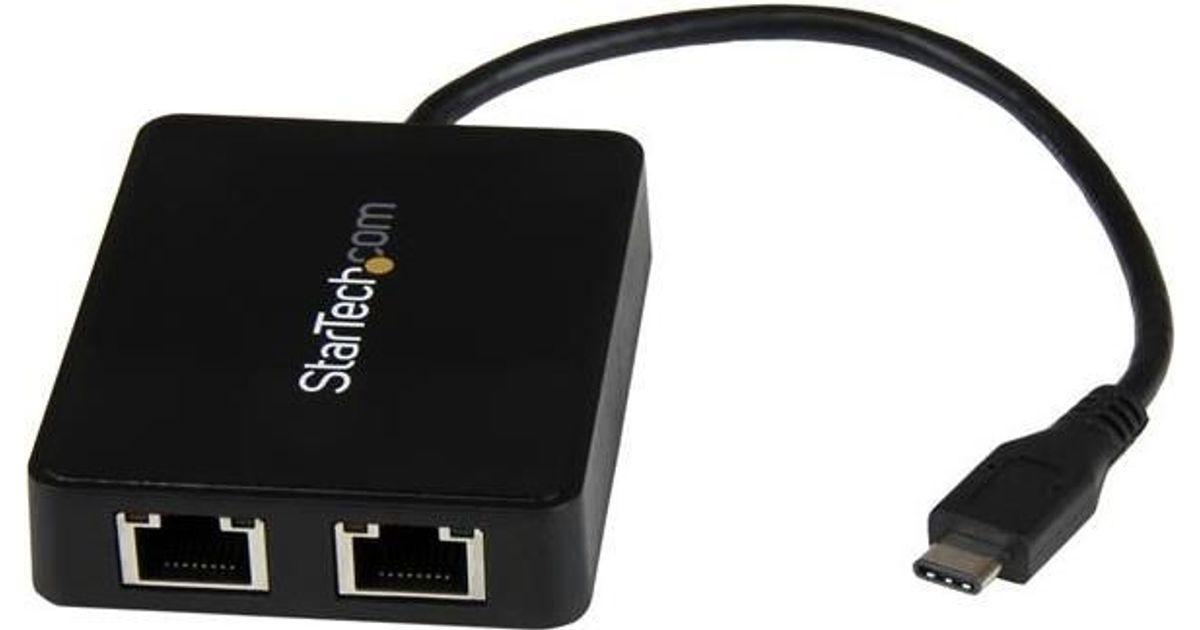
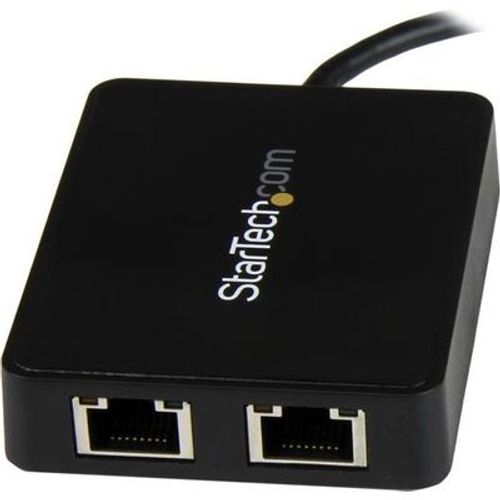
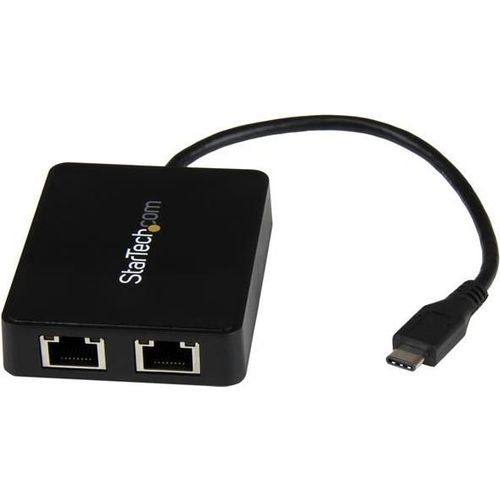
StarTech.com USB-C to Dual Gigabit Ethernet Adapter with USB (Type-A) Port
StarTech.com USB-C to Dual Gigabit Ethernet Adapter with USB (Type-A) Port, Wired, RJ-45, USB, 5000 Mbit/s, Black
Read more...
Read more...
Product Information
| Information | |
|---|---|
| Manufacturer | StarTech.com |
| Product code | 16505429 |
| EAN | 00065030862813 |
| Manufacturer part number | US1GC301AU2R |
| Category | Network adapters |
| Keyboard | |
|---|---|
| Connectivity technology | Wired |
| Ports & interfaces | |
|---|---|
| Host interface | RJ-45 |
| Interface | USB |
| Ethernet LAN (RJ-45) ports | 2 |
| USB ports quantity | 1 |
| USB 3.2 Gen 1 (3.1 Gen 1) Type-A hub ports quantity | 1 |
| Features | |
|---|---|
| USB version | 3.2 Gen 1 (3.1 Gen 1) |
| Maximum data transfer rate | 5000 Mbit/s |
| Full duplex | Y |
| Certification | CE, FCC |
| Linux operating systems supported | Y |
| Cable length | 0.1 m |
| Performance | |
|---|---|
| USB pass-through | Y |
| Internal | N |
| Chipset | VIA VL812 + ASIX AX88179 |
| Other features | |
|---|---|
| Networking standards | IEEE 802.3,IEEE 802.3ab,IEEE 802.3az,IEEE 802.3u |
| Network | |
|---|---|
| Ethernet LAN | Y |
| Ethernet interface type | Gigabit Ethernet |
| Ethernet LAN data rates | 10,100,1000 Mbit/s |
| Cabling technology | 10/100/1000BaseT(X) |
| Copper ethernet cabling technology | 10BASE-T,100BASE-TX,1000BASE-T |
| Auto MDIX IEEE | Y |
| Data transmission | |
|---|---|
| Jumbo frames support | Y |
| Jumbo frames | 4000 |
| Design | |
|---|---|
| Product colour | Black |
| LED indicators | Activity, Link |
| Housing material | Plastic |
| Power | |
|---|---|
| USB powered | Y |
| Software | |
|---|---|
| Mac operating systems supported | Mac OS X 10.10 Yosemite, Mac OS X 10.11 El Capitan, Mac OS X 10.12 Sierra, Mac OS X 10.13 High Sierra, Mac OS X 10.14 Mojave, Mac OS X 10.6 Snow Leopard, Mac OS X 10.7 Lion, Mac OS X 10.8 Mountain Lion, Mac OS X 10.9 Mavericks |
| System requirements | |
|---|---|
| Server operating systems supported | Windows Server 2003,Windows Server 2008 R2,Windows Server 2012,Windows Server 2016,Windows Server 2019 |
| Operational conditions | |
|---|---|
| Operating temperature (T-T) | 5 - 50 °C |
| Storage temperature (T-T) | -20 - 60 °C |
| Operating relative humidity (H-H) | 20 - 80% |
| Sustainability | |
|---|---|
| Sustainability certificates | RoHS |
| Weight & dimensions | |
|---|---|
| Width | 60 mm |
| Depth | 75 mm |
| Height | 16 mm |
| Weight | 54 g |
| Package weight | 100 g |
| Packaging data | |
|---|---|
| Package width | 172 mm |
| Package depth | 144 mm |
| Package height | 30 mm |
Product Description
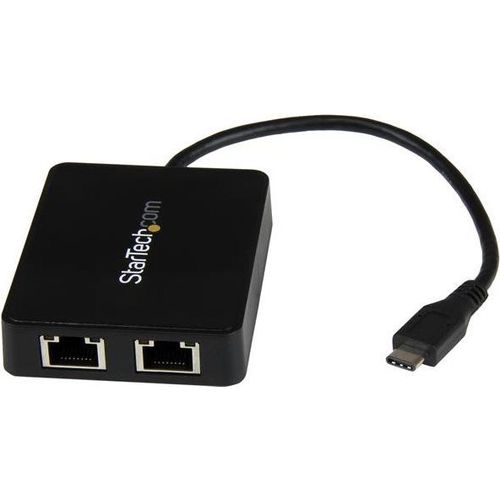
Now, you can add wired network access through the USB-C™ or Thunderbolt™ 3 port on your laptop or desktop computer, and connect to your USB 3.0 (Type A) devices with ease. This Gigabit Ethernet network adapter gives you access to two reliable GbE ports, and without having to install drivers. It's a great companion for your MacBook, Chromebook Pixel™, Dell™ XPS™ 12, Dell Latitude™ 12 7000 Series 2-in-1 or another device that has a USB Type-C™ port.
Powerful Gigabit network connections
The network adapter leverages the 5Gbps speed of USB 3.0 (also known as USB 3.1 Gen 1) to deliver the full bandwidth of your Gigabit network connection, without bottlenecks. This saves you time by making it easier to access very large files over your network at Gigabit speed.
For added versatility, the network adapter supports a range of convenient features, such as Wake-On-LAN, VLAN Tagging, Crossover Detection and Auto-Correction (Auto MDIX), Checksum Offload (IPv4, IPv6, TCP, UDP), and Large Send Offload.
Add connectivity to your USB devices
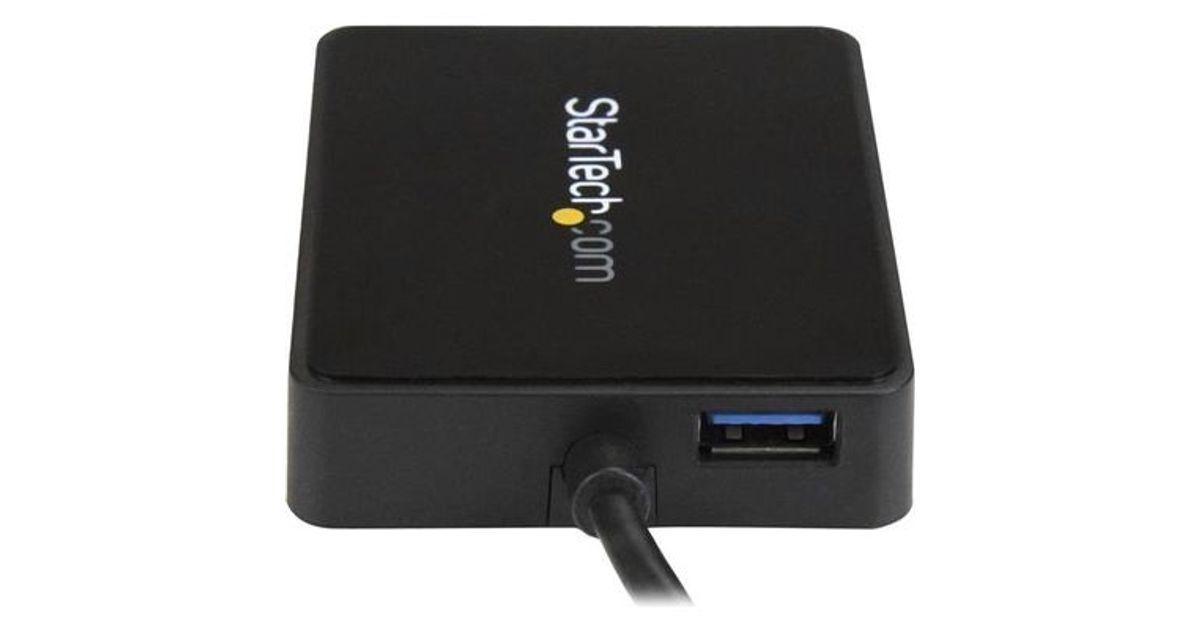
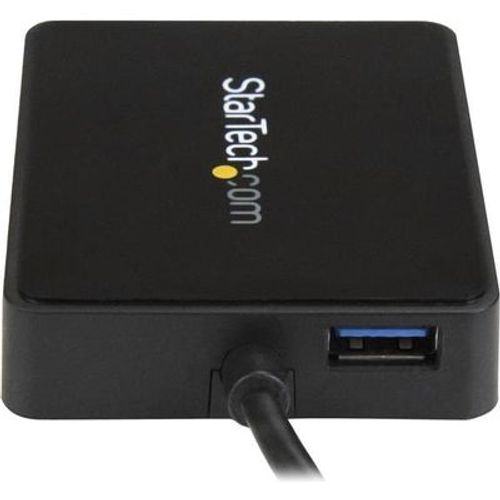
Some computers with USB Type-C only offer one USB-C port for external connectivity, which will not connect with your existing USB Type-A devices. This Gigabit adapter features an integrated USB 3.0 Type-A port, so while the adapter is connected to your computer to provide network access, you can also connect to USB peripherals that need a USB Type-A connector. The network adapter is also backward compatible with USB 2.0 systems.
Native driver support makes installation easy
Get up and running quickly. The network adapter provides native driver support to ensure a quick setup. Simply plug the adapter into the USB Type-C port on your laptop and connect to your network. The network adapter chipset offers native driver support in Chrome OS™ and Windows® 8.1, and supports Mac OSX (10.10) with driver installation.
Trouble-free connections through USB-Type-C
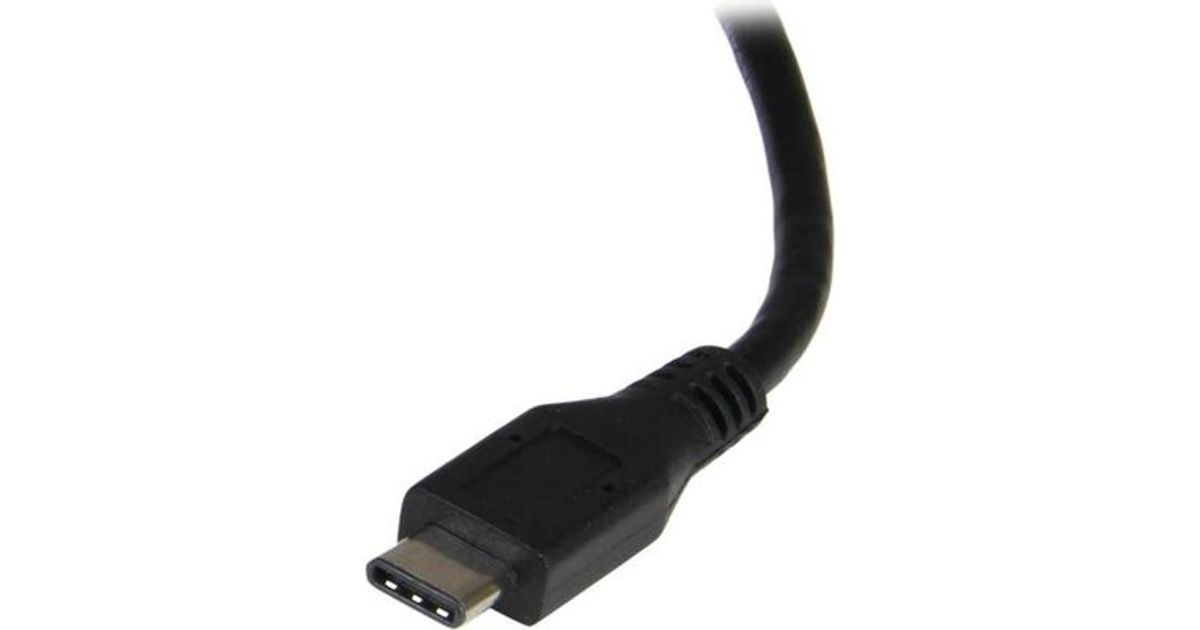
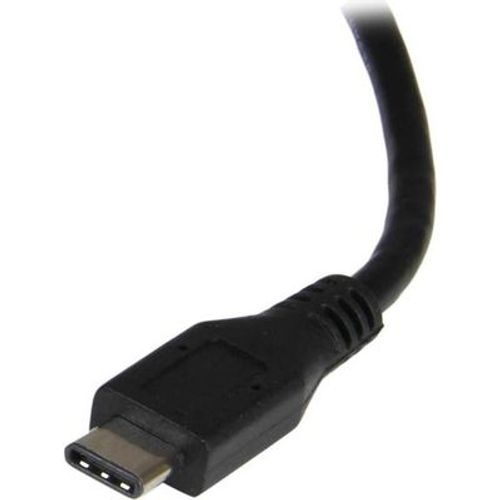
The USB Type-C connector is smaller and easier to use than previous USB connectors. It’s a reversible plug, so you can connect to your devices with either side facing up. You can insert the cable the right way every time, without frustration or the risk of port damage.
The US1GC301AU2R is backed by a StarTech.com 2-year warranty and free lifetime technical support.
Powerful Gigabit network connections
The network adapter leverages the 5Gbps speed of USB 3.0 (also known as USB 3.1 Gen 1) to deliver the full bandwidth of your Gigabit network connection, without bottlenecks. This saves you time by making it easier to access very large files over your network at Gigabit speed.
For added versatility, the network adapter supports a range of convenient features, such as Wake-On-LAN, VLAN Tagging, Crossover Detection and Auto-Correction (Auto MDIX), Checksum Offload (IPv4, IPv6, TCP, UDP), and Large Send Offload.
Add connectivity to your USB devices
Some computers with USB Type-C only offer one USB-C port for external connectivity, which will not connect with your existing USB Type-A devices. This Gigabit adapter features an integrated USB 3.0 Type-A port, so while the adapter is connected to your computer to provide network access, you can also connect to USB peripherals that need a USB Type-A connector. The network adapter is also backward compatible with USB 2.0 systems.
Native driver support makes installation easy
Get up and running quickly. The network adapter provides native driver support to ensure a quick setup. Simply plug the adapter into the USB Type-C port on your laptop and connect to your network. The network adapter chipset offers native driver support in Chrome OS™ and Windows® 8.1, and supports Mac OSX (10.10) with driver installation.
Trouble-free connections through USB-Type-C
The USB Type-C connector is smaller and easier to use than previous USB connectors. It’s a reversible plug, so you can connect to your devices with either side facing up. You can insert the cable the right way every time, without frustration or the risk of port damage.
The US1GC301AU2R is backed by a StarTech.com 2-year warranty and free lifetime technical support.