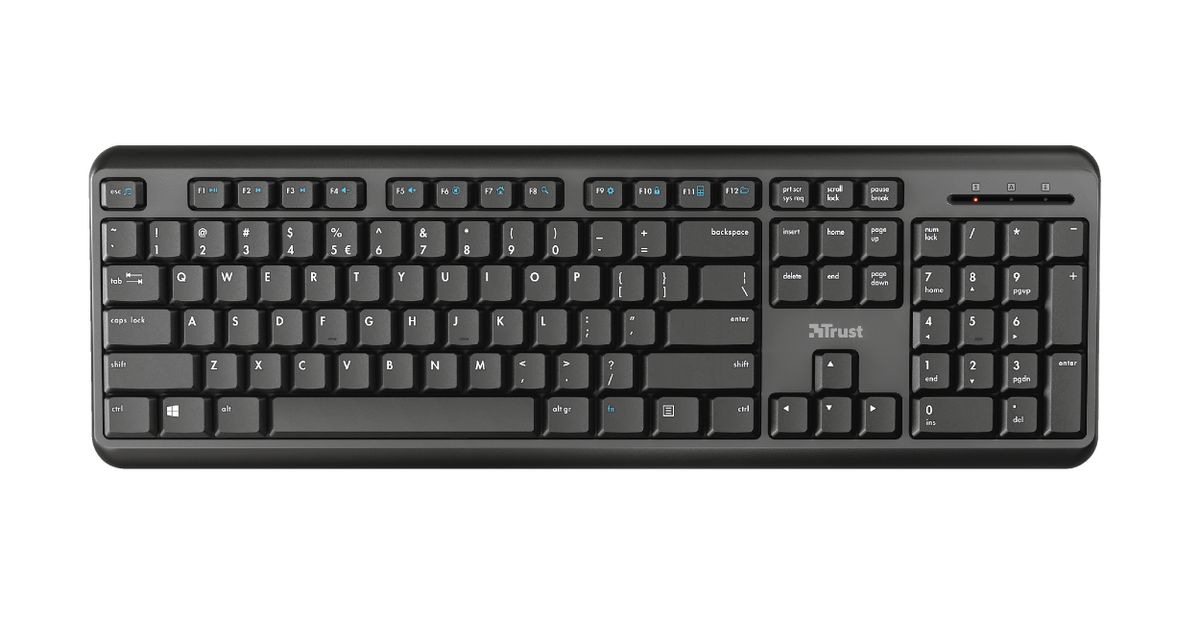
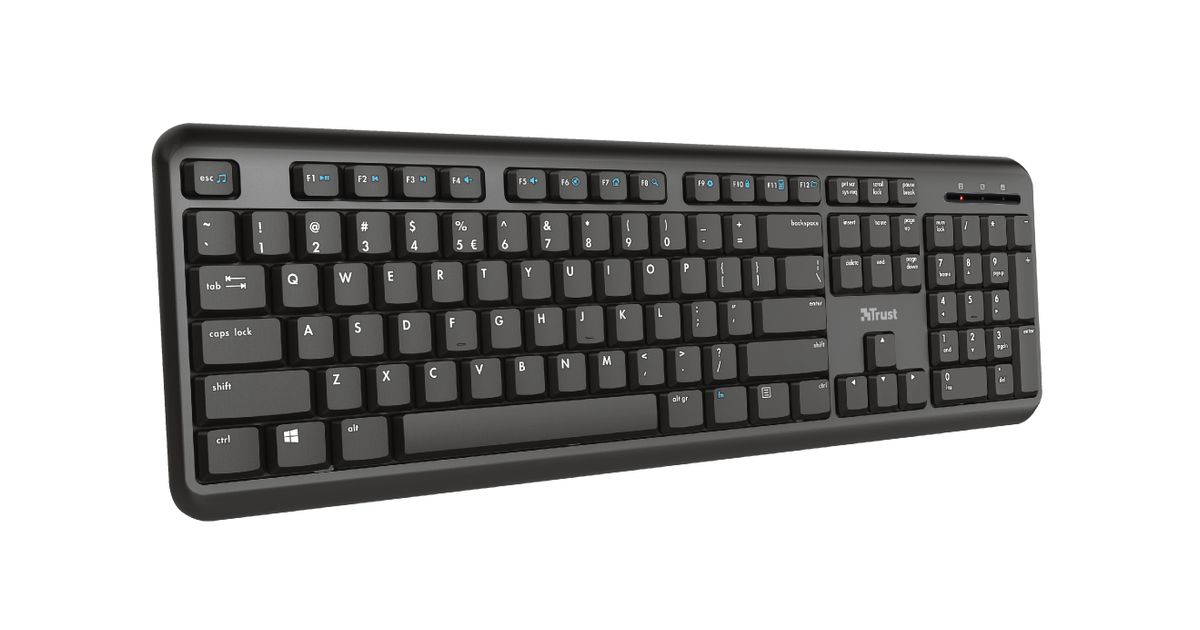
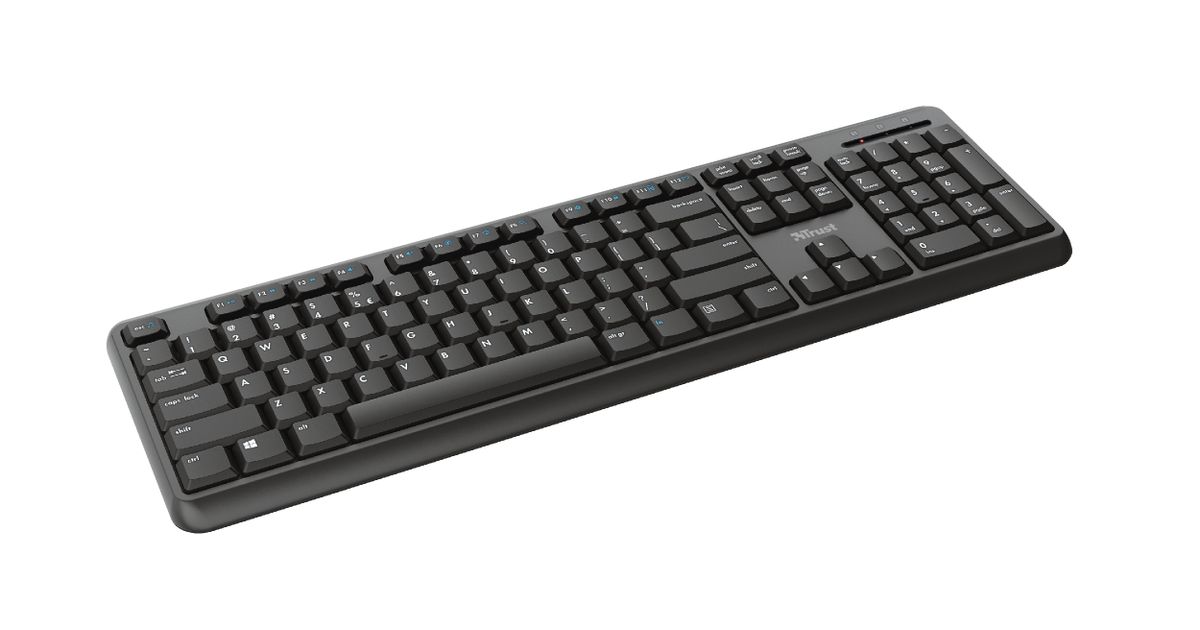
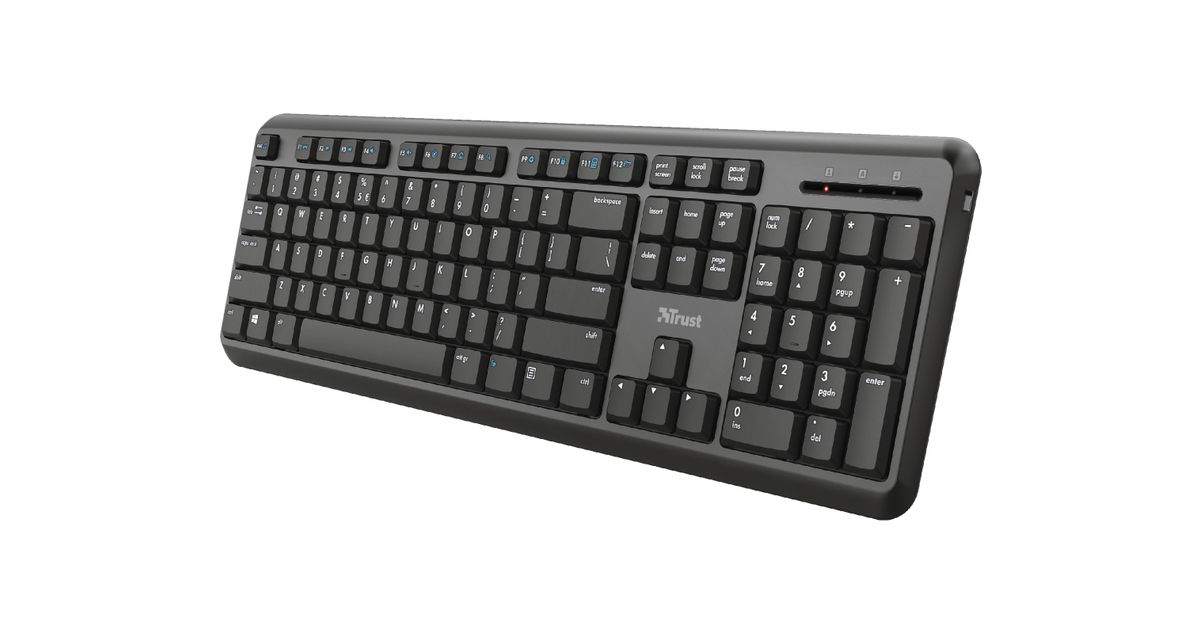
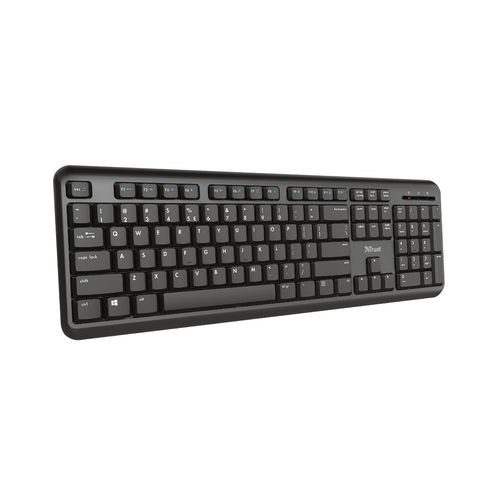
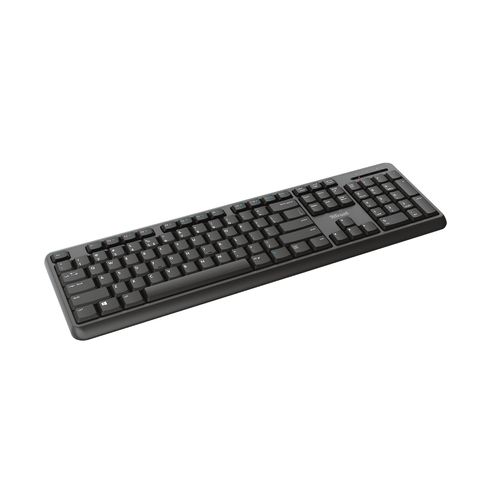
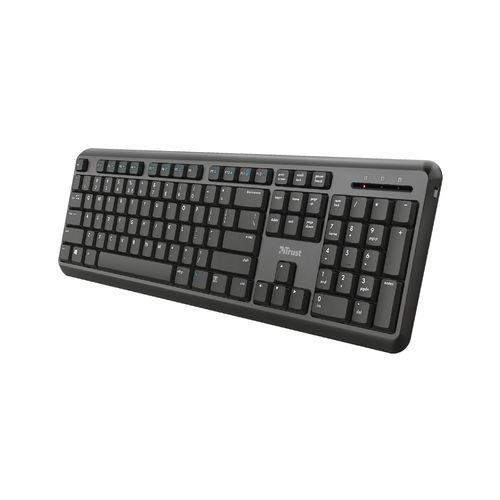
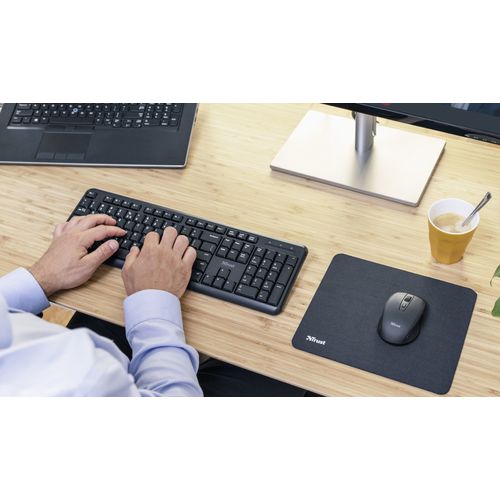
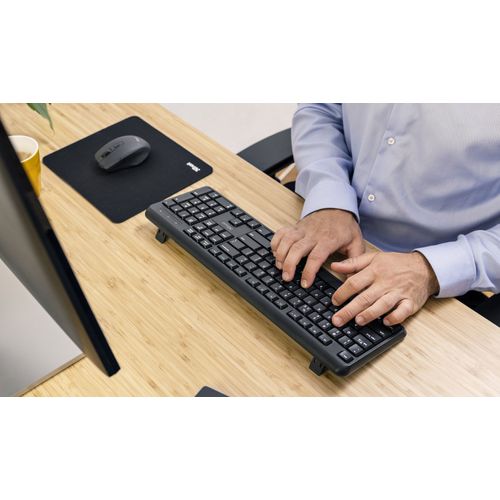
For illustrative purpose only
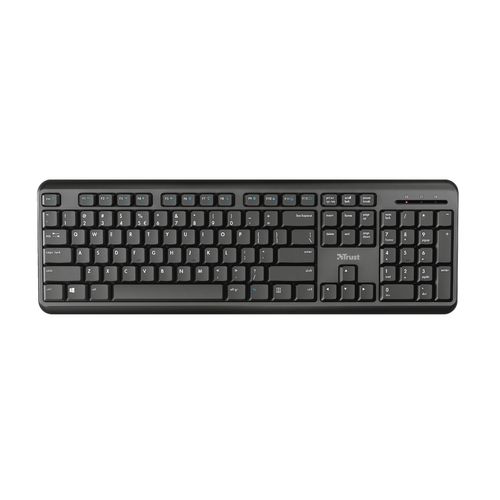
Trust TK-350 keyboard RF Wireless QWERTZ German Black
Trust TK-350, Full-size (100%), RF Wireless, Membrane, QWERTZ, Black
Read more...
Read more...
Product Information
| Information | |
|---|---|
| Manufacturer | Trust |
| Product code | 576109656 |
| EAN | 08713439244151 |
| Manufacturer part number | 24415 |
| Category | Wireless keyboards |
| Mouse | |
|---|---|
| Recommended usage | Office |
| Device interface | RF Wireless |
| Frequency band | 2.4 GHz |
| Mouse included | N |
| Keyboard | |
|---|---|
| Keyboard key switch | Membrane |
| Keyboard layout | QWERTZ |
| Keyboard language | German |
| Pointing device | N |
| Keyboard form factor | Full-size (100%) |
| Numeric keypad | Y |
| Keyboard keys operating life | 10 million characters |
| Keyboard key profile | Low-profile |
| Hot keys | Y |
| Number of hot keys | 13 |
| Multimedia keys | Y |
| Silent keys | Y |
| Design | |
|---|---|
| On/off switch | Y |
| Backlight | N |
| Product colour | Black |
| Keyboard style | Straight |
| Adjustable keyboard height | Y |
| Surface coloration | Monochromatic |
| LED indicators | Y |
| Ergonomics | |
|---|---|
| Wireless range | 10 m |
| Performance | |
|---|---|
| Power source type | Battery |
| Power | |
|---|---|
| Keyboard battery type | AAA |
| Number of batteries (keyboard) | 2 |
| Batteries included | Y |
| Software | |
|---|---|
| Windows operating systems supported | Windows 10, Windows 7, Windows 8 |
| Mac operating systems supported | Mac OS X 10.15 Catalina, Mac OS X 10.15.3 Catalina, Mac OS X 11.0 Big Sur, Mac OS X 12.0 Monterey |
| Other features | |
|---|---|
| Other operating systems supported | Chrome |
| Weight & dimensions | |
|---|---|
| Keyboard dimensions (WxDxH) | 442 x 142 x 19.5 mm |
| Keyboard weight | 56 g |
| Packaging data | |
|---|---|
| Number of products included | 1 pc(s) |
| Receiver included | Y |
| Wireless receiver interface | USB Type-A |
| Receiver type | Micro receiver |
| Package type | Box |
Product Description
TK-350 Wireless keyboard
Wireless and silent keyboard for hours of working comfort
Better Working Starts Here
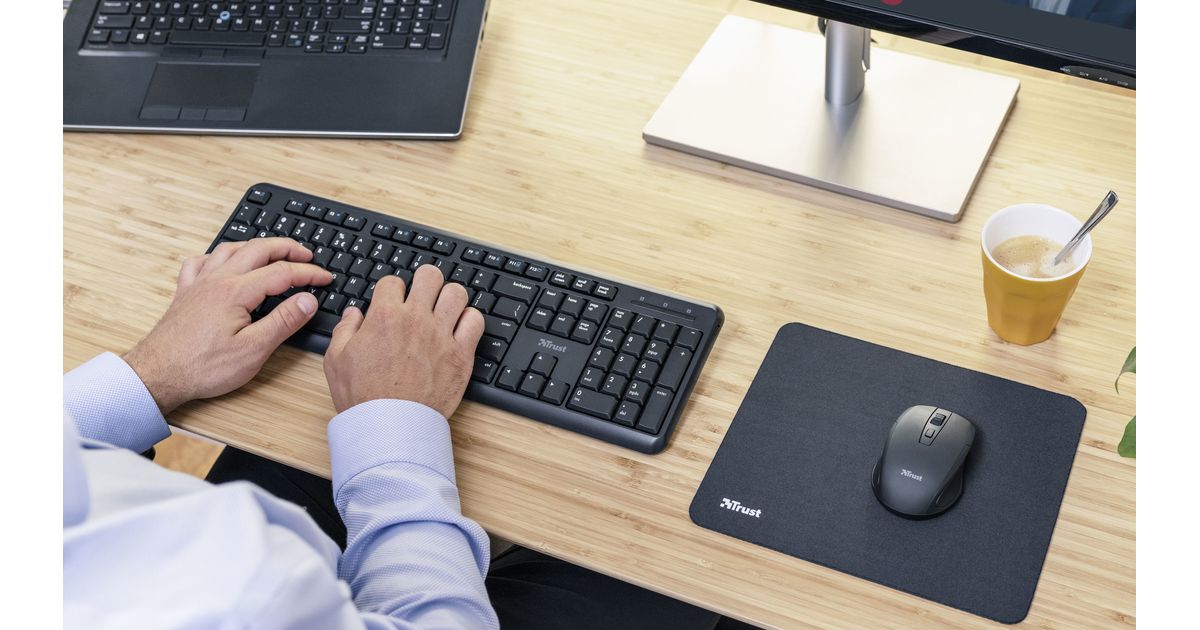
The TK-350 Wireless Keyboard is designed to make working more comfortable. Suited to any workspace, the silent keys ensure quiet typing, the spill-resistant design prevents damages from accidental spills, and the wireless functionality provides optimum working flexibility.
Silent and Smooth Typing
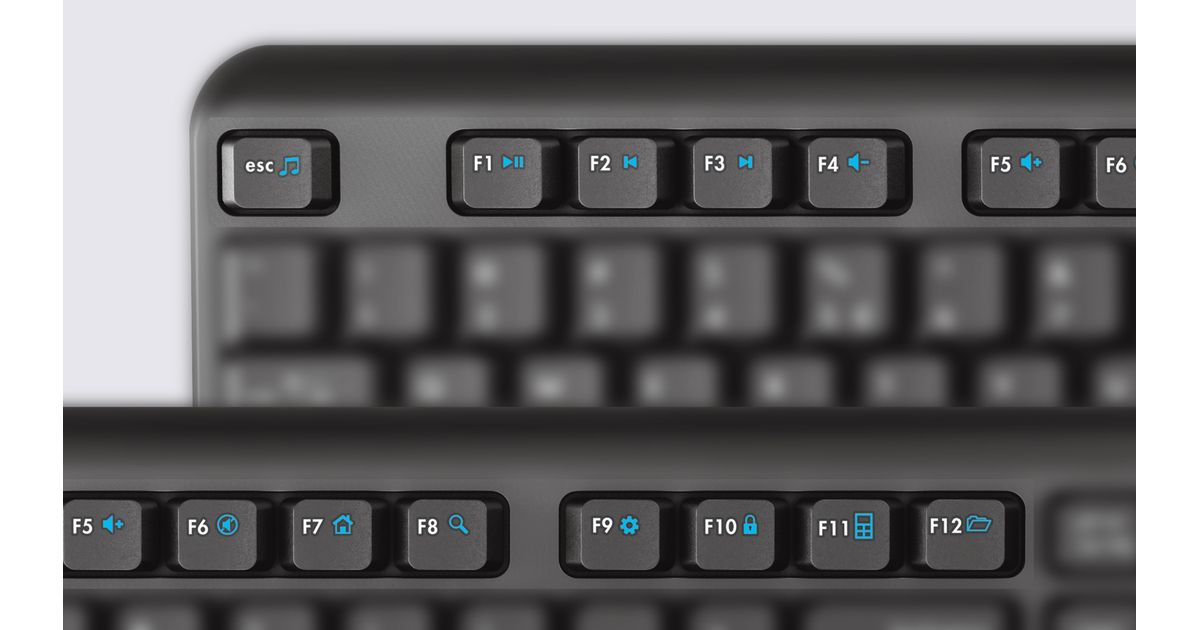
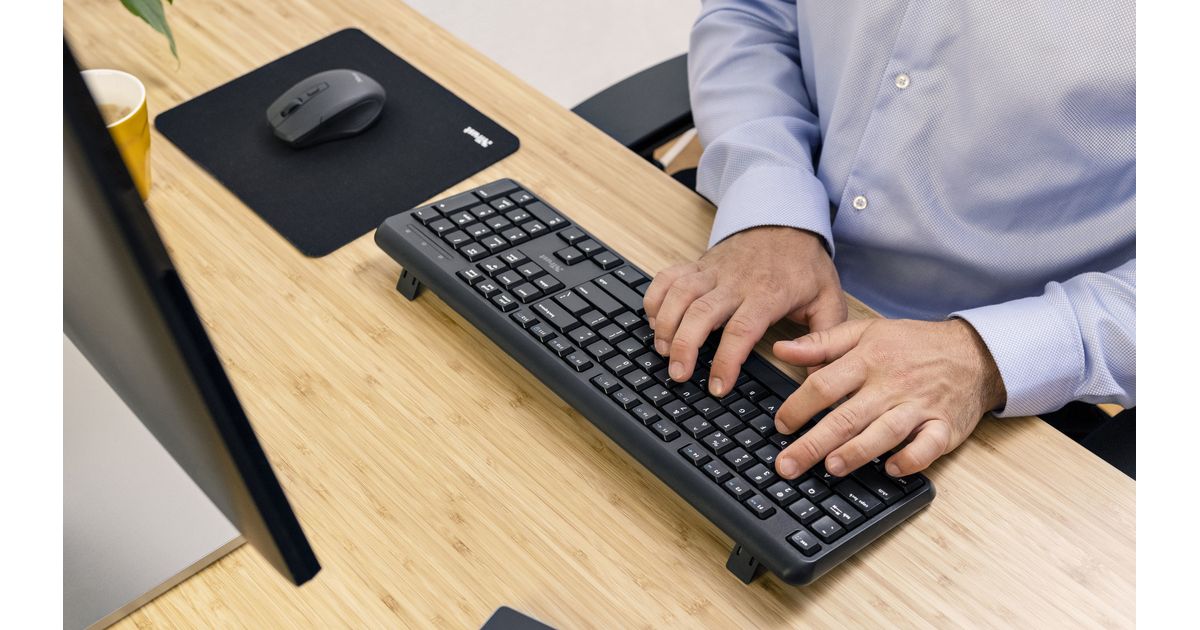
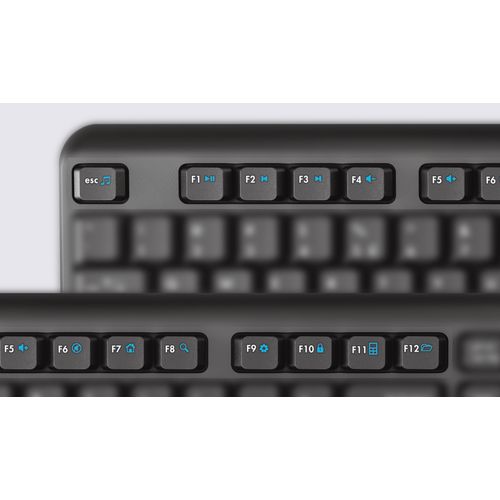
The TK-350 Wireless Keyboard ensures a smooth typing experience. The low-profile full layout has a silent and soft keystroke, while the adjustable angle and rubber anti-slip feet keep comfort levels high for hours. It’s fitted with 13 multimedia function keys for smart access with a single press, to further optimise your workflow.
Effortlessly Wireless
The wireless keyboard comes with a USB receiver, which can simply be plugged into a laptop’s or desktop’s free USB port so you can get to work straight away. With a 10-meter wireless range, the keyboard can control devices from a distance, such as a PC or laptop on the other side of a meeting room. After working, simply flick the off/on switch to turn off the keyboard and save on energy.
Wireless and silent keyboard for hours of working comfort
Better Working Starts Here
The TK-350 Wireless Keyboard is designed to make working more comfortable. Suited to any workspace, the silent keys ensure quiet typing, the spill-resistant design prevents damages from accidental spills, and the wireless functionality provides optimum working flexibility.
Silent and Smooth Typing
The TK-350 Wireless Keyboard ensures a smooth typing experience. The low-profile full layout has a silent and soft keystroke, while the adjustable angle and rubber anti-slip feet keep comfort levels high for hours. It’s fitted with 13 multimedia function keys for smart access with a single press, to further optimise your workflow.
Effortlessly Wireless
The wireless keyboard comes with a USB receiver, which can simply be plugged into a laptop’s or desktop’s free USB port so you can get to work straight away. With a 10-meter wireless range, the keyboard can control devices from a distance, such as a PC or laptop on the other side of a meeting room. After working, simply flick the off/on switch to turn off the keyboard and save on energy.