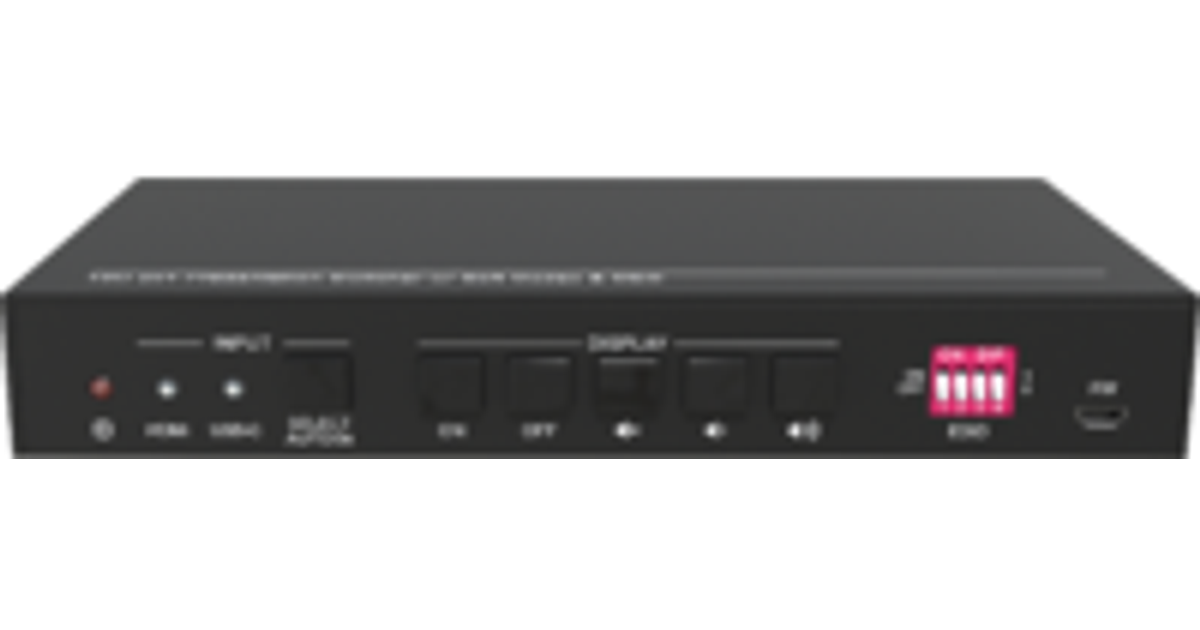
For illustrative purpose only
Vivolink VLHUB121-MME USB graphics adapter Black
Vivolink VLHUB121-MME, 2.0/3.2 Gen 1 (3.1 Gen 1), USB Type-A, HDMI output
Read more...
Read more...
Product Information
| Information | |
|---|---|
| Manufacturer | Vivolink |
| Product code | 165105182 |
| EAN | 05706998287779 |
| Manufacturer part number | VLHUB121-MME |
| Features | |
|---|---|
| USB version | 2.0/3.2 Gen 1 (3.1 Gen 1) |
| USB connector type | USB Type-A |
| Supported video modes | 2160p |
| Audio output channels | 2.0 channels |
| Data transfer rate (max) | 0.35 Gbit/s |
| Input voltage | 230 V |
| Performance | |
|---|---|
| DVI output | N |
| HDMI output | Y |
| DisplayPort output | N |
| Refresh rate at maximum resolution | 60 Hz |
| Mounting | |
|---|---|
| Number of displays supported | 1 |
| Ports & interfaces | |
|---|---|
| HDMI ports quantity | 2 |
| HDMI version | 2.0 |
| Design | |
|---|---|
| LED indicators | Status |
| Product colour | Black |
| Housing material | Metal |
| Other features | |
|---|---|
| Integrated USB cable | N |
| Weight & dimensions | |
|---|---|
| Weight | 40 g |
| Package weight | 50 g |
| Packaging content | |
|---|---|
| Cables included | AC |
| Manual | Y |
| Sustainability | |
|---|---|
| Sustainability certificates | RoHS |
Product Description
4K 2x1 Meeting Room HUB + Switcher w/soft Codec & CEC.
HDMI 2.0 2x1 Presentation Switcher.
The switcher is designed to switch HDMI input or USB-C input to one HDMI output and at the same act as USB3.0 HUB for conference cameras. It supports video resolution up to 4Kx2K@60Hz 4:4:4 8bit, 1080P, and 3D. In addition, there is smart built-in EDID setting can be selected by the 4-pin DIP switch on the front panel.
The switcher supports stereo and multichannel audio on the HDMI inputs. In addition to the audio embedded in the HDMI output stream, the audio is simultaneously de-embedded to a balanced analog audio output.
It also supports device extension by providing one type-B USB port for host connection, and two type-A USB ports for HID devices such as camera, microphone, keyboard etc.
The switcher features multiple methods of control. When in the AUTO mode, the switcher will automatically switch to the first detected source device. When the active source is removed, the switcher will switch to the lowest numbered input. The switcher can be manually controlled by the front panel buttons and RS232 command. CEC allows the display device can be controlled by the front panel buttons and RS232 CEC commands.
Support following formats: DisplayLink, DP Alt mode, DisplayPort
HDMI 2.0 2x1 Presentation Switcher.
The switcher is designed to switch HDMI input or USB-C input to one HDMI output and at the same act as USB3.0 HUB for conference cameras. It supports video resolution up to 4Kx2K@60Hz 4:4:4 8bit, 1080P, and 3D. In addition, there is smart built-in EDID setting can be selected by the 4-pin DIP switch on the front panel.
The switcher supports stereo and multichannel audio on the HDMI inputs. In addition to the audio embedded in the HDMI output stream, the audio is simultaneously de-embedded to a balanced analog audio output.
It also supports device extension by providing one type-B USB port for host connection, and two type-A USB ports for HID devices such as camera, microphone, keyboard etc.
The switcher features multiple methods of control. When in the AUTO mode, the switcher will automatically switch to the first detected source device. When the active source is removed, the switcher will switch to the lowest numbered input. The switcher can be manually controlled by the front panel buttons and RS232 command. CEC allows the display device can be controlled by the front panel buttons and RS232 CEC commands.
Support following formats: DisplayLink, DP Alt mode, DisplayPort